Oh, My Loot!
- By
Your bags finally have a memory: every item you loot, buy, sell, mail, auction or destroy, with its value, filters and rare-drop alerts.
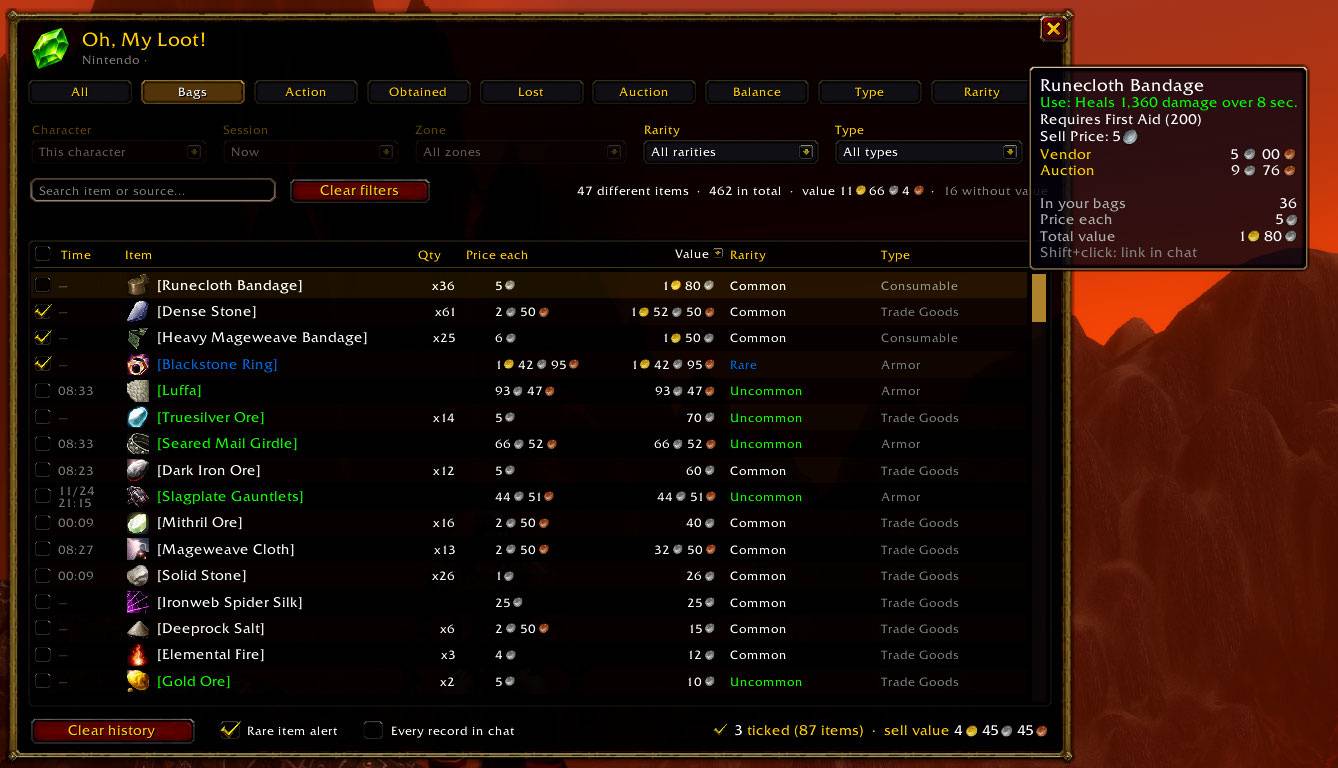
01_bolsas.jpg
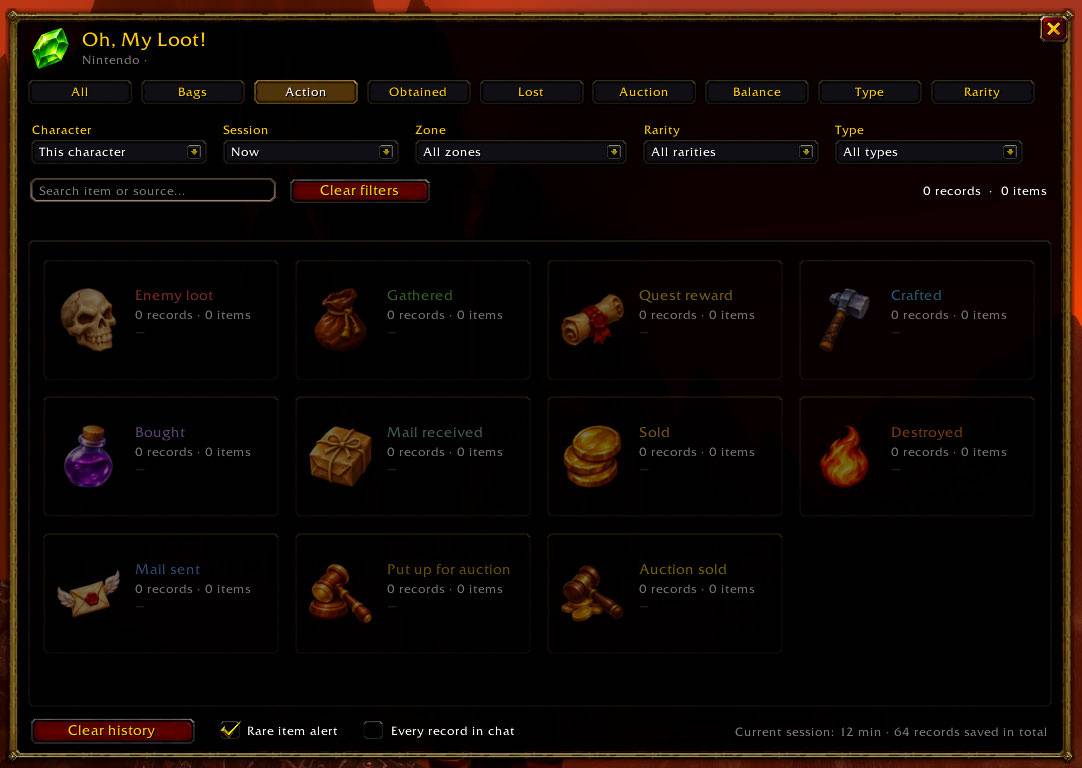
02_accion.jpg
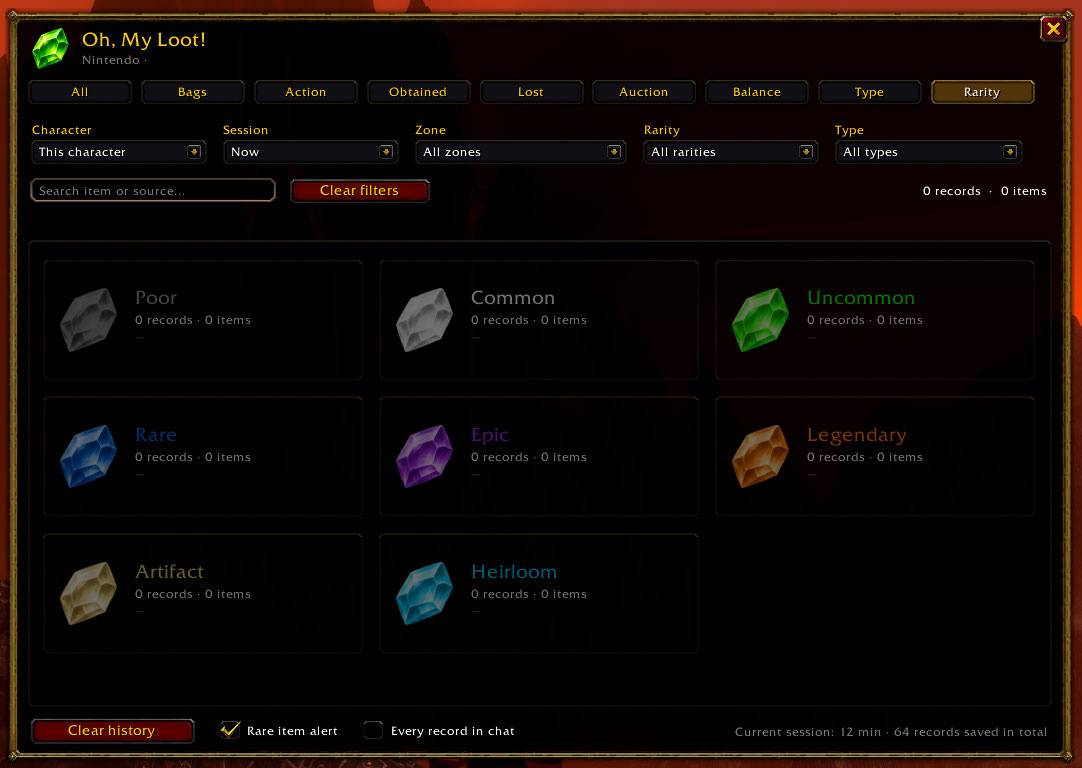
03_rareza.jpg
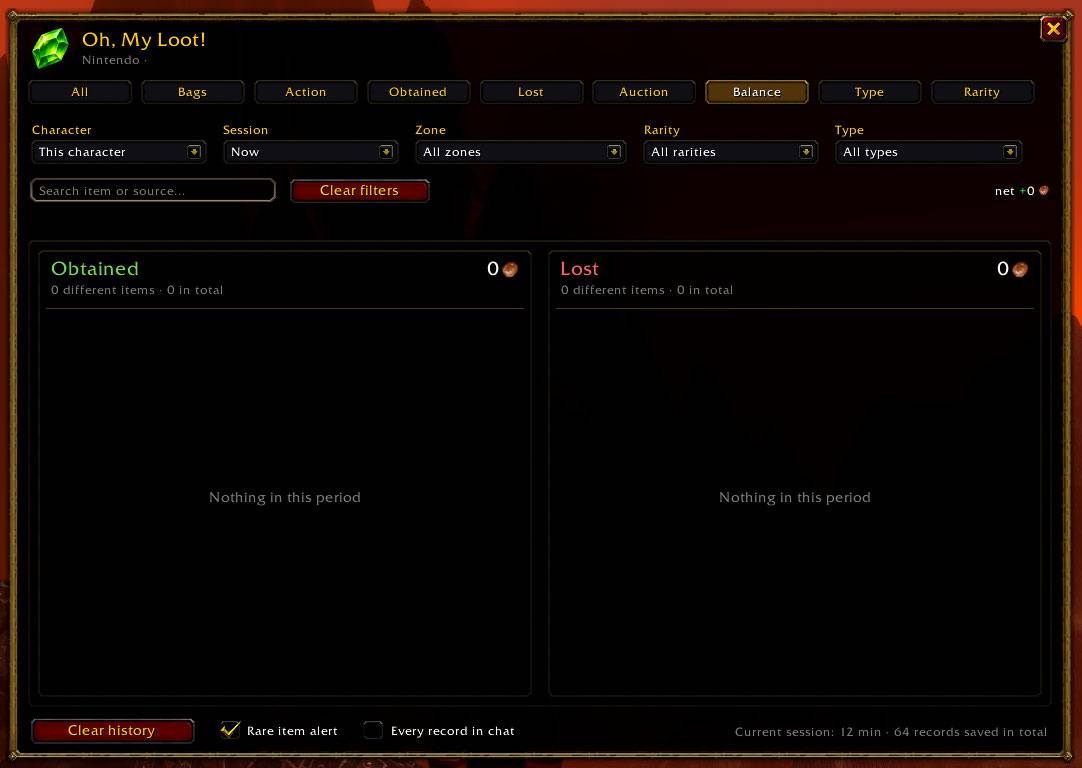
04_balance.jpg
Description
Oh, My Loot!
Every item, accounted for. That epic that dropped three days ago, the stack of linen you sold by mistake, the bag you mailed to your alt: Oh, My Loot! remembers all of it. It keeps a complete history of everything that enters and leaves your bags, including mob loot, gathered items, quest rewards, crafts, purchases, mail, vendor sales, auctions and destroyed items, each with its vendor value and where it came from. Filter by session, zone, rarity or type, see your gains and losses side by side, and get a heads-up whenever something rare drops. It's light, needs no libraries, and speaks your language: it is translated into every language WoW can be played in. Your bags finally have a memory.
Guide
What it records:
- Loot: mob loot (with the creature it came from) and gathered items (nodes, chests, fishing, containers).
- Earned: quest rewards, crafted items and purchases.
- Moved or lost: mail received and sent, vendor sales (including "Sell junk"), auctions and destroyed items.
- Rares: anything of Rare quality or higher, with an optional alert. The threshold can be changed.
The window. Open it with /oml or the minimap button. It has these tabs:
- All: every record.
- Bags: everything you carry right now (gathering bag included), grouped by item, with its value and when you last got it.
- Action: one card per type of action, with its value.
- Obtained / Lost: what came into your bags and what left them.
- Auction: what you list, at what price, and what you earn when it sells, expires or is cancelled.
- Balance: everything gained on one side and everything lost on the other, with the total value.
- Type / Rarity: cards by item type (including crafting reagents) and by quality.
Use the Character, Session, Zone, Rarity and Type dropdowns to filter, and click any column title to sort. Tick items to add up their sell value. Shift + click a row links the item in chat, and Ctrl + click opens it in the dressing room.
The minimap button.
- Left-click opens the history.
- Right-click opens the rarity view.
- Drag moves the button.
| Command | What it does |
|---|---|
/oml |
Open or close the history |
/oml rarity · /oml balance · /oml auction · /oml bags |
Open that tab (bags also lists the bags it reads) |
/oml threshold <0-7> |
Minimum quality that counts as rare (3 = Rare, 4 = Epic) |
/oml alert · /oml sound |
Turn the rare-item alert or its sound on or off |
/oml chat |
Show every new record in the chat |
/oml minimap |
Show or hide the minimap button |
/oml examples |
Add or remove example records to preview every icon |
The commands are translated too: type /oml followed by anything else to see them in your client's language. The English ones always work.
Part of the Oh, My! collection
Oh, My Loot! is one of the Oh, My! addons: small, focused tools for WoW Forever that share the same look (dark windows with a gold border, a painted minimap button) and stay out of your way until you need them. Each one works on its own, and together they cover the everyday life of your character.
- Oh, My Gold!: Loot tells you what you got, and Gold tells you how much gold it made you. Session and daily balances, every character's gold, and savings jars.
- Oh, My Gathering!: remembers every herb, ore vein, fishing spot, chest and treasure you find and shows them on your map, so your loot history fills up faster.
- Oh, My Emotes!: your favourite emotes on a small panel, one click away, each with its own hand-painted illustration. Perfect for celebrating that epic drop.
Oh, My Loot! Team