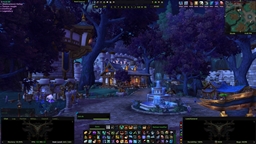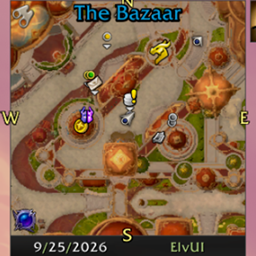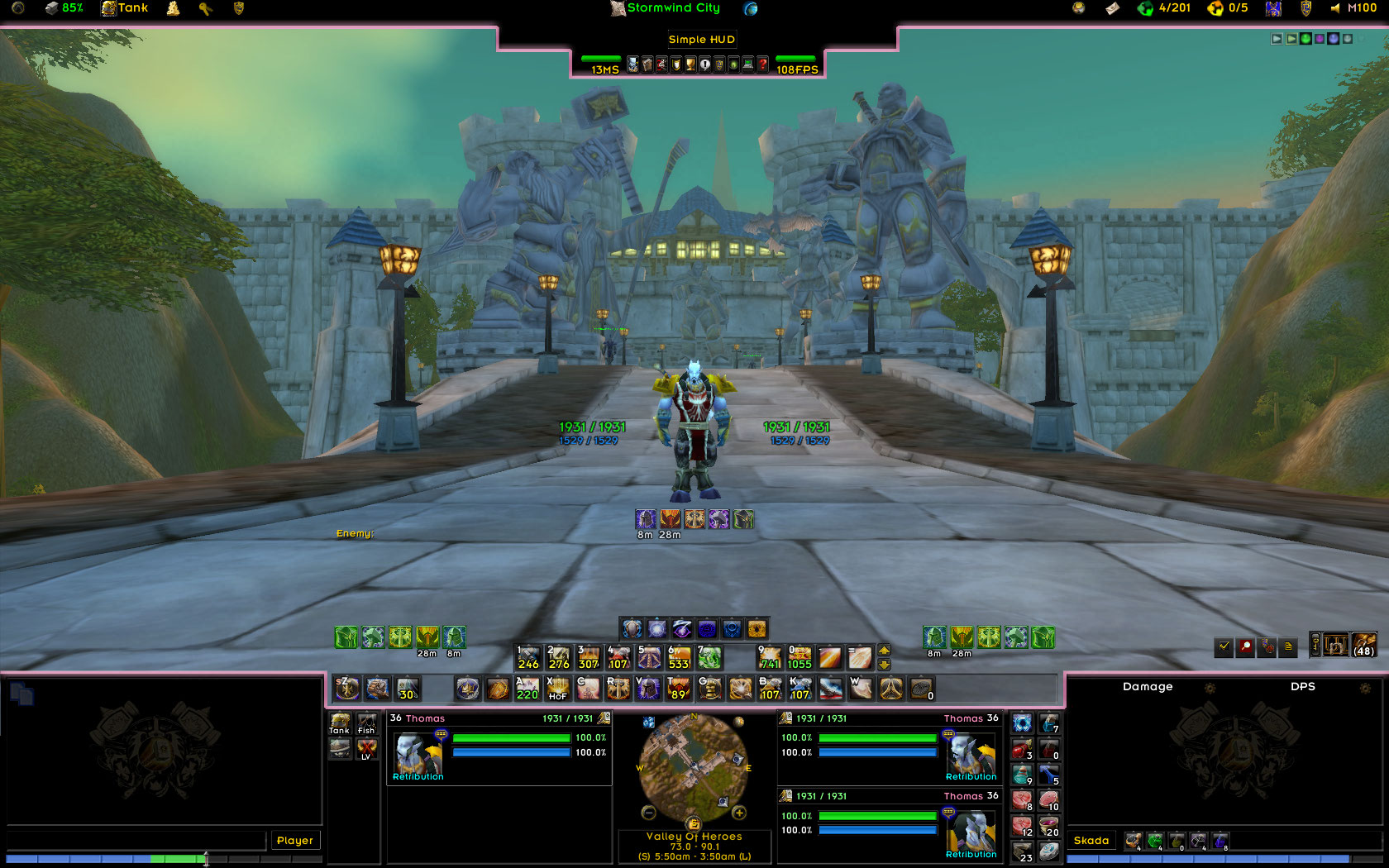
nUI & nUI Paladin with various other addons (other addons not included)
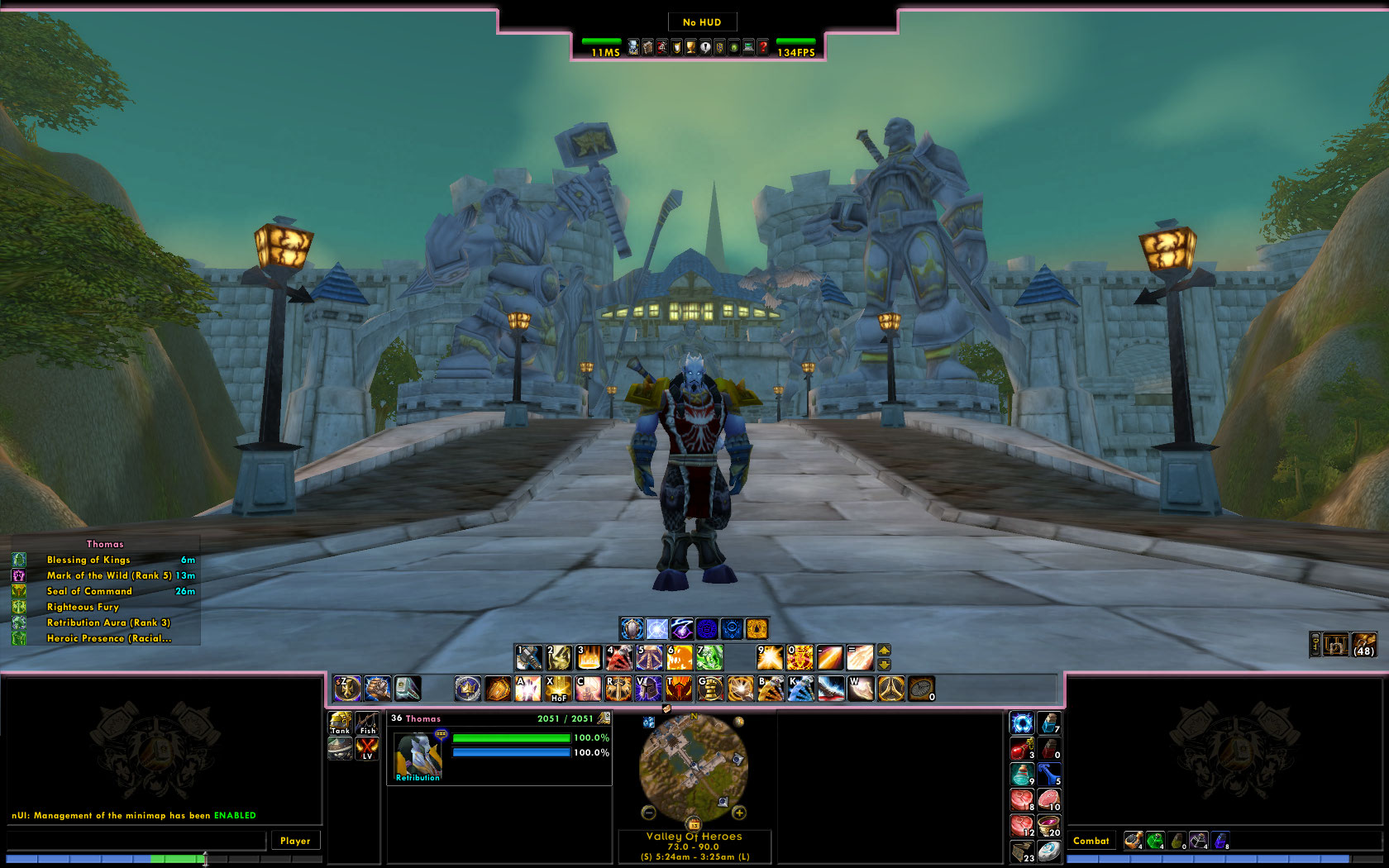
nUI & nUI Paladin without addons
Description
This optional plugin modifies the default nUI dashboard and replaces it with a black and pink dashboard with a Paladin feel.
This file is a Addon for nUI by spiel2001. You must have that installed before this Addon will work.
Visit the official nUI forums: http://www.nuiaddon.com/
--
To use this skin:
1. Exit WoW
2. Download and install the most recent version of nUI if you have not already as you would any other addon. You should unzip the contents of the download file into your Interface\AddOns directory
3. Download and install this skin as you would any other addon and unzip it into the Interface\AddOns directory as well.
4. After downloading and installing both mods, you should have both an Interface\AddOns\nUI directory and an Interface\AddOns\nUI_Paladin directory
5. Run WoW and log in. Before selecting a character to play, click on the "AddOns" button in the lower left corner of the screen and enable the nUI Paladin addon. You can return to using the default nUI dashboard at any time by disabling nUI Paladin.
6. Select your character and enter the world. nUI will automatically replace the default dashboard with the nUI Paladin skin if it is enabled.
The nUI: Paladin Dashboard Skin Team


Owner