Description
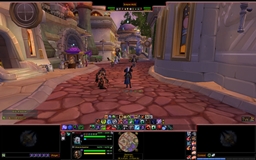
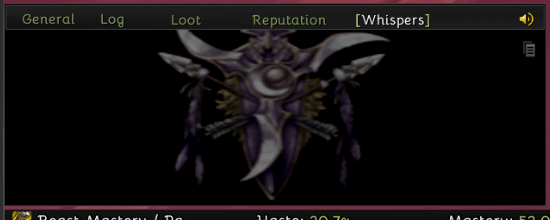
ElvUI Chat Textures is an update to the original addon. It provides subtle crest backgrounds for ElvUI chat panels and an in-game window with copyable texture paths.
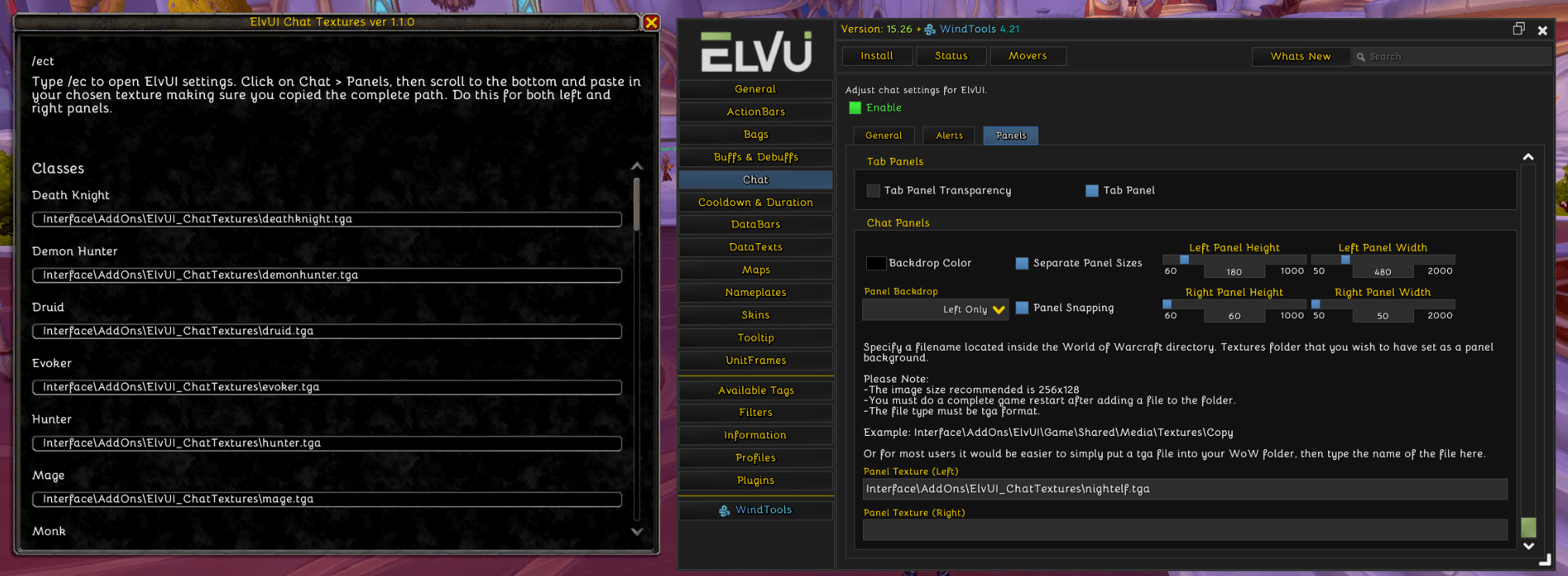
Type /ect to open or close the texture catalog. Click a path to select it and copy the complete path. Type /ec to open ElvUI settings, go to Chat > Panels, and scroll to the bottom. Paste your chosen path into Panel Texture (Left) and Panel Texture (Right).
- 40 class, faction, and racial backgrounds.
- Crests at 40% opacity on solid-black 256 × 128 backgrounds.
- Alphabetized Classes, Factions, and Races groups with spaced entries.
- A movable, scrollable catalog with Blizzard's default window and control styling.
- Uses ElvUI's general font when ElvUI is enabled.
- Displays the version from the TOC in the window header.
ElvUI_ChatTextures Team

Owner