NpcRoleIcons
An immersion addon to reduce non combat NPC name clutter and replace with icons according to their role.
ss001.png
Description
NpcRoleIcons
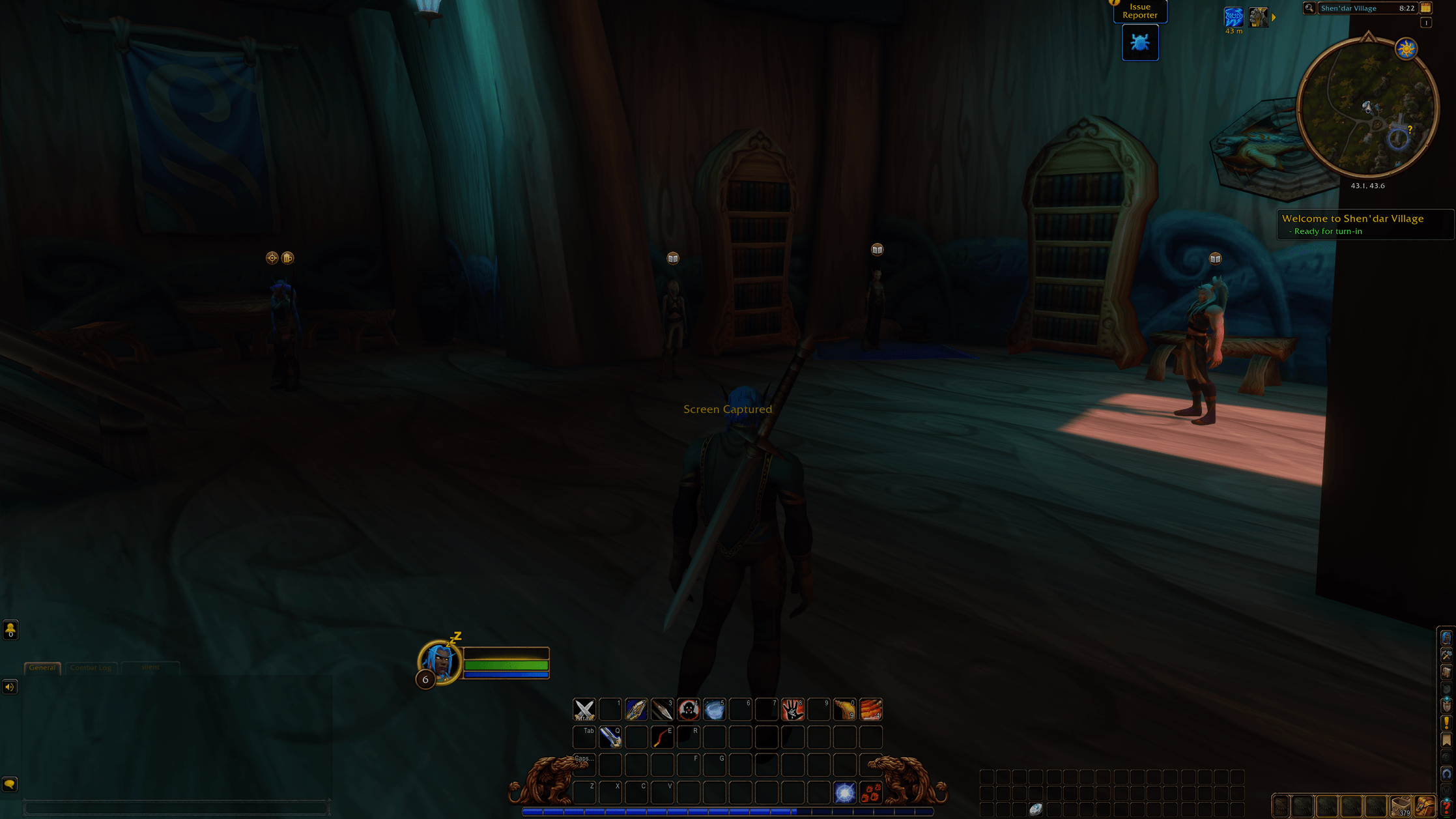
A World of Warcraft addon that adds role icons to the nameplates of NPCs, friendly or not: vendor, trainer, innkeeper, flight master, quest objective, rare, boss and more.
It is a standalone addon. It does not modify any other addon: the icons attach to the game's own nameplate frames, so they work with Platynator, other nameplate addons and the default nameplates alike.
How it works
The addon is configured with rules. A rule is:
- Conditions: which units it applies to. The available conditions follow the style conditions Platynator offers: can attack, combat, alignment, player/NPC/minion, classification, location, dungeon and delve mob type, and target. There are also conditions for your own combat state and for modifier keys (Alt, Ctrl, Shift), either while held (Hold) or switched on and off by each press (Toggle). A rule matches when all of its selected conditions are true.
- Icons: which roles the rule may show.
- Filters: hide the rule's icons in some situations, without passing the unit to the next rule. For now this is distance: Close (~11 yd), Medium (~11–28 yd) and Far (beyond ~28 yd), each set to Visible or Hidden. The game hides distances from addons in combat, so the distance filter does not apply then; use the Player Combat conditions for combat.
By default there is one rule, for friendly NPCs (NPC + cannot attack), showing quest objective, innkeeper, vendor, stable master, banker, auctioneer, barber and item upgrade icons.
Rules are checked in order and the first matching rule wins for each nameplate. Reorder rules with the Up and Down buttons.
The Layout tab is shared by all rules: anchor point and offset on the nameplate, icon size, spacing, stack orientation (horizontal or vertical), direction (center, left/up, right/down), max icons, strata, frame level and opacity.
Roles
| Category | Roles |
|---|---|
| Quests | Quest objective |
| Services | Innkeeper, vendor, repair, trainer, flight master, stable master, banker, auctioneer, mail, transmogrifier, barber, item upgrade, portal, battlemaster, guild master, spirit healer |
| Unit | Targeting you, boss, rare, elite, caster, in combat, attackable, hostile, neutral, friendly, tapped, battle pet |
Services are detected from the NPC subtitle (e.g. <Innkeeper>, <Blacksmithing Trainer>). All trainers share one icon, as do all vendors. On classic-era clients, where profession trainers are titled by the profession itself (<Blacksmith>, <Journeyman Tailor>), those titles count as trainers too. Keyword matching is English only for now, and NPCs without a subtitle get no service icon.
Limitations
- Friendly NPC nameplates must be enabled. There is a toggle in the General tab.
- Friendly nameplates inside dungeons and raids are locked by the game, so addons cannot add icons to them.
- Since Midnight, some unit information is hidden from addons in combat and in instances. Icons that depend on it are skipped there.
Usage
/nri or /npcroleicons opens the options. They are also in the game's AddOns settings.
Icons
Pick the icon style in the Icons tab:
| Style | Look |
|---|---|
| Fantasy Bright BG Colors | White symbols on colored badges with a silver rim |
| Fantasy Black and White | White symbols on black badges with a silver rim |
| Fantasy Brown and Metal | Gold, silver or white symbols on brown badges with a gold rim, close to WoW's quest art (default) |
| Fantasy No BG | Colored symbols only, no badge |
| Scifi Neon Icons | Glowing neon outlines on a flat dark grey badge, a different color per role |
| Warcraft World Icons | The game's own map, minimap, cursor and nameplate icons |
| Warcraft Spell Icons | The game's spell and item icons, cut in a circle with a gold ring |
The Fantasy and Scifi styles are generated by Tools/make_icons.py (needs Python and Pillow) as 128x128 TGA files, one folder per style in Icons/, plus Icons/Border_Ring.tga for the spell icon ring. To change an icon, edit its glyph or color in the script and run it again.
The Warcraft styles use textures that ship with the game, so nothing is copied into the addon. If one of them is missing in a game version, that role uses the Fantasy Brown and Metal icon instead, and the Icons tab says so.
NpcRoleIcons Team