NiceClock
- By
Various quality of life improvements, set alarms, reminders and a bunch of other useful stuff.
NiceClock
Give your WoW UI a clock worth looking at.
Choose from 11 clock faces, set alarms for raids or breaks, and customize your combat text with 120 bundled fonts - all from one settings window.
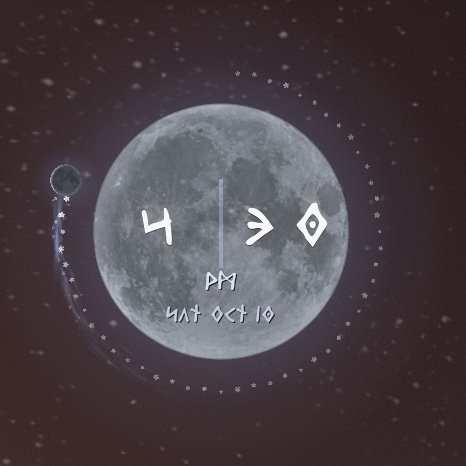
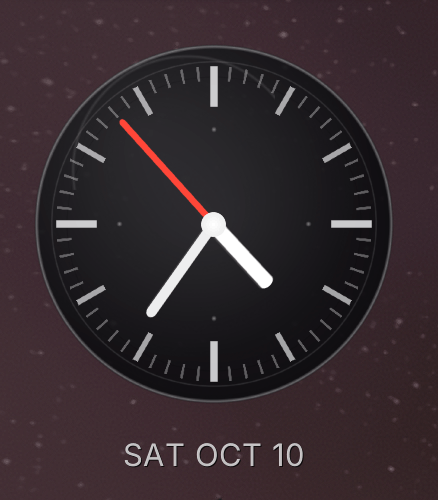
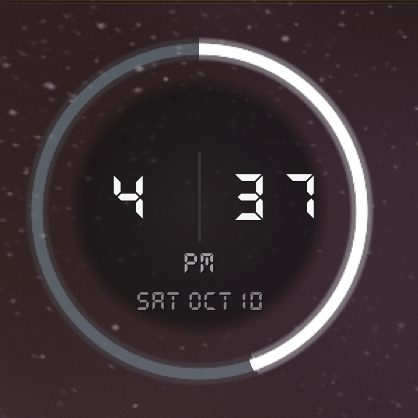
Find your favorite clock
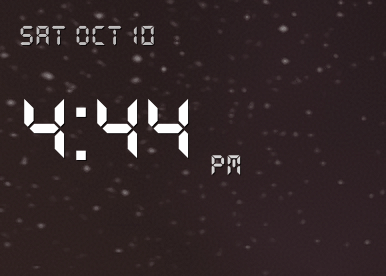
Go minimal with clean digital text, choose split-flap cards or a phone-inspired display, or bring a little fantasy to your UI with Lunar Druid. Prefer hands to digits? Pick the analog face.
- Make it yours: 15 bundled clock fonts, support for your own fonts, adjustable size and color, and drag-to-position placement.
- Keep the time you need: local time, server time, or a time zone offset; 12-hour or 24-hour format.
- Choose the details: optional date, seconds and hourly chime, plus animated RGB and wave effects on the Classic Font face.
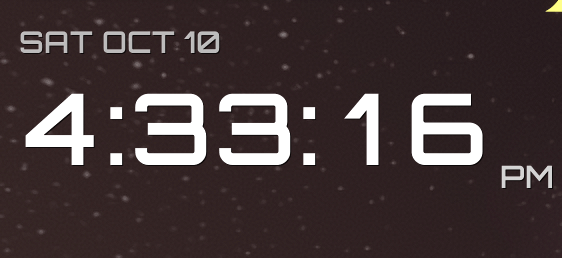
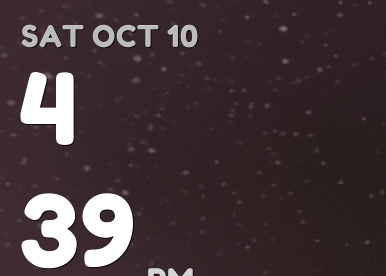
Remember the raid. Remember the break.
Set multiple alarms with your own messages, sound alerts, adjustable duration and Snooze. Use compact notifications, or enable a full-screen alarm when you want something harder to miss. Quick reminders appear as small toast popups. Calendar event alarms are supported where the game provides them.
Your combat text, your font
NiceClock includes the combat-font manager from FontMagic, with 120 fonts, favorites and live previews. Try a readable everyday font or something bolder, adjust text size, and choose which supported damage and healing text to display.
After choosing a combat font, click Apply, then log out to character selection and back in to refresh Blizzard's cached text.
Want to use your own fonts? The optional FontMagicCustomFonts companion adds up to 20 custom fonts for both the clock and combat text. Follow its download-page instructions to add numbered files (1.ttf–20.ttf), then restart WoW and select them in NiceClock. The separate FontMagic addon is optional. Setup help is also available beside the font selectors in game.
Useful extras, on your terms
- Playtime tracking: character and all-tracked-character totals, plus optional session, day, week, month and year counters and hover tooltips.
- Optional conveniences: sell junk, repair gear, loot faster, accept or turn in quests, and manage invites and duels.
- UI adjustments: resize or hide the quest tracker, enable 3D portraits and class-colored frames, skip cinematics, and adjust camera zoom and weather.
Quality-of-life options are off by default and configurable per character. All-character totals include only characters you've logged into with NiceClock enabled.
Get started
Install NiceClock, type /niceclock, and choose your favorite face. Clock appearance and language changes apply immediately.
For quick alarms and reminders:
/alarm 15 Take a break/niceclock alarm 21:15 Raid starts/niceclock remind me in 10m Check the auction house
NiceClock follows your game language automatically, with an optional manual override. Available in English, German, French, Spanish (Spain and Latin America), Brazilian Portuguese, Russian, Italian, Korean, Simplified Chinese and Traditional Chinese.
Available for Retail and current Classic families, with Forever beta support. Optional features depend on the APIs available in your client; other addons managing the same Blizzard settings can override those settings.
NiceClock Team

Owner