Malitor's Skill Tracker
- By
A compact, customizable tracker for your character’s profession, secondary, and weapon skill progress in WoW Forever.
SkillTracker_Visible_Bar.png
SkillTracker_Hidden_Bar.png
SkillTracker_Dashboard_General.png
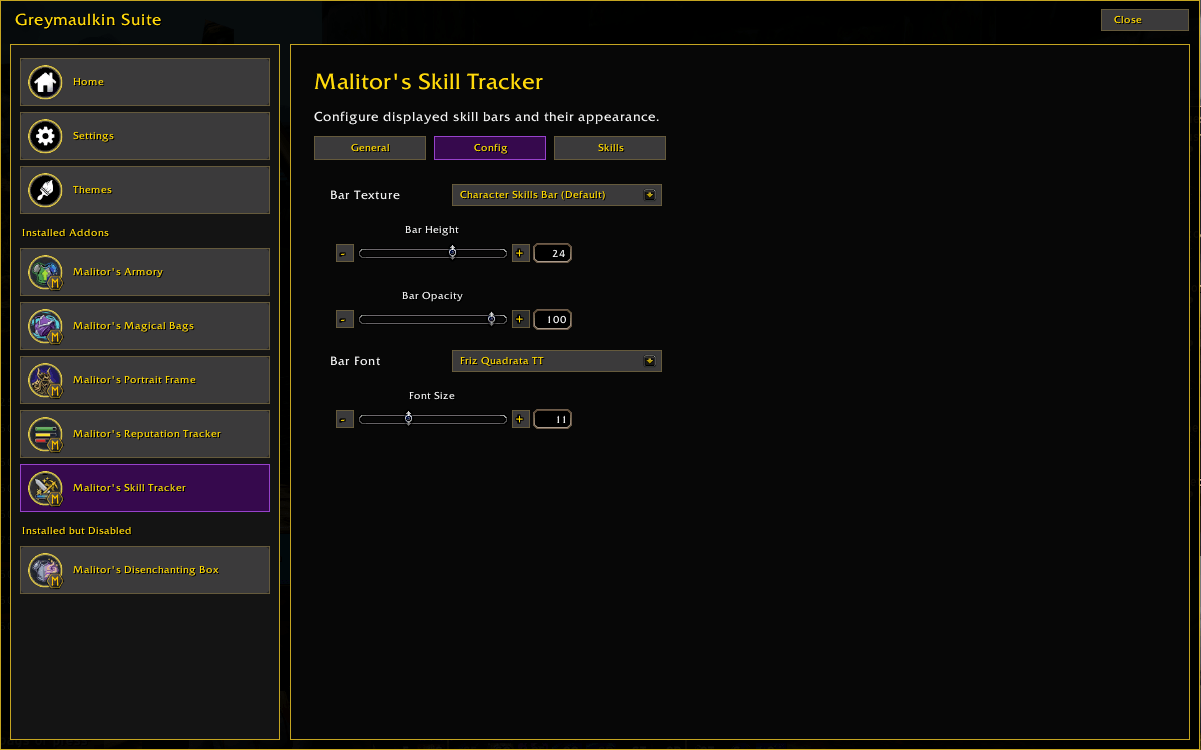
SkillTracker_Dashboard_Config.png
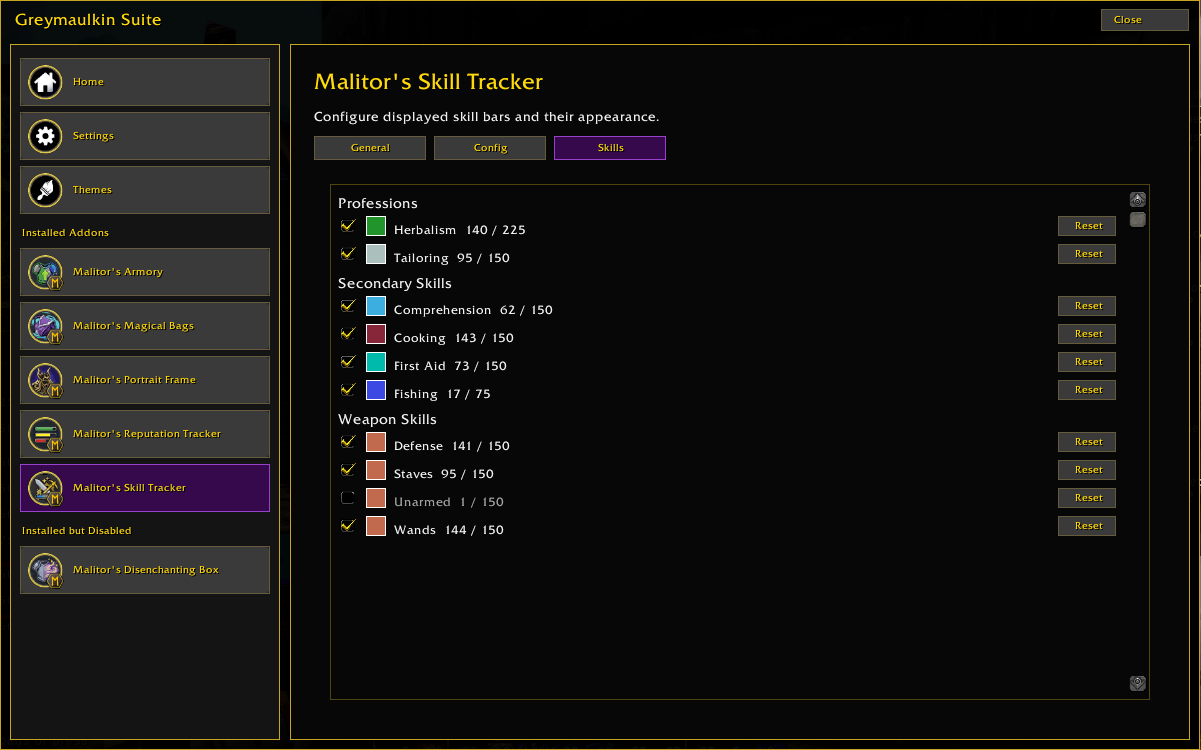
SkillTracker_Dashboard_Skills.png
Description
Malitor's Skill Tracker
Designed for WoW Forever!
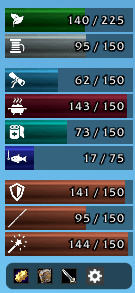
Malitor's Skill Tracker displays your character's professions, secondary skills, and weapon skills in a compact, customizable set of progress bars.
See your current skill ranks at a glance, choose which skills and sections to display, and celebrate each skill gain with a glowing animation.
Note: The tracker displays skills for your current character. Skill and section visibility settings are saved separately for each character.
Now Powered by Greymaulkin Suite
Greymaulkin Suite brings Malitor’s addons together in one convenient dashboard, providing a consistent look and feel across the collection. It makes each addon easy to configure and offers shared themes and controls so you can personalize your interface in one place.
Basic Features
Skill Progress Bars
Track your current and maximum ranks for skills that can be leveled up, grouped into:
- Professions
- Secondary Skills
- Weapon Skills
Each bar includes a skill icon and rank. Hover over a bar to see the skill's name.
Skill Gain Animation
When a tracked skill gains a point, its bar displays a pulsing glow and a spark that travels across the bar. The displayed rank updates when the animation finishes.
Show and Hide Skills
Use the buttons on the tracker's bottom bar to show or hide entire skill sections.
To hide an individual skill, hover over its bar and click the hide button. Hidden skills can be shown again from the Skills tab in the Greymaulkin Suite dashboard.
Compact Tracker Controls
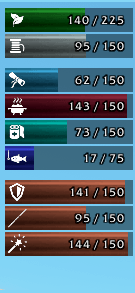
The tracker can be moved and resized to fit your interface. Its bottom control bar fades when you move your mouse away and reappears when you hover over the tracker.
Use the gear button on the control bar to open the Skill Tracker dashboard.
Settings and Customization
General
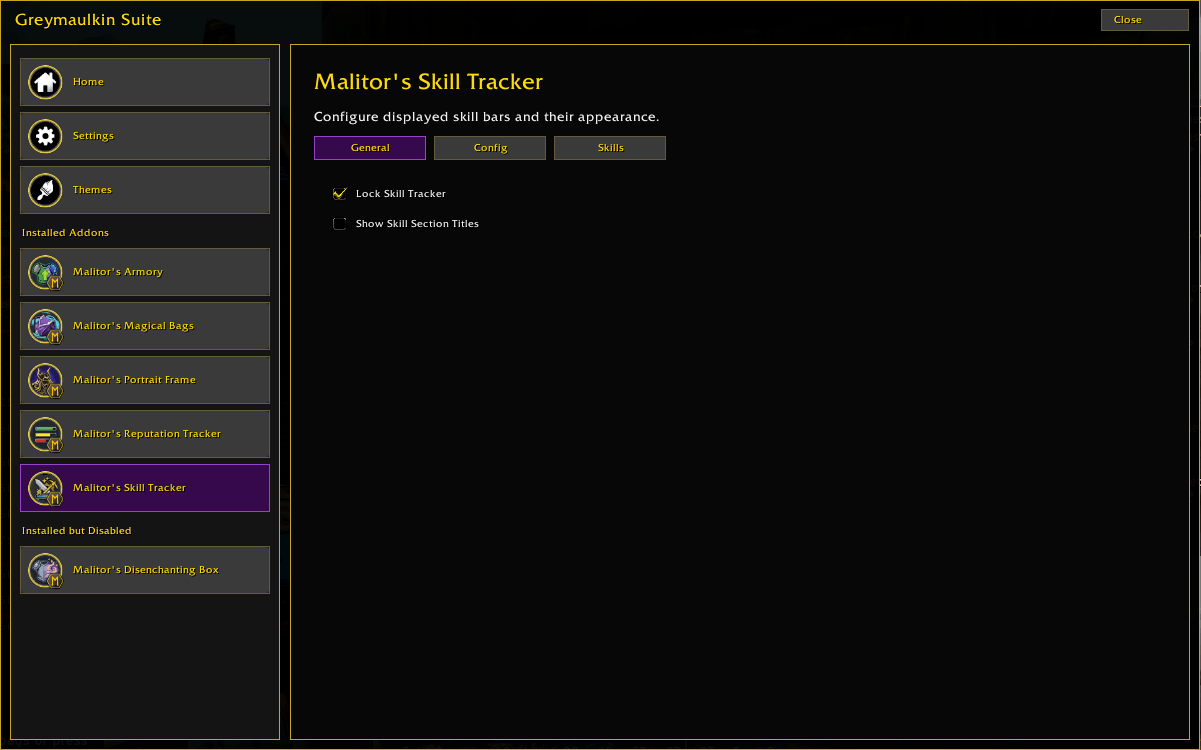
The General tab includes:
- Lock Skill Tracker
- Show or hide skill section titles
Config
Customize the appearance of the tracker with:
- Bar texture
- Bar height
- Bar opacity
- Bar font
- Font size
Available textures and fonts include supported LibSharedMedia entries.
Skills
The Skills tab lists your current character's skills by section. For each skill, you can:
- Show or hide its bar
- Choose a bar color
- Reset its color to the default
How to Use
Type the following command to open the Greymaulkin Suite dashboard:
/malskillsMove the tracker where you want it, use the bottom buttons to select your sections, and customize individual skills in the dashboard.
Feedback & Suggestions
If you encounter bugs or have feature suggestions, please submit them through the CurseForge project page.
Malitor's Skill Tracker Team