Broker panel (shown in Titan)
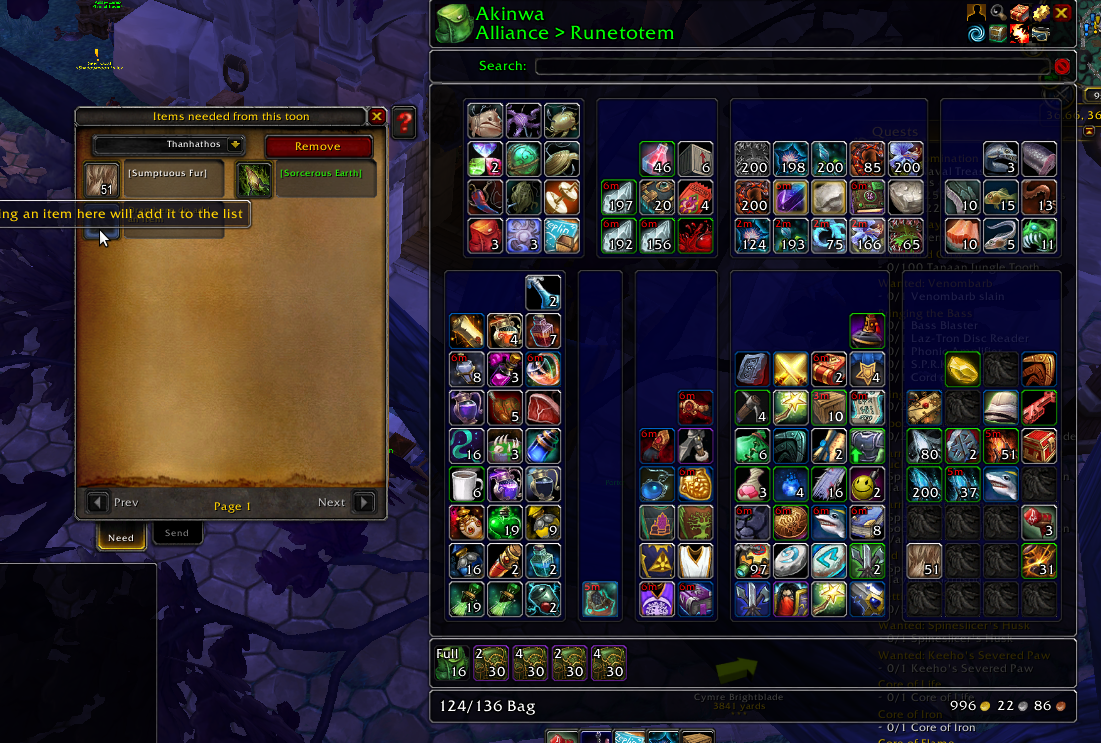
Drag and drop interface to configure needs
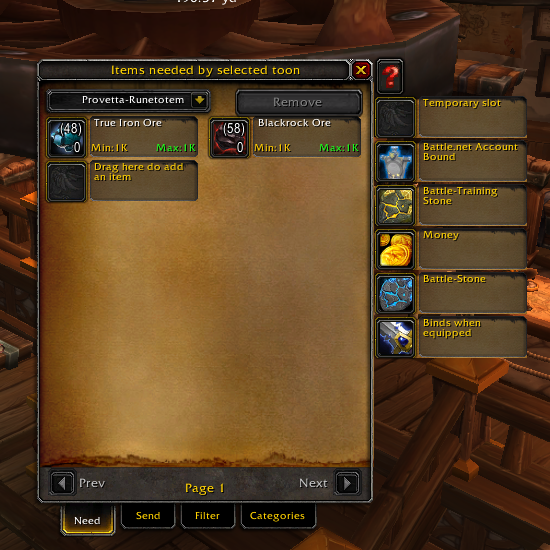
Predefined categories

Minimap Icon
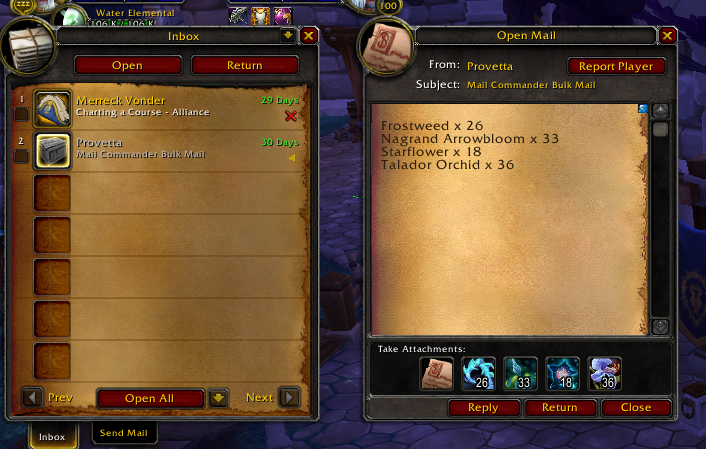
MailCommander mails appearance
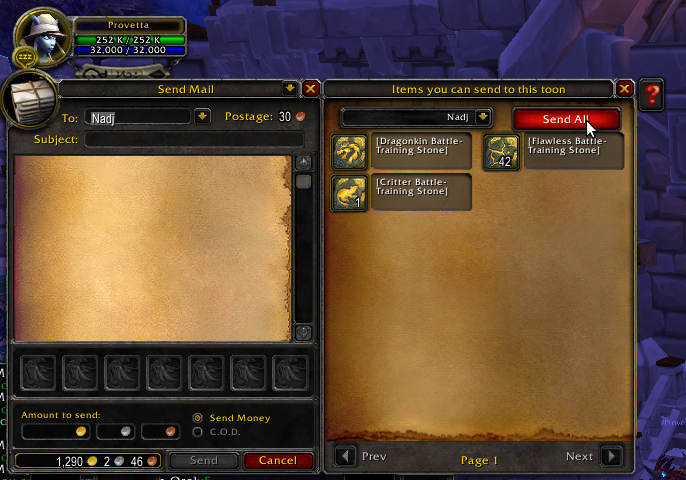
USe this panel to bulk send selected items
Description



Purpose
Are you having an hard time remembering which of your toon should receive herbs (but only a certain type), while another one need ore but also pelts? And pet charm.. where am I storing them?
Functions
Mail Commander allows you to define a per character list of needs which wil be displayed when you open the sendmail panel allowing you to send all requested items or just some of them.
You can make this selection permament, disabling some kind of items, or just cherry pick each time
You can also use the "Send all" button to have all enabled items sent with a single click
The MailCommander Team


Owner