Lodestone Maps
- By
Your class trainer, your profession teachers and every dungeon doorway, drawn on the map you already have.
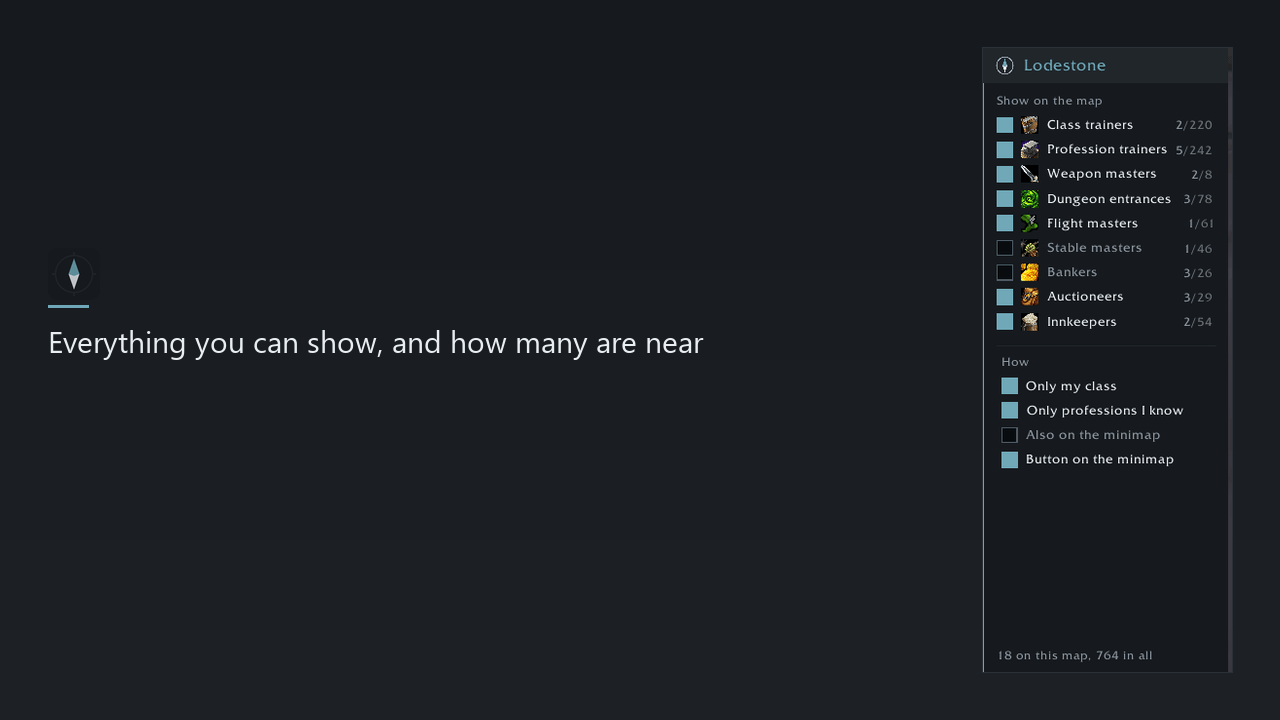
2 - Everything you can show, and how many are near.png
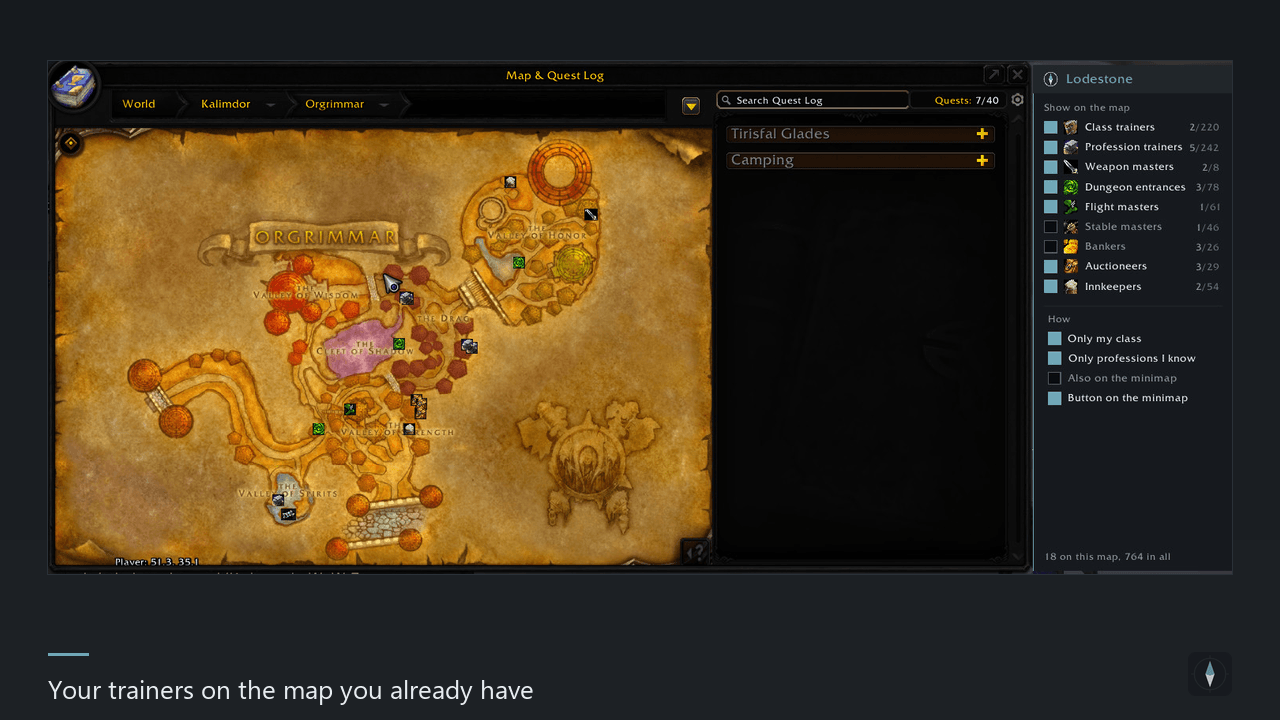
1 - Your trainers on the map you already have.png
Description
Lodestone puts the places you are actually looking for on the world map: your class trainer, the teachers of the professions you have, and every dungeon doorway. Nothing to set up and nothing to collect - open the map and they are there.
It needs no libraries. Nothing is bundled, nothing has to be installed alongside it.
Only the ones that are yours
- Your class trainer, not all nine. A paladin has no use for a pin on the warlock's man in the sewers.
- Your professions, not all twelve. Turn that off for an evening and you can see where to pick a new one up.
- Everything else - bankers, innkeepers, auctioneers, stable masters, flight masters - starts switched off. Everybody knows where those are after a week, and a map buried in pins is a map you stop opening.
The rank, which is the part you actually wanted
Profession teachers are not interchangeable, and the map never told you which is which. Lodestone does: point at a pin and it says "Teaches up to Expert".
So the question stops being "where is a tailor" and becomes "where is the one who can take me past 150" - answered without leaving the game. The specialisation masters are in as well: Shadoweave, Gnome Engineering, Dragonscale and the rest.
Doorways
Every dungeon and raid entrance, marked where the portal actually is rather than where the zone begins - with the level range of what lives behind it. "The Stockade" tells you where the hole in the wall goes; "The Stockade, levels 22-30" tells you whether to walk in.
Their names come from the game itself, so they read in your own language whatever client you play.
On the minimap, if you want it
Switch it on and anything nearby shows as a dot on the minimap, turning with it if you play with a rotating minimap. It is off by default: it is the one part of the addon that does work every frame, so it is asked for rather than assumed.
When several stand together
In a village the trainers are a few yards apart - in Brill five of them span three tenths of one percent of the map, which is three pixels. Drawn one by one they would simply cover each other.
So pins that would overlap are gathered into one, with the number in the corner, and hovering lists everyone it stands for. Zoom in and they come apart on their own. Pins keep the same size on screen at any magnification, and that size is yours to set.
Where the graveyards are
Spirit healers, shown while you are still alive. The game marks them only once you are dead and already looking for the way back - which is the one moment the information is no use for planning.
It gets out of the way
If an addon you already run draws the same places - Leatrix Maps draws dungeon doorways, flight points and spirit healers - Lodestone leaves those to it instead of putting a second pin on top of the first. The row stays in the panel, dimmed, saying who is drawing it; one tick takes it back.
It checks whether that feature is switched on right now, not merely whether the addon is installed.
Getting started
There is no setting-up step. Install it, open your map, and the pins are there. Down the right side of the map is a panel listing every category with its icon, its switch and how many places it knows - it comes and goes with the map. Or use the commands:
/lode             what is known and what is shown
/lode mine        only your class and your professions
/lode known       only professions you have learned
/lode minimap     pins on the minimap as well
/lode panel       the panel beside the world map
/lode defer       leave a category to an addon that already draws it
/lode icons       every icon at once, and the ones you can choose
/lode size N      how big the pins are, 6 to 40
/lode here        this map: what is held, drawn and gathered
/lode <category>  class, profession, weapon, entrance, flight,
                  stable, bank, auction, inn
Clients
Classic Era, Classic 1.60, TBC, Wrath, Cataclysm and Mists - each with its own table, because each numbers its maps differently and a table built for one would drop pins in the sea on the next. Your client loads its own:
Classic Era    861 places     Wrath       1323
Classic 1.60   811            Cataclysm   1934
TBC           1120            Mists       2021
The places, names and titles are built from the database published by the Questie project, which is the work of its own authors. Lodestone bundles no third-party code and loads no library.
Lodestone Maps Team