Rack
- By
Action bars you can actually move. Ten bars plus pet and stance, hover binding, no libraries.
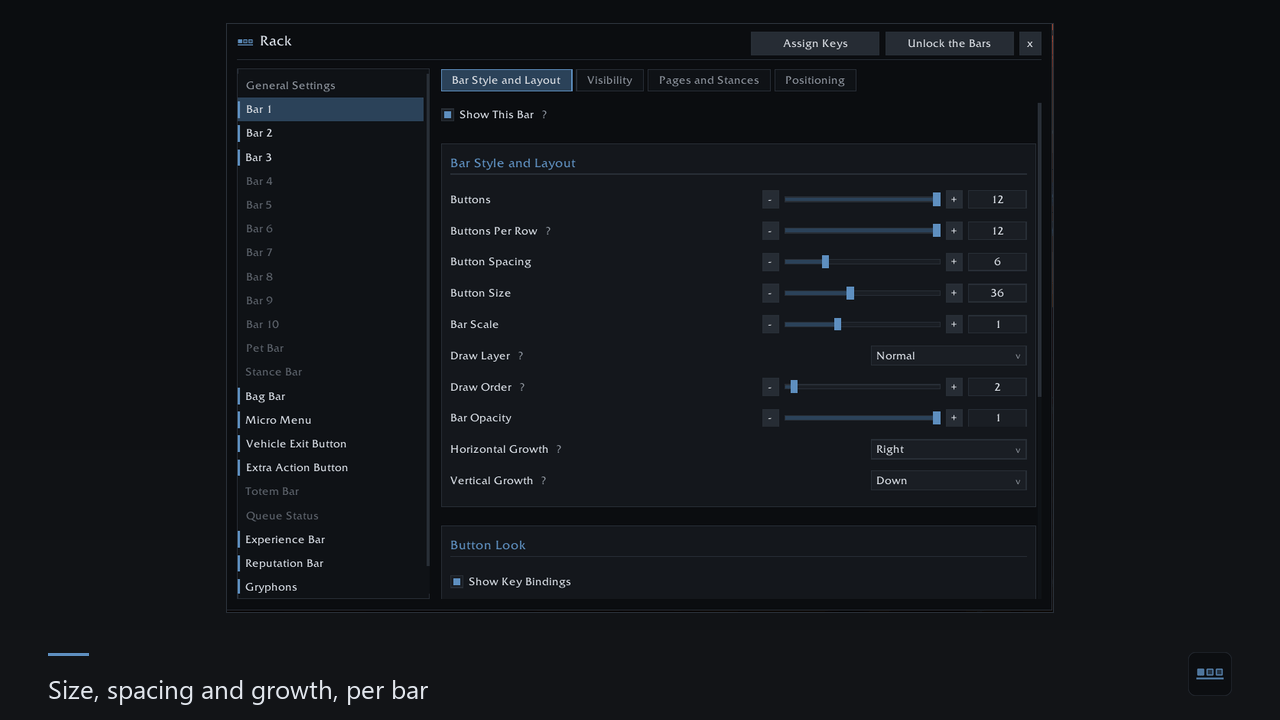
2 - Size, spacing and growth, per bar.png
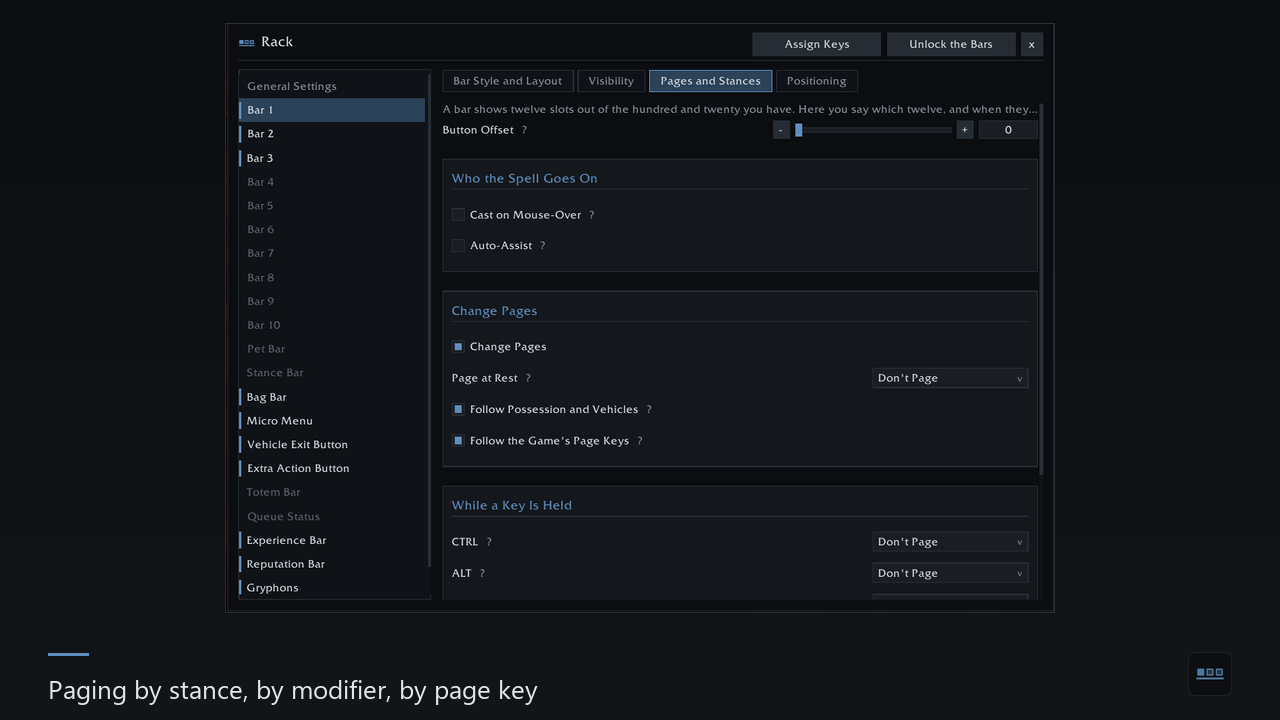
4 - Paging by stance, by modifier, by page key.png
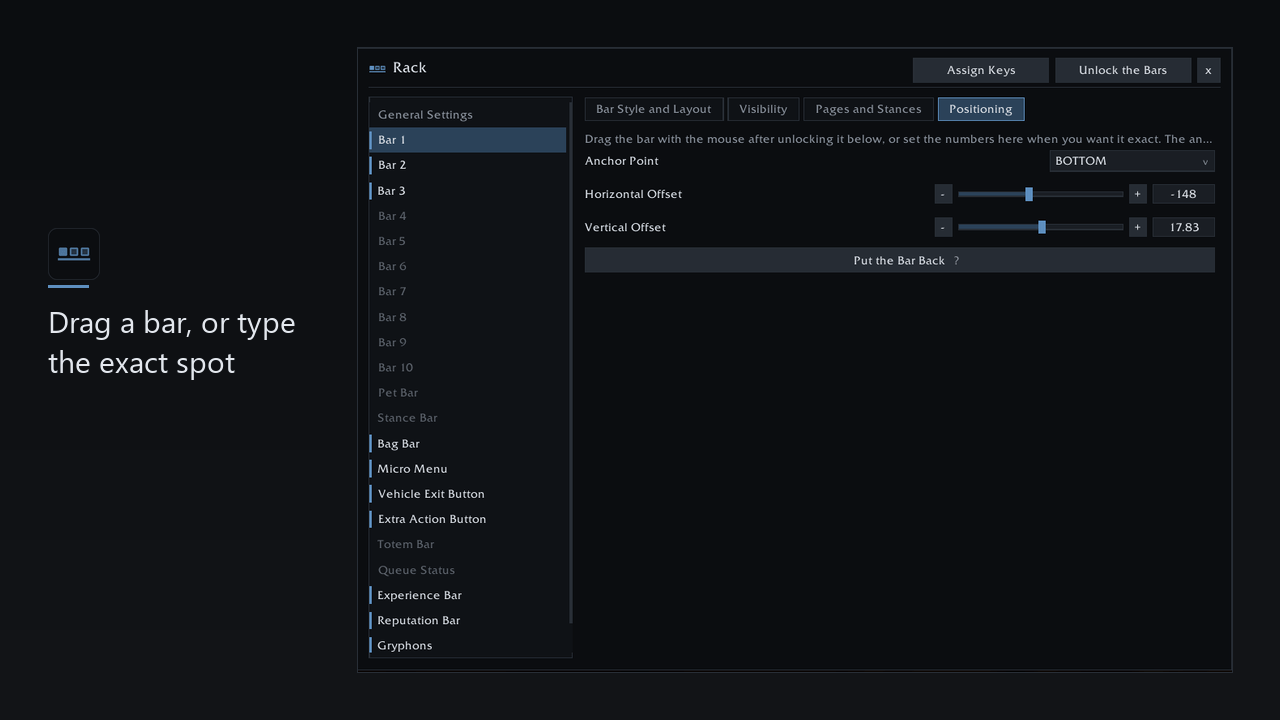
5 - Drag a bar, or type the exact spot.png
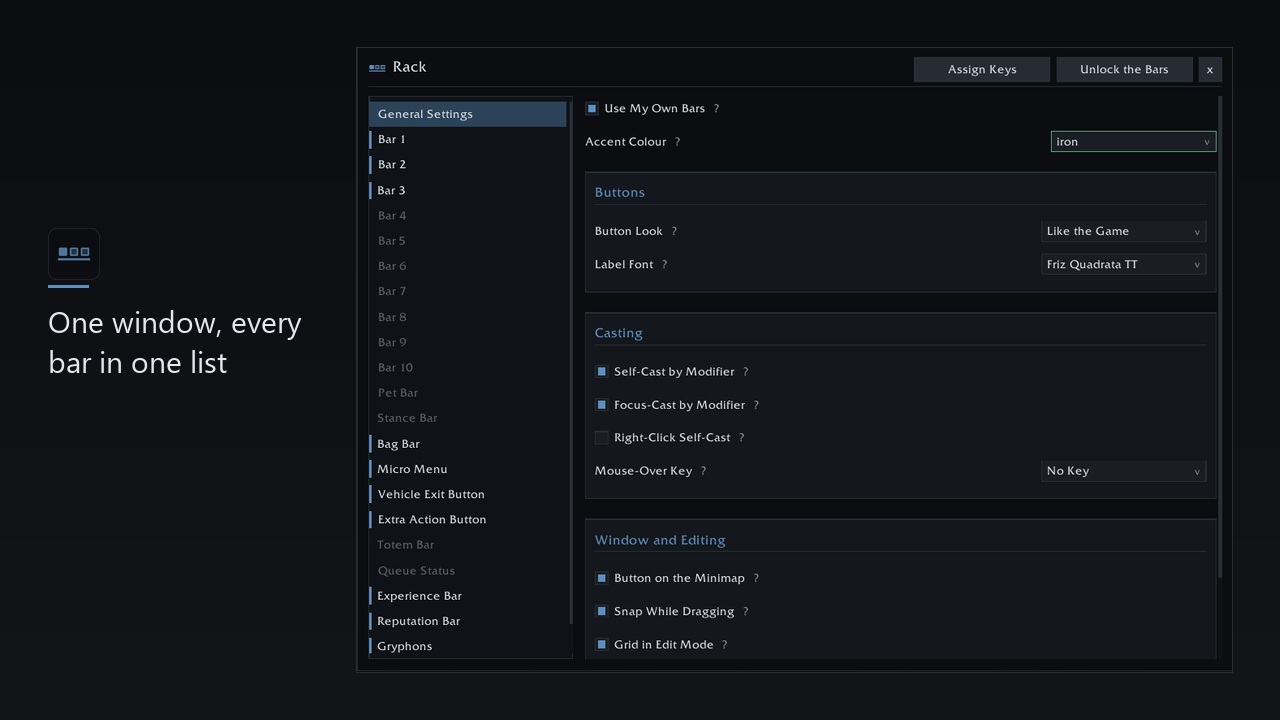
1 - One window, every bar in one list.png
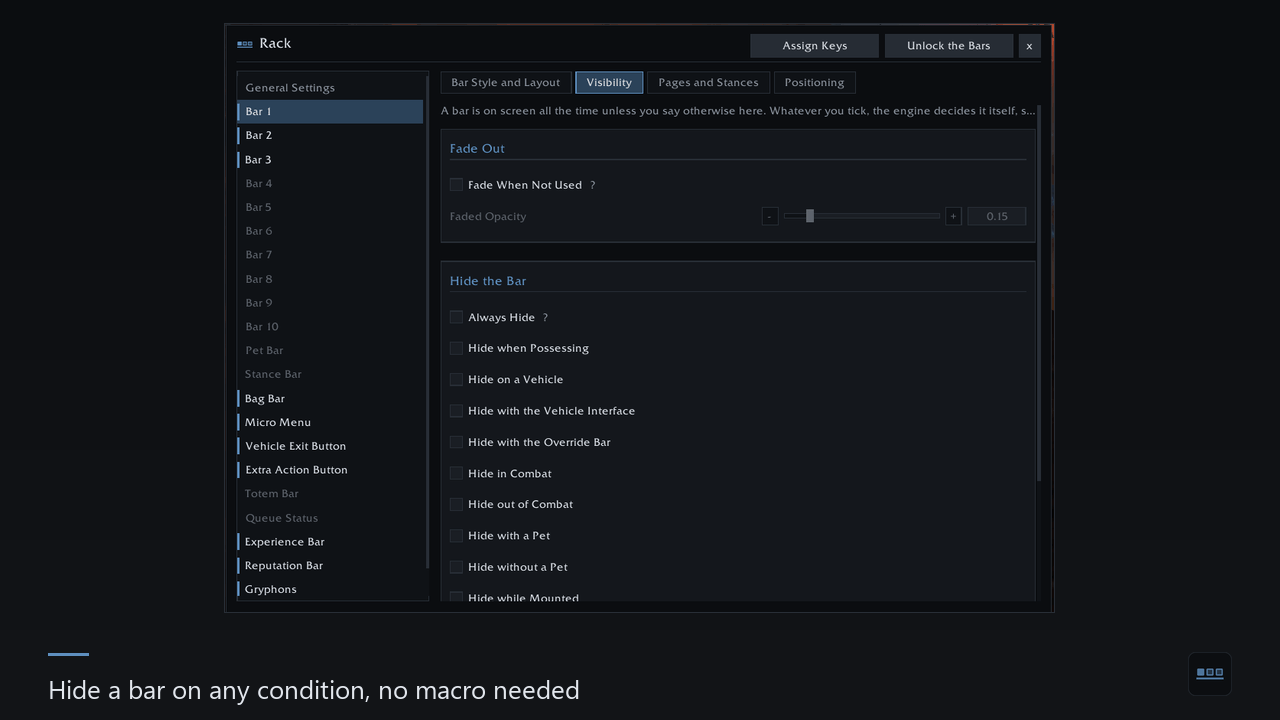
3 - Hide a bar on any condition, no macro needed.png
Description
Rack replaces the game's action bars with its own. Ten bars, a pet bar and a stance bar, moved anywhere, sized how you like, and bound by hovering.
It needs no libraries. Nothing is bundled, nothing has to be installed alongside it.
Bars
- Ten action bars, plus pet and stance. All 120 slots are reachable, including the stealth and form pages the game keeps but gives no bar for.
- Laid out per bar: button count, buttons per row, size, spacing, scale, opacity, which way the grid grows, which layer it draws on.
- Moved by hand or by number. Drag a bar and it snaps to the screen edges, the centre and to other bars — or type exact coordinates. A bar pushed off screen comes back with one button.
- Paging and visibility are macro conditions. Stance pages, the game's page keys, a page while a modifier is held, hide in combat, on a vehicle, with or without a pet. The engine evaluates them, so they keep working in combat where addon code cannot run. Prefer to write the condition yourself? The tick boxes generate a starting line for you to edit.
Keys
- Bind by hovering. Point at a button, press the key. Escape clears it.
- Your bindings stay yours. Rack writes real game bindings, not a private layer on top. Switch the addon off and your keys are as you left them.
- Any keyboard layout. Keys are read by physical position, so a key bound in one layout works in all of them.
The game's own bars, on yours
Bags, micro menu, totems, the queue eye, the vehicle exit button, the experience and reputation bars, and the gryphons at the main bar's edges. Each becomes a Rack bar: move it, scale it, hide it in combat. Switch one off and the game gets it back exactly as it was.
Buttons
Cooldown counts, charges and the recharge of a single charge, activation glow, a border on equipped items, a mark on a spell you just learned. Out of range, out of resource and unusable each get a colour — and you choose whether range shows on the icon, on the key label, or nowhere.
Flyouts work: portals, call pet, seals — the arrow on the button, the column beside it, and it opens in combat.
Three looks: Rack's flat skin, the game's own gilded art, or Masque if you have it. One font for every label, picked from the game's faces plus anything your other addons registered in LibSharedMedia.
Profiles
Named profiles shared between characters, three presets to start from, and export as a single line you can paste into chat or a friend's import box.
Getting started
Open it with /rack or the minimap button. Your current layout is copied over
on the first run, so nothing jumps around.
If something looks wrong, Rack can describe its own state — /rack bars,
/rack frames, /rack bags, /rack flyouts, /rack look. Paste that output
into a bug report instead of a screenshot.
Masque and LibSharedMedia-3.0 are supported when you have them; neither is bundled.
The Rack Team