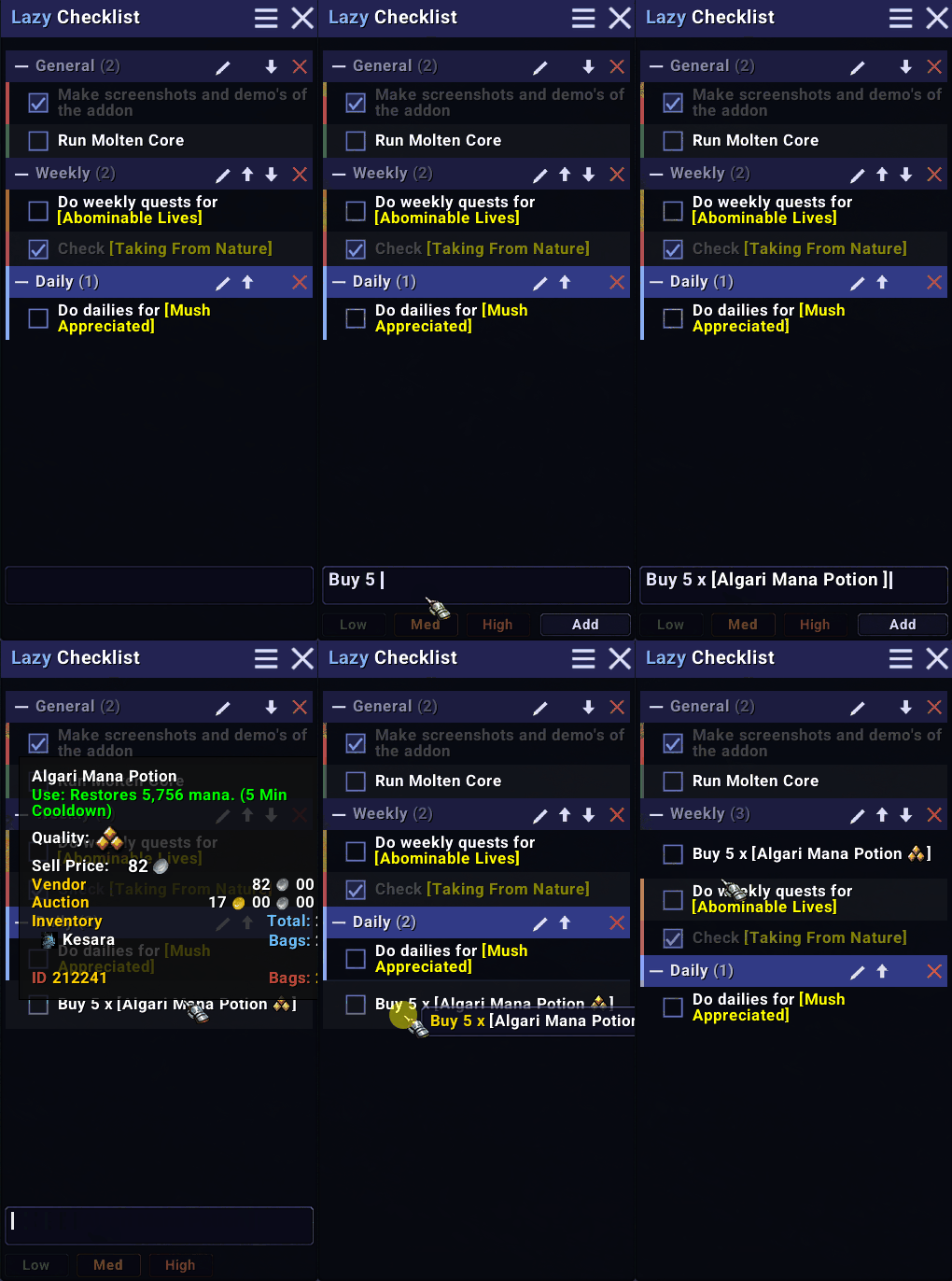
v2_demo1.gif
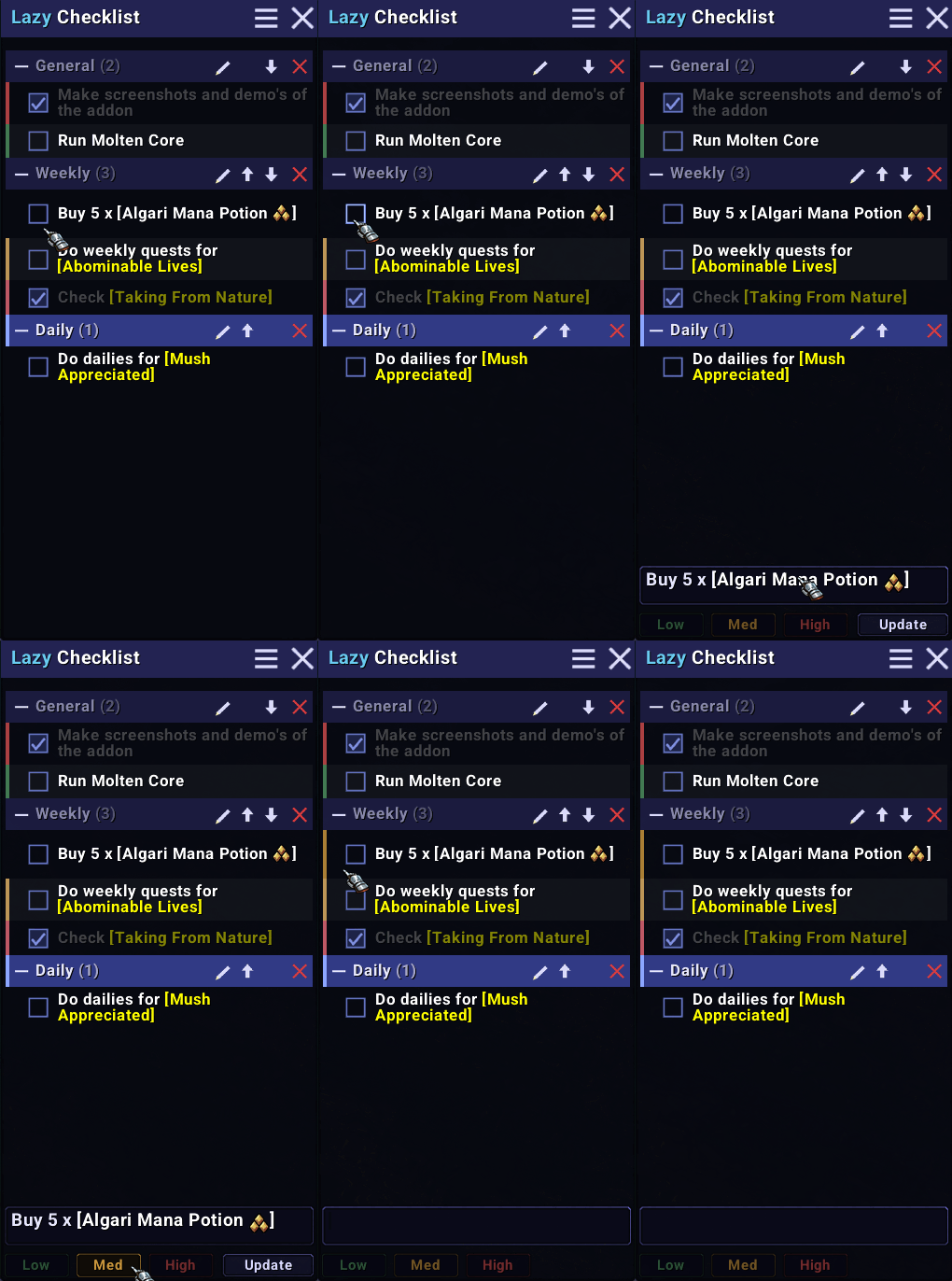
v2_demo2.gif
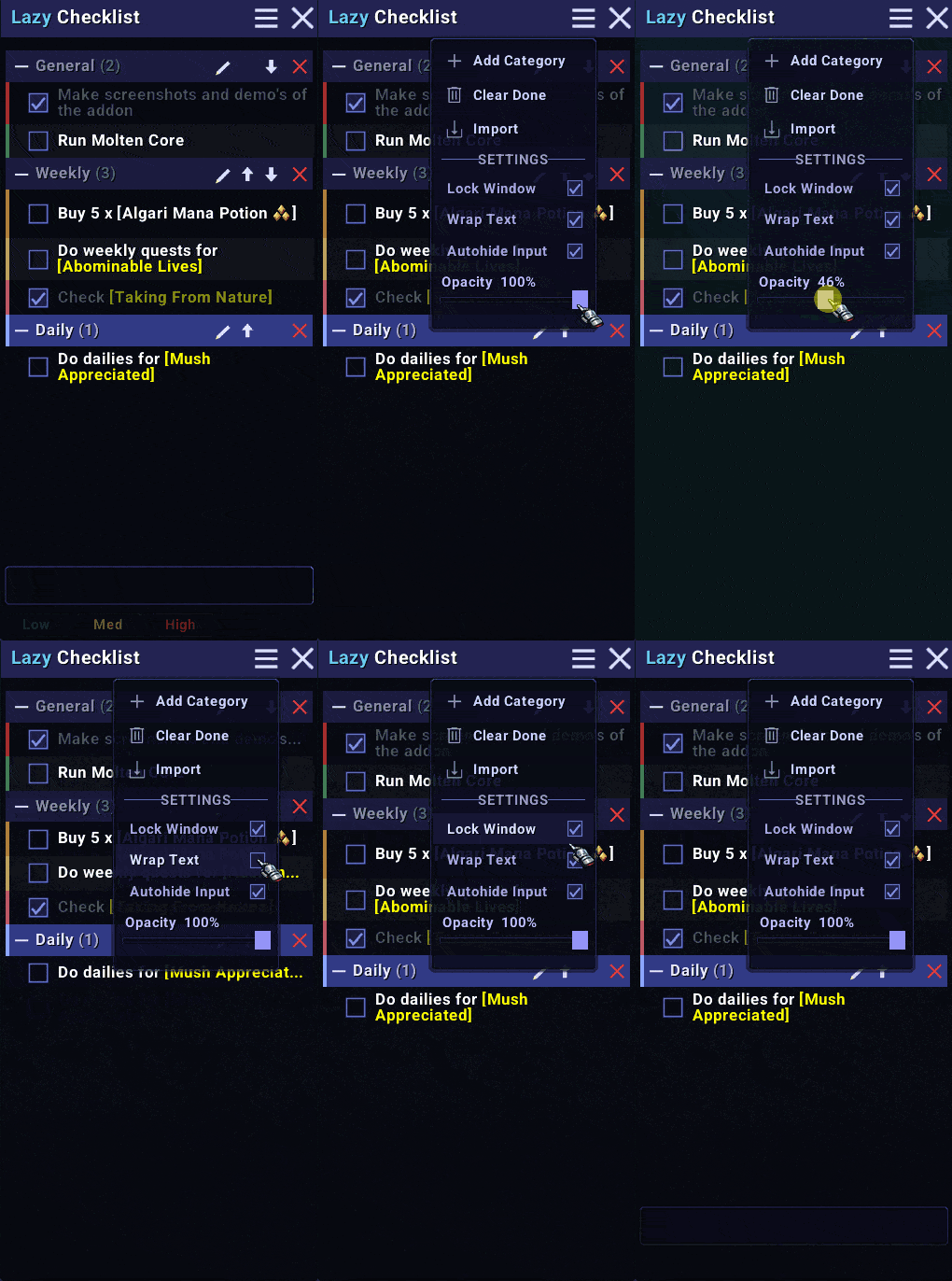
v2_demo3.gif
Screenshot 2026-02-19 230520.png
Screenshot 2026-02-19 230528.png
Screenshot 2026-02-19 231008.png
Screenshot 2026-02-19 231113.png
Description
🗒 LazyChecklist
A lightweight checklist addon for World of Warcraft: Midnight. Keep track of your daily tasks, weekly goals, farming lists, achievement progress — anything you need to remember — without ever leaving the game.
✨ Features
🗂️ Categories
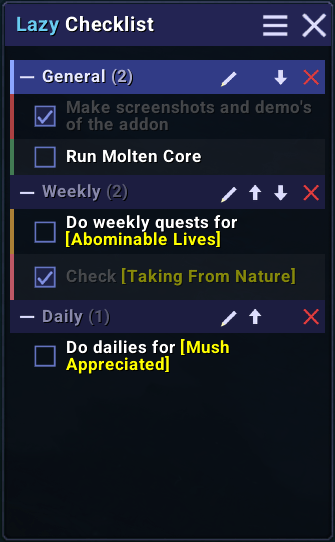
Organise your entries into collapsible sections — Daily, Weekly, Farming, whatever makes sense to you. Each category can be renamed, reordered, collapsed, or deleted. Click any category header to make it the active destination for new entries.
⏰ Auto-Reset
Set any category to reset Daily, Weekly, or Semi-weekly. On login, after the relevant WoW reset boundary, all checked entries in that category are automatically unticked. A badge on the category header shows the active schedule at a glance.
🙈 Hide Checked
Enable Hide Checked on any category to instantly remove ticked entries from view — they're still stored and reappear if you turn it off. Keeps your active list clean without losing data.
🎯 Priority Tags
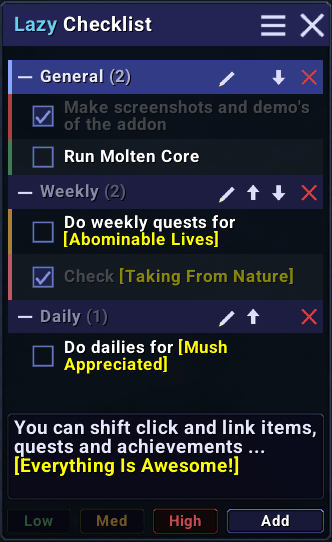
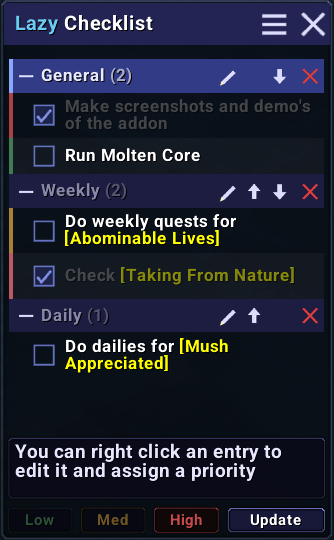
Tag any entry as Low, Med, or High priority. A coloured left border — green, amber, or red — shows priority at a glance. Set it when adding, or change it via right-click edit.
🖱️ Shift-Click Capture
With the input box focused, shift-click any item from your bags, an achievement, or a quest in your log and it's added directly to your checklist as a proper link — complete with item quality colours and live tooltips. Stacked items work cleanly without the split dialog interfering.
🔒 Keep Focus Lock
A padlock button in the input row keeps the input box focused while you shift-click multiple items in sequence — no need to click back into the box between each one. Releases automatically when an entry is submitted.
📝 Mixed Entries
Combine free text and shift-clicked links in a single entry. Type "Farm 5 x " then shift-click the item and it saves as one entry. Multiple links per entry are supported too.
💬 Tooltips & Navigation
Hover any link to see its tooltip. Achievement tooltips reflect your current live progress — criteria show green when done, grey when not, updated every hover. Click a link to navigate directly — achievements open the Achievement frame, items open their info panel, quests open the quest log.
☁️ Drag and Drop
Reorder entries by dragging them up and down the list, within or across categories. Reorder categories by dragging the ⠿ handle on any category header. A highlighted gap shows exactly where things will land.
📤 Import / Export
Import accepts plain text (one entry per line) or export strings shared by other players. Use tags to set categories and priorities inline:
[c] Daily
Do the world quest
Run the dungeon [h]
[c] Weekly
Complete the raid
Buy the crafting materials [l]
[c] marks a category, [l] [m] [h] set priority. Tags go at the start or end of any line.
Export generates a shareable string — click Export All, Unchecked, or Checked, then Ctrl+C to copy and share with other players.
☰ Menu
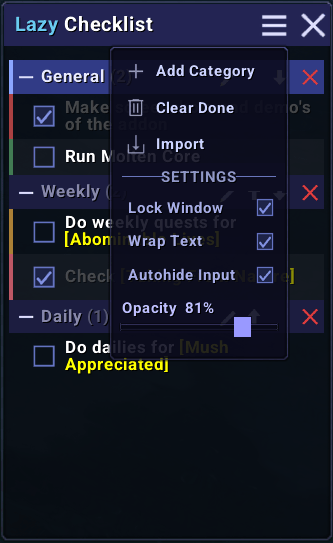
A hamburger menu in the title bar keeps the UI clean. Inside you'll find:
| Option | Description | |
|---|---|---|
| ➕ | Add Category | Create a new category |
| ✅ | Clear Done | Remove all checked-off entries in one click |
| 🔀 | Sort by Priority | Sort entries High → Med → Low → unset within each category |
| 📥 | Import / Export | Open the import/export window |
| 🔒 | Lock Window | Prevent the window from being accidentally moved or resized |
| 🚫 | Hide Border | Remove the window border for a cleaner look |
| 📜 | Wrap Text | Wrap long entries across multiple lines |
| ↩️ | Autohide Input | Hide the input area until you hover the bottom of the window |
| 🗺️ | Minimap Button | Toggle the minimap button on or off |
| 💬 | Hide Tooltips | Disable the hover hints on entries and category headers |
| 🔆 | Opacity | Fade the background from fully opaque to fully transparent |
| 🔡 | Font Size | Scale entry and category text from 9pt to 16pt |
🗺️ Minimap Button
An optional button on the minimap lets you toggle the window without touching the chat. Drag it to reposition around the minimap edge — position persists across sessions.
📜 Slash Commands
All commands work with /lc, /lazycheck, or /checklist:
| Command | Action |
|---|---|
/lc |
Toggle the window |
/lc lock |
Toggle window lock |
/lc import |
Open the import/export window |
/lc clear |
Remove all checked entries |
/lc scale <50-200> |
Resize the UI (e.g. /lc scale 75) |
/lc reset |
Reset the window to default size and position |
/lc <text> |
Quickly add an item without opening the window |
/lc help |
List all commands |
🔆 Design
LazyChecklist uses a dark blue-grey palette that blends naturally with the WoW UI. All buttons, icons, sliders, and popups are custom-built — no default WoW chrome. The addon ships with Roboto SemiBold for clean, modern text throughout.
⚙️ Compatibility
Built for World of Warcraft: Midnight (12.x). Saved data from older flat-list versions is automatically migrated to the category format on first load.
🐛 Bugs & Feedback
Found an issue or have a suggestion? Leave a comment.
The Lazy Checklist Team