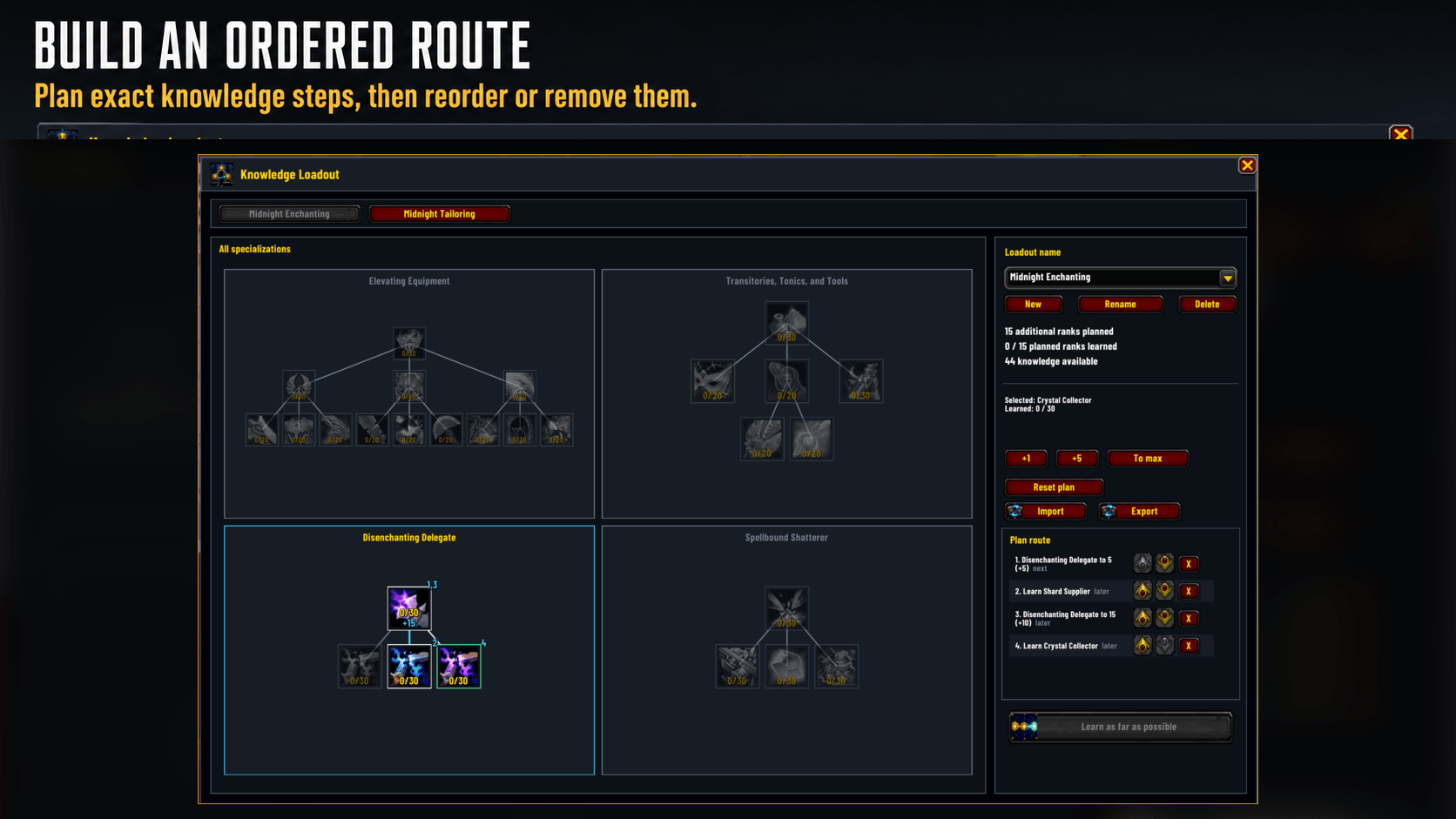
Build an exact profession knowledge route with separate Learn steps, repeated node visits, and per-step reordering.
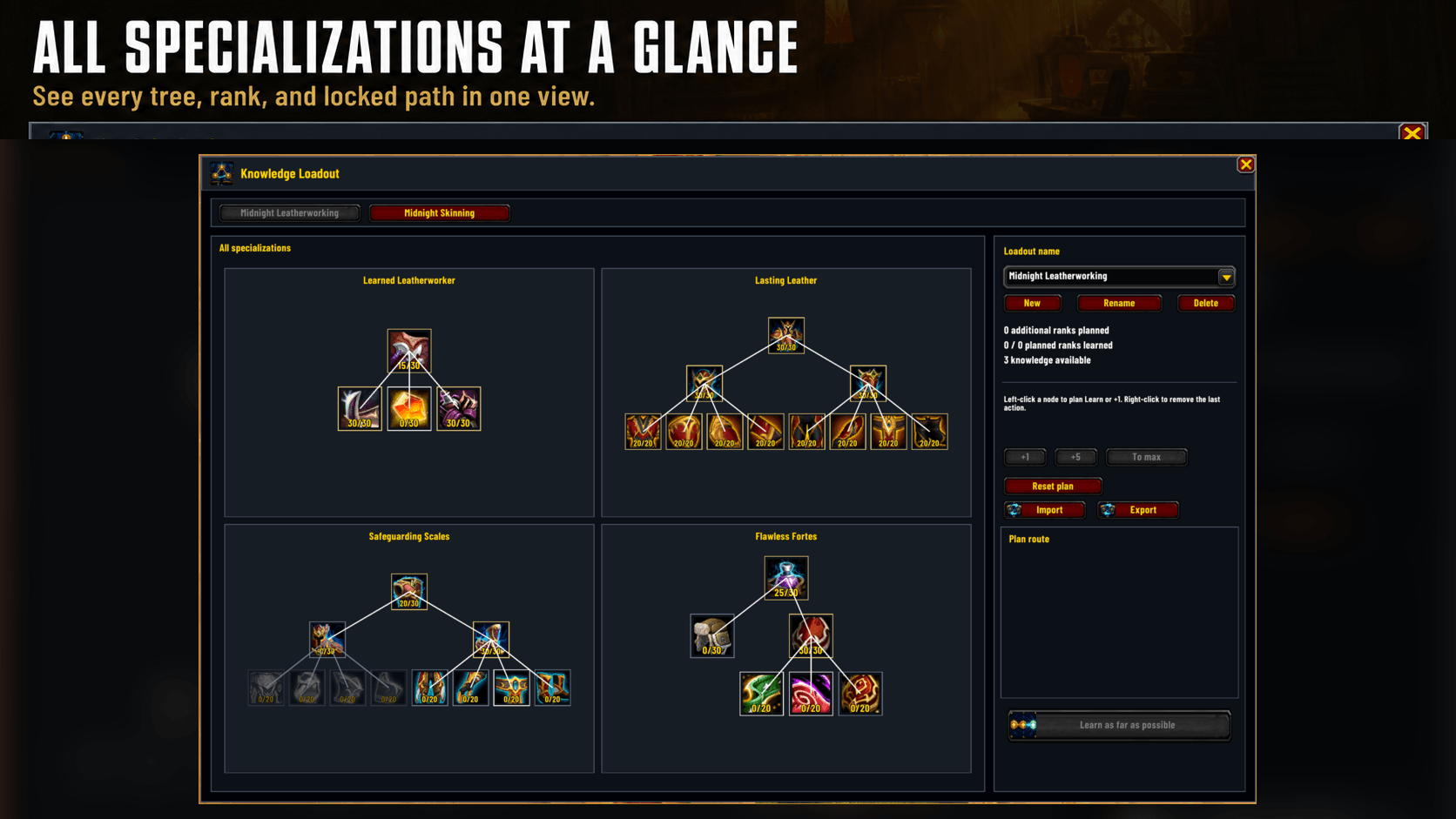
Keep every specialization tree visible in one view, including learned ranks and locked paths.
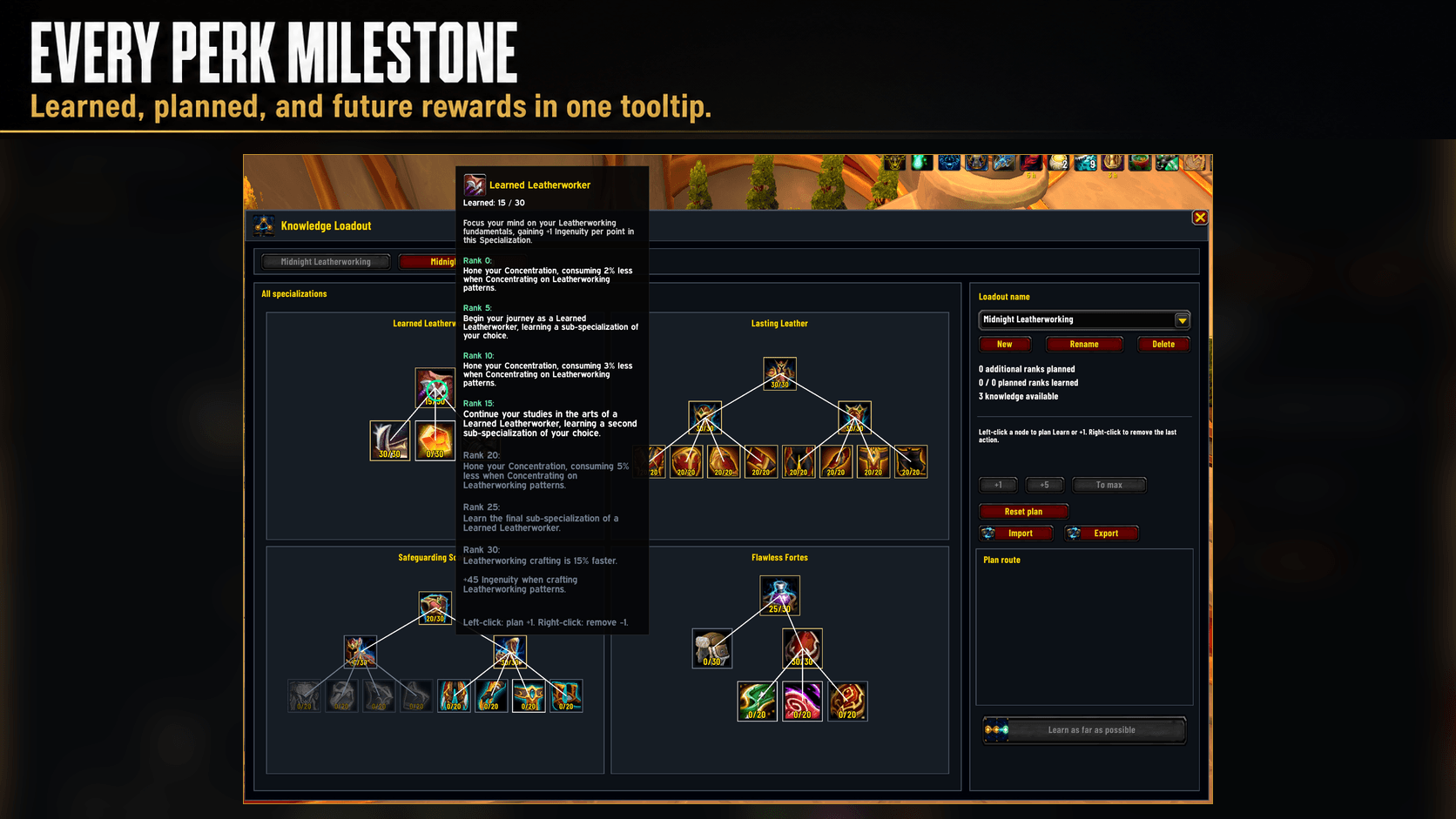
Inspect learned, planned, and future perk milestones directly on each knowledge node.
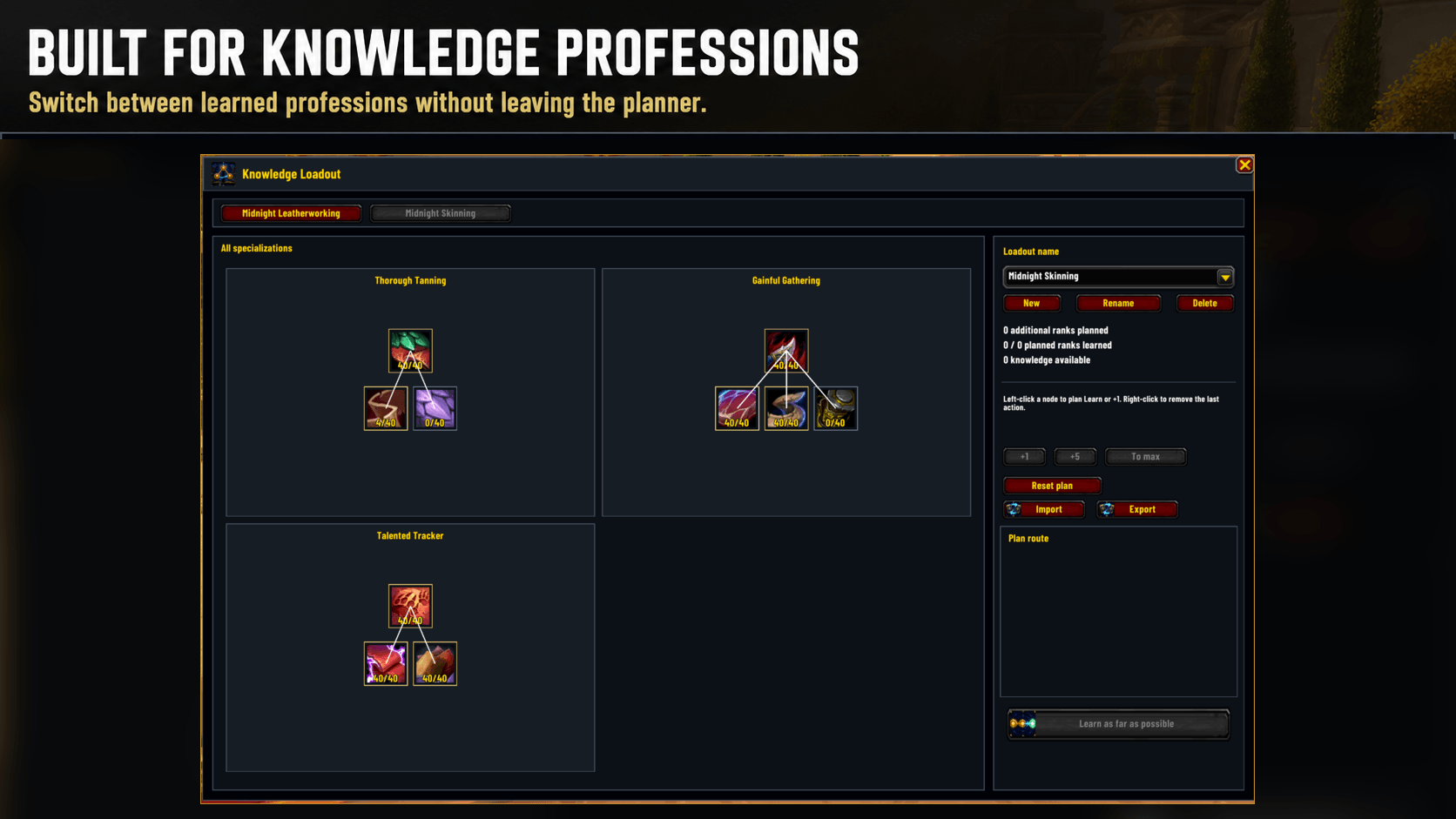
Switch between learned Retail professions without leaving the planner.
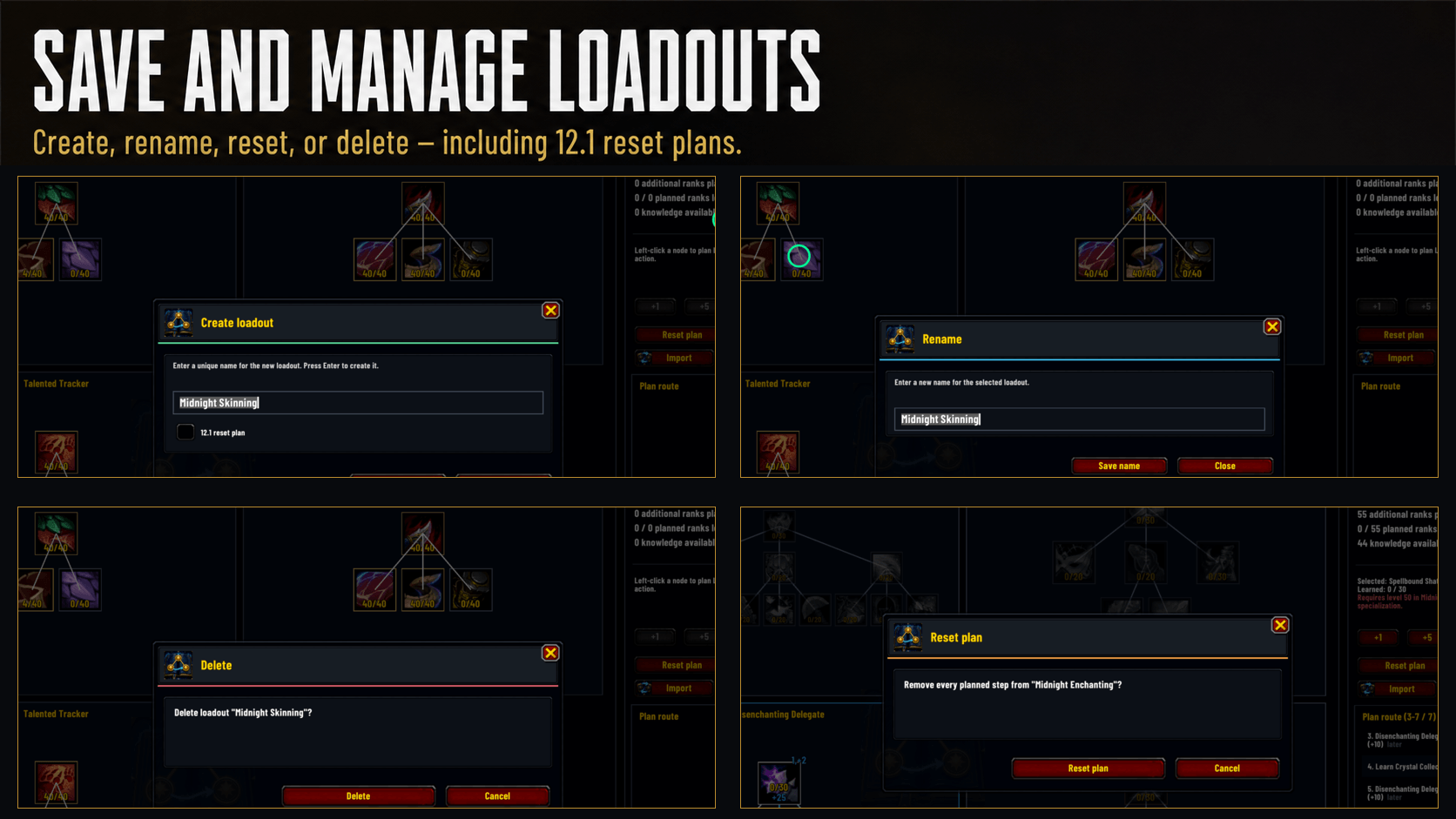
Create, rename, reset, or delete saved plans, including dedicated 12.1 reset plans.
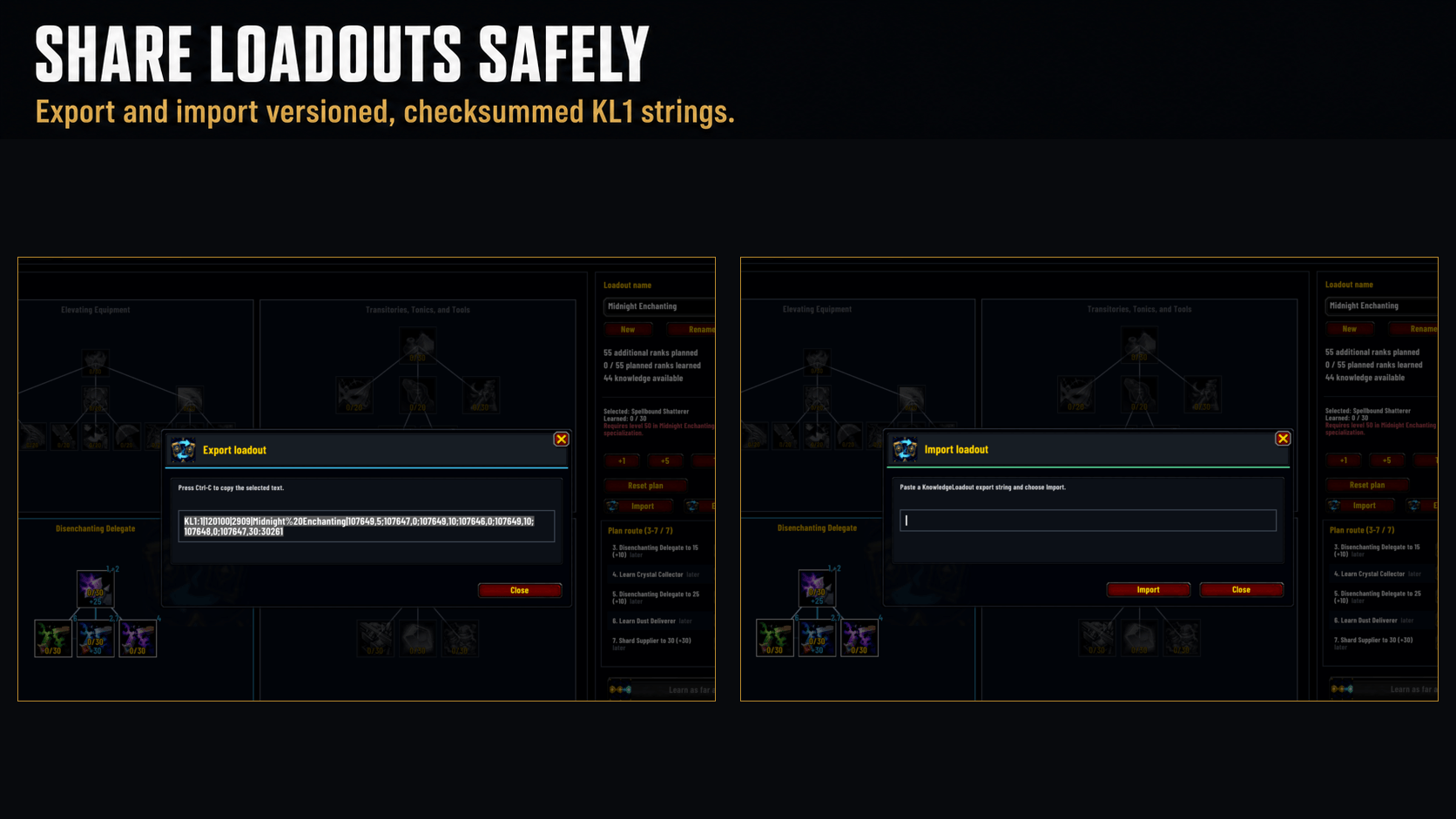
Export and import versioned, checksummed KL1 loadout strings.
Description
KnowledgeLoadout
Plan profession knowledge in the order you actually want to learn it.
KnowledgeLoadout displays every specialization tree of a learned Retail profession and turns planned ranks into a clear, ordered route. Spend a few points in one node, continue elsewhere, and return later—the route list and numbered tree markers keep the exact learning order understandable.
Highlights
- Plan across every specialization tree exposed by a learned profession.
- Keep every tree visible at once without horizontal scrolling.
- Add, reorder, and remove exact route segments.
- Revisit the same node later in the route.
- Represent free sub-specialization unlocks separately from knowledge ranks.
- See current ranks, planned targets, and the next incomplete route step.
- Inspect every Blizzard perk milestone in a node tooltip, with learned, planned, and future milestones clearly distinguished.
- Preview projected row gates and dependent sub-specializations before spending knowledge.
- Save account-wide loadouts with independent names for each profession.
- Import and export versioned, checksummed
KL1loadout strings. - Use the graphical planner in English or German.
Safe route application
Profession knowledge choices can be permanent. Planning never spends points.
Learn as far as possible calculates the currently affordable valid route prefix and shows an explicit preview before anything is committed. If the next step is blocked, KnowledgeLoadout stops there instead of silently skipping to a later step.
The addon refuses unrelated staged changes, rolls back failed addon-owned changes, and verifies the committed ranks afterward. Every reachable locked top-level specialization receives its own permanent-choice confirmation before the addon selects it. Valid sub-specializations are unlocked immediately before their first planned knowledge rank.
12.1 profession reset planning
Dedicated reset loadouts let you prepare a complete route from an empty
specialization model for the one-time 12.1 profession knowledge reset. Reset
plans include both currently unspent and previously invested knowledge and are
marked with an (R) suffix.
Perform the actual reset in Blizzard's profession window first. KnowledgeLoadout only applies the saved reset route after the game confirms the empty specialization state.
Opening the planner
Open KnowledgeLoadout through any graphical entry point:
- Plan in Blizzard's profession window
- The movable KnowledgeLoadout minimap icon
- Knowledge Loadout in the AddOn Compartment
/knowledgeloadout and /kl remain available as fallback commands.
KnowledgeLoadout Team