Insane Vault
- By
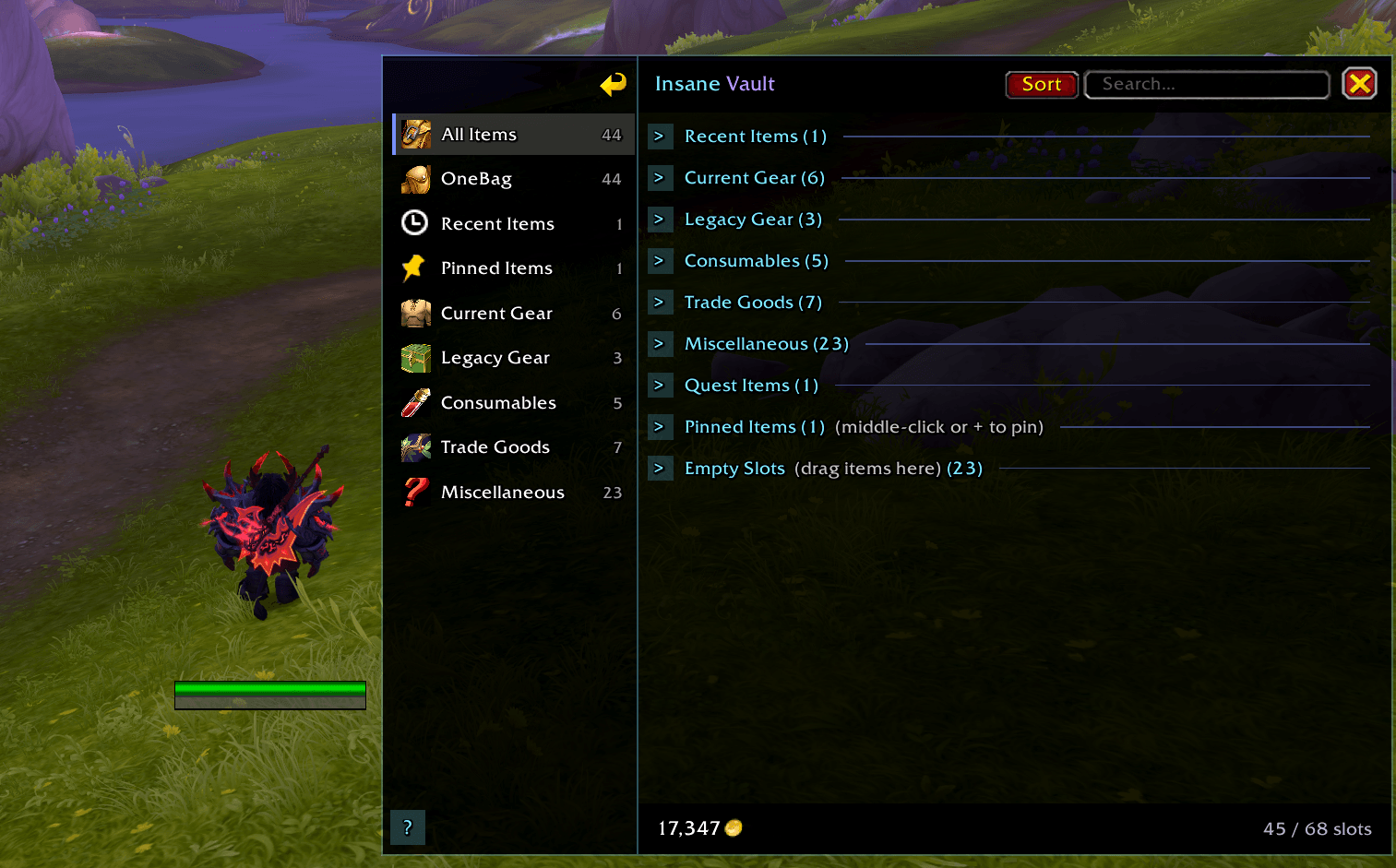
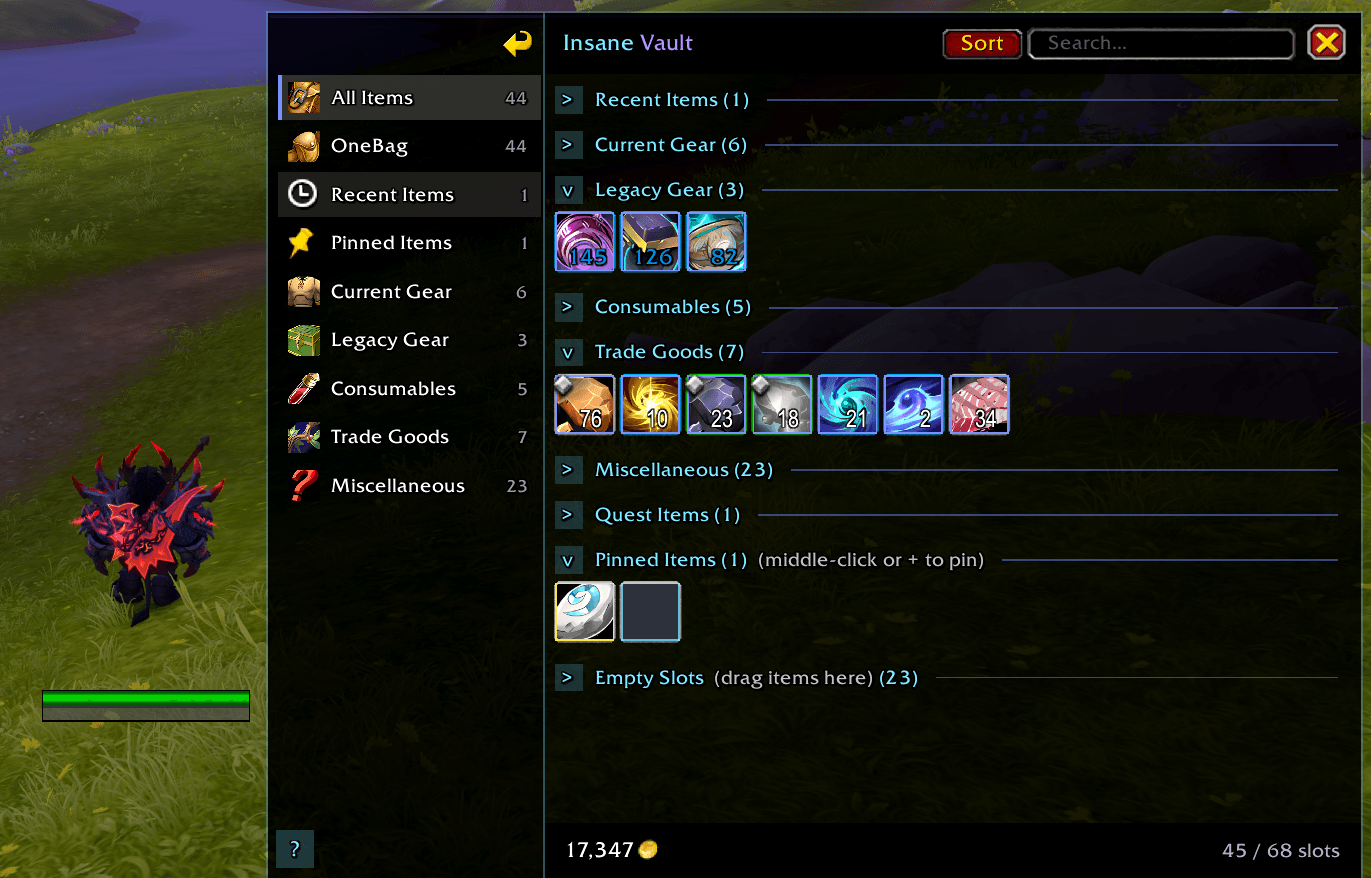
InsaneVault a modern category-driven bag replacement with a sharp cyan/purple PvP Insane look. Smart gear sorting (PvP, current expansion vs legacy), OneBag view, pin/recent items, empty drag slots, collapsible sections, and an optional matching bank skin.
Captura de tela 2026-06-10 020604.png
Captura de tela 2026-06-10 020932.png
Description
InsaneVault
InsaneVault by LethaL_dk is a standalone bag and optional bank replacement for World of Warcraft Retail. It replaces the default inventory with a sidebar category layout, grouped sections, and a unified grid — all in a sharp PvP Insane theme (cyan and purple accents).
Built for players who want organized bags without losing drag-and-drop, empty slots, or a distinct visual identity.
Bags
- Sidebar categories — All Items, OneBag, Recent Items, Pinned Items, Armory groups, PvP, Consumables, Trade Goods, and more
- Smart gear sorting
- PvP Gear — auto-detected from upgrade tracks, stats, and tooltips
- Current Gear / Legacy Gear — splits equipment by expansion (
expacID), not item level, so current-season gear stays separate from older expansion items
- Empty Slots — visible empty slots you can drag items into
- Collapsible sections — click the arrow next to any section title to hide or show items
- Pin items — middle-click or Alt+right-click; drag to the + slot under Pinned Items
- Recent Items — newly acquired items tracked automatically
- Search & Sort — built into the header
- Item level on gear icons (optional)
- Icon scale — default 1.2; slider with + / − step buttons
- Help button — ? on the sidebar opens an in-game guide
Bank (optional)
Enable Enhanced Bank in options for the same InsaneVault look on bank and warbank tabs — sidebar, search, sort, empty slots, and drag-and-drop.
Leave it off to keep the default Blizzard bank while still using InsaneVault for bags only.
Slash commands
Command Action /insanevaultor/ivaultOpen help/insanevault toggleOpen/close bags/insanevault optionsSettings panel/insanevault helpHelp modal/insanevault scale 1.2Set icon scale/insanevault columns 12Set grid columns/insanevault statusDiagnostic info/insanevault resetRestore defaults
Notes
- Retail only (Interface 120005+)
- Settings saved in
InsaneVaultDB - Works alongside the default backpack key (B) when enhanced bags are enabled
Insane Vault Team