Housing Favorites
- By
Add your favorite housing decorations directly from the housing catalog to a favorites list.
Screenshot 2026-08-25 182828.png
Screenshot 2026-08-25 182914.png
Screenshot 2026-08-25 182932.png
Description
Housing interface.
Found a decoration you love but don't want to track through WoW's regular content tracker? Add it to your personal favorites instead and keep everything neatly organized inside the Housing menu.
Features
- Favorite Housing Decorations
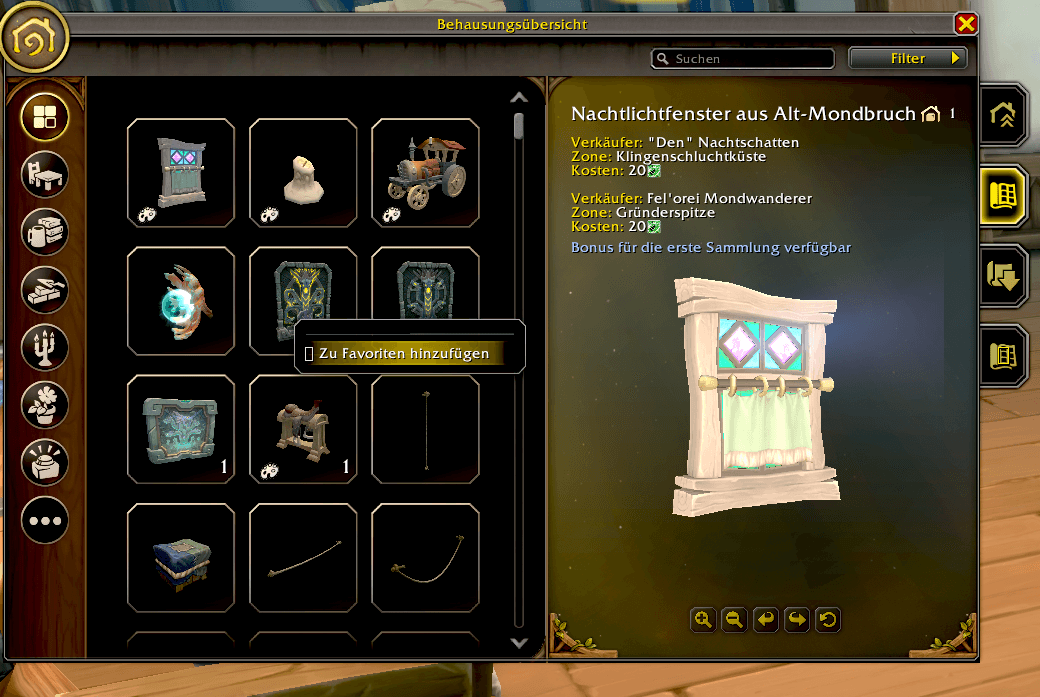
Right-click decorations in the Housing Catalog to add or remove them from your favorites. - Dedicated Favorites Tab
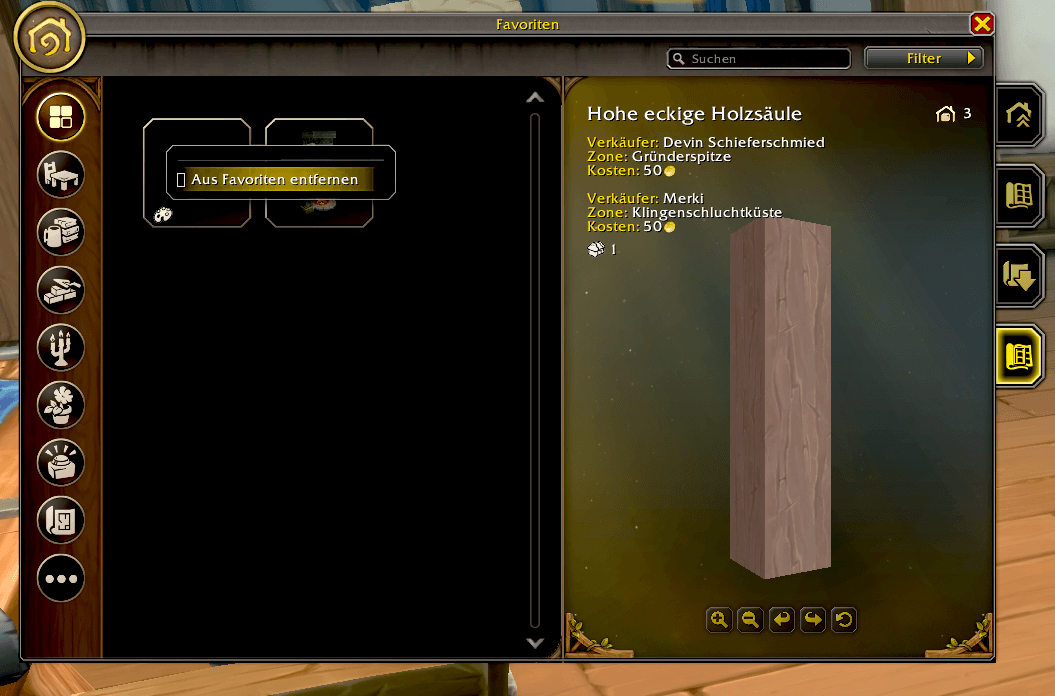
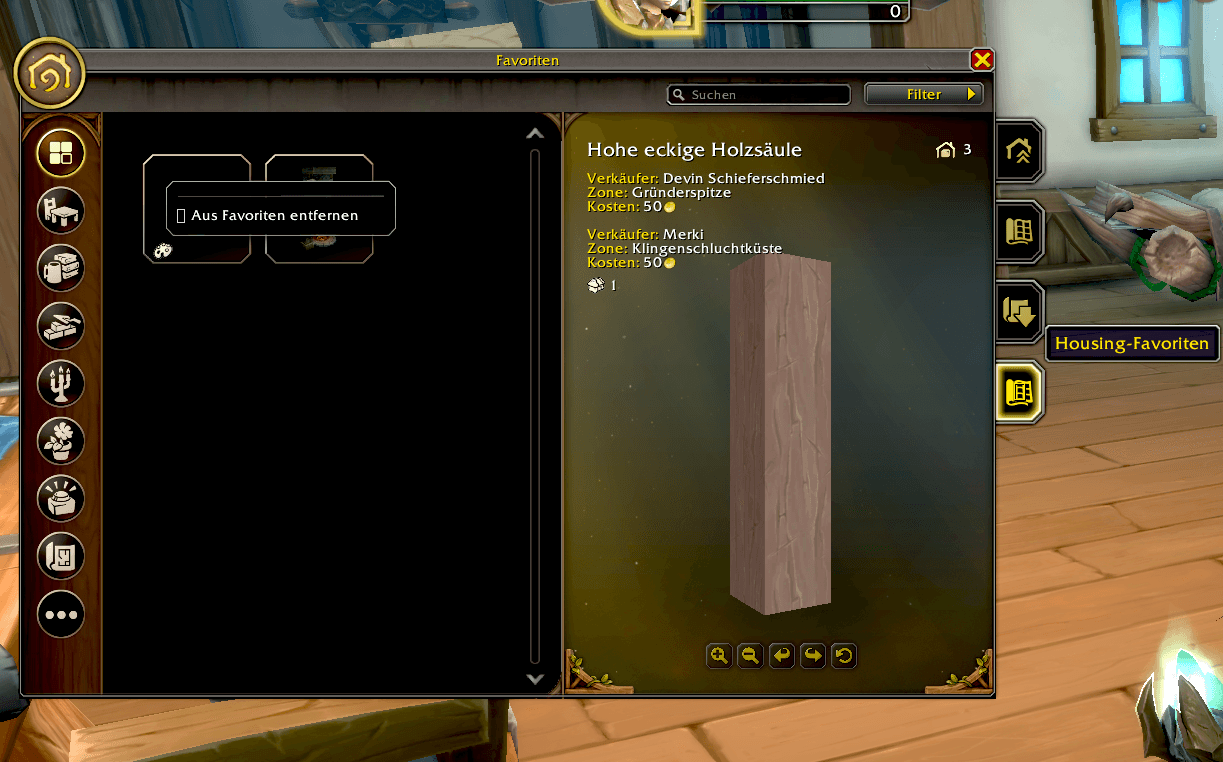
Adds a new Favorites tab directly alongside the existing Housing Overview, Catalog, and Blueprints sections. - Native Housing Integration
Designed to fit directly into Blizzard's Housing interface rather than opening a separate addon window. - No Content Tracker Clutter
Favorites are stored by the addon and do not use Blizzard's regular content tracking system. - Quick Access
Browse your saved decorations whenever you open the Housing interface. - Persistent Favorites
Your saved decorations remain available between sessions through WoW's SavedVariables system.
How to Use
- Open the Housing interface.
- Go to the Catalog.
- Right-click a decoration.
- Select Add to Favorites.
- Open the new Favorites tab to view your saved decorations.
Right-click a favorited decoration again to remove it from the list.
Housing Favorites Team