Gesture Commands
- By
Tap, hold and long-hold gestures for your gamepad crossbar: three actions on one button, set up entirely with a controller.
01-gesture-window.jpg
02-choose-actions.jpg
03-bind.jpg
04-name-and-icon.jpg
05-main-menu-dial.jpg
06-controller-navigation.jpg
07-minimap-button.jpg
Description
Gesture Commands
Tap, hold, and long-hold gestures for the gamepad crossbar in World of Warcraft: Forever.
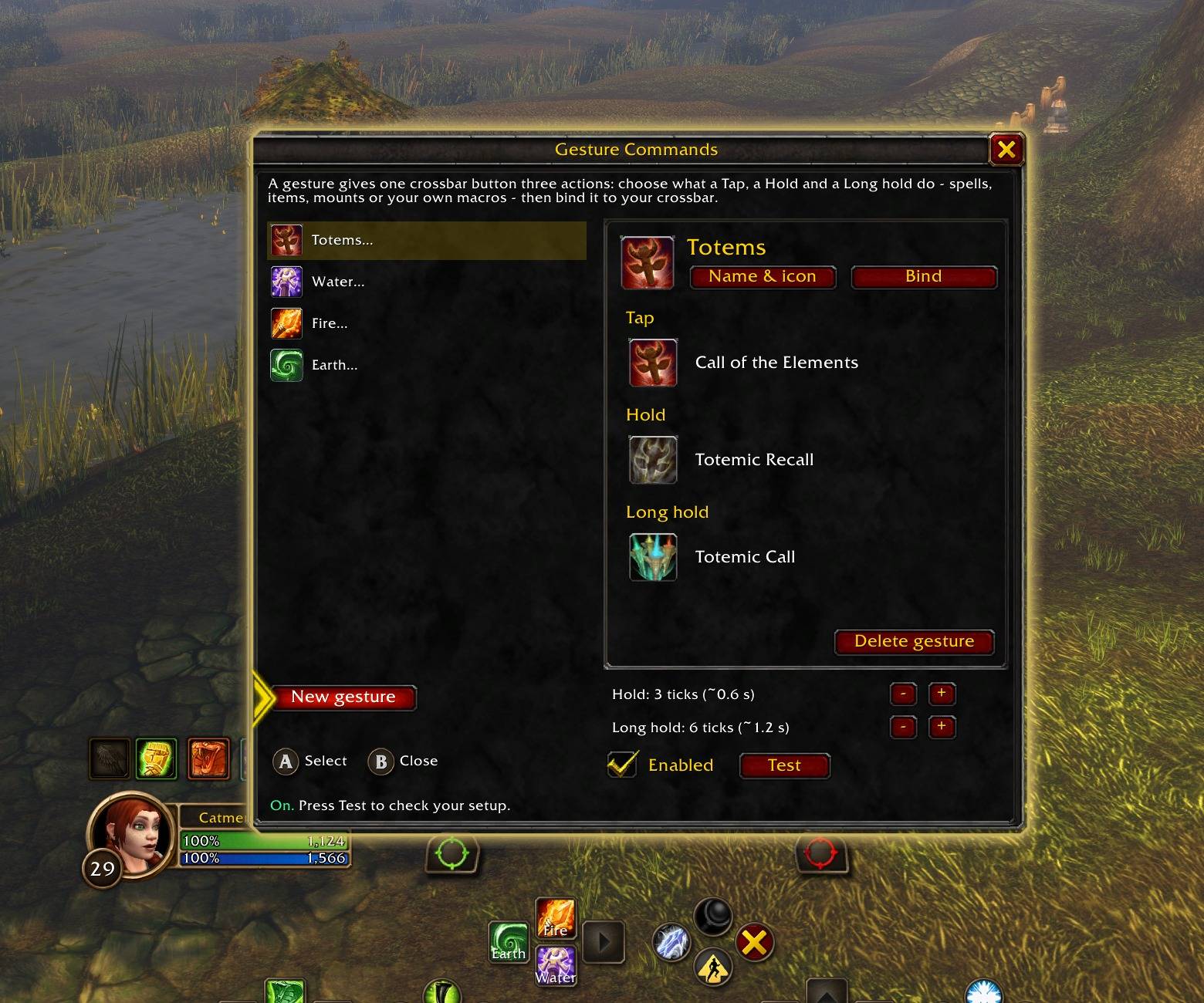
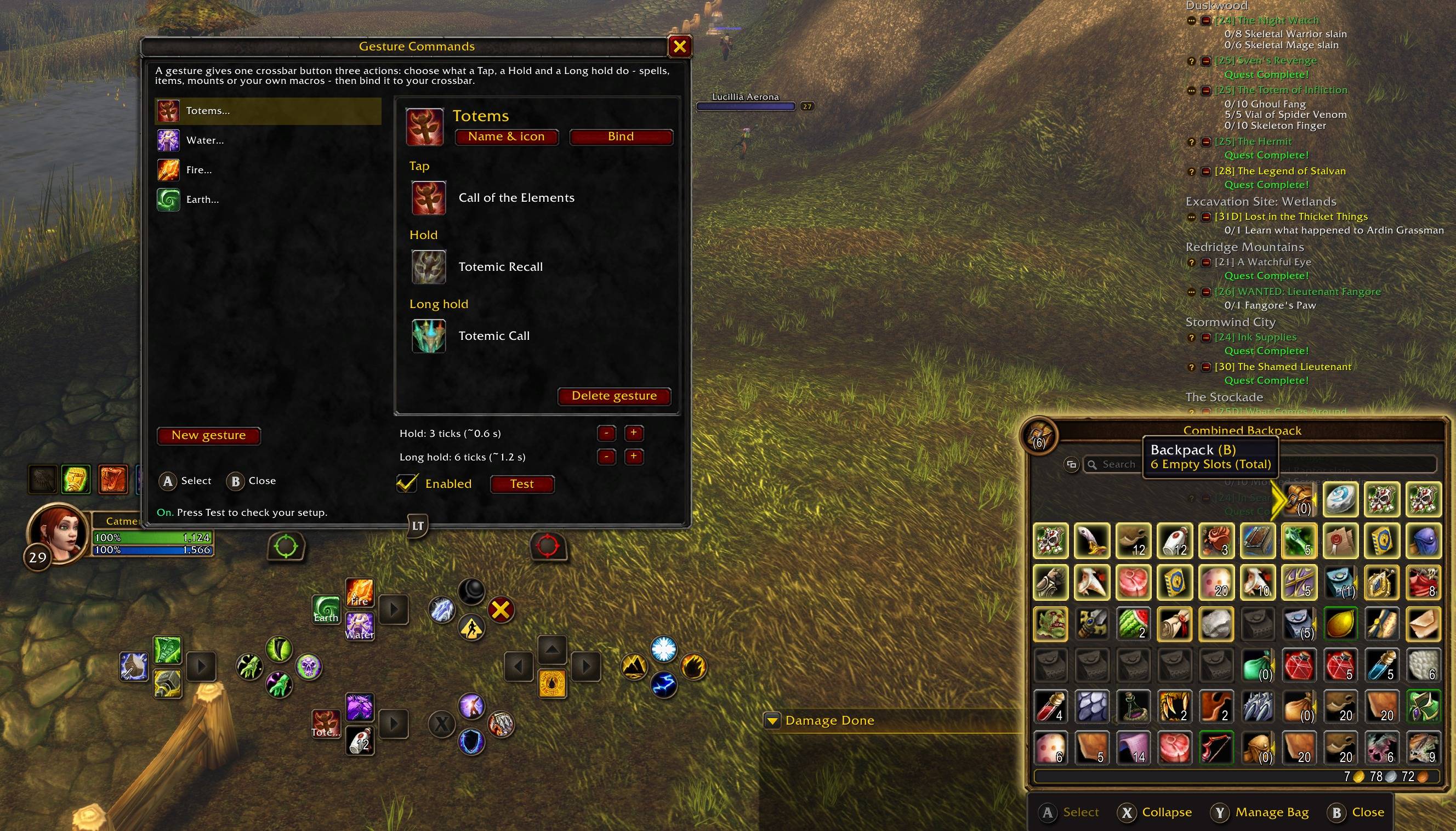
A gesture gives one crossbar button three actions:
| Input | Feedback | Result |
|---|---|---|
| Tap | None | The button's own action |
| Hold (~0.6 s) | Rumble, "Release for …" | Your Hold action |
| Long hold (~1.4 s) | Double rumble, "Release for …" | Your Long hold action |
Actions fire on release, so you can hold past a stage you don't want. Empty stages are skipped. Other buttons are unaffected.
Features
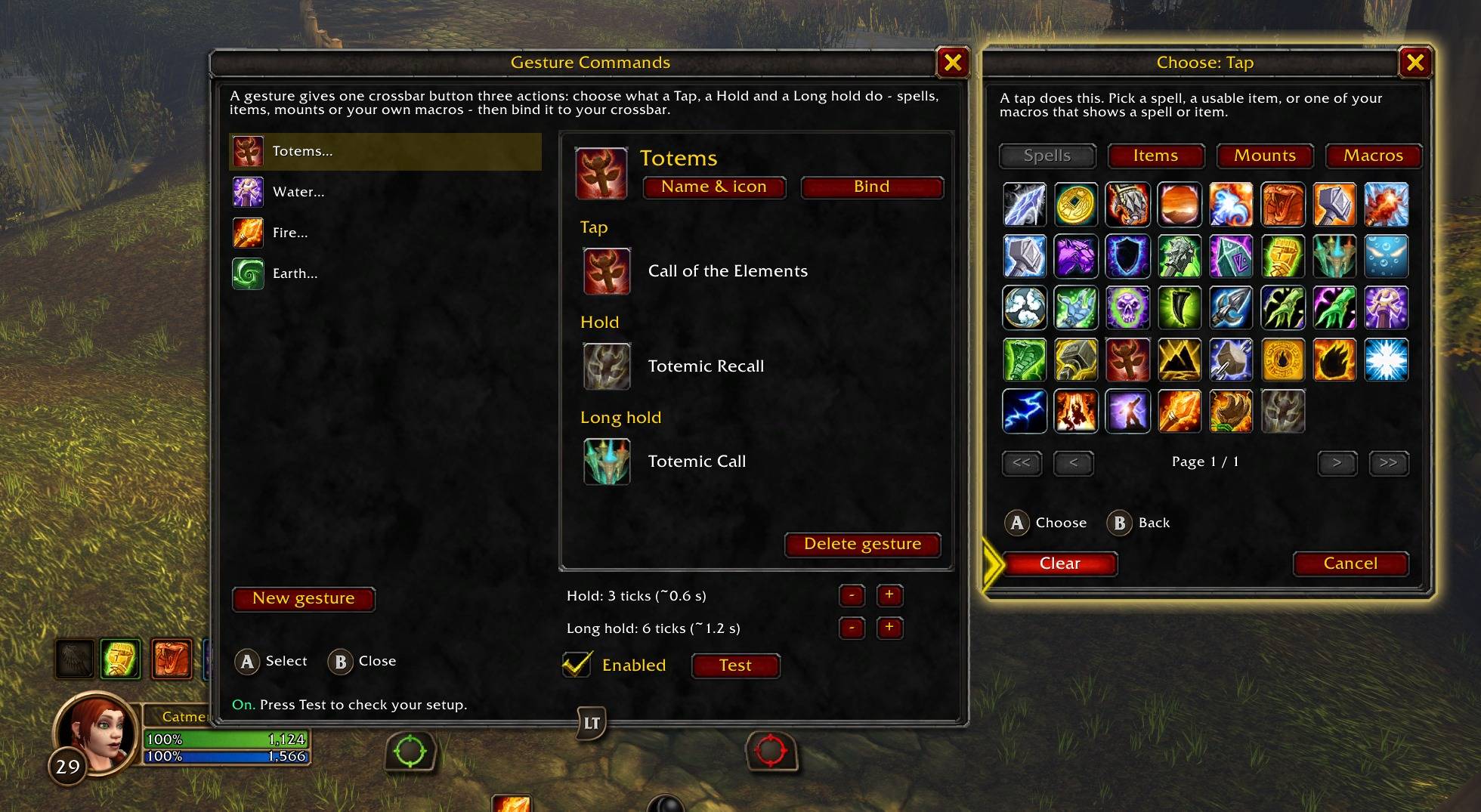
- Any action: Tap takes a spell, item, or macro. Hold and long-hold also take toys and mounts.
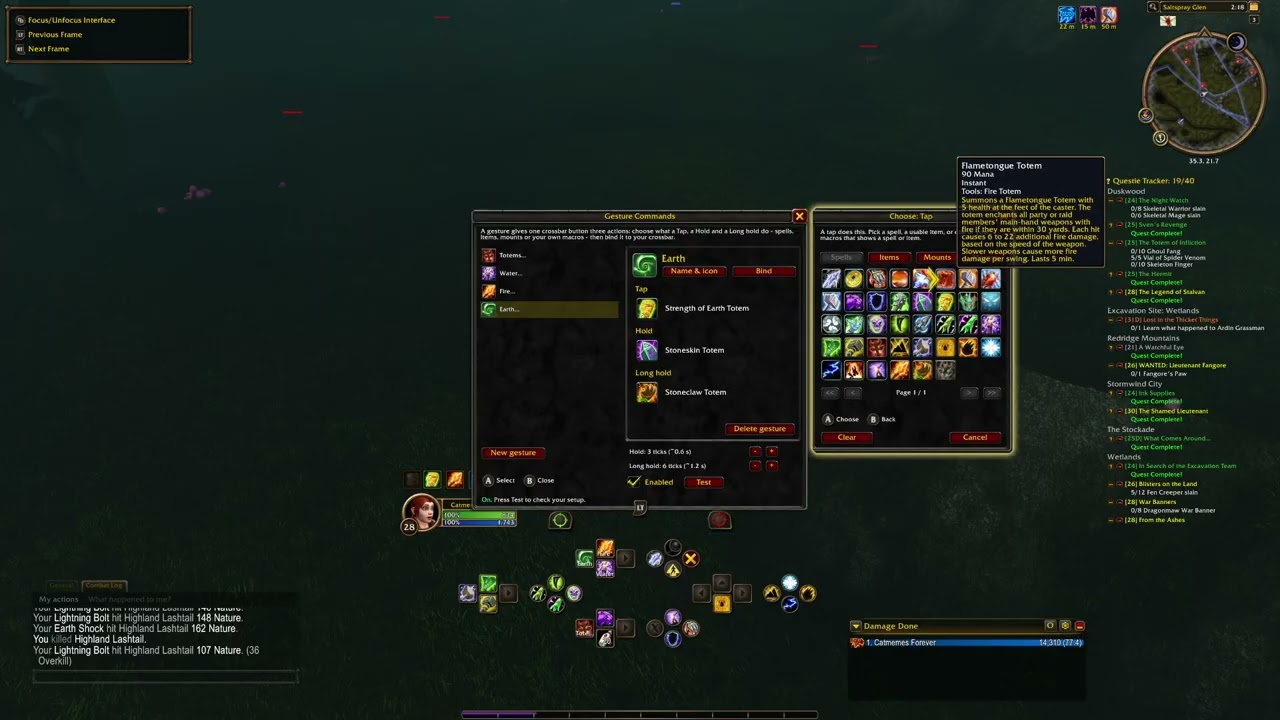
- Controller support: the setup window uses the game's controller navigation (LT/RT, View, A, B). Choose actions from lists; no dragging.
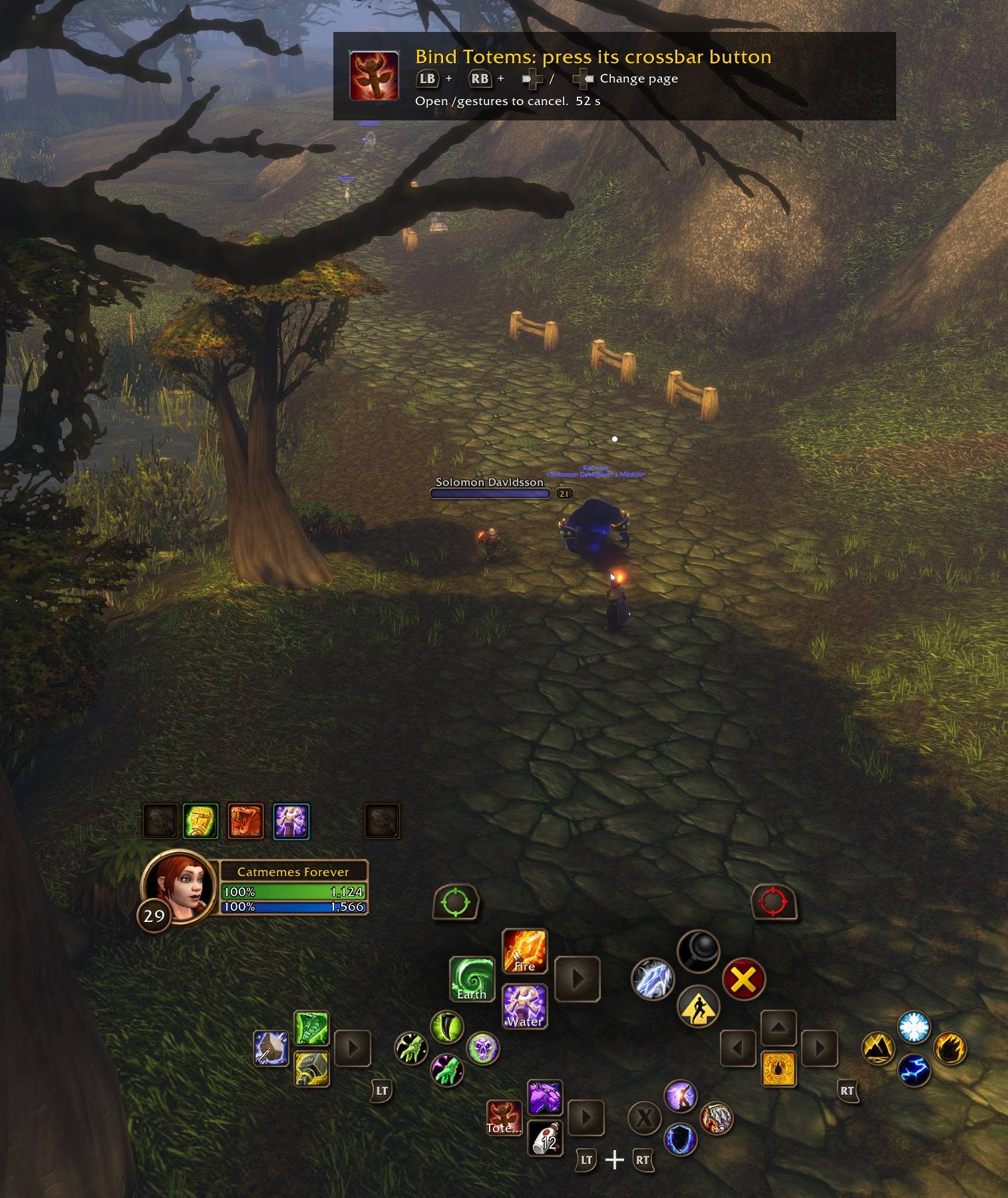
- One-step binding: select Bind, then press a crossbar button. Works on any bar and page.
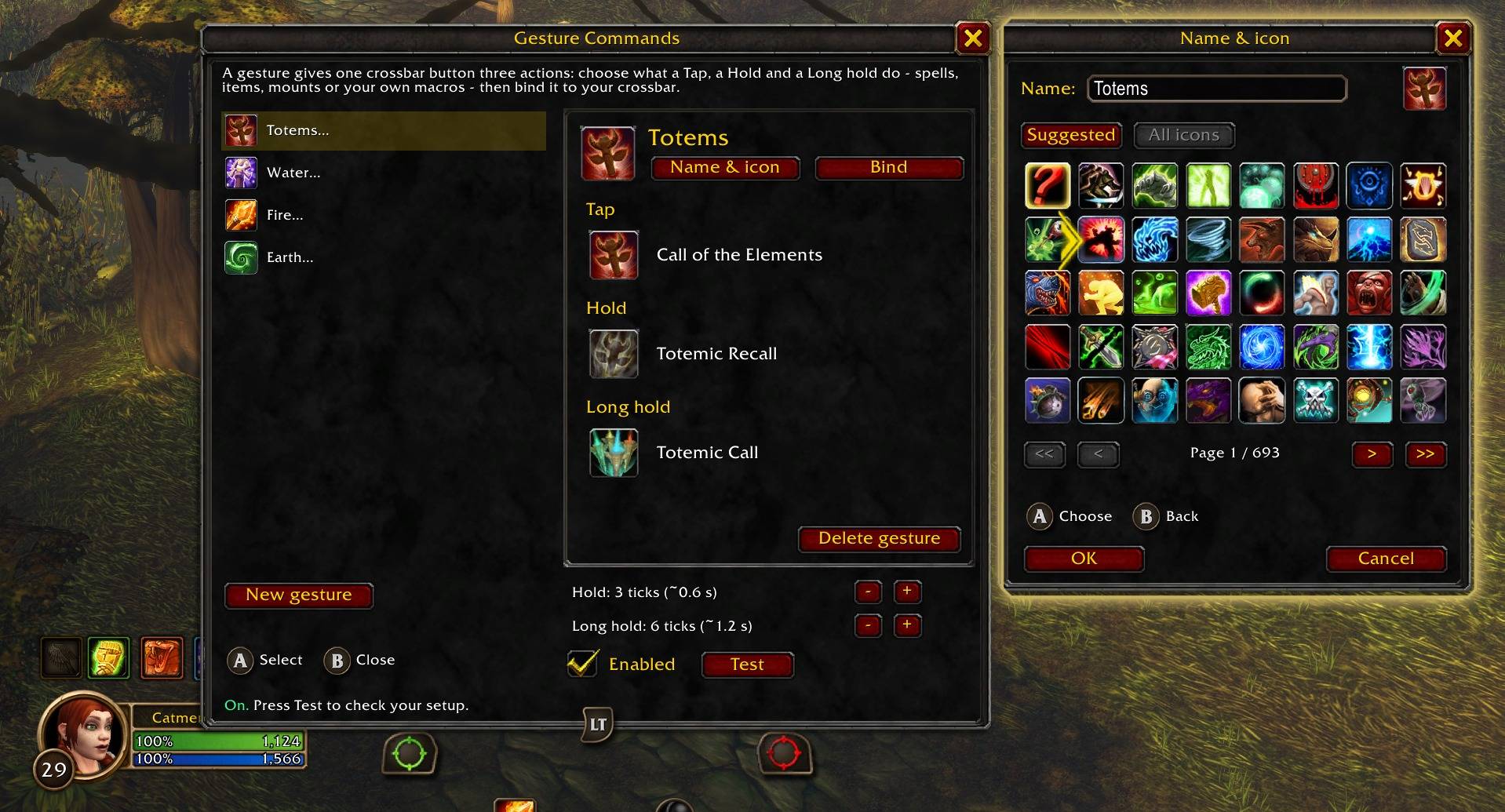
- Custom name and icon on the crossbar button. No macros are created.
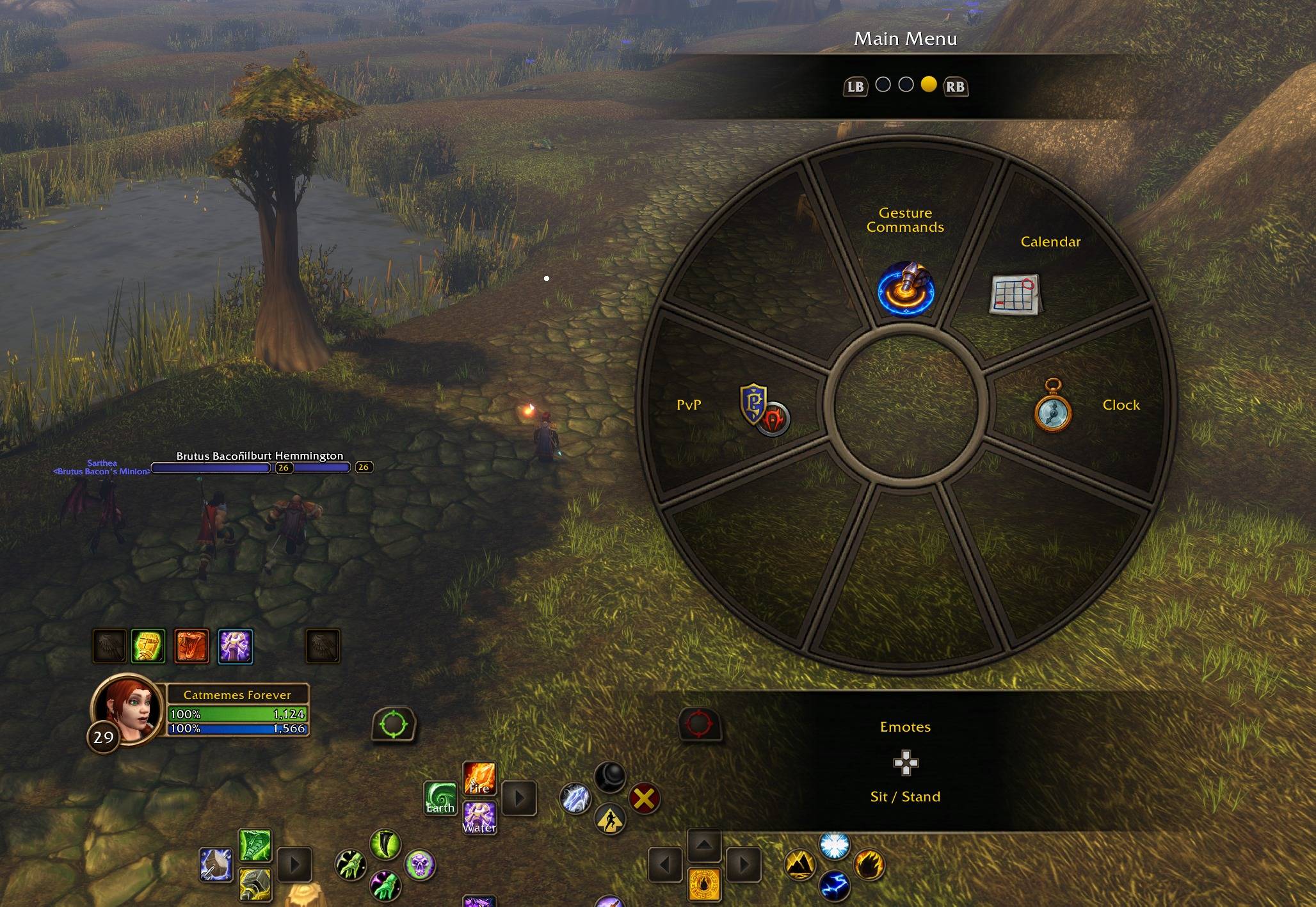
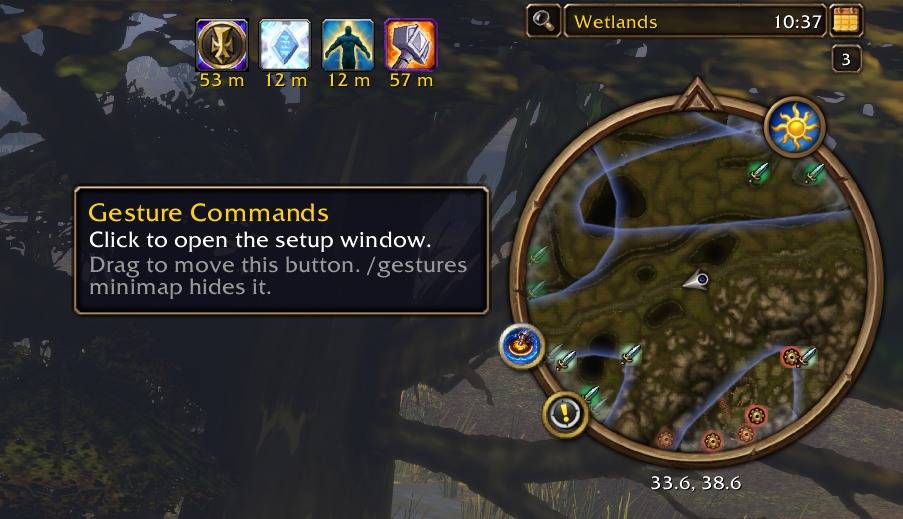
- Quick access: main menu dial, minimap button, addon compartment, key binding, Options > AddOns, or
/gestures. - Combat-safe: casts through the game's secure action system.
Setup
- Open Gesture Commands from the main menu dial (last page) or with
/gestures. - Select New gesture, then choose the Tap, Hold and Long hold actions.
- Optional: set a name and icon.
- Select Bind, then press a crossbar button.
- Select Test to check the setup.
Commands
| Command | Effect |
|---|---|
/gestures |
Open the setup window |
/gestures on, off |
Enable or disable gestures |
/gestures test |
Check gestures and hold timing |
/gestures hold 4, hold2 9 |
Set the hold and long-hold thresholds (0.2 s steps) |
/gestures minimap |
Show or hide the minimap button |
Notes
- Gamepad crossbar only; keyboard action bars are unaffected.
- Taps fire on release, with a slight delay compared with a normal button.
- Edit gestures out of combat. Gestures work in combat.
Source on GitHub · MIT license
Buy me a coffee
Gesture Commands Team