Description
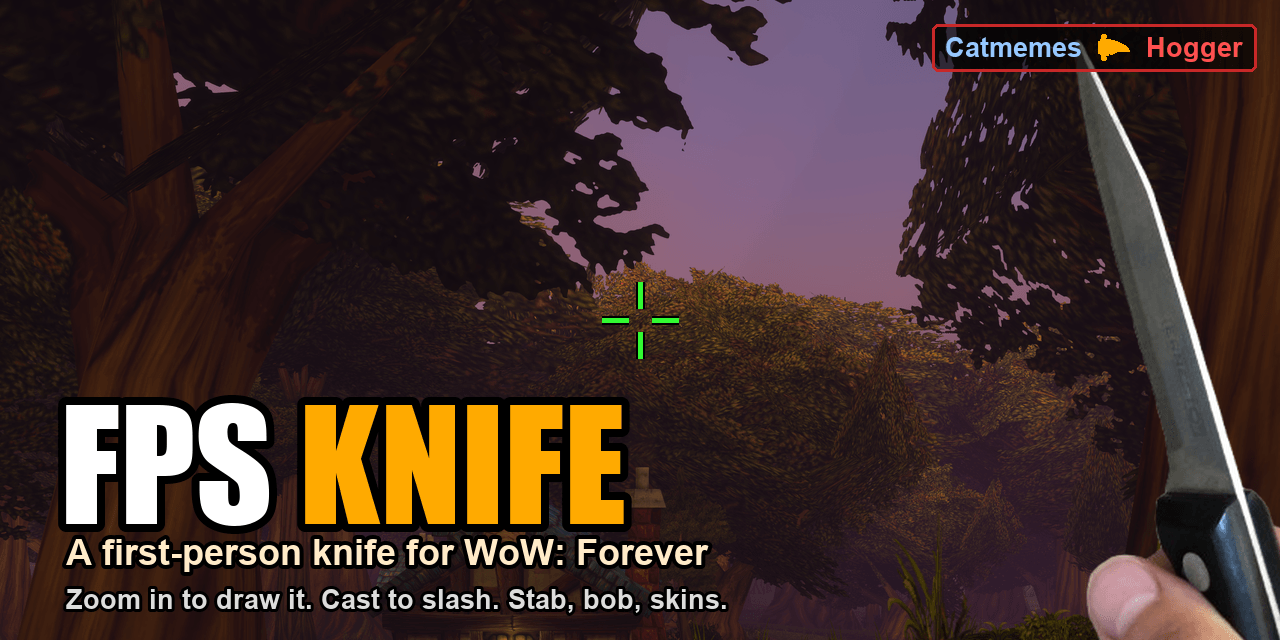
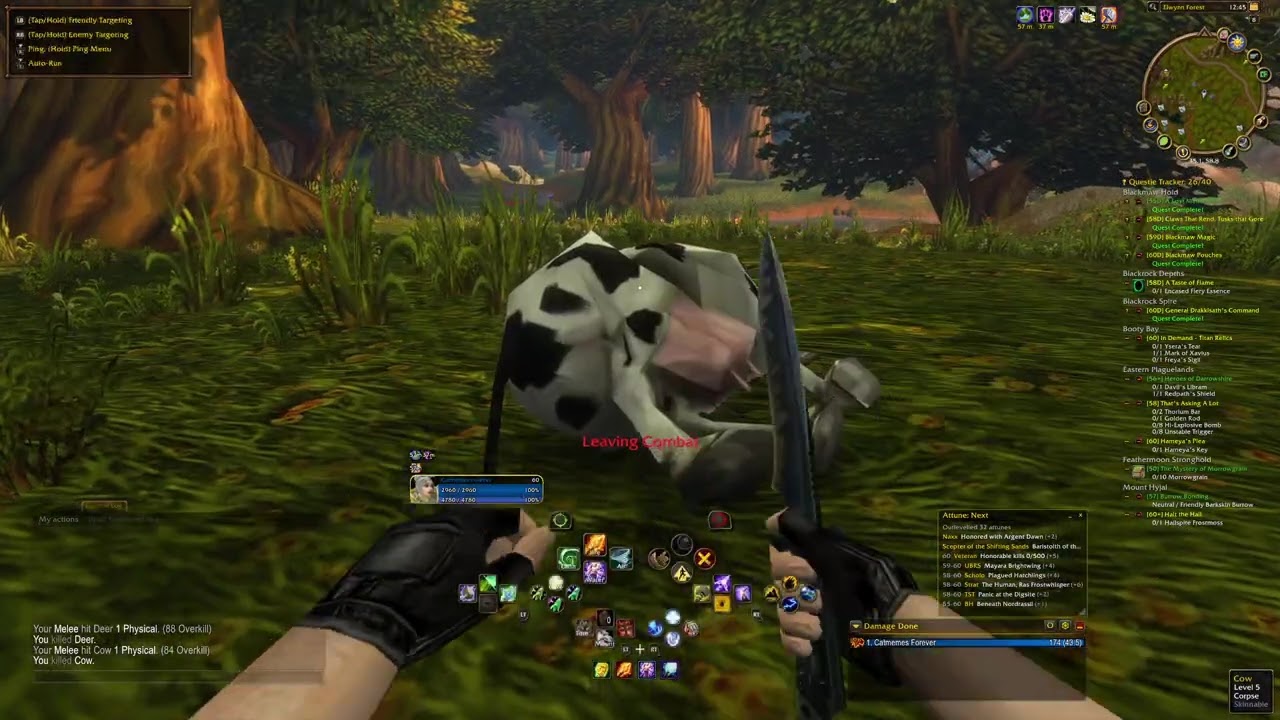
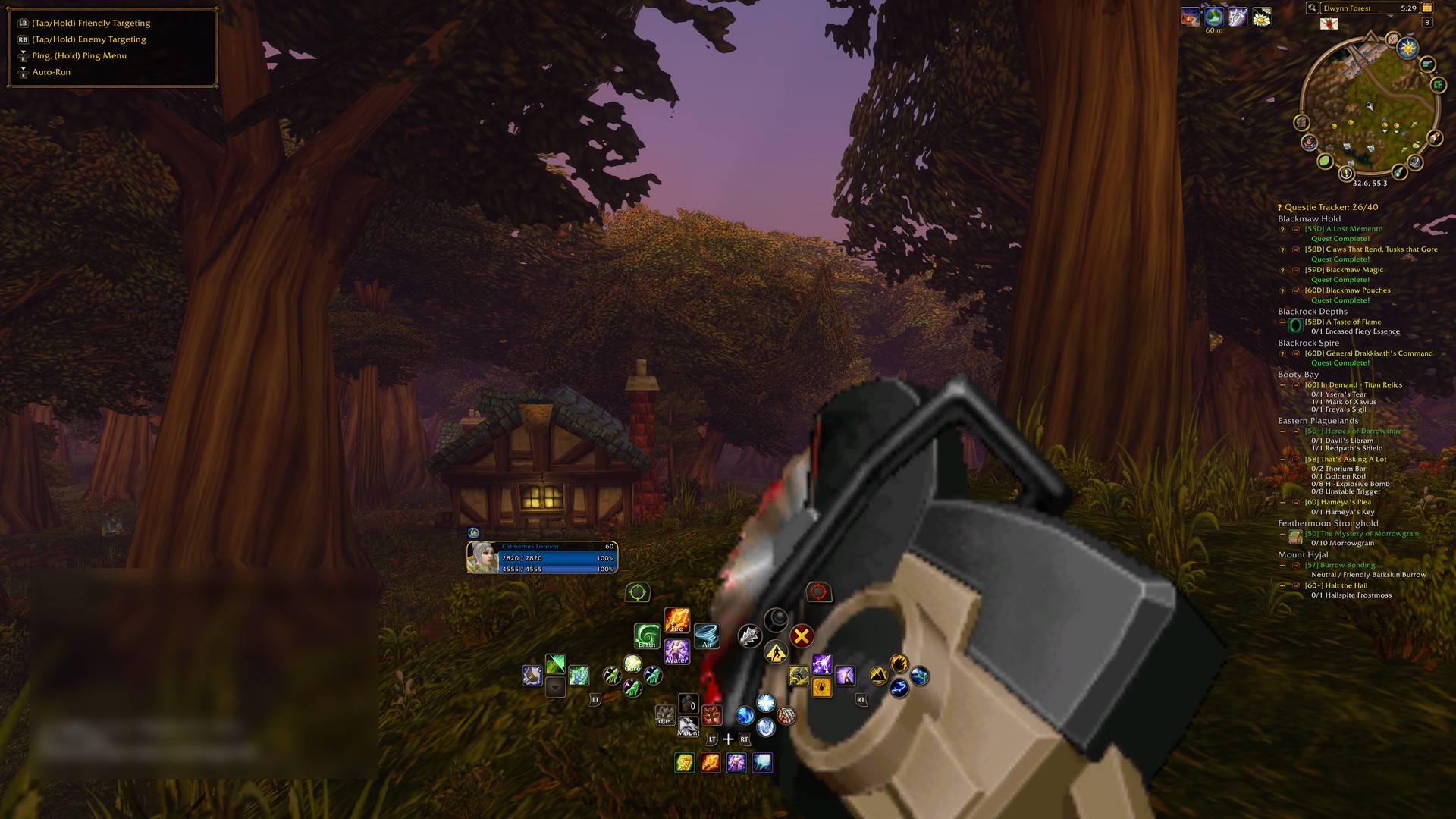
Zoom all the way into first person and pull out a knife. FPS Knife puts a first-person knife on your screen the way shooters hold one, and it moves with what you do in the game.
What it does
- Draw: zooming into first person pulls the knife out; zooming out puts it away. It's drawn again when combat starts.
- Slash: every instant spell you cast swings the knife, and auto attack slashes with each swing of your weapon.
- Stab: spells with a cast bar finish with a stab.
- Bob: the knife bobs with your steps while you walk.
- It sits under the rest of your interface, so action bars and windows stay on top, and it looks the same at any resolution or UI scale.
Skins
Pick one with /knife skin or in the options.
| Skin | Look | Made by |
|---|---|---|
| Kitchen Knife | photos of a real hand and knife | Spiodude (CC0) |
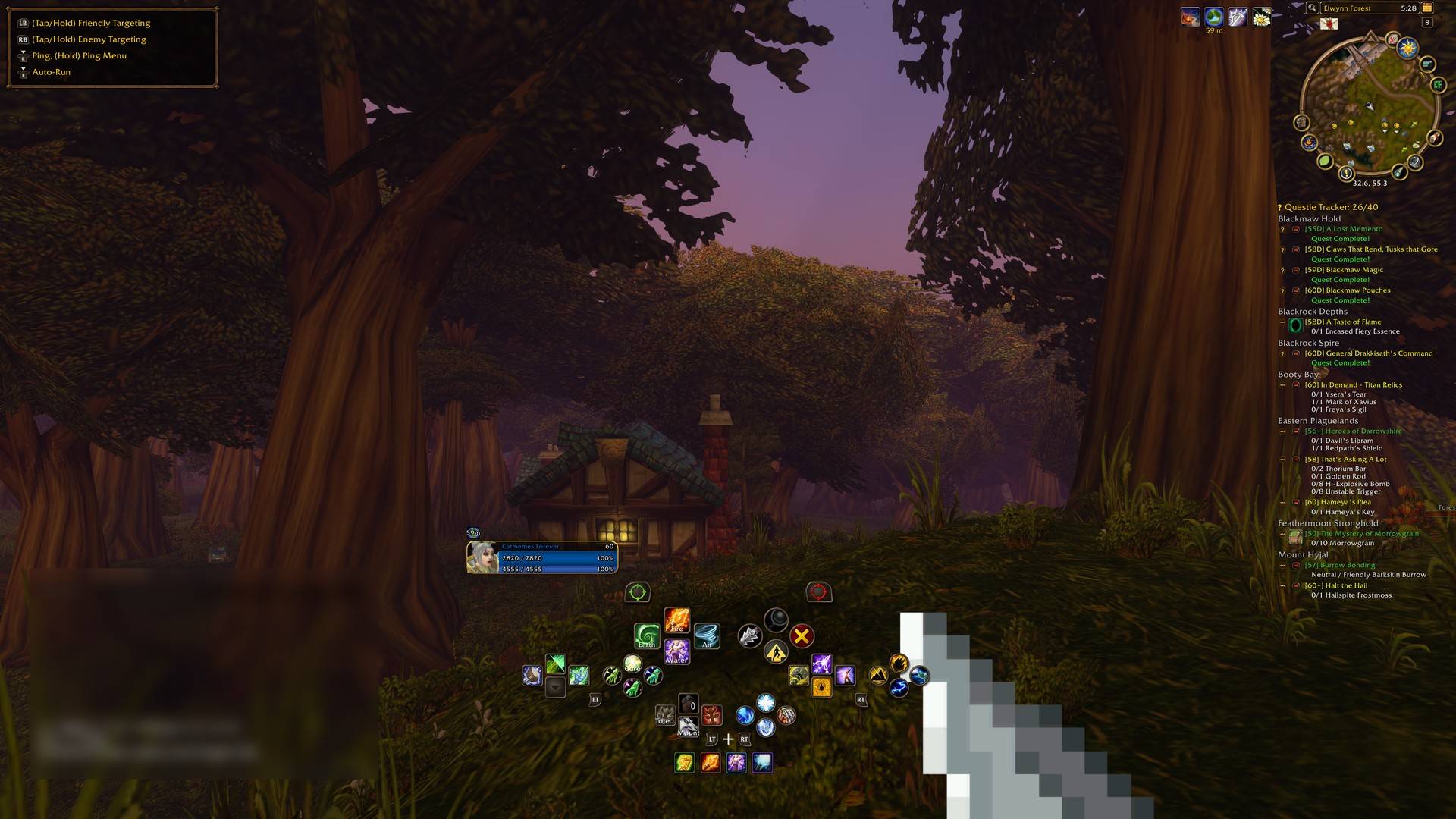
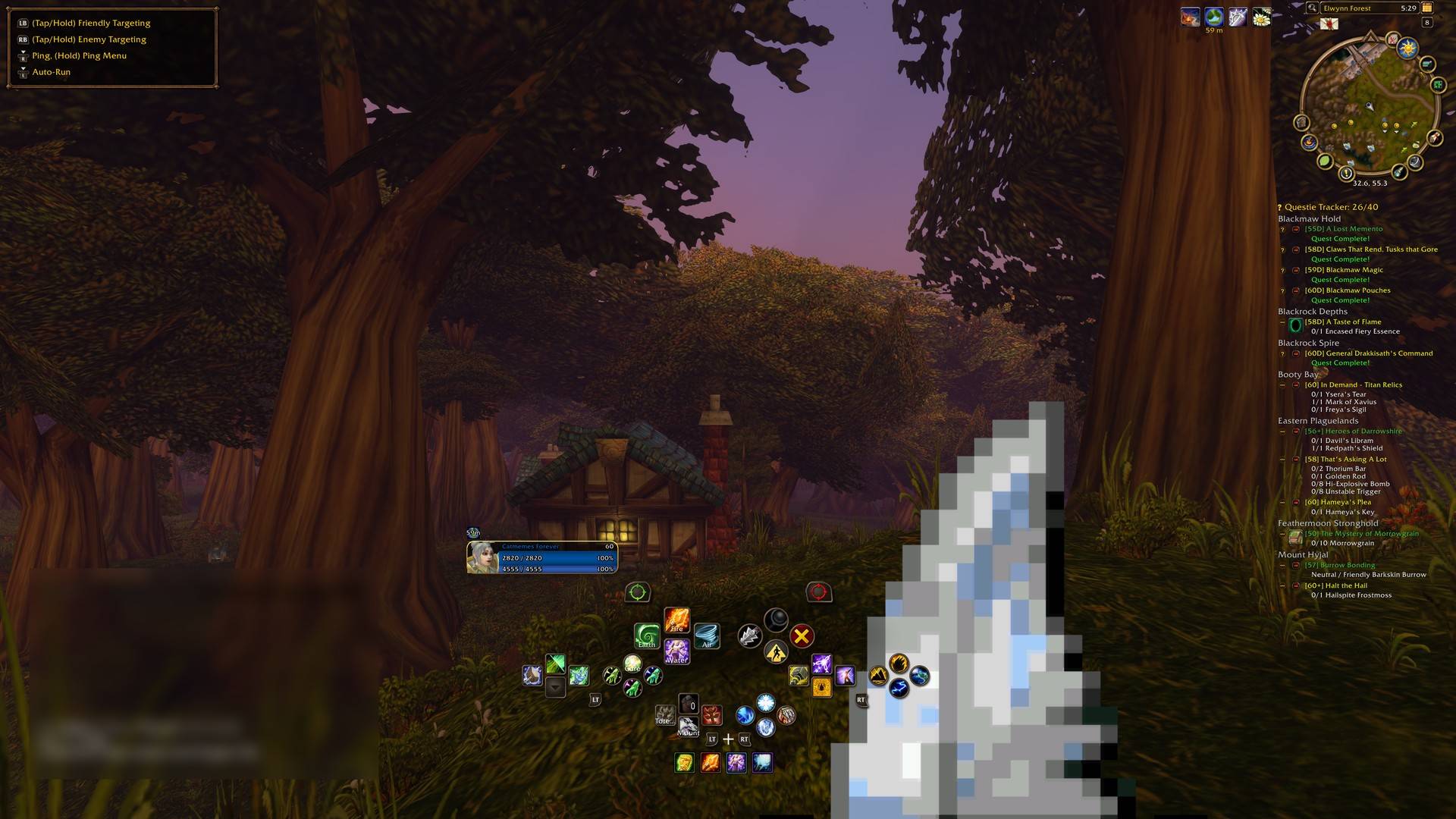
| Pixel Knife | Wolfenstein-style pixel art | knekko (CC0) |
| Anarch Knife | chunky retro pixels | drummyfish (CC0) |
| Chainsaw | the Freedoom chainsaw, with its sounds | the Freedoom project (BSD 3-Clause) |
Options
Options > AddOns > FPS Knife, usable with a mouse or a controller:
- Knife: show the knife, skin, size, opacity, left-handed
- When it shows: only in first person, only in combat, and a Test button that plays every animation
- Settings: attack on cast, stab for spells with cast bar, swing with auto attack, draw when combat starts, bob while walking
- Sound: knife sounds, play on master channel (heard even with sound effects turned down)
Commands
/knifeturns it on or off/knife skinlists the skins;/knife skin <number or name>picks one/knife testplays the draw, slashes and stab/knife scale <0.25-3>sets the size/knife fp,/knife combat,/knife bob,/knife sound,/knife lefttoggle first-person only, combat only, the walking bob, sound and left-handed/knife helplists everything
Good to know
- Made for WoW: Forever.
- It only draws pictures on your screen: it doesn't press buttons, change targeting or touch your action bars, and it sends nothing to chat or other players.
- Auto attack slashes follow your weapon's speed.
- Anything in the bottom right of your interface (a damage meter, say) covers part of the knife. Use the Size option, or Left-handed to move it to the other side.
Credits
The skins come from free, open game art: Spiodude, knekko and drummyfish on OpenGameArt (CC0), and the Freedoom project (BSD 3-Clause). Full credits and the Freedoom license are in CREDITS.txt in the addon folder. Source code (MIT): github.com/sememtac/FPSKnife
Buy me a coffee
FPS Knife Team