GCD Cast Bar
- By
A sleek addon that displays a perfectly synced, Blizzard-style cast bar for your global cooldowns.
Screenshot 2026-08-24 071754.png
Screenshot 2026-08-24 071733.png
Screenshot 2026-08-24 071742.png
Screenshot 2026-08-24 071821.png

Screenshot 2026-07-19 084910.png
Description
GCD Cast Bar adds a smooth Global Cooldown progress bar that follows Blizzard’s player cast bar, matching its size, scale, position, and presentation.
Configuration
Open the configurator with /gcd or through the GCD Cast Bar category in Blizzard’s AddOn settings.
Features
- Tracks and displays GCD progress after instant-cast abilities.
- Automatically adapts to Blizzard cast-bar positioning, scale, and Edit Mode changes.
- Hides during normal spell casts and channels to prevent visual overlap.
- Includes an integrated Spell Proc Alert icon with draggable positioning, adjustable scale, and glow presentation.
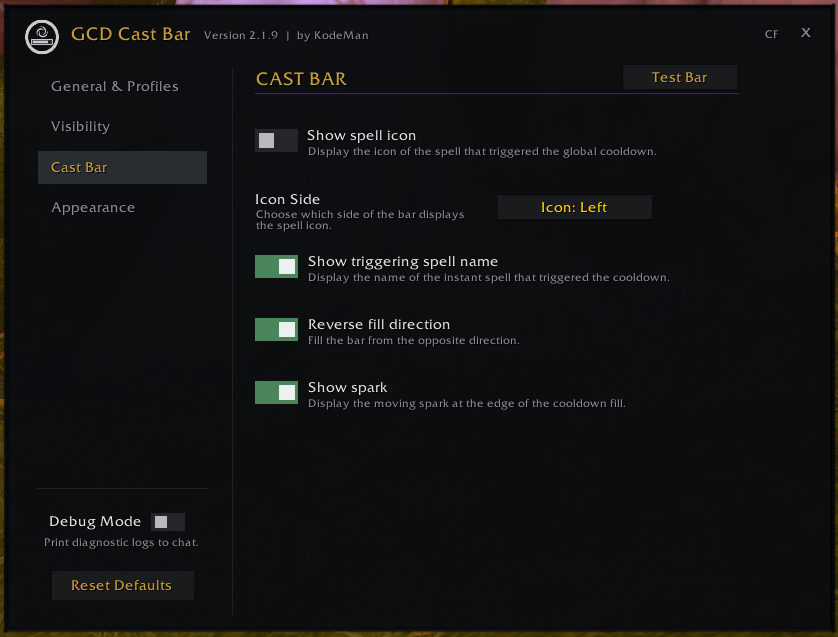
- Optionally displays the triggering spell’s icon and name.
- Supports normal or reverse fill direction.
- Shows or hides the moving edge spark.
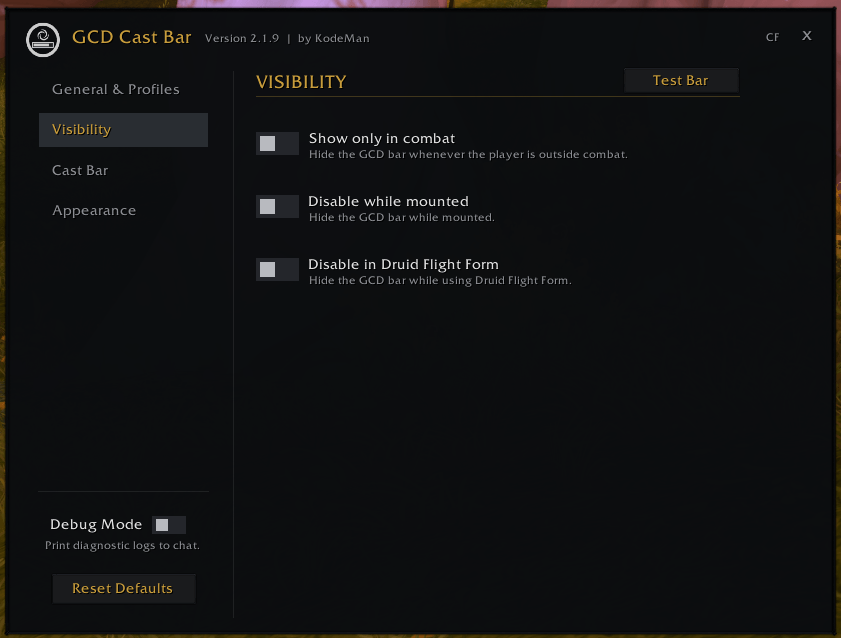
- Can be limited to combat only.
- Can be disabled while mounted or in Druid Flight Form.
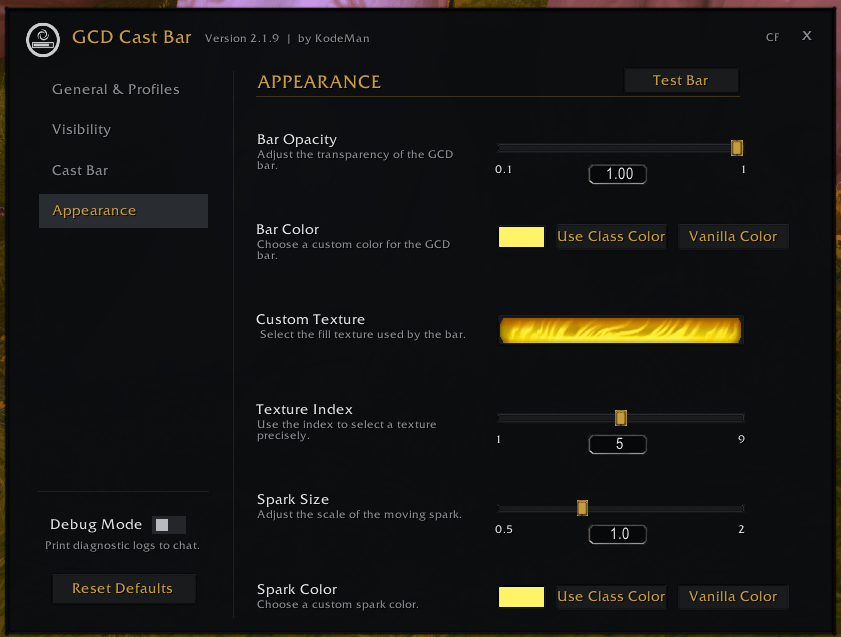
- Adjusts bar opacity with a precise slider.
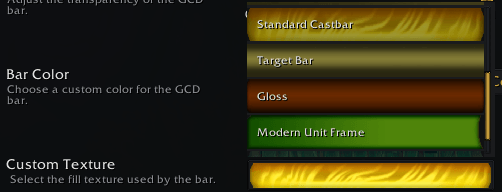
- Supports custom bar colors, class color, and Blizzard’s standard color.
- Includes custom textures such as Smooth, Minimal, Flat, Skills, Standard Castbar, Target Bar, Gloss, Modern Unit Frame, and Crafted.
- Provides spark size and spark color controls.
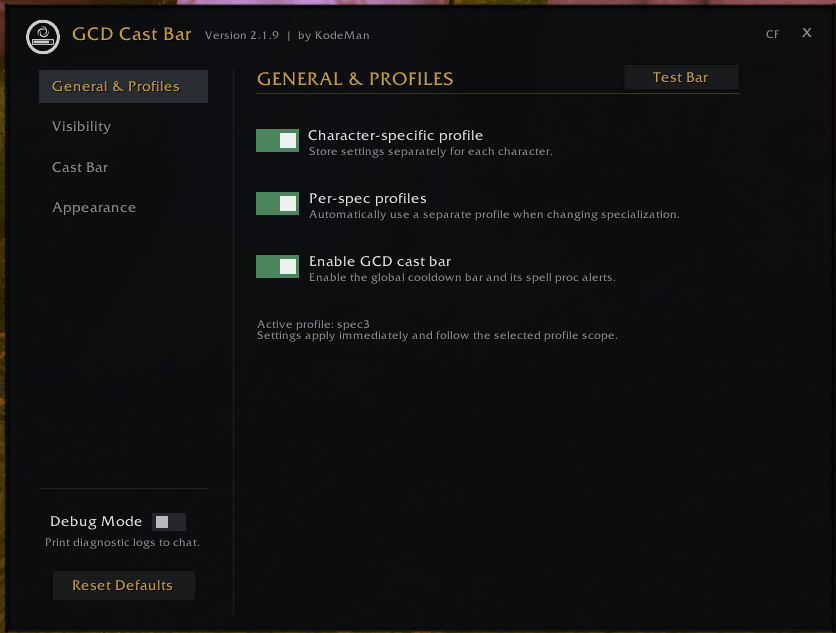
- Includes global, character-specific, and per-specialization profiles.
- Automatically switches profiles when changing specialization.
- Includes Test Bar, Debug Mode, and Reset Defaults controls.
- Uses animated toggles, custom sliders, visible setting descriptions, page transitions, and conditional scrolling.
Support
If you enjoy my addons and want to support my work, consider buying me a coffee KodeMan’s Ko-fi
GCD Cast Bar Team