FRF Charge
- By
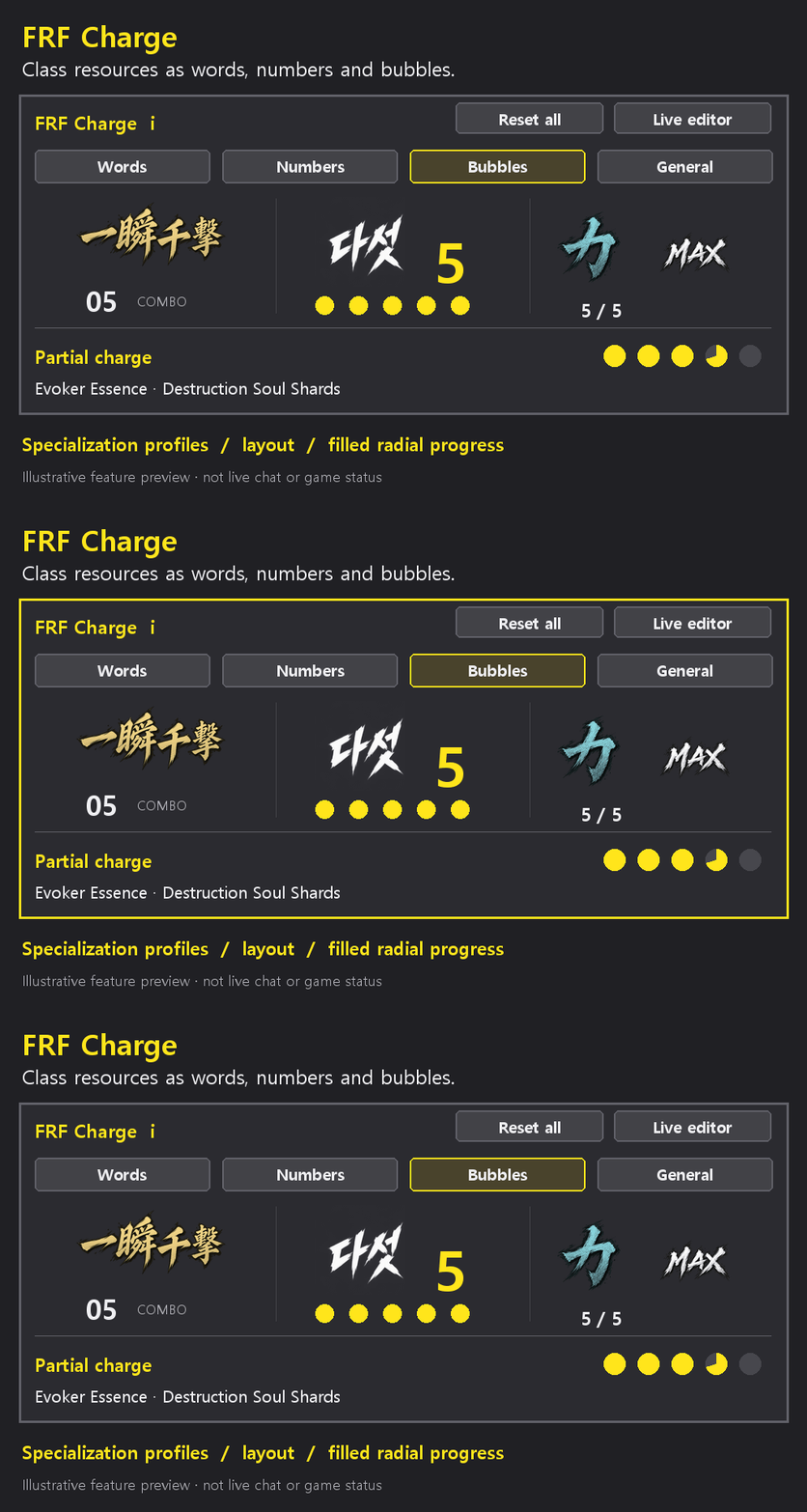
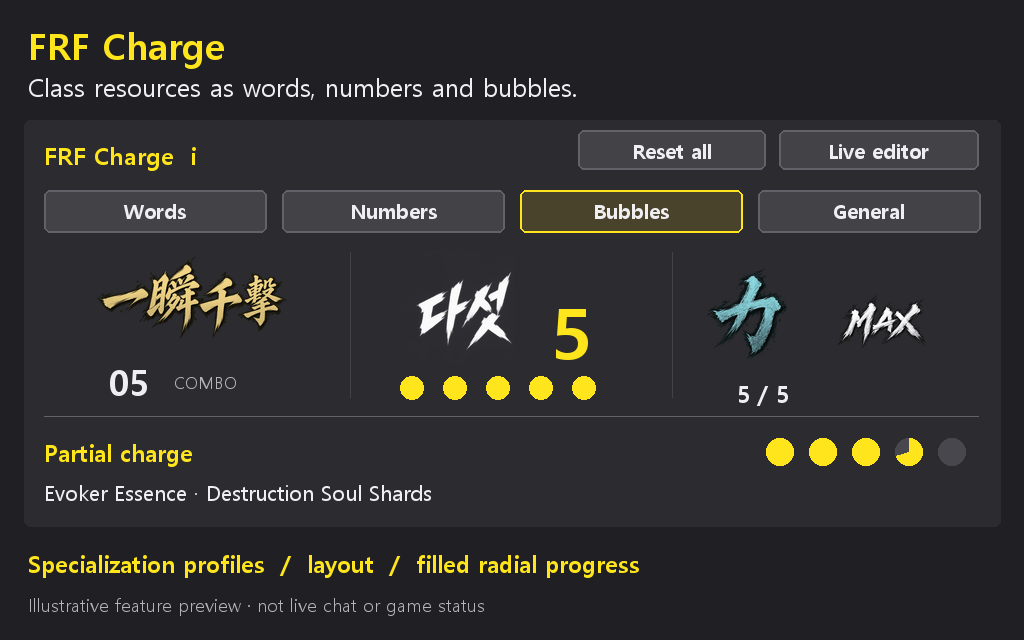
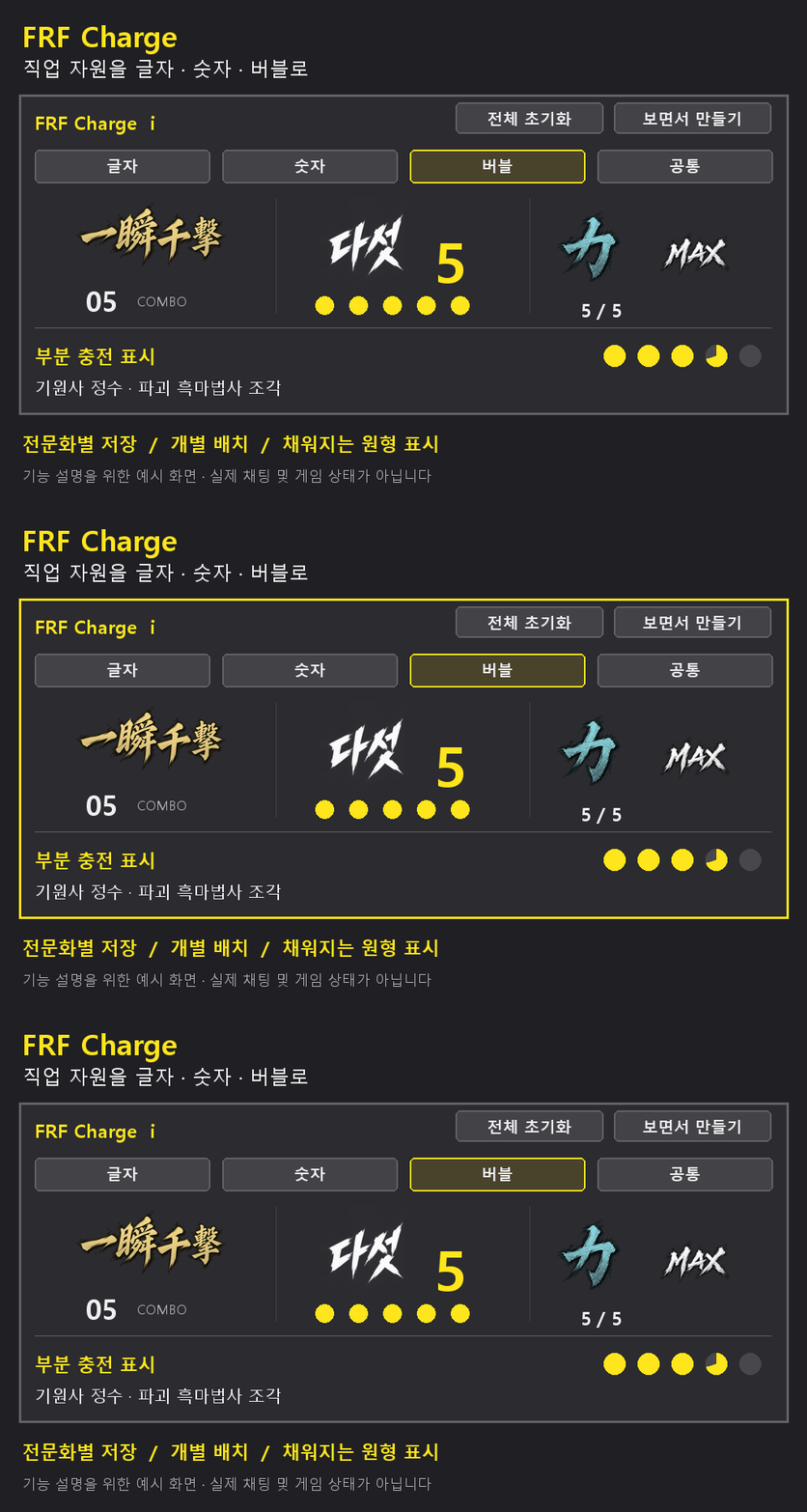
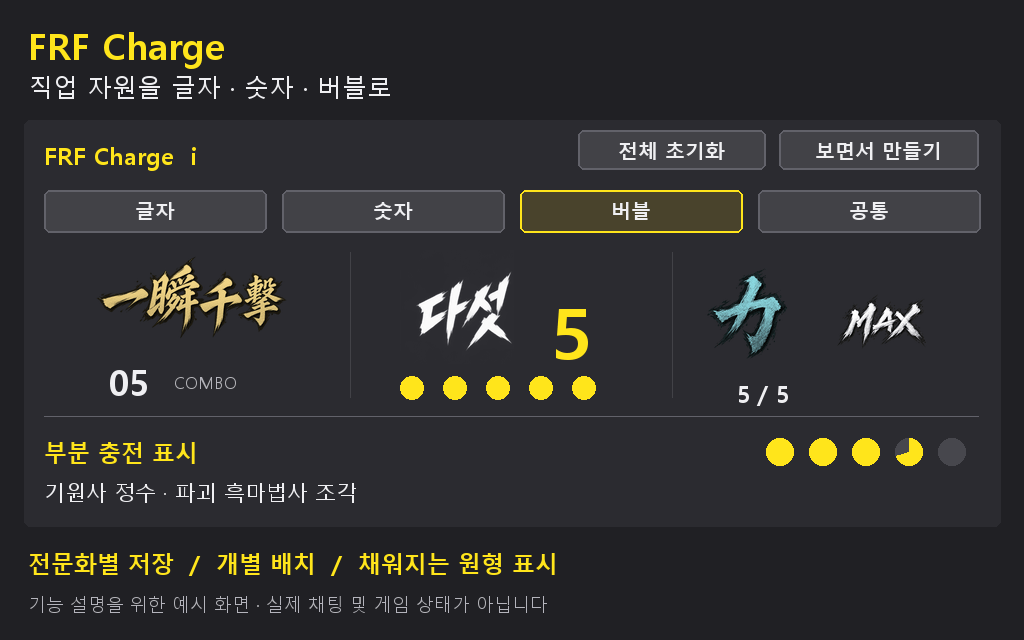
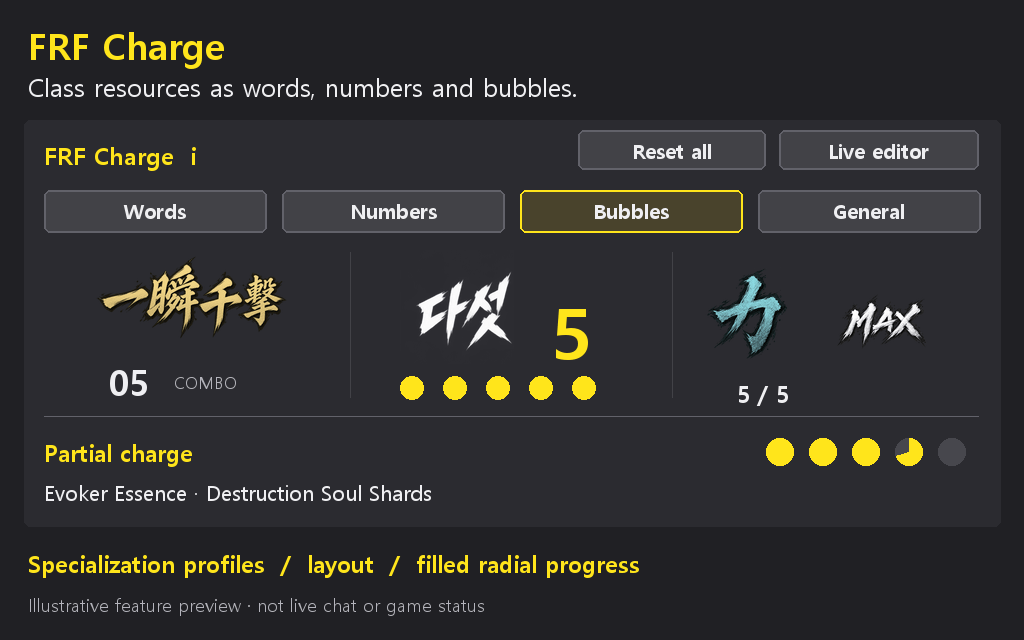
Track class resources with customizable words, numbers and bubbles, partial recharge progress and specialization settings. // 직업 자원을 글자·숫자·버블로 표시하고, 충전 상태와 전문화별 설정을 쉽게 확인합니다.
charge-en.gif
charge-en.png
charge-ko.gif
charge-ko.png
charge-en.png
Description
### English
See your class resources at a glance and place them where you want.
- Customize words, numbers and bubbles separately.
- Change colors, fonts, shapes, size, spacing and effects.
- Preview sample counts while adjusting the display.
- Save settings for each specialization.
- Track Rogue combo points, Druid combo points in Cat Form, Paladin Holy Power, Windwalker Chi, Warlock Soul Shards, Arcane Charges and Evoker Essence.
- See partial recharge progress for Evoker Essence and Destruction Warlock Soul Shards.
- Turn the addon off without losing your settings.
Install FRF Config for the full settings window. Enter `/frf` and choose FRF Charge, or use `/frfcharge`. The i button beside the title lists supported classes and specializations.
Frost Mage Icicles are experimental. Resources hidden by the game cannot always be displayed. Only the listed classes and specializations are supported. Preview counts are examples, not your current resources.
### 한국어
직업 자원이 얼마나 모였는지 보기 편한 곳에 표시합니다.
- 글자, 숫자, 버블을 따로 꾸밀 수 있습니다.
- 색상, 글꼴, 모양, 크기, 간격과 효과를 바꿀 수 있습니다.
- 예시 개수를 보면서 표시 모양을 조절할 수 있습니다.
- 전문화마다 설정을 따로 저장합니다.
- 도적 연계 점수, 표범 드루이드 연계 점수, 성기사 신성한 힘, 풍운 수도사 기를 표시합니다.
- 흑마법사 영혼의 조각, 비전 마법사 비전 충전물, 기원사 정수도 표시합니다.
- 기원사 정수와 파괴 흑마법사 조각이 조금씩 차는 모습도 보여줍니다.
- 사용을 꺼도 저장한 설정은 남습니다.
자세한 설정을 하려면 FRF Config를 함께 설치하세요. `/frf`를 입력하고 FRF Charge를 선택하거나 `/frfcharge`를 입력하세요. 제목 옆 i 버튼에서 지원 직업과 전문화를 볼 수 있습니다.
냉기 마법사의 고드름만 아직 시험 중입니다. 게임에서 숨긴 값은 표시하지 못할 수 있습니다. 목록에 없는 직업과 전문화는 지원하지 않습니다. 설정 화면의 예시 개수는 실제 자원 수가 아닙니다.
The FRF Charge Team