ForeverHunter
- By
Range indicator for hunters: melee, dead zone, ranged or too far at a glance, plus an ammo counter with a low ammo warning. Made for WoW Forever.
Screenshot 2026-10-03 151943.png

Screenshot 2026-10-06 171745.png
Screenshot 2026-10-06 172022.png
Description
ForeverHunter
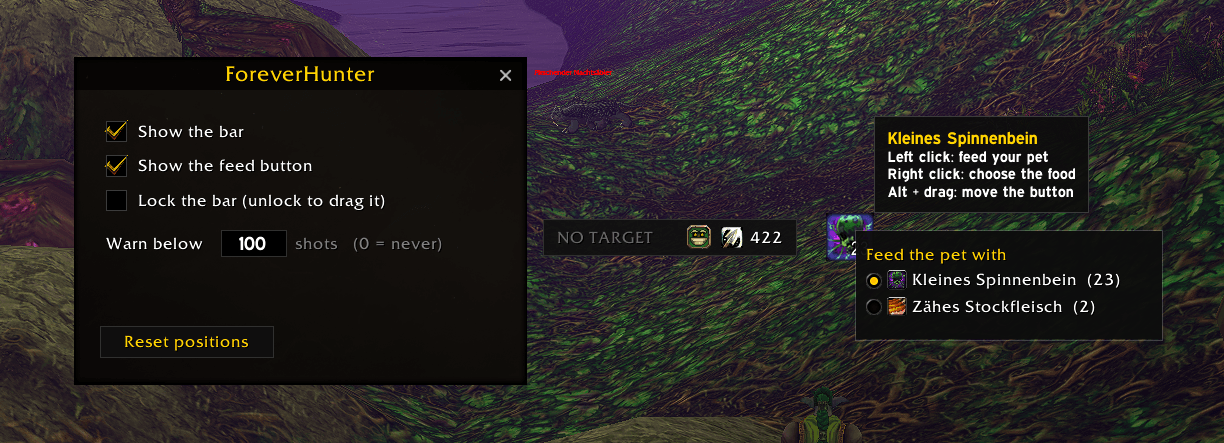
A small bar for hunters in World of Warcraft: Forever. It shows where your target stands relative to your weapons, how much ammo you have left and how your pet feels, and a button next to it feeds the pet.
Features
- Range zone of your current enemy target, in one word and one color:
- RANGED (green) - you can shoot
- DEAD ZONE (red) - too close to shoot, too far to strike
- MELEE (yellow) - melee range
- TOO FAR (grey) - out of range
- Ammo icon and shots left, right next to it
- Low ammo warning: below your limit the number turns red, with a chat line and a notice in the middle of the screen
- Pet mood: an icon in the bar shows whether your pet is unhappy, content or happy
- Feed button: right-click to choose a food from your bags (only food your current pet eats is listed), left-click to feed one. The button shows how many are left
- Movable bar, can be locked so clicks pass through it. The feed button moves with Alt + drag
- Options window and minimap button (LibDBIcon, works with Leatrix Plus and other button collectors)
- Broker displays such as EllesmereUI's data bars show the ammo count. With EllesmereUI installed the bar and the options take its look
- Saved per character, inactive on other classes
Commands
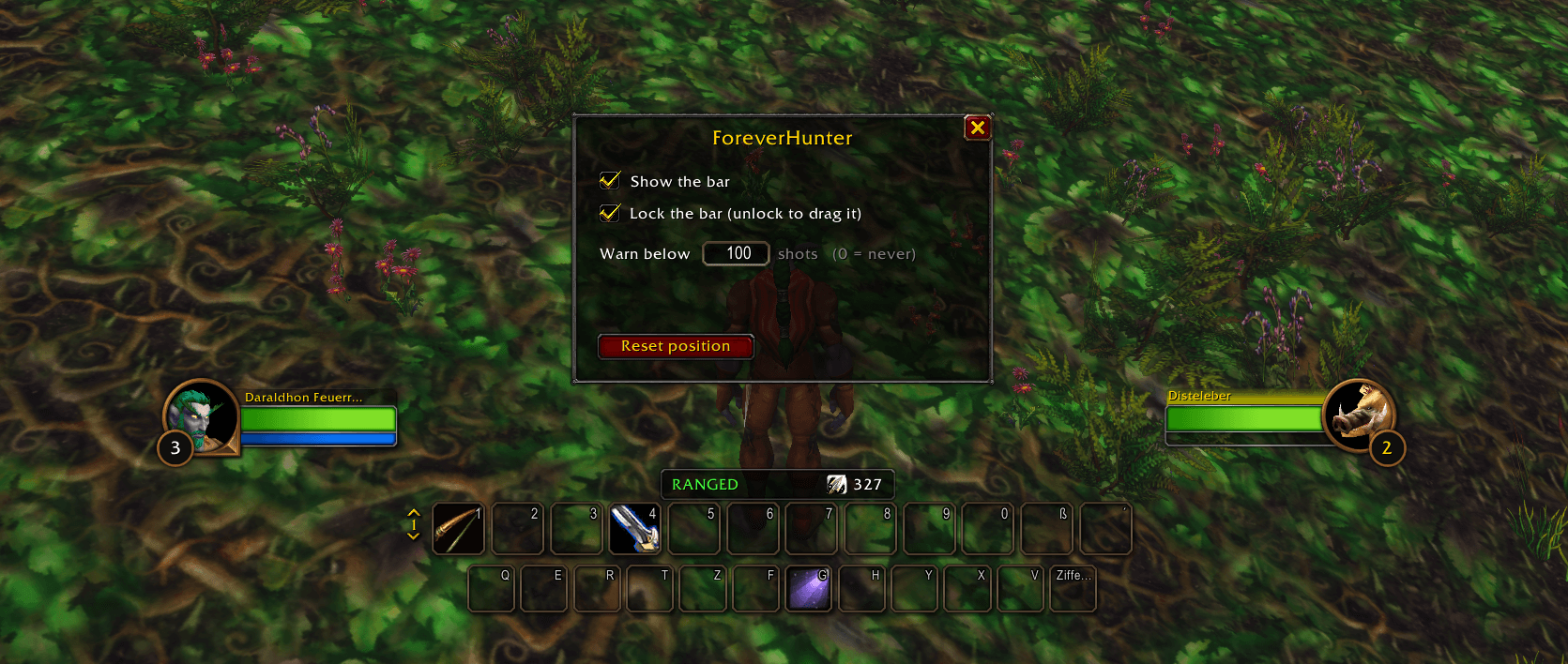
/fh- open the options: show or hide the bar and the feed button, lock the bar, set the ammo limit, reset the positions
Good to know
The game gives addons no distance to a target, only yes/no range checks. ForeverHunter combines three of them, so the zones are exact at their borders but there is no number of yards. Tested in the open world, in and out of combat. Dungeons and raids are untested.
The food cannot be changed and the feed button cannot be moved while you are in combat. The button appears once your hunter knows Feed Pet.
Deutsch
ForeverHunter ist eine kleine Leiste für Jäger. Sie zeigt, in welcher Zone dein Ziel steht: RANGED (Fernkampf möglich), DEAD ZONE (zu nah zum Schießen, zu weit für den Nahkampf), MELEE (Nahkampf) oder TOO FAR (zu weit weg). Daneben stehen dein Munitionssymbol, die verbleibenden Schüsse und die Stimmung deines Begleiters.
- Warnung bei wenig Munition: rote Zahl, Chatzeile und Hinweis in der Bildschirmmitte, das Limit ist einstellbar
- Stimmung des Begleiters als Symbol in der Leiste: unglücklich, zufrieden oder glücklich
- Fütter-Button: Rechtsklick wählt das Futter aus deinen Taschen (nur was dein Begleiter frisst), Linksklick verfüttert eins davon. Der Button zeigt die Restmenge
- Leiste verschiebbar und sperrbar, der Fütter-Button wird mit Alt + Ziehen verschoben
/fhoder der Minimap-Button öffnet die Optionen- Einstellungen pro Charakter, bei anderen Klassen bleibt das Addon inaktiv
Im Kampf lässt sich das Futter nicht wechseln und der Button nicht verschieben.
ForeverHunter Team