Forever SettingsSearch
- By
One search over every setting: the game's options, key bindings and the panels of your other addons. Choose a result and its panel opens with the setting marked.
summary.png
01-results.png
02-marked.png
03-any-addon.png
04-one-addon.png
Description
Forever Settings Search
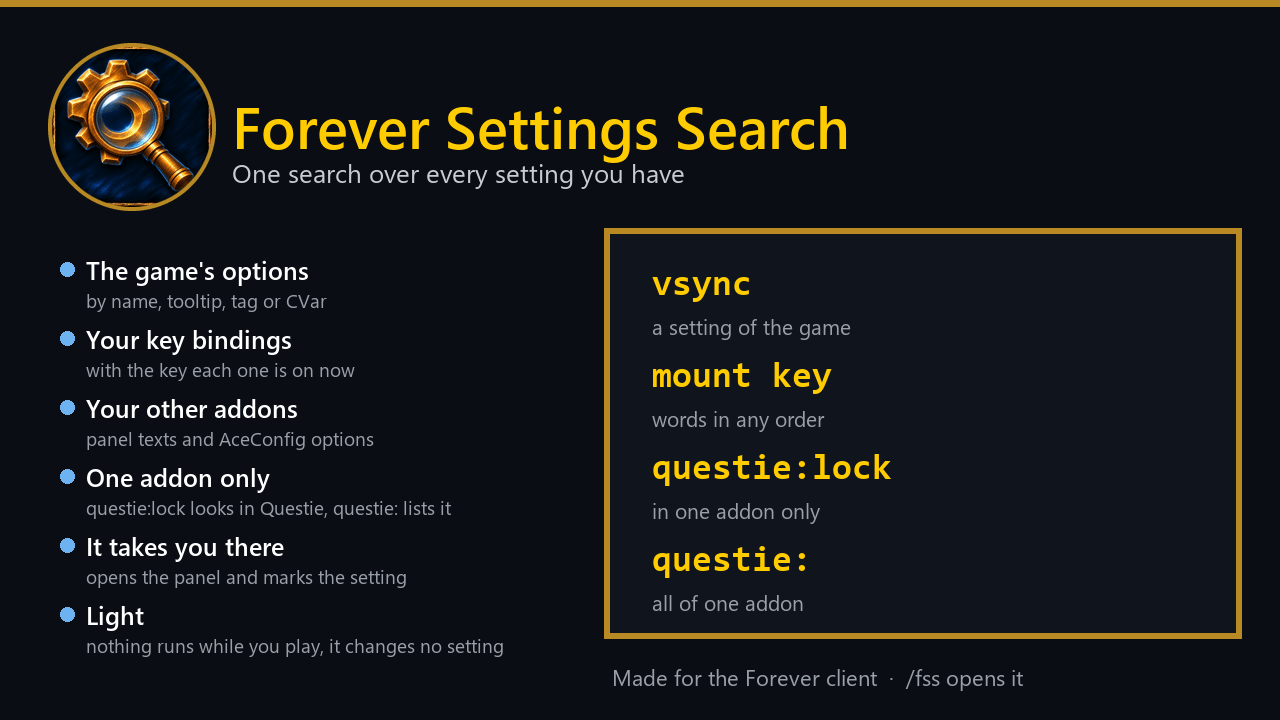
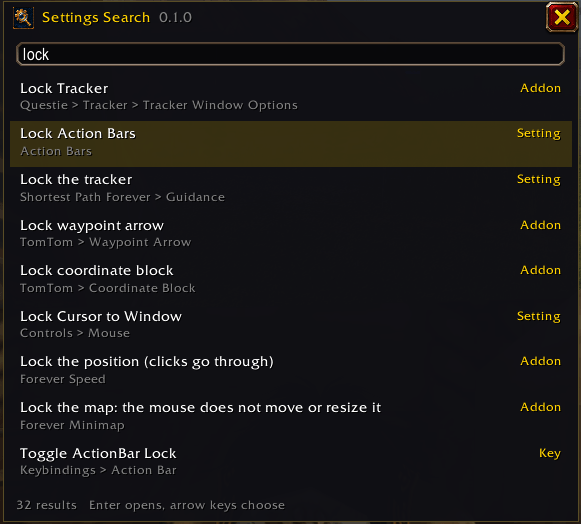
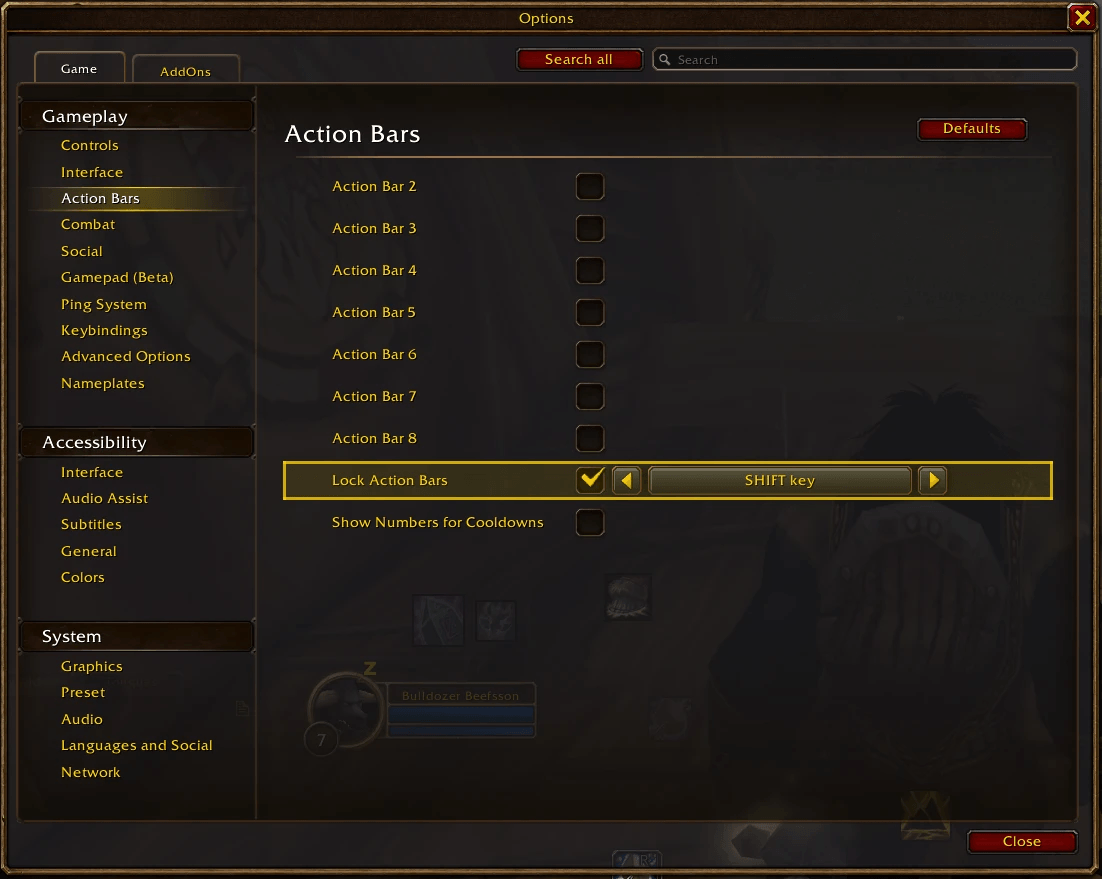
One search box for every setting you have. The game's own search in Options knows only its own rows. Most addons draw their panels themselves, so their options stay out of reach, and you end up clicking through panels to find one checkbox. Forever Settings Search looks through all of it. Type a few letters, press Enter, and the right panel opens with the setting marked in gold.
- The game's options. Every setting, by its name, its tooltip, its search tags or its CVar name.
- Your key bindings. Found by name, and you see which key each one is on now.
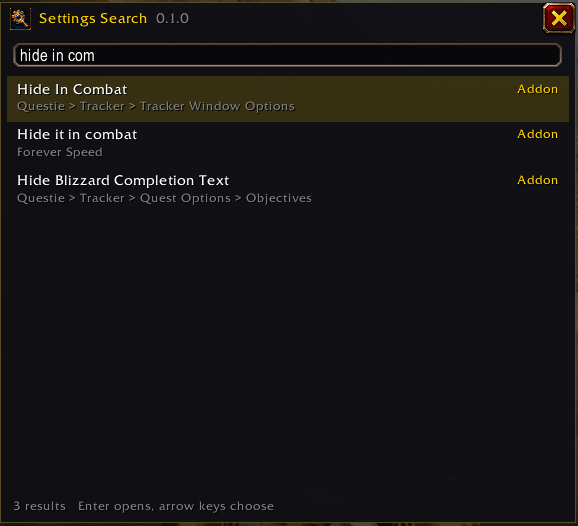
- Your other addons. The text on their panels, and all the options of AceConfig addons, even before you have ever opened their panel.
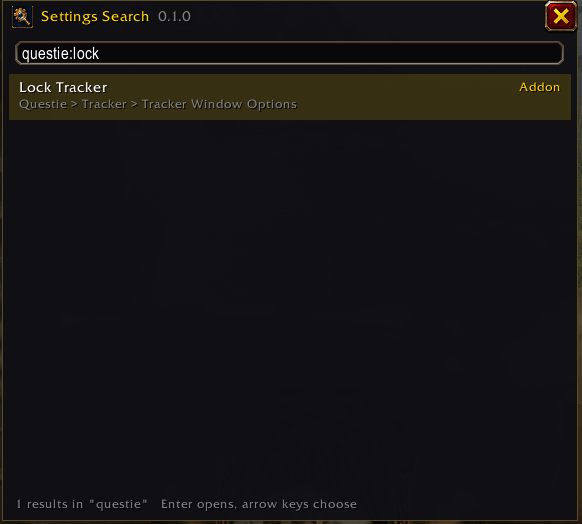
- One addon only.
questie:locklooks for "lock" in Questie and nowhere else.questie:lists everything it has. The first letters are enough, and its key bindings are included. - It takes you there. A result opens its panel, scrolls to the setting and marks it for a few seconds. In combat it waits for the end of the fight and tells you so.
- Forgiving. Words can come in any order, and accents do not matter:
vykonfindsvýkon. - Light. It reads the settings when you open its window, nothing runs while you play, and it changes no setting.
How to open it
/fss, or/fss wordsto start with a search- the addon's icon in the addon compartment
- the Search all button beside the search box in Options
- a key binding of your choice, under Forever Settings Search in the key bindings
In the window, the arrow keys choose a result and Enter opens it.
Commands
| Command | What it does |
|---|---|
/fss |
open or close the window |
/fss words |
open the window with a search |
/fss unknown |
list the panels known by name only |
/fss stats |
count what can be found and how long it took to read |
/fss forget |
clear the remembered panel texts |
/fss help |
show the commands |
Good to know
- Some panels build themselves only when opened. Until then the addon knows only their name, because it does not
open other addons' panels behind your back. Open such a panel once and its text is remembered from then on.
/fss unknownlists these panels. - Addons with settings in their own window cannot be found, unless they use AceConfig.
- A key binding opens at its section. The game does not let an addon safely expand the section, so the chat line tells you which one to click, and which key the binding is on now.
Made for the WoW Forever client.
Forever SettingsSearch Team