Forever Loot Sparkles : Herbs & Ores
- By
Brings back herb, ore, quest object, corpse and footlocker sparkles for Forever Loot Sparkles 2.0, with your own colors and safe self-cast.
Description







Forever Loot Sparkles - Herbs & Ores
A companion addon for Forever Loot Sparkles. Forever Loot Sparkles 2.0 went back to its roots and only keeps the loot sparkle on quest items. This addon brings back everything else, adds footlockers, and fixes the problems that got the sparkles removed. It requires Forever Loot Sparkles and doesn't change any of its files.
Sparkles while approaching
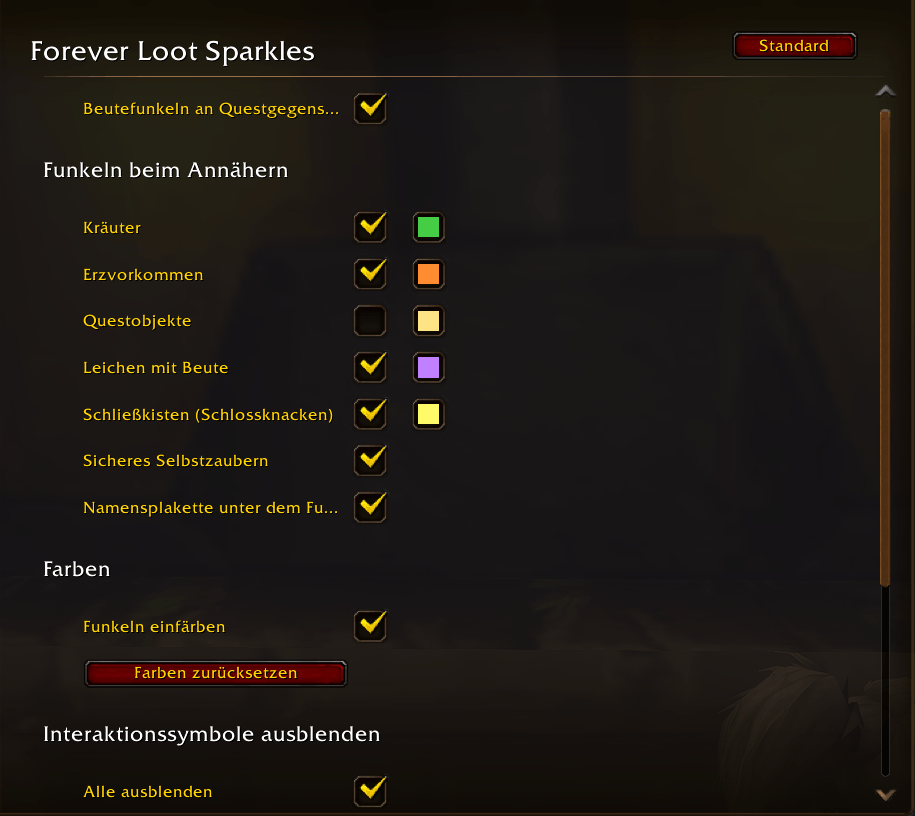
As you walk up to them, these sparkle:
- Herbs
- Ore veins
- Quest objects (off by default, since the game's loot sparkle already marks most of them)
- Corpses with loot, bosses included, after the fight
- Footlockers for rogues to pick open: Waterlogged, Battered, Dented, Scarlet, Rockjaw and Syndicate Footlockers
The glints are dim out of reach, brighten once you can reach the object, and turn grey when you can't use it, for example when your herbalism, mining or lockpicking skill is too low.
Your colors
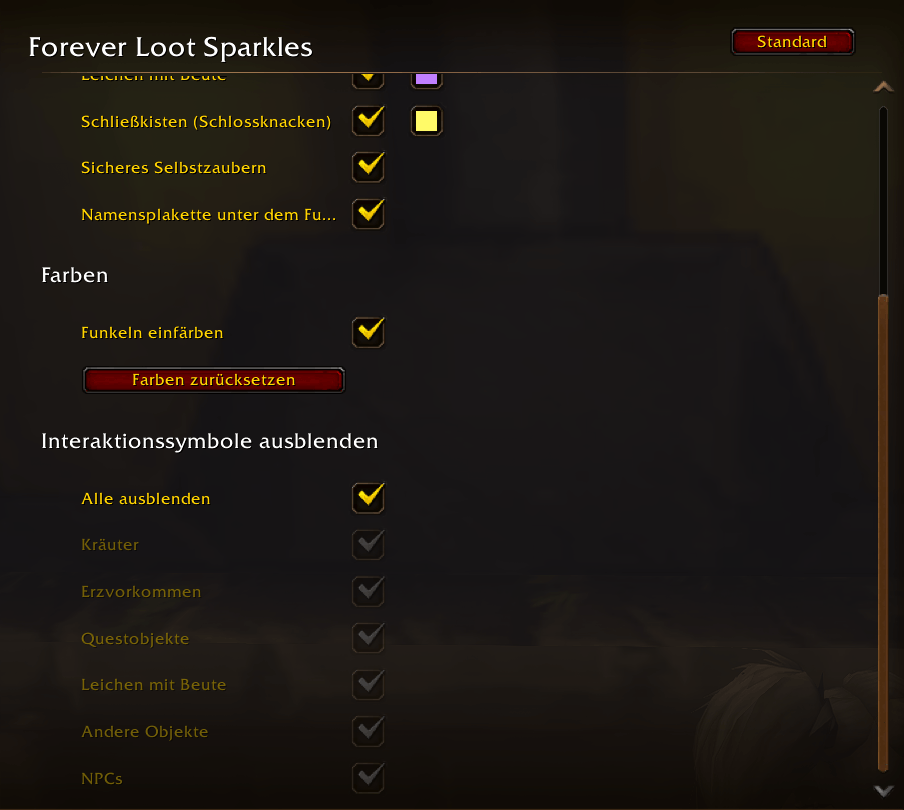
Each category gets its own color, so you can tell at a glance what you're walking up to. Footlockers default to rogue yellow. A color swatch sits right next to each checkbox; click it to open the game's color picker. There's a switch to turn coloring off and a Reset colors button.
Safe self-cast
The sparkles use Blizzard's soft targeting. On its own, that could make spells cast without a target land on a player or NPC next to you instead of on yourself. With Safe self-cast (on by default), soft targeting is switched off in combat and whenever it picks a living unit, and comes back once you've moved a few yards. Herbs, ore, footlockers and corpses keep sparkling.
Clean look
- Hide the nameplate under the sparkle (on by default): no empty nameplates or health bars over corpses and nodes, only the sparkle.
- Hide interaction icons: hide the game's interaction icon (gear, pickaxe, leaf, bag, hand …) over herbs, ore veins, quest objects, corpses, other objects such as mailboxes or fishing bobbers, and NPCs. Pick them one by one or tick Hide all.
Languages
English, German, French, Spanish, Brazilian Portuguese, Italian, Russian, Korean and Chinese (simplified and traditional). The language follows your game client automatically, and the Forever Loot Sparkles options page is translated too.
Options
Esc > Options > AddOns > Forever Loot Sparkles, or type /flscolor.
For bug reports: /flscolor target shows what the addon sees on your current interaction target, /flscolor icons what it sees on the nameplates around you.
Good to know
- While Safe self-cast has paused soft targeting, the interact key doesn't work on NPCs.
- The game's own loot sparkle on quest items is drawn by the game engine and keeps its color.
- With Forever Loot Sparkles 1.x installed, this addon only colors its sparkles.
Thanks
A big thank you to conoar, the author of Forever Loot Sparkles. The sparkle code is based on their work. If you enjoy the sparkles, please support the original addon too.
Forever Loot Sparkles : Herbs & Ores Team

Owner