Forever Loot Sparkles
- By
Always shows the sparkle effect on lootable quest items. Turns the outline mode off and the loot sparkle on at login and whenever a graphics change
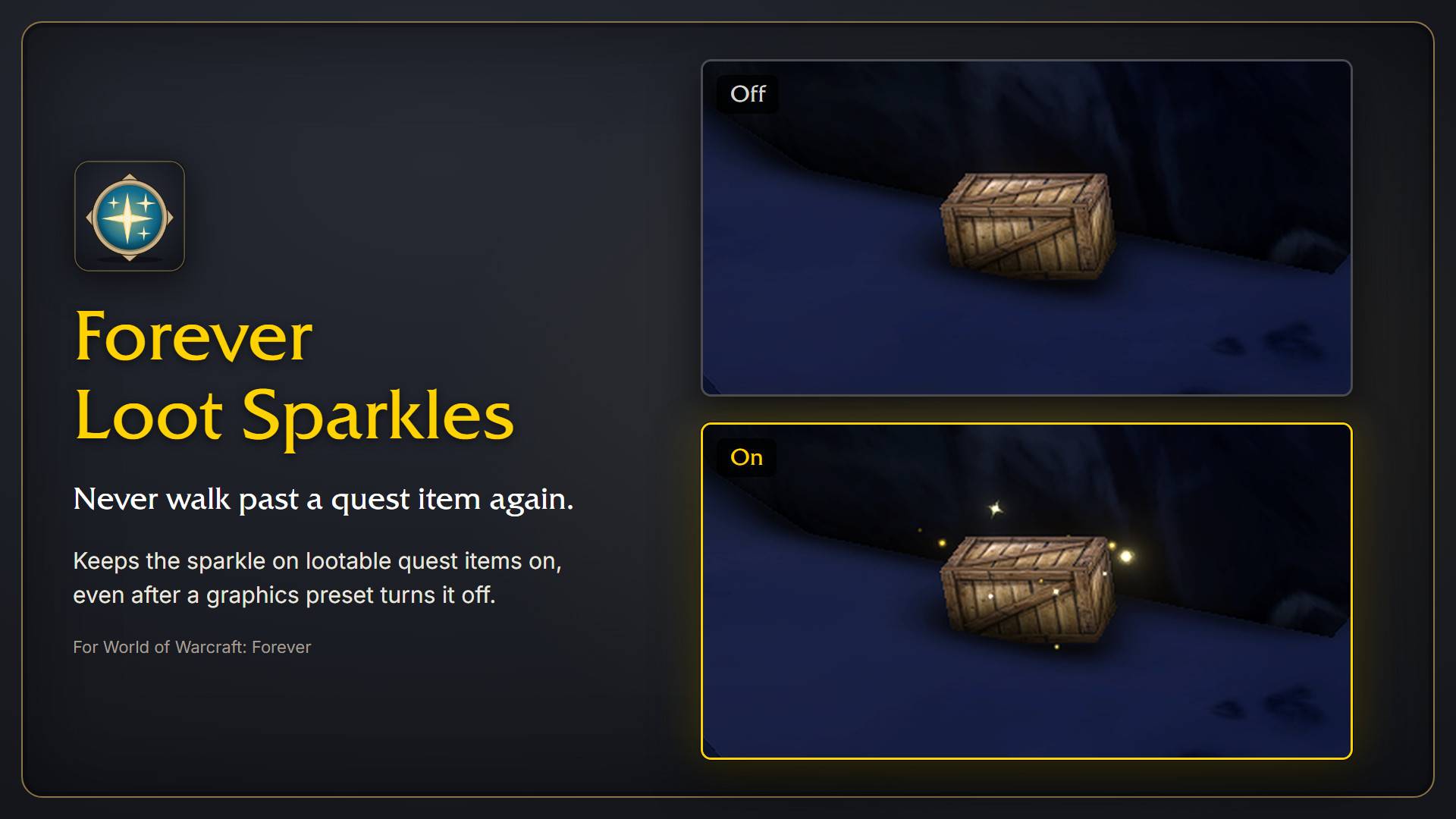
Keeps the sparkle effect on lootable quest items switched on, even after graphics presets turn it off again. Off vs. on: in-game screenshots of the same quest crate, same spot and lighting. Made for World of Warcraft: Forever.
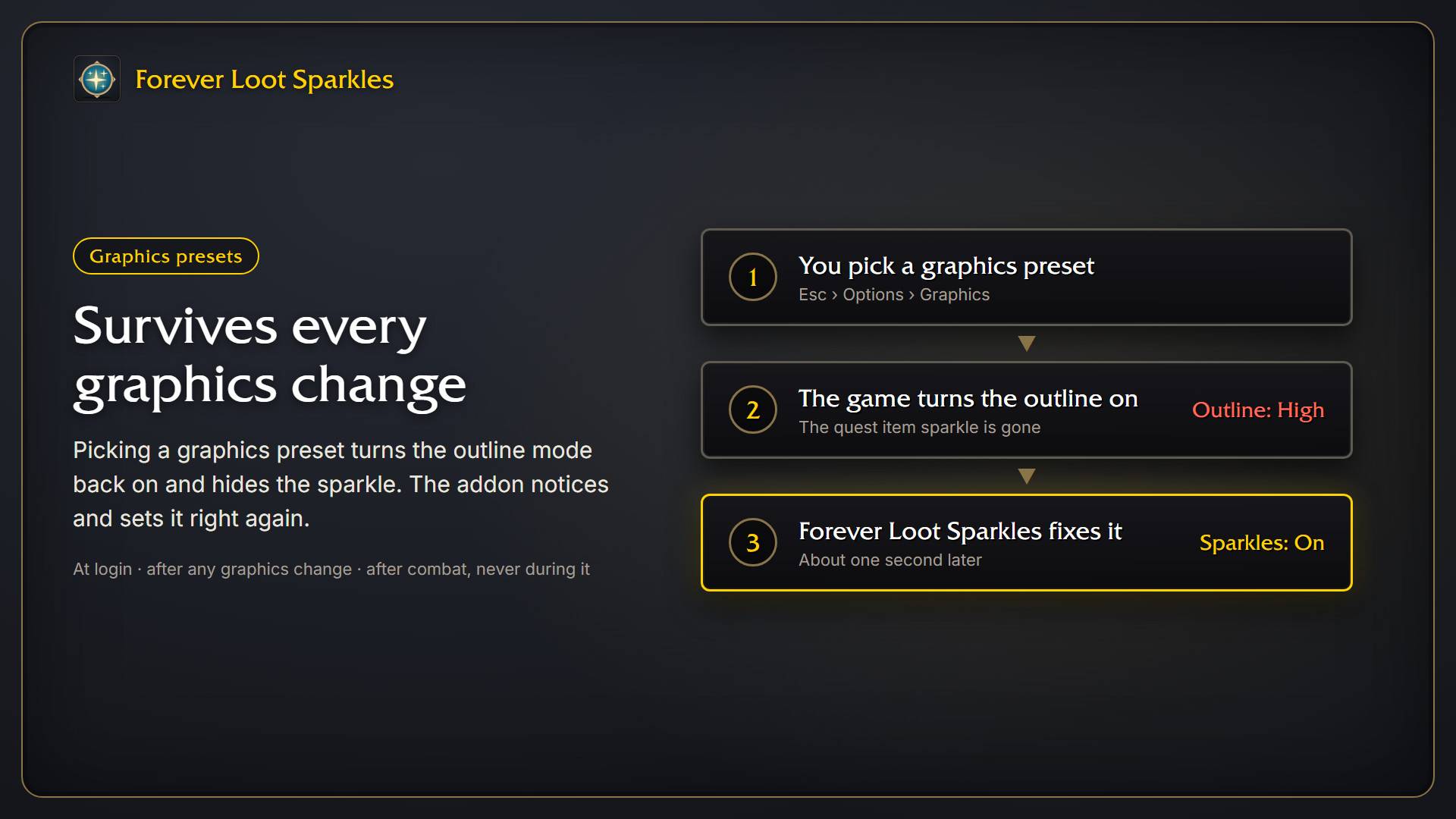
Picking a graphics preset turns the outline mode back on and hides the sparkle. The addon notices the change and sets the sparkle on again about a second later. It also checks at login and waits until combat ends.
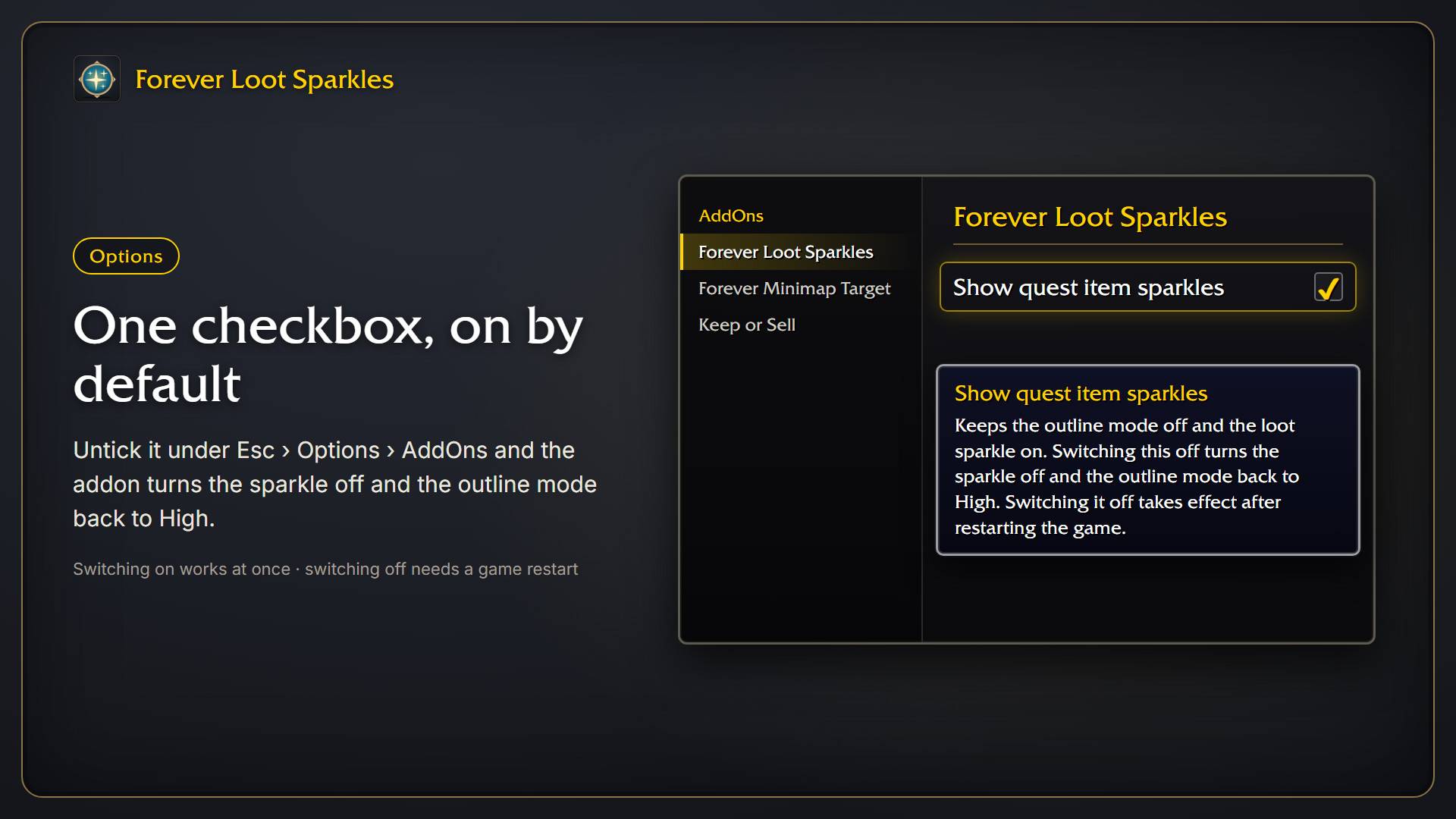
One checkbox under Esc > Options > AddOns, on by default. Unticking it turns the sparkle off and the outline mode back to High. Switching on works at once; switching off takes effect after a game restart.
Description
Forever Loot Sparkles
A tiny addon for World of Warcraft: Forever that always shows the sparkle effect on lootable quest items.
The sparkle only appears while the outline mode is off. Graphics presets switch it back on, so the addon sets the needed console variables at login and again whenever a graphics change resets them.
Options
Open Esc > Options > AddOns > Forever Loot Sparkles. The checkbox Show quest item sparkles is on by default. Switching it off stops the addon from touching the graphics settings, turns the loot sparkle off and sets the outline mode back to High (the two commands below). Switching it on works at once. Switching it off only takes effect after restarting the game; /reload is not enough. The panel shows a reminder.
Install
- Download the latest release zip.
- Extract it so you have
World of Warcraft\_classic_beta_\Interface\AddOns\ForeverLootSparkles. - Restart the game or type
/reload.
Turning it off again
The easiest way is the checkbox under Options (see above), which resets the settings for you.
Disabling the addon in the addon list does not undo the settings, because WoW saves console variables itself. After disabling it, either pick a graphics preset again, or type:
/console outlineModeShowLootEffectWhenDisabled 0
/console graphicsOutlineMode 2
Then restart the game.
What it sets
| Console variable | Value |
|---|---|
outlineModeShowLootEffectWhenDisabled |
1 |
graphicsOutlineMode |
0 |
OutlineEngineMode |
0 |
raidGraphicsOutlineMode |
0 |
RAIDOutlineEngineMode |
0 |
Support
The addon is free and always will be. If it made your game a bit nicer, you can buy me a coffee.
Forever Loot Sparkles Team