Forever Enhanced XP Bar
- By
An XP bar showing the XP waiting in finished quests, your rested XP, XP per hour and time to your next level.

xp-bar.png
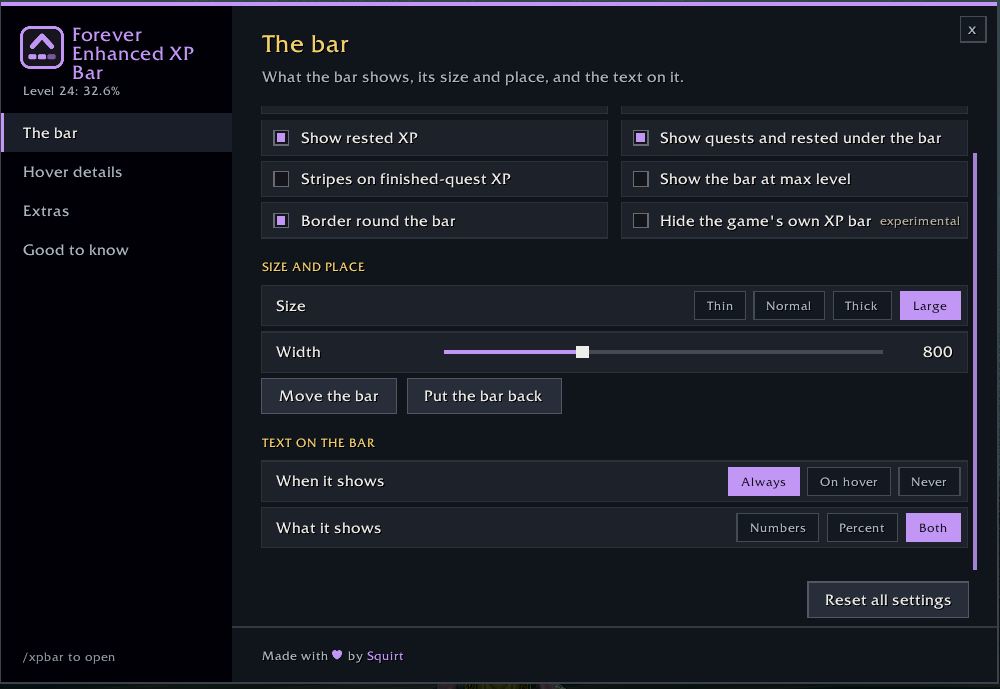
the-bar-page.png
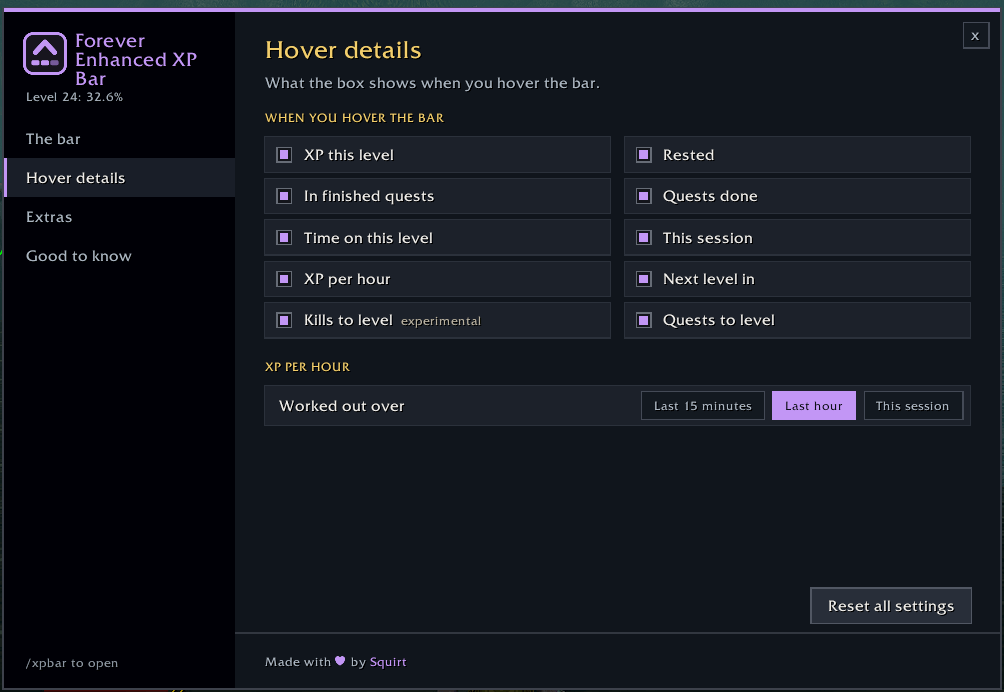
hover-details-page.png
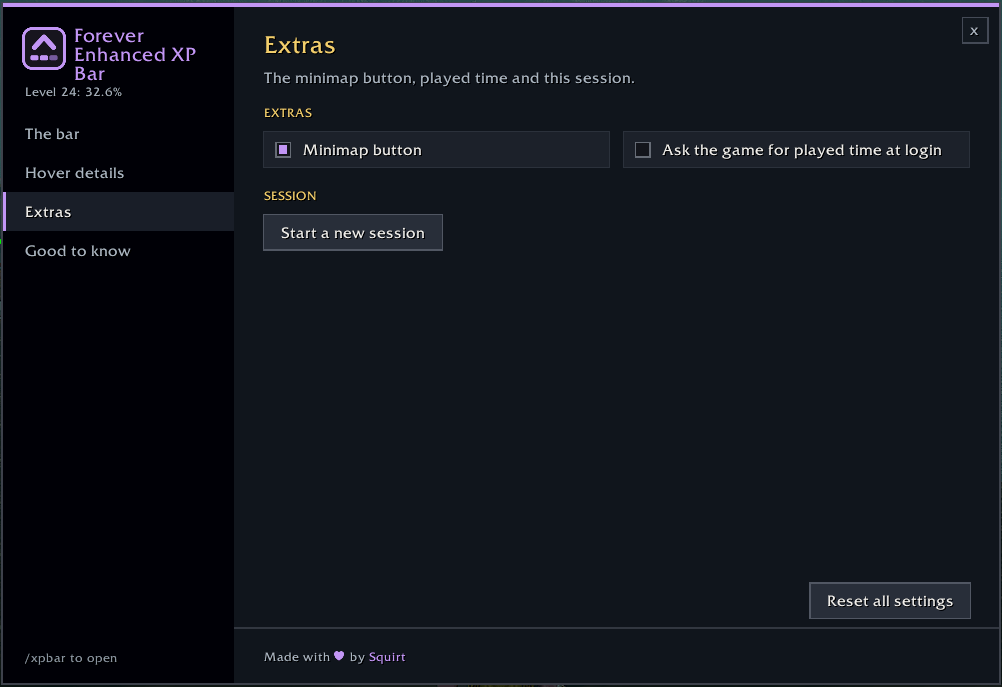
extras-page.png
Description
📈 Forever Enhanced XP Bar

💬 Support, bugs & ideas: join our Discord to get help, report issues and suggest features.
An XP bar for World of Warcraft: Forever that shows what's coming as well as what you have: the XP waiting in your finished quests, how far your rested XP reaches, your XP per hour and how long until your next level.

✦ Highlights
- 🟪 The bar: your XP in a violet gradient, then the XP waiting in finished quests in amber, then your rested XP in blue, on a dark rounded track. Amber stripes are an option
- 🔢 On the bar: your level, your XP, and your % with, in brackets, your % once your finished quests are handed in
- 📊 Under the bar: your completed quests and rested XP as a share of the level, in their bar colours. A narrow bar gets shorter words, so it always fits
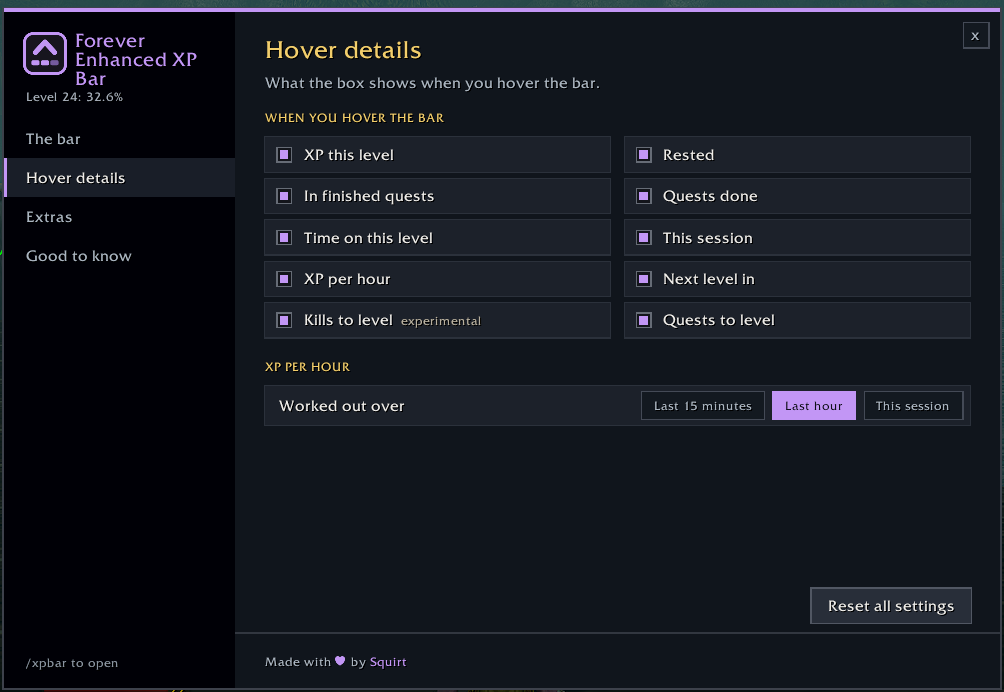
- 🔎 Hover it for the details: XP this level, rested XP, XP in finished quests, quests done, time on this level, this session, XP per hour, next level in, and kills and quests to level. Tick only the ones you want
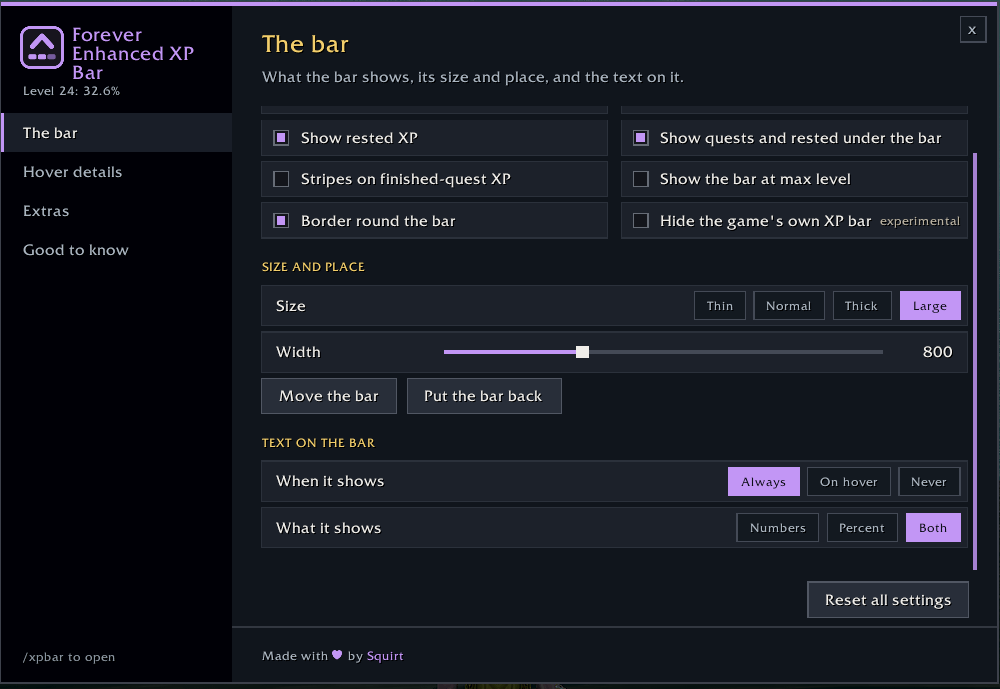
- 📏 Your size and place: Thin, Normal, Thick or Large, any width, and drag it anywhere. It starts just above your bottom action bars
- 🔤 Text on the bar: always, on hover or never; numbers, percent or both
- 🏆 At max level it can stay as a gold bar that still shows the XP waiting in finished quests
- 🙈 Hide the game's own XP bar: on by default, and back the moment you untick it
✦ Getting started
- Log in: the bar shows up above your action bars
- Click the minimap button for the settings (typing
/xpbarworks too) - Pick a size, then Move the bar to put it where you like
Using another addon's XP bar too? Hide that one in its own settings.
✦ Also by Squirt
🏰 EraUI: the Classic look for WoW Forever's whole interface, with quality of life options.
⏱️ Forever Enhanced Cooldown Manager: a cleaner Cooldown Manager and resource display, with cooldown, buff and cast bars of your own.
Made by Squirt for World of Warcraft: Forever. All rights reserved.
Forever Enhanced XP Bar Team