Forever Enhanced Cooldown Manager - Resources, Cooldown Pulse, Cast Bar & More
- By
A cleaner look for Blizzard's Cooldown Manager and Personal Resource Display, plus cooldown, buff and cast bars of your own, for WoW Forever.
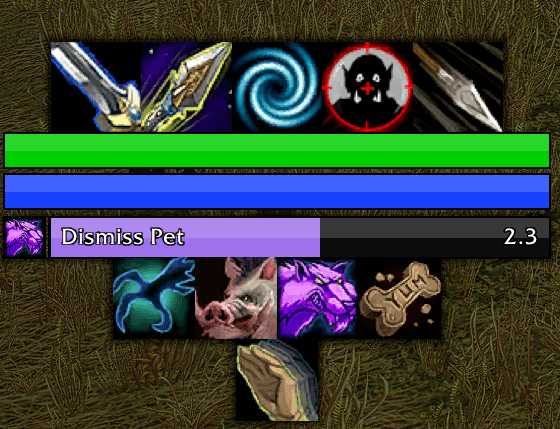
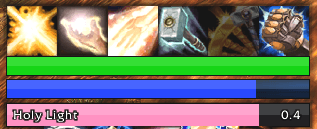
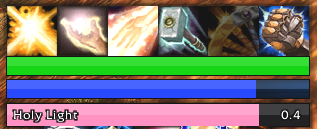
A soft shadow round each whole bar, and your own cast bar under the resource display.
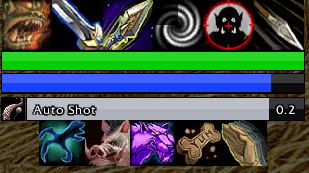
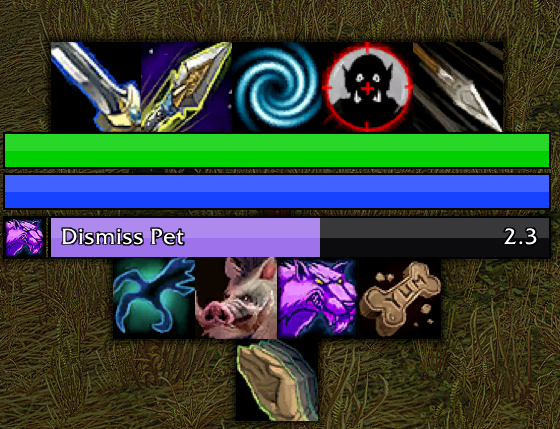
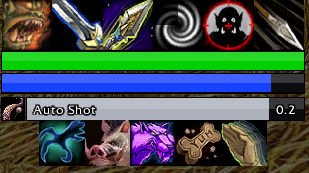
Your bars around the Personal Resource Display, with the Auto Shot timer in the cast bar's spot.
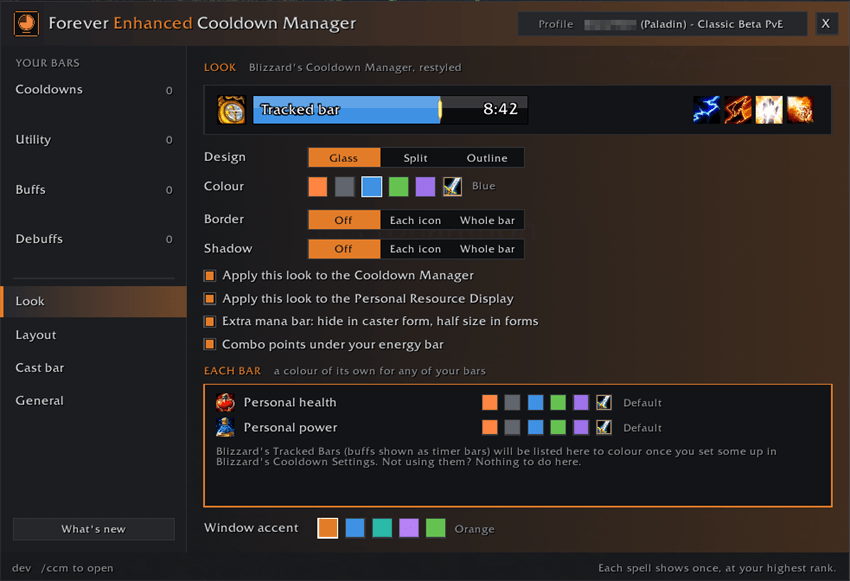
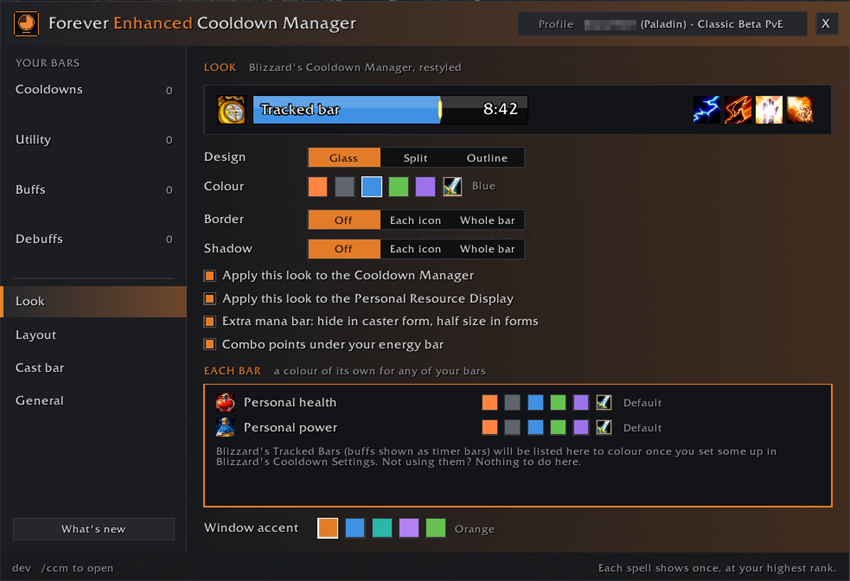
Pick the design, colour, border and shadow for Blizzard's Cooldown Manager and your own bars.
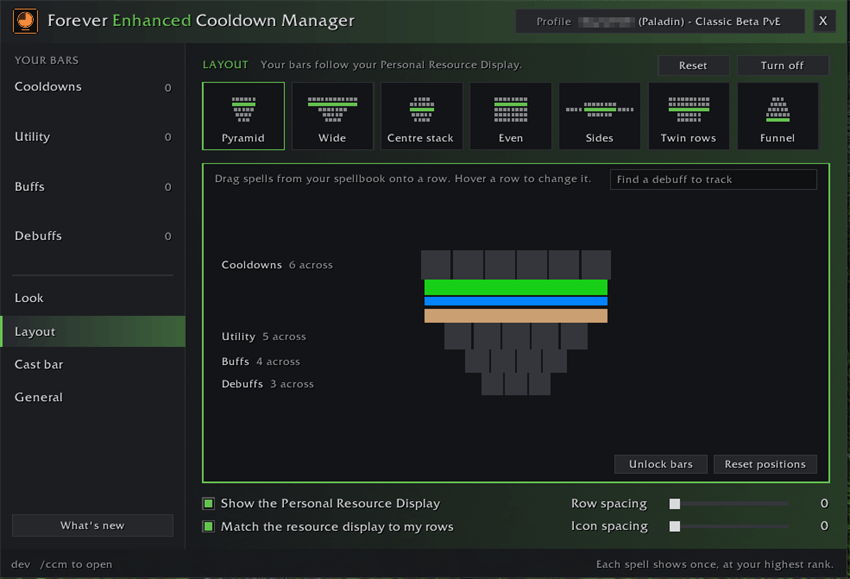
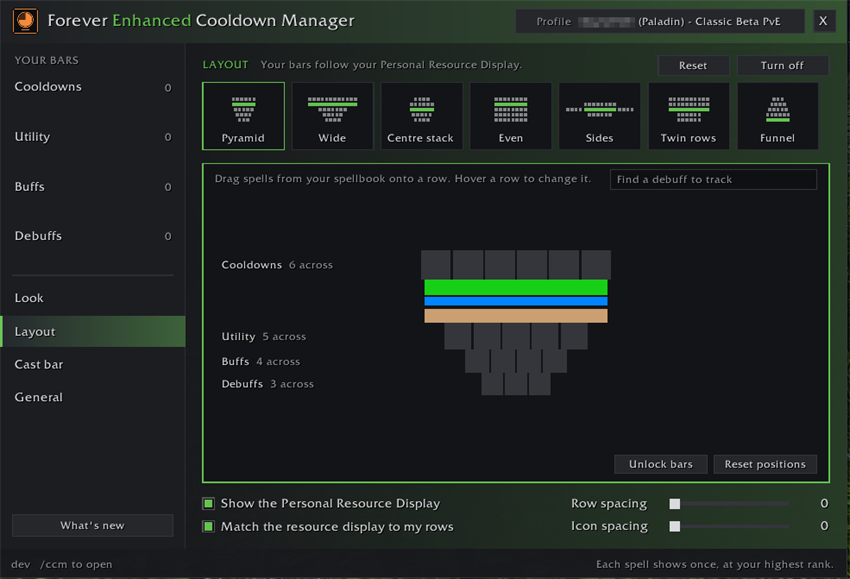
One click stacks your bars around your Personal Resource Display. Change any row, or drag icons between rows.
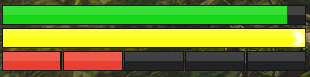
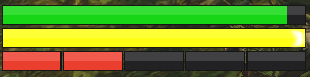
Combo points under your energy bar, for rogues and druids in cat form.
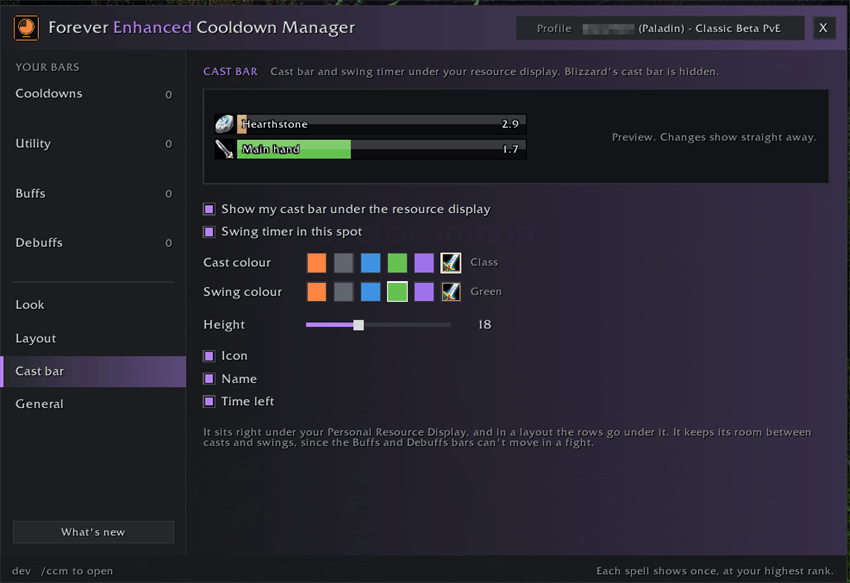
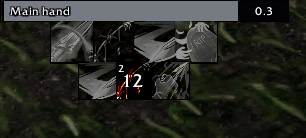
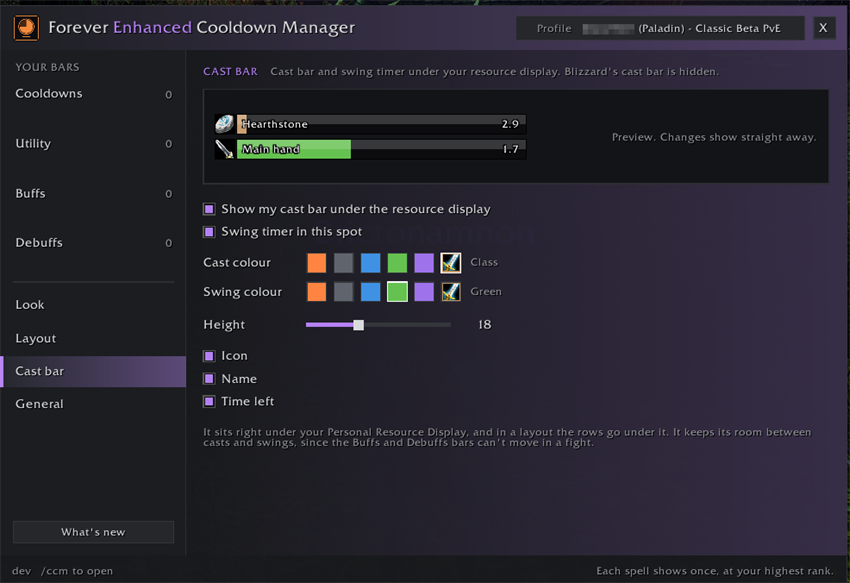
Your own cast bar and a swing timer, in your bar design and colours, with a live preview.
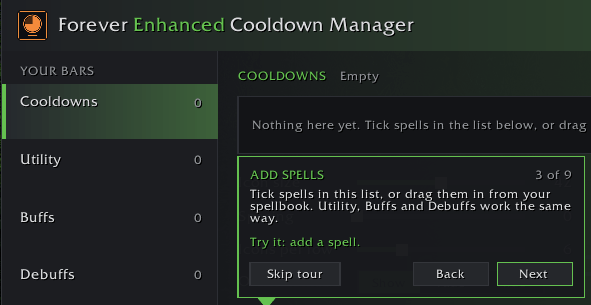
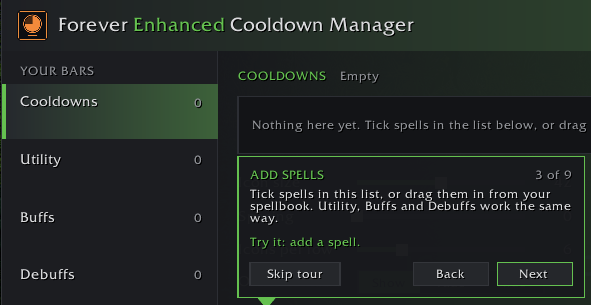
The first time you log in, a quick tour opens each page and points at the basics.
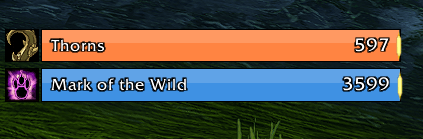
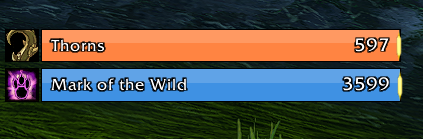
Blizzard's Tracked Bars in the Glass design, each in a colour of its own.
Description
⏱️ Forever Enhanced Cooldown Manager


💬 Support, bugs & ideas: join our Discord to get help, report issues and suggest features.
🧩 Ready-made presets: 27 setups, one for every spec, with screenshots from the game. Copy one at www.squirtsaddons.com, then click your profile name and Import.
A cleaner look for Blizzard's Cooldown Manager and Personal Resource Display on World of Warcraft: Forever, plus cooldown, buff and cast bars of your own that stack around your resource display, and a big pulse on screen when a cooldown is ready. Every feature is optional.
✦ Highlights
🎨 The look
- 🔲 A new look for Blizzard's Cooldown Manager: square icons, bold countdowns and Tracked Bars in four designs. Presets restyle it all in one click
- 🖼️ Borders and shadows round icons or whole bars, with the Font and bar texture you like
- ⚡ Procs and reactive abilities glow like your action bars, on Riposte, Overpower, Execute and more
- ⌨️ Keybinds on icons, read from your action bars, and a gold Key press glow while you hold one
- 🌈 Block design and Colour fade for your bars, and any colour you like with Custom
- 🎛️ Icon details: the cooldown swipe, countdown size, colour and spot, and an edge line
❤️ Resource display
- ❤️ Personal Resource Display: health and power in the same designs, with Health and power text and an exact Display width
- 🔴 Combo points for rogues and cat druids, under or above the display, at the height you like
- 👀 Just want the icons? Untick Show the Personal Resource Display on the Layout page
🧱 Your own bars
- 🧱 Your own bars: Cooldowns, Utility, Buffs and Debuffs, always at your highest rank, with square, wide or tall icons
- 🧭 Layouts: stack your bars round your resource display in one click, then click any icon to size just that one
- 🐾 Swap with my form: each form, stance or Stealth gets its own icons, on your Debuffs bar too
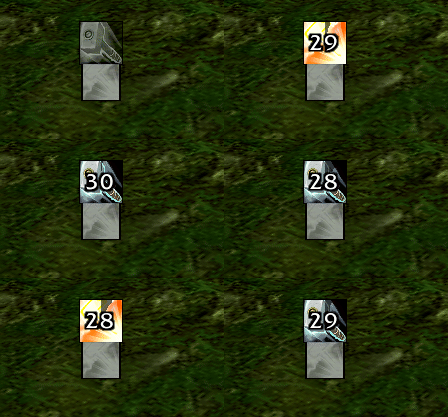
- 🌫️ Show, dim or hide when ready, or while you can't cast it, or show only when you can't afford it
- 🏹 Drag items in: trinkets, potions, ammo, Soul Shards and your Hearthstone
- ➕ Extra bars: a second Cooldowns, Utility, Buffs or Debuffs bar with its own spells and size, and an icon's own settings for its font, size, ticks and Warn at
- 🪓 Weapon enchants, poisons and totems light on your Buffs bar, with their time left, on your Cooldowns bar too for totems
- 🗿 Totems bar for shamans: one slot per element with its time left, red when you're out of range
🛡️ Buffs and debuffs
- 🔗 One icon for one-at-a-time spells: Seals, Auras, Aspects, Curses and more share one icon
- 💡 Glow when missing: spot a buff that fell off, or a debuff missing from your target
- 🔔 Play a sound when a buff or debuff lands, in a fight too
- 👀 Only when missing: tick a buff and its icon shows only while it's missing
- 🔢 Count ticks: a debuff counts its ticks like stacks
✨ Cast bar, pulse and raids
- ✨ Cast bar with tick marks, a sound on each tick, latency and a swing timer
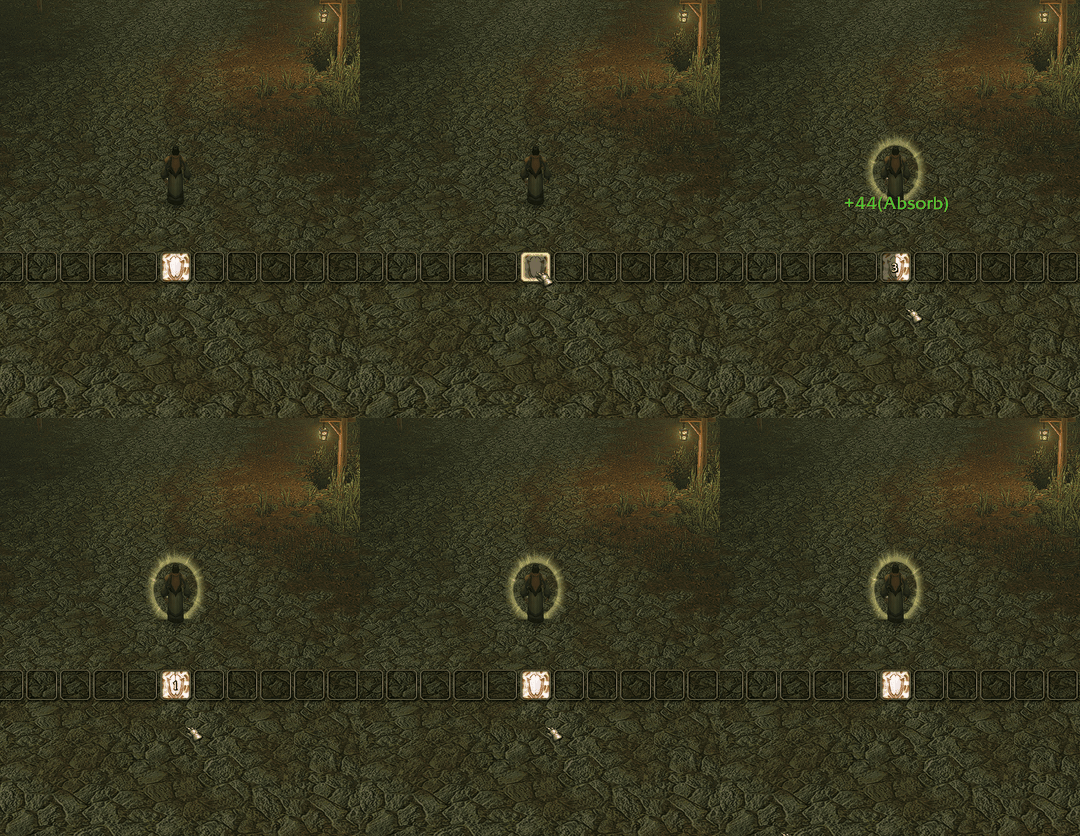
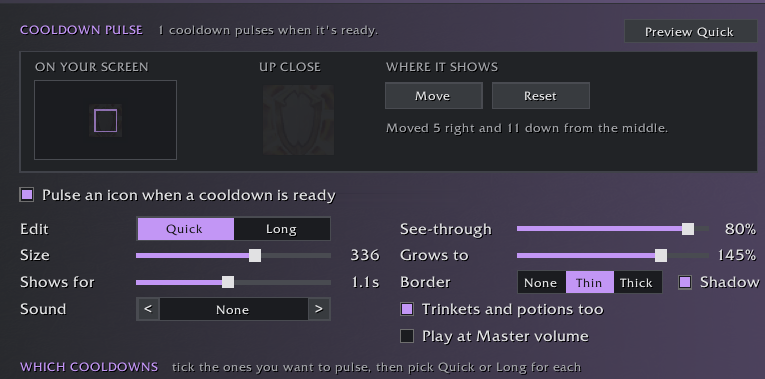
- 💥 Cooldown pulse: a big icon on screen the moment a cooldown is ready
- ⏳ Raid Timers: pull countdown, raid warnings and boss casts in your bar design
👥 Profiles and help
- 👥 Profiles per character, role or talents, and share them as text
- 🎓 A quick tour, plus a ? walkthrough on every page
➕ …and plenty more in the settings: click the minimap button, or type /ccm
✦ Getting started
- Log in: the settings open by themselves the first time, with a quick tour you can skip
- After that, click the minimap button, or find the settings under Options > AddOns (typing
/ccmworks too) - For your own bars, tick Use my bars on the General page, then add spells on each bar's page
- Pick a layout on the Layout page to stack them around your Personal Resource Display
Blizzard's Cooldown Manager must be on for its new look: the settings tell you if it's off and can turn it on.
✦ Also by Squirt
🏰 EraUI: the Classic look for WoW Forever's whole interface, with quality of life options. The two work great together.
Made by Squirt for World of Warcraft: Forever. All rights reserved.
Forever Enhanced Cooldown Manager - Resources, Cooldown Pulse, Cast Bar & More Team