Forever Enhanced Privacy
- By
A private mode for streams and screenshots: hides or swaps names, chat giveaways and where you are.
🕶️ Forever Enhanced Privacy

💬 Support, bugs & ideas: join our Discord to get help, report issues and suggest features.
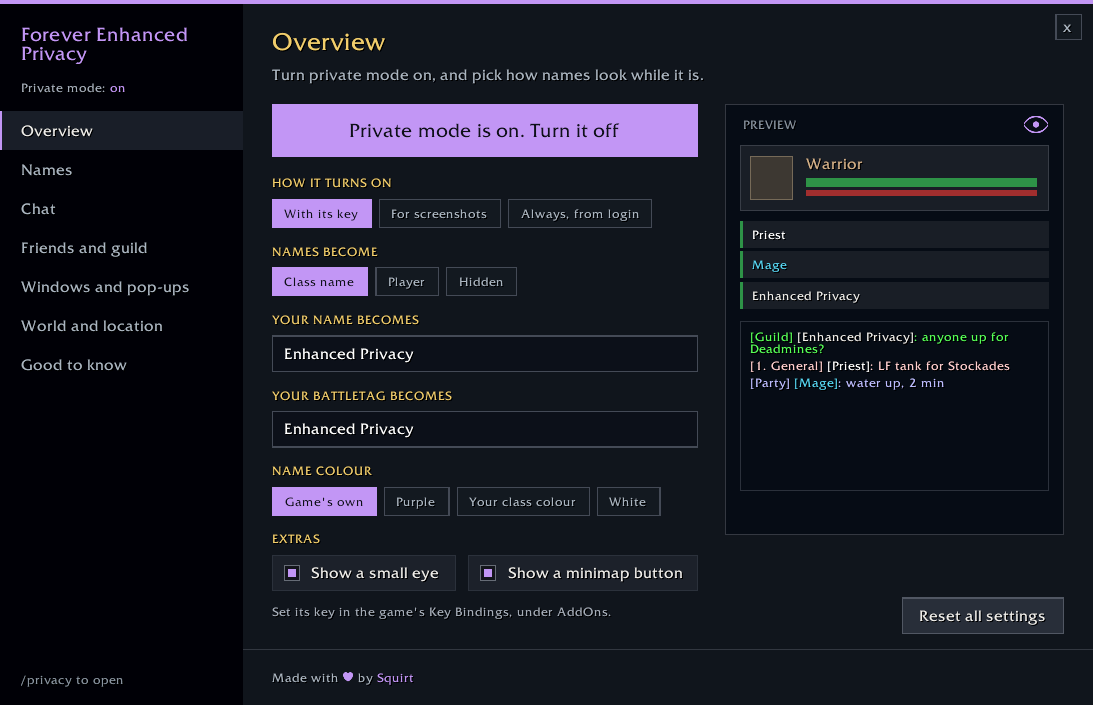
A private mode for streams and screenshots in World of Warcraft: Forever. Turn it on and the names, chat giveaways and location details your viewers shouldn't see are swapped or hidden. Turn it off and everything comes back exactly as it was.
✦ What it covers
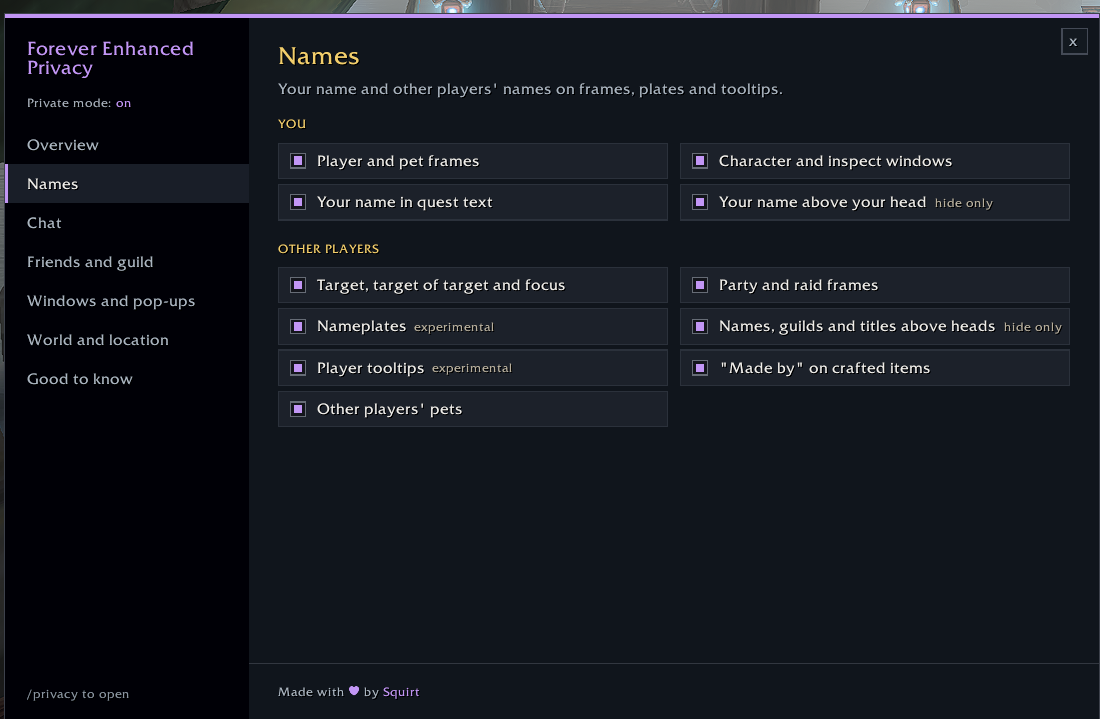
- 🧑 Names everywhere: player, target, focus, party and raid frames, nameplates, tooltips, names above heads and pets. Names become a class name ("Mage"), "Player", or nothing at all
- ✏️ Your own name, BattleTag and guild: show a name of your choosing in the colour you pick, a made-up BattleTag in the friends windows, and a made-up guild in your own tooltip and the guild list
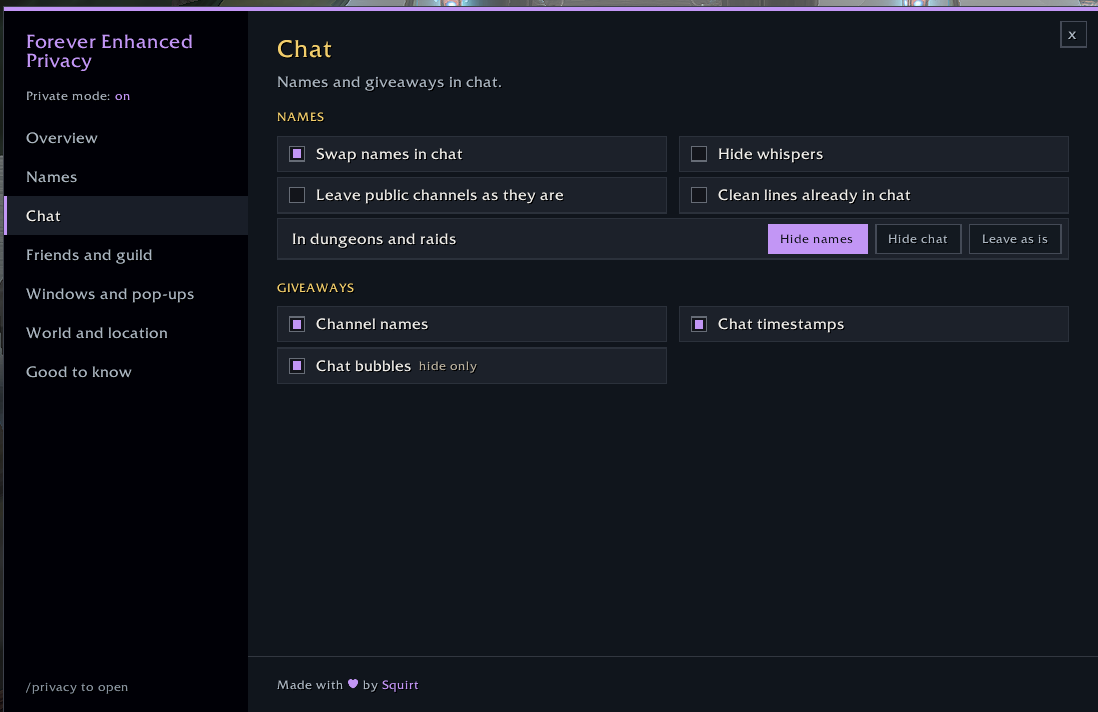
- 💬 Chat: names swapped in every channel, whispers kept out of chat, zone names trimmed from channel names, timestamps and chat bubbles hidden. The chat box shows "Tell Mage:" instead of who you're whispering. Trade, General and Looking for Group can stay readable if you like
- 📬 Whisper inbox: hidden whispers are kept in a private inbox to read later, off stream. Chat only says how many are waiting, and the minimap button shows a count
- ☕ Be right back screen: one key covers the whole screen with your own message and how long you've been away. Handy for breaks on stream
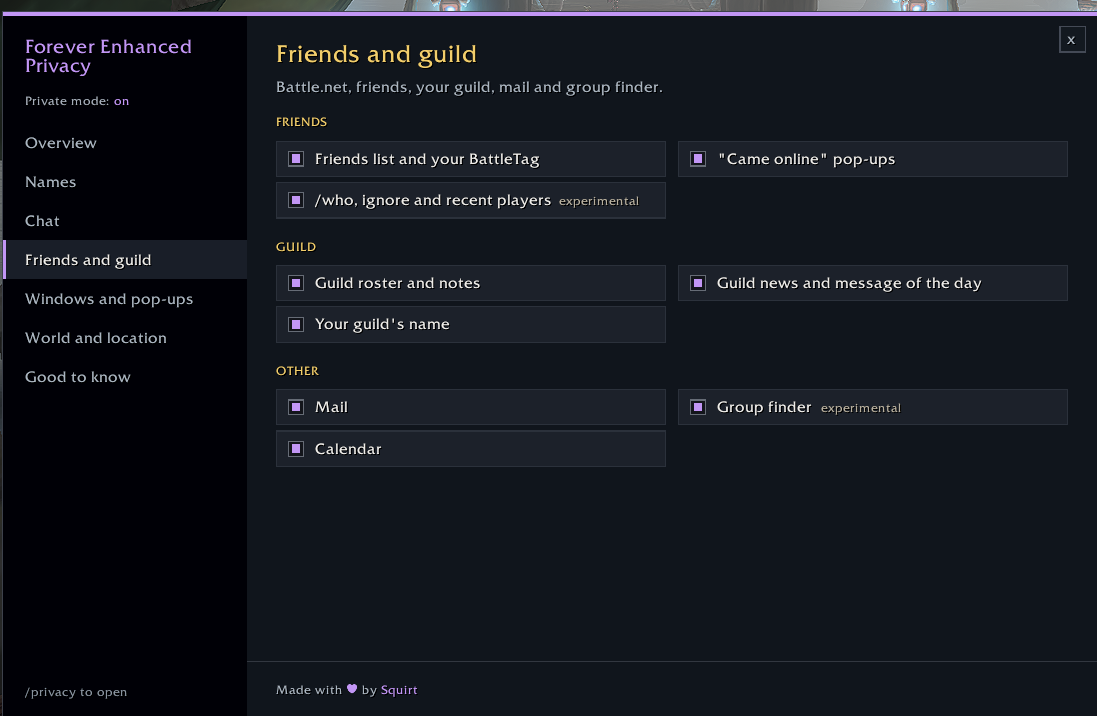
- 👥 Friends and guild: both friends windows (the classic list and the new social window), your BattleTag and its copy button, /who, ignore and recent players, the guild roster, news and message of the day, mail and the group finder
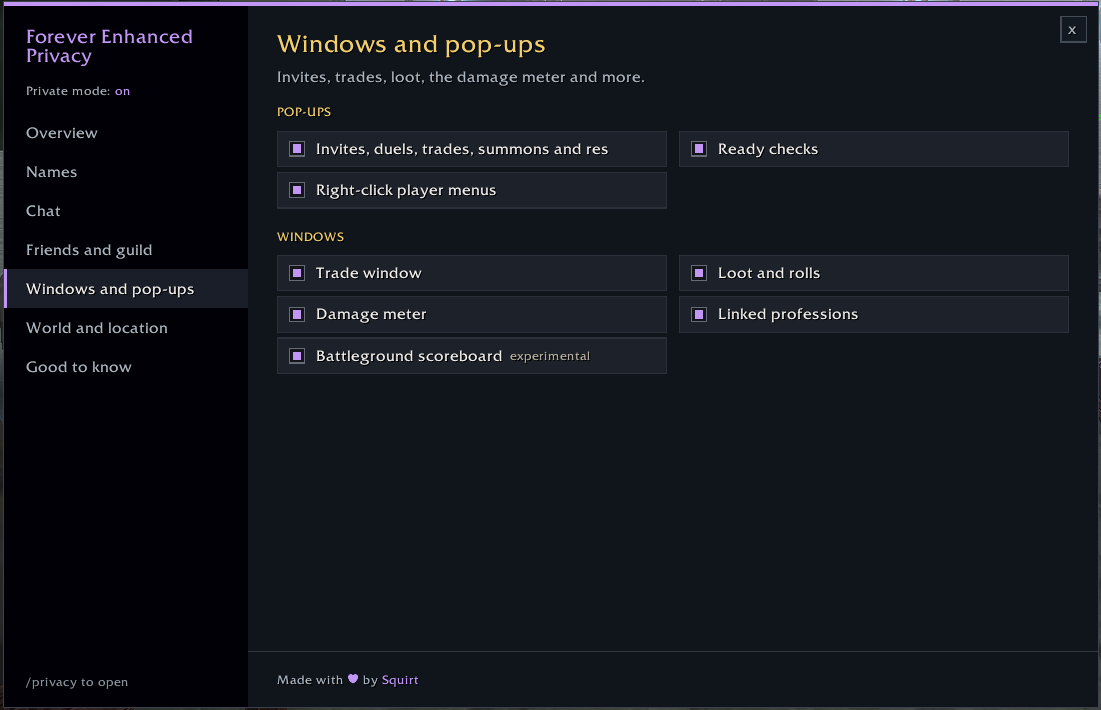
- 🪟 Windows and pop-ups: invites, duels, trades, summons and res requests, ready checks, right-click menus, loot rolls, the damage meter, linked professions and the battleground scoreboard
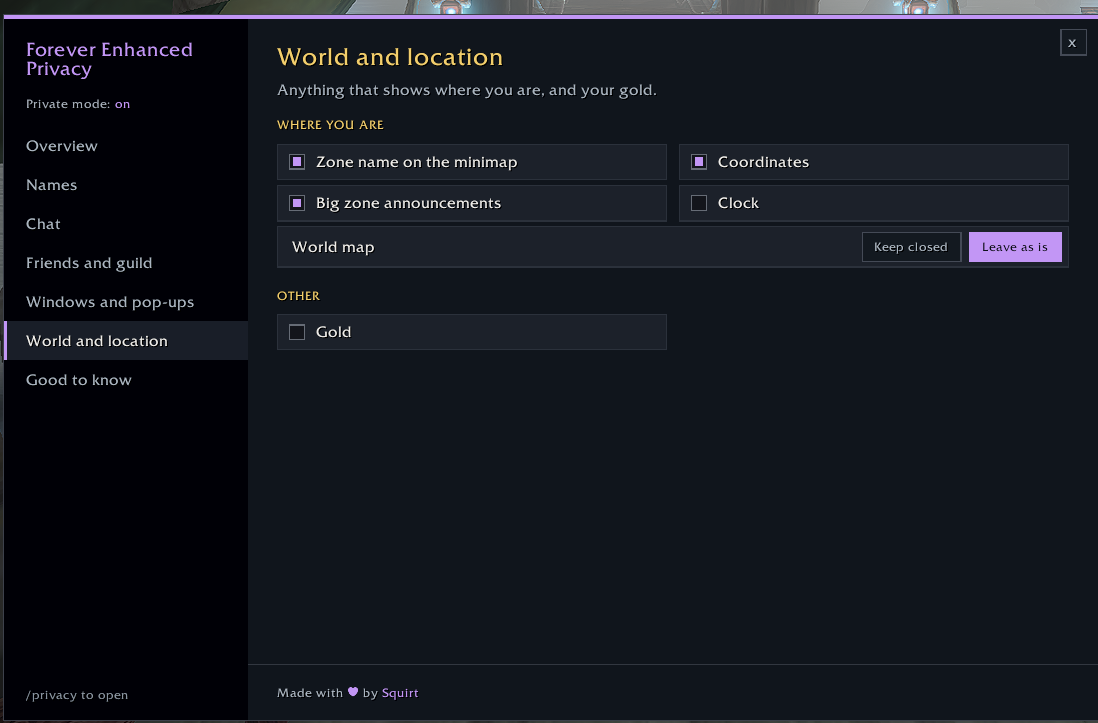
- 🗺️ Where you are: the zone name, coordinates, big zone announcements, the clock, the world map and your gold
📸 In game
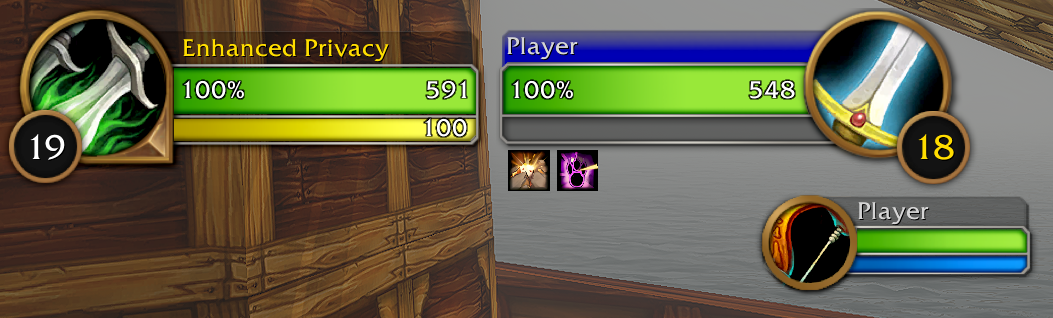
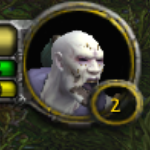
Names become "Player"...
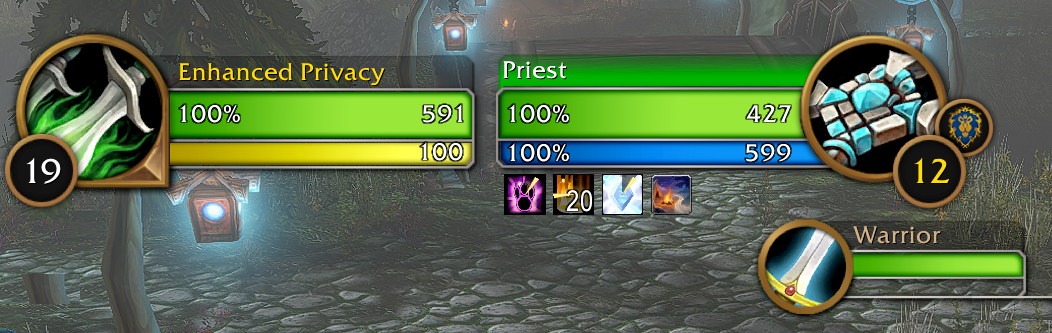
...their class...
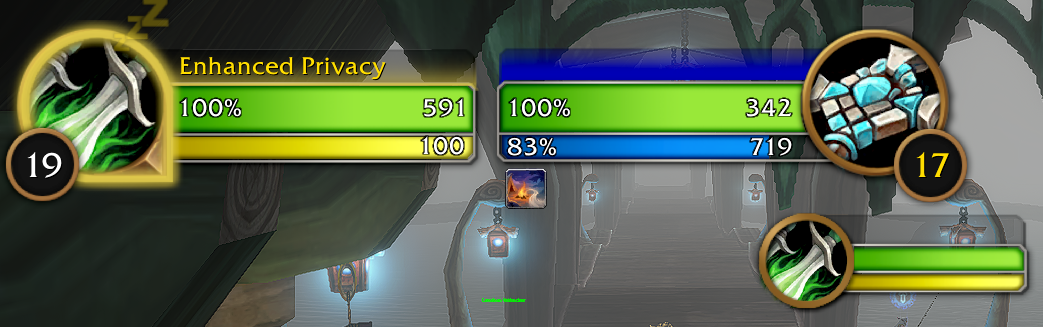
...or nothing at all.
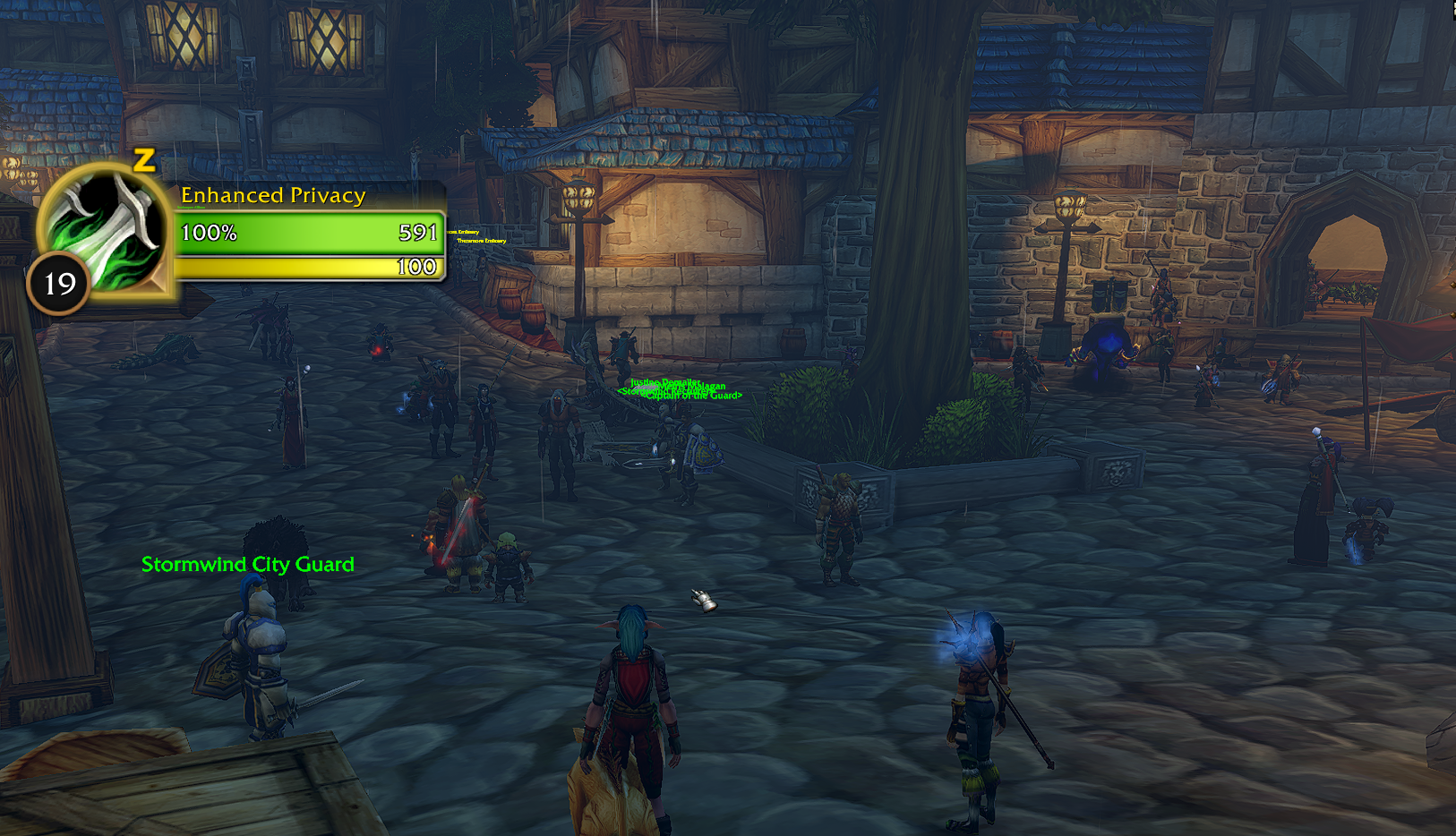
No names above other players, even in a busy city.
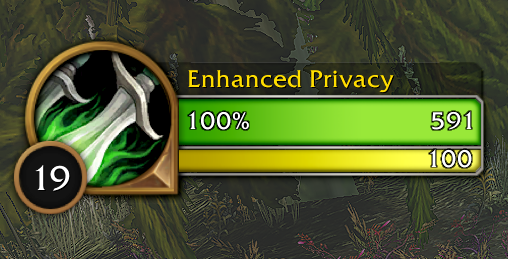
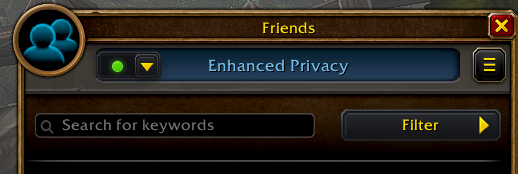
Your own name and a made-up BattleTag.

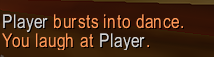
Chat and emotes too.
🔑 Turning it on
- With its key: set a key in the game's Key Bindings, or type
/privacy onand/privacy off - For screenshots: on only while a screenshot is taken
- Always, from login: on whenever you play
- A minimap button toggles it with a click, and an optional small eye on screen shows when it's on. Neither appears in screenshots
💬 Commands
/privacyopens the settings/privacy on,/privacy off,/privacy toggle/privacy minimapshows or hides the minimap button/privacy inboxopens the whisper inbox (or shift-click the minimap button)/privacy brbshows or hides the be right back screen (or set its key in Key Bindings)
⚙️ Settings
Every part can be switched on or off on its own.
ℹ️ Good to know
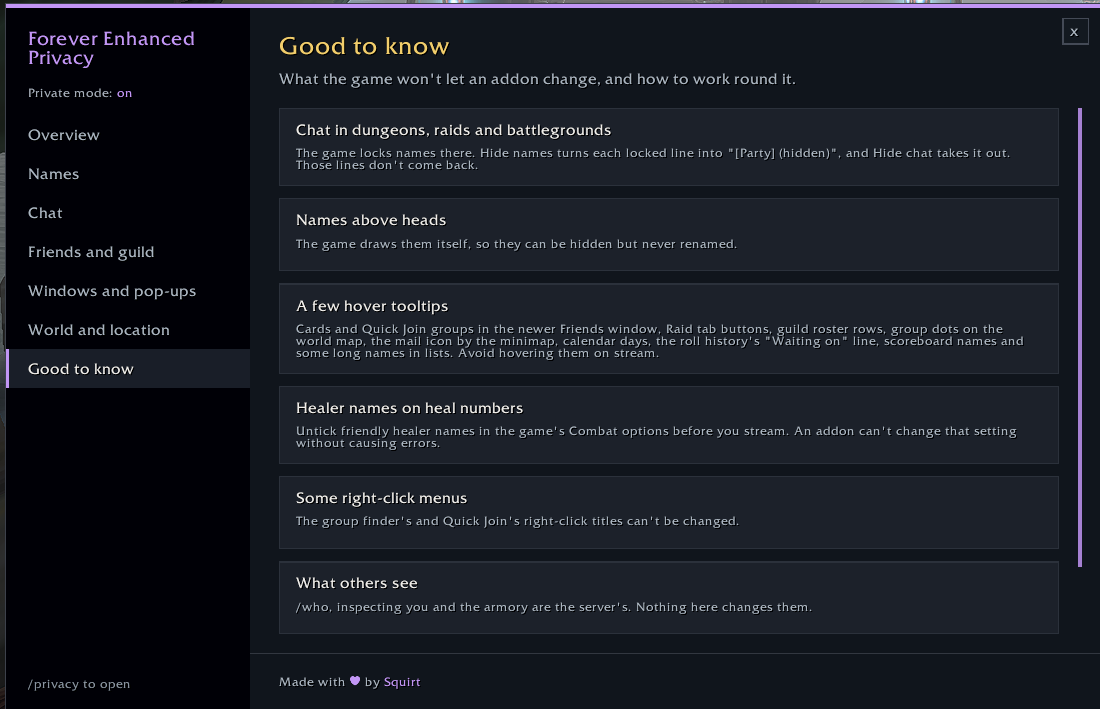
- Some things the game doesn't let an addon change, such as the title of a few right-click menus and some hover boxes in the new social window. The Good to know page in
/privacylists them and how to work round them - When you type
/wand a name, those letters show until the chat box switches to "Tell Mage:" - Settings changed while private mode is on (names above heads, chat bubbles and so on) are put back when you turn it off, log out or reload, so disabling the addon never leaves anything hidden
Created by Squirt. Built for World of Warcraft: Forever.
Forever Enhanced Privacy Team