Forever Contacts Book
- By
Remember character names from friends, guilds and past groups, with favorites, notes, mail recipients and an ignore list.
Forever Contacts Book
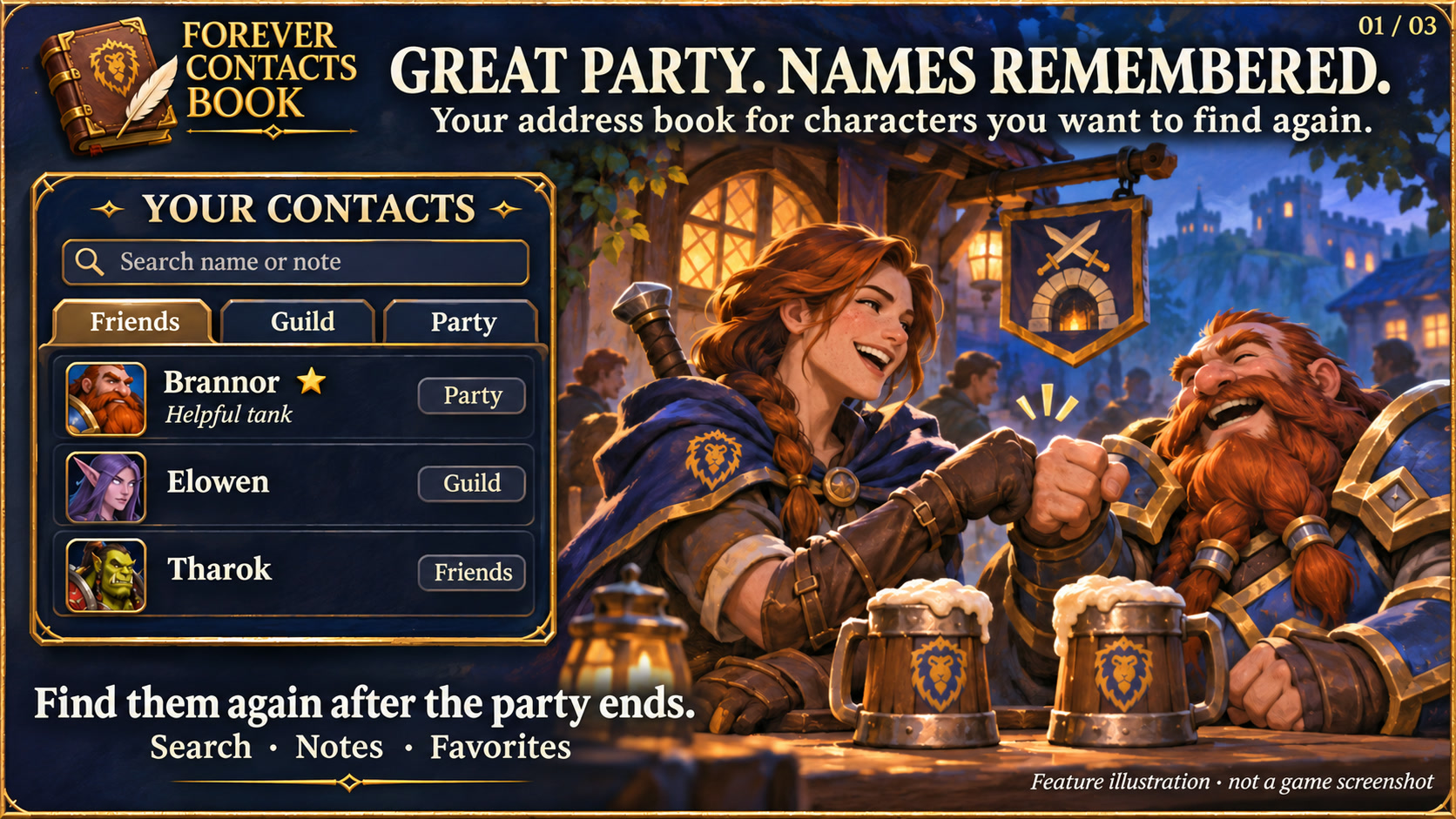
Feature illustration: schematic example, not an in-game screenshot.
Menus use the shared Forever Hub presentation: dark textured panels, subtle metal borders and clear selection states. Compact action menus stay compact; the Forever launcher icons stay frameless. Update Forever Hub to 1.10.1 or later for this appearance.
Language (from version 1.2.5): follows the WoW client by default. Each addon has a Language dropdown; select a language and click Reload UI. Available translation coverage varies by addon and language; missing labels fall back to English. Game-provided names stay in the client language. Update Forever Hub to 1.11.0 or later.
Forever Contacts Book is a character address book for World of Warcraft: Forever.
Remember the character name, not just the encounter. Contacts automatically collects names provided by the WoW friends list, guild roster and party/raid roster. Previously encountered group members remain searchable after the group ends. Visible Battle.net characters are considered only when the client identifies the same WoW project and ruleset; BattleTags and real names are not stored.
Search character names or your own local notes, add contacts manually, mark favorites and filter by source. Names and surnames stay intact. The address book is shared locally across your characters and separated by ruleset; source, capture time and available class/level information help identify the right person. Automatic sources can be disabled separately. Removing a contact prevents automatic re-import until manually added again.
Right-click a player, open Add Friend and choose Add to Forever Contacts Book to save the full character name directly. Menus without an Add Friend submenu show a separate Contacts entry. Existing notes, favorites and blocks are preserved. No native friend request is sent.
Mail autocomplete: saved contacts appear in the native recipient dropdown, labelled Forever Contacts Book. The full character name is inserted when selected. This feature is enabled by default and can be disabled in Options. Blocked and removed contacts are excluded; mail is always sent manually.
At a mailbox, open Forever Contacts Book and select a recipient. Only the recipient field is filled; you choose the subject, contents, attachments and Send action. Copying the full name also works away from the mailbox.
Blocked contacts are hidden from normal lists and cannot be selected as recipients through Contacts. The Block button also requests Blizzard Ignore; the UI distinguishes a local block from confirmed native Ignore. Existing ignored names are imported. Unblock removes the local block only after the native list confirms removal. Blizzard controls the scope of its ignore feature; Contacts does not promise to stop every invitation, incoming mail or third-party addon message.
Requires Forever Hub. Open from the Hub minimap menu, shared launcher or /fcontacts. Rune seal is the default theme, with Minimal, Tactical and Signal available. Client-language translations are included with English fallback. No automatic mail, whispers, friend requests or sharing of the local address book.
Public changelog: https://kowarek.de/wow-addons/changelog/forever-contacts-book/
Forever Contacts Book Team