Ekran görüntüsü 2026-09-27 121442.png
Ekran görüntüsü 2026-09-27 121514.png
Description
Due to the Blizz damage mod restriction, simply click “Ignore” on the message that appears on the screen. This is not a problem; the add-ons are working properly.
The add-ons will be updated when the release is available.
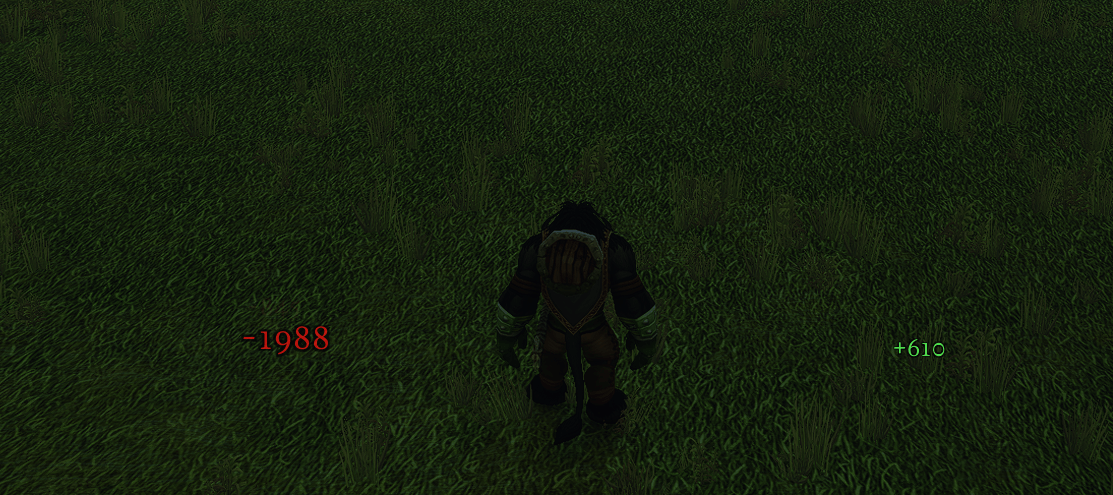
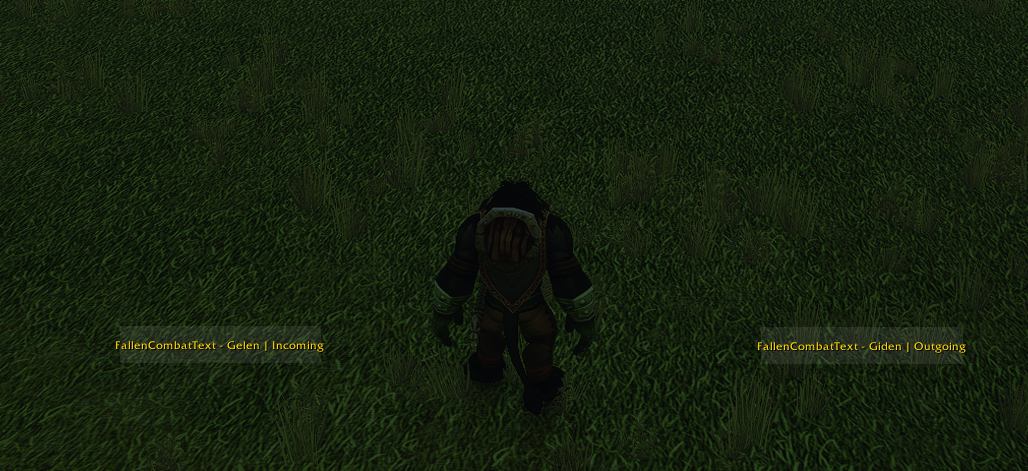
A custom-font floating combat text addon. Shows your outgoing damage, incoming damage, andhealing as numbers that float upward and fade — critical hits pop and scale up first.
Use the code below to disable Blizzard's default combat text
/console floatingCombatTextCombatDamage_v2 0
Installation
Copy the `FallenCombatText` folder into `World of Warcraft/_forever_/Interface/AddOns/`.
Komutlar / Commands (`/fct`)
| `/fct aç` | Metin çapasını hareket ettirmek için kilidi aç |
| `/fct kilit` | Çapayı kilitle |
| `/fct ölçek <sayı>` | Metin boyutunu ölçekle (örn. `/fct ölçek 1.3`) |
| `/fct sıfırla` | Konum ve ölçeği varsayılana döndür |
| `/fct giden` | Kendi verdiğin hasarı aç/kapat |
| `/fct gelen` | Sana gelen hasarı aç/kapat |
| `/fct heal` | İyileştirme metnini aç/kapat |
| `/fct test` | Örnek uçan metinleri göster |
| Command | What it does |
| `/fct unlock` | Unlock the anchor so you can drag it |
| `/fct lock` | Lock the anchor in place |
| `/fct scale <number>` | Scale the text size (e.g. `/fct scale 1.3`) |
| `/fct reset` | Reset position and scale to default |
| `/fct outgoing` | Toggle your own outgoing damage |
| `/fct incoming` | Toggle damage taken |
| `/fct heal` | Toggle healing text |
| `/fct test` | Show sample floating text |
## Renkler / Colors
- Sarı / Yellow — kendi hasarın / your damage
- Turuncu / Orange — kendi critlerin / your crits
- Kırmızı / Red — sana gelen hasar / damage to you
- Koyu kırmızı / Dark red — sana gelen crit / crit to you
- Yeşil / Green — iyileştirme / healing
- Turkuaz-yeşil / Teal-green — crit iyileştirme / crit healing
The FallenCombatText WoW Forever Team