EzCinematic
- By
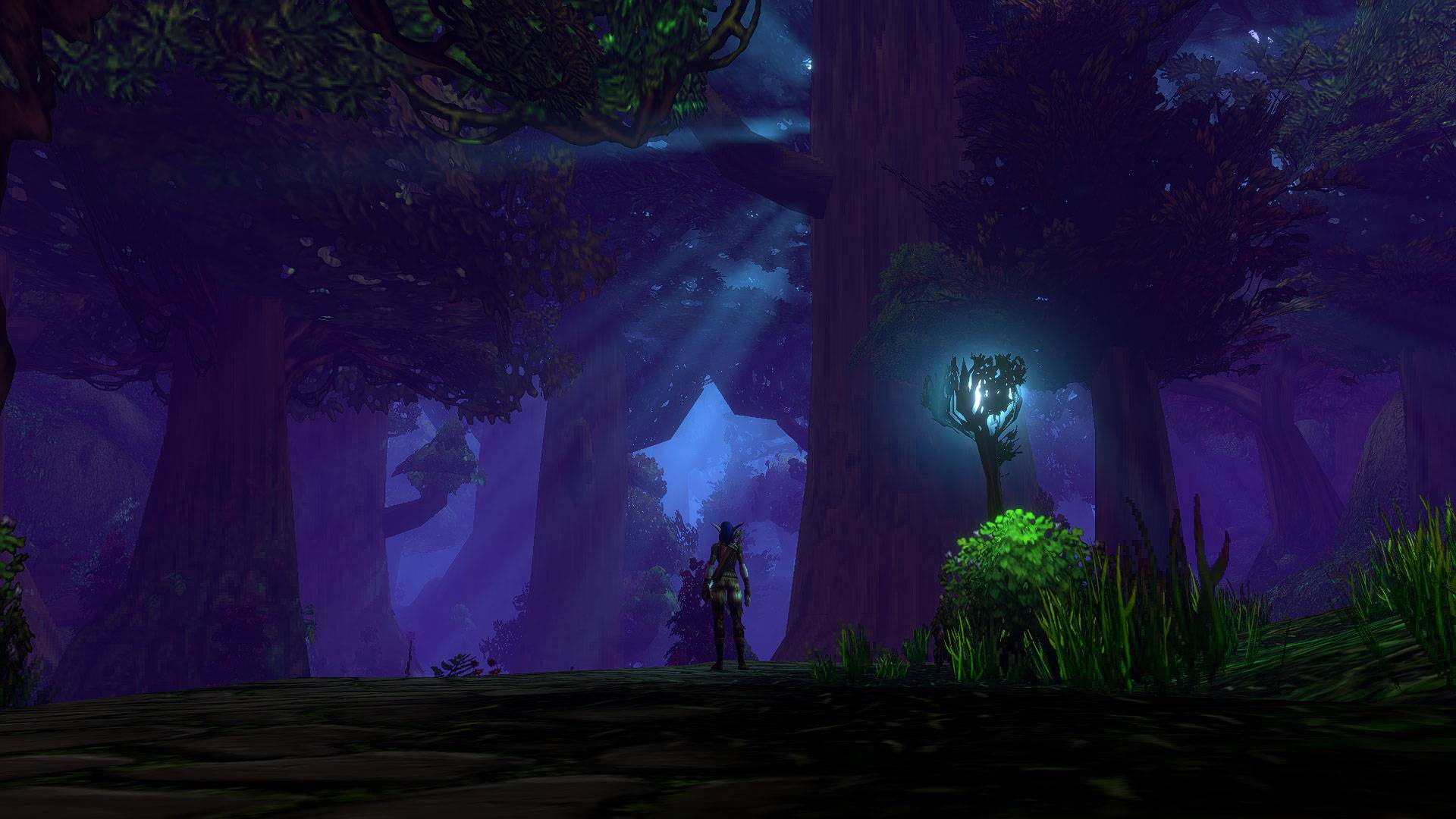
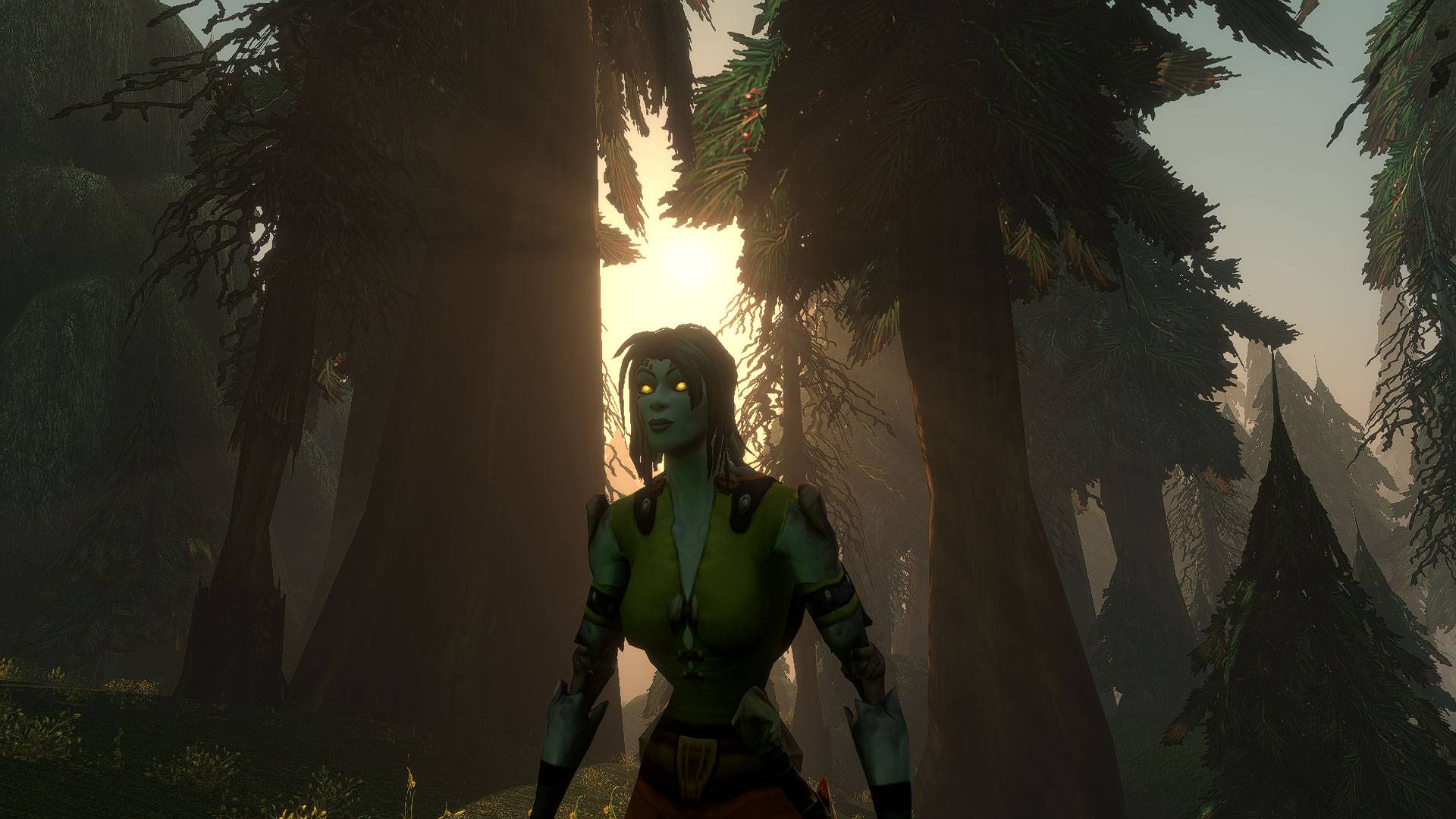
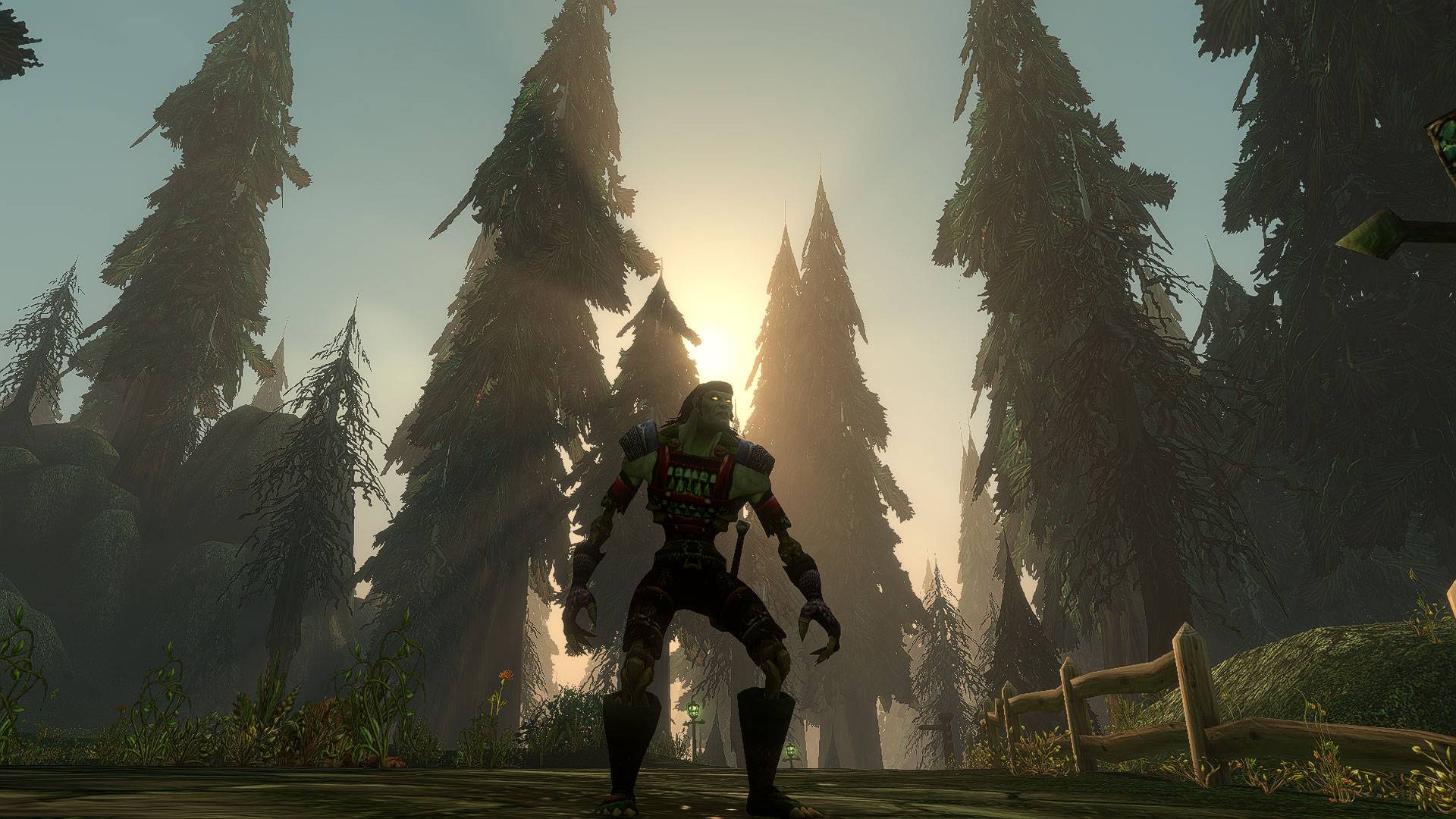
One key for clean screenshots in WoW Forever, or for a role-play walk with nothing between you and the world: no bars, no floating names, just the music and the scenery.
WoWScrnShot_092826_020414.jpg
WoWScrnShot_093026_201135.jpg
WoWScrnShot_100326_193301.jpg
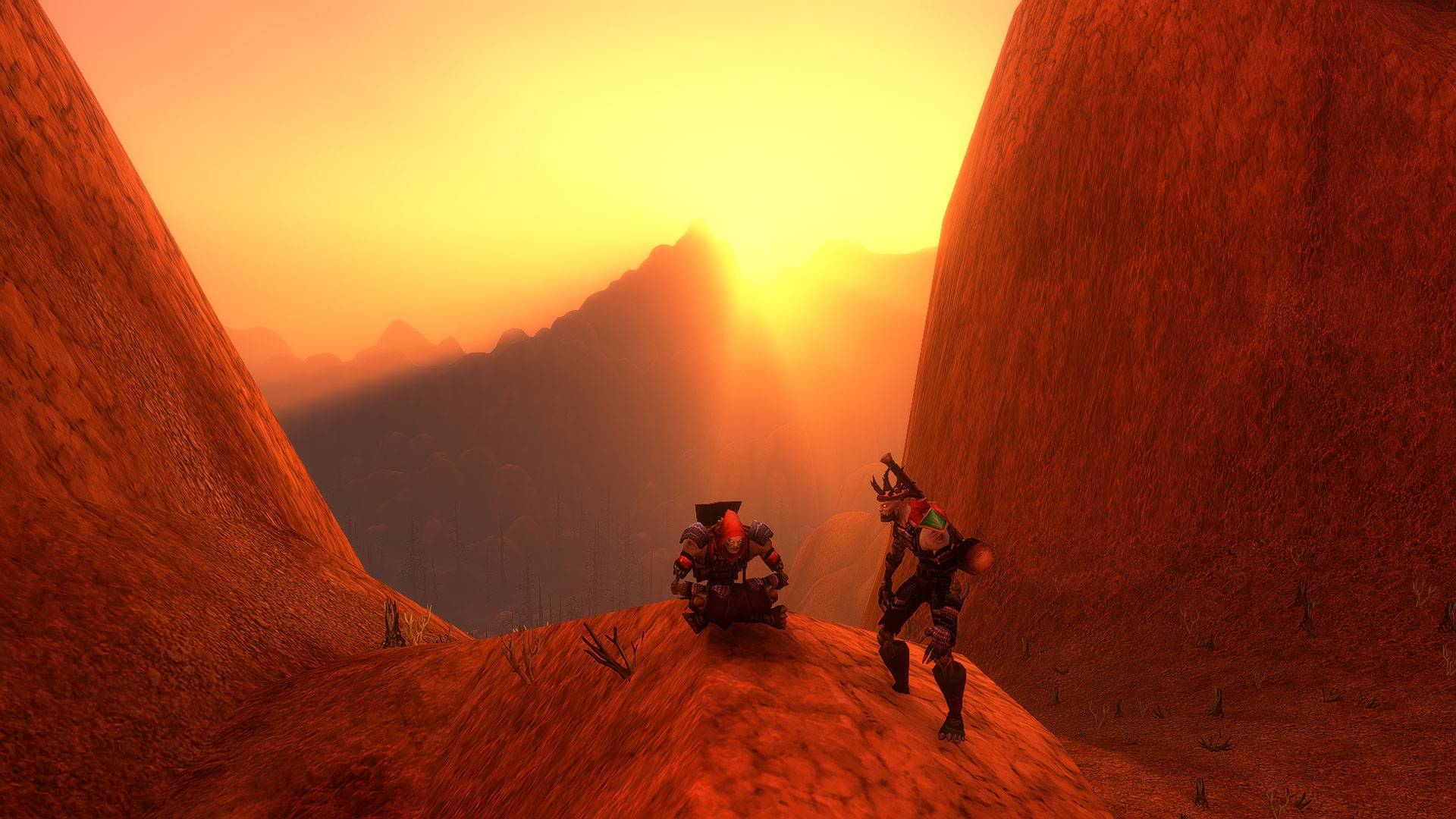
WoWScrnShot_100426_220102.jpg
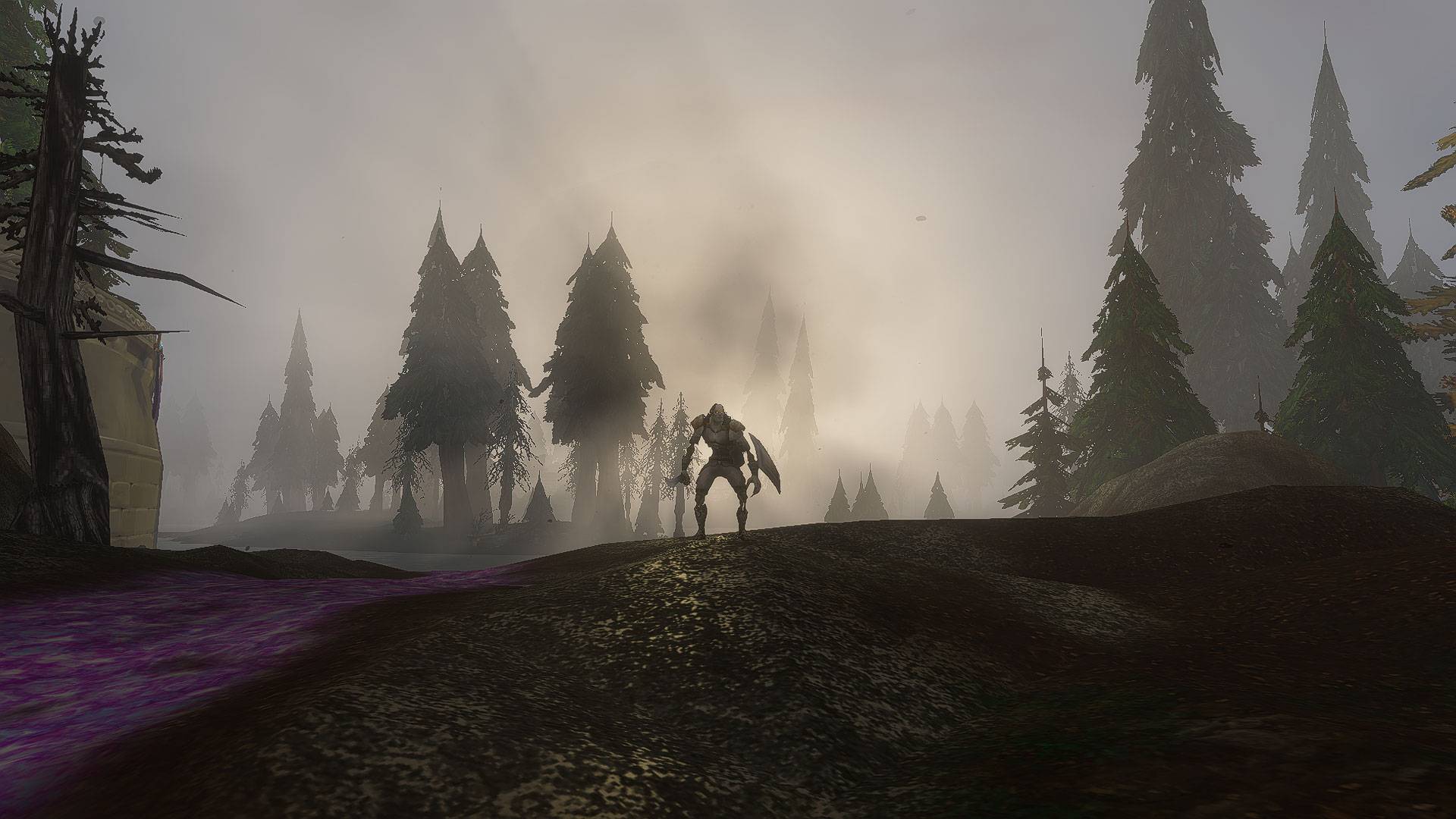
WoWScrnShot_100826_214036.jpg
Description
One key for clean screenshots, or a role-play walk with nothing between you and the world.
Press a key and the interface steps aside: no action bars, no nameplates, no floating names over every NPC and passer-by. Just your character, the scenery and the music. Press it again and everything comes back exactly as you had it.
When you turn cinematic mode on, EzCinematic:
- Hides the whole UI, the same way Alt+Z does
- Hides nameplates, both enemy and friendly
- Hides floating names of NPCs, hostile mobs and other players. Your own name stays as you have it set
- Brings the music forward with the Music focus sound mix (music at full, effects and ambience softer)
When you turn it off, it puts back your exact settings: nameplates, names and every volume slider, not just defaults.
The easiest way is a macro on a key you can reach:
- Type
/macroand click New - Name it (for example Cinematic), pick any icon, and type
/cineas the macro text - Drag the macro to an action bar slot and bind a key to that slot
Bind a key rather than just clicking the button: while cinematic mode is on, the action bars and chat box are hidden, so the key is how you turn it back off.
Prefer a direct key binding? Go to Options → Key Bindings → EzCinematic → Toggle cinematic mode.
Tips:
- Screenshots: turn on cinematic mode, frame your shot, press your screenshot key (Print Screen by default), then turn it off
- Role-play walks: turn it on and just walk. You can still move, jump, use emotes from keybinds and mount up
- Press Alt+Z if you need the interface back for a moment. Your next press of the key still restores everything else
- Combat: cinematic mode can't be started in combat. If you turn it off during combat, everything comes back as soon as combat ends
- Reload-safe: if you /reload or disconnect while it's on, your names, nameplates and volumes are restored the next time you log in
- Works great with EzSoundMixer: if it's installed, EzCinematic uses your own Music focus preset, so you can tune the mix. Without it, a built-in Music focus mix is used. EzSoundMixer is optional
Made for WoW Forever.
EzCinematic Team