EUI Tweaks
- By
Extra tweaks for EllesmereUI: fast zoom, hide chat, better chat copy, icon search, color rewriter.
01-camera-fast-zoom.png
02-chat-hidden.png
03-chat-shown.png
04-copy-chat-options.png
05-copy-chat-window.png
Description
EUI Tweaks is an unofficial add-on for EllesmereUI on WoW: Forever. It needs EllesmereUI and puts all its options into the EllesmereUI panel, in its own section Tweaks+. Every function is off until you switch it on.
Tweaks
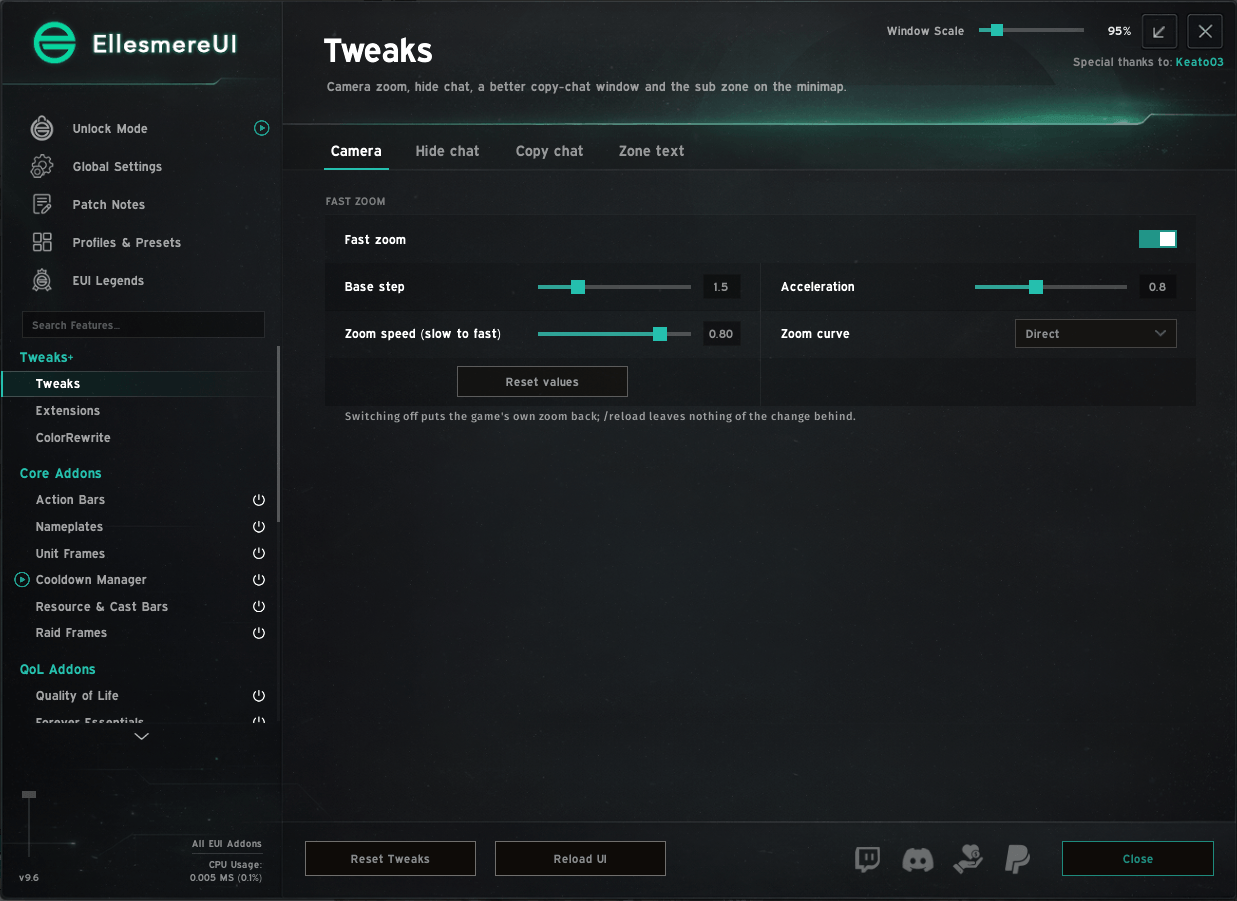
- Camera: fast mouse-wheel zoom. Turn the wheel quickly to cover much more distance, slowly for small steps. Base step, acceleration, speed and curve can be set.
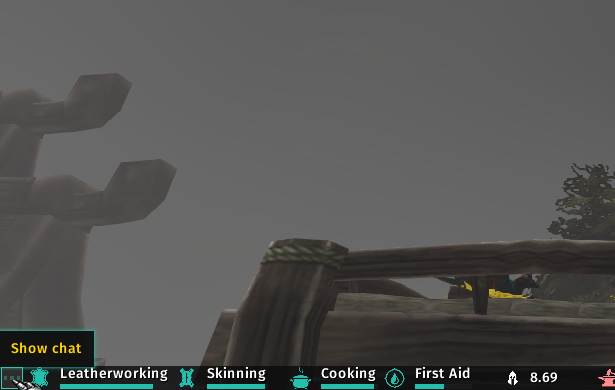
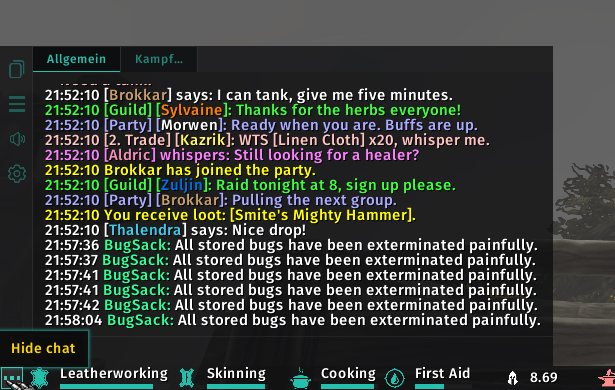
- Hide chat: one button hides the chat windows, tabs, input box and chat buttons, with EllesmereUI Chat also its background and sidebar. Enter or Edit Mode bring the chat back. The button uses the EllesmereUI accent color, or any color you pick, and can be moved freely.
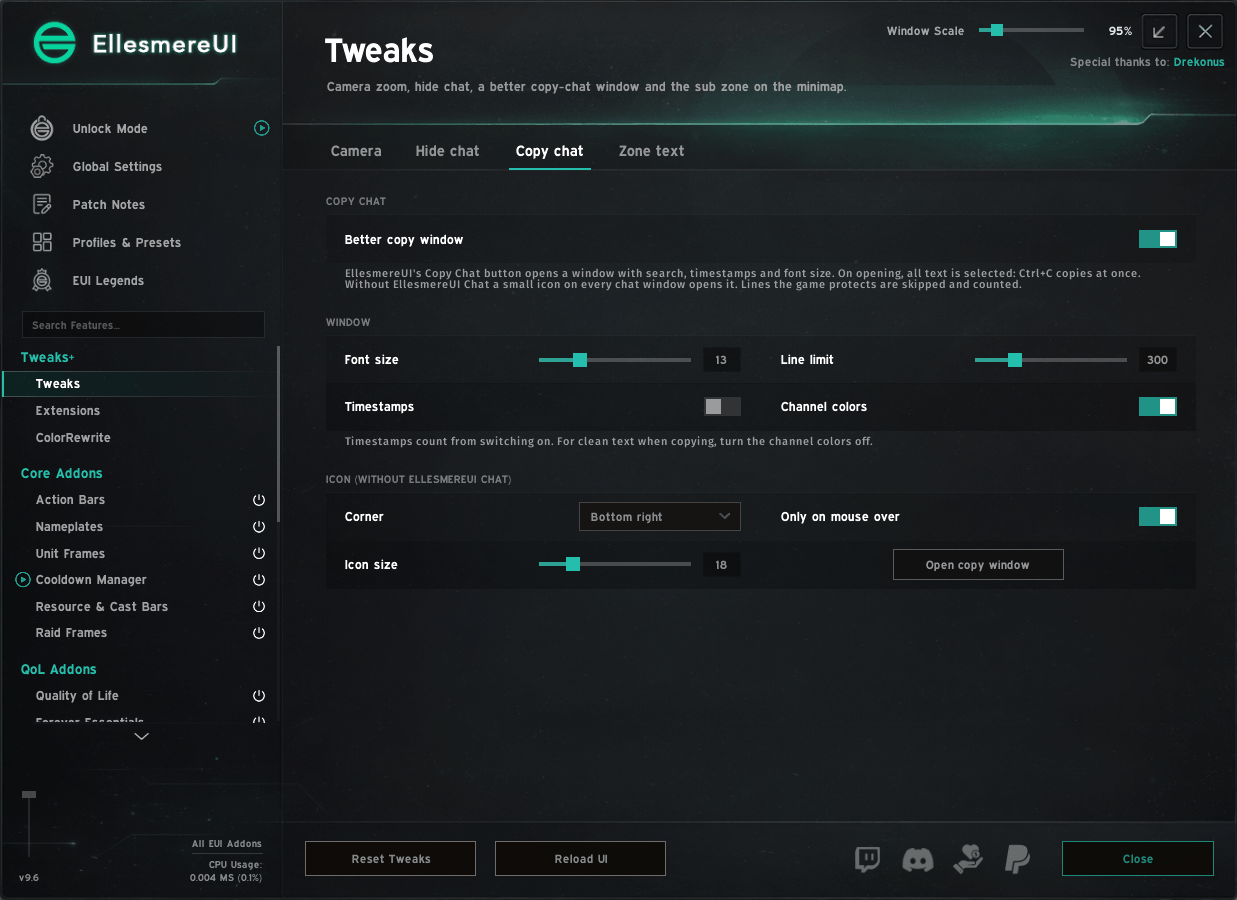
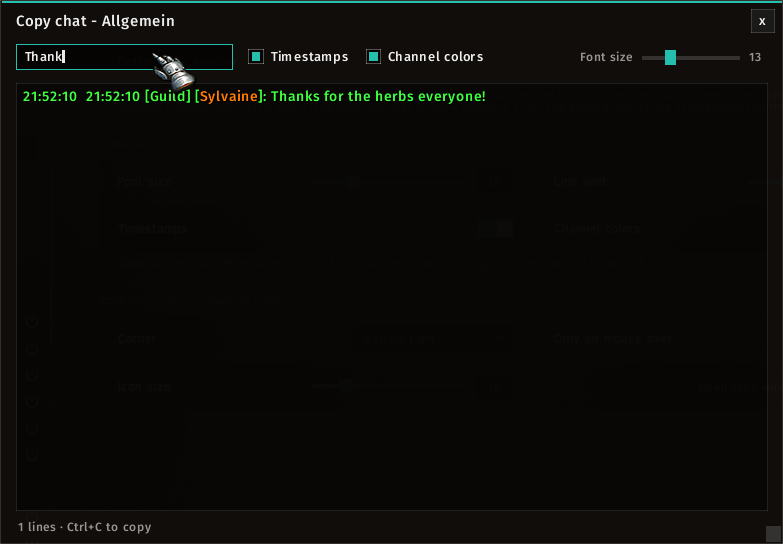
- Copy chat: EllesmereUI's Copy Chat button opens a window with search, timestamps, channel colors and font size. On opening all text is selected, so Ctrl+C copies at once.
- Zone text: shows the sub zone in a second box next to the EllesmereUI minimap zone text, in the same style, with position and X/Y offset.
Extensions
- Icon search: a search line and a category filter (classes, weapons, armor, magic, professions …) in EllesmereUI's macro "Choose Icon" window, in a larger window. The icon data loads only when the window opens.
ColorRewrite
- Find one color (for example
#29BDAC) everywhere in the EllesmereUI settings, also where you typed it by hand, and replace it with another. The list shows every place first; the last replace can be undone.
Commands: /eut opens the options (/eut camera, /eut icons, /eut colors, /eut copy).
Languages: English, German (follows the EllesmereUI language setting).
EUI Tweaks is not affiliated with EllesmereUI or its author. EllesmereUI is required and installed separately.
EUI Tweaks Team