Elite Player Bars
- By
Buff and debuff timer bars on you for PvP and PvE. Clean defaults, curated spell lists, works in combat. /epb
Description
Elite Player Bars
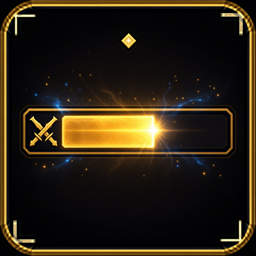
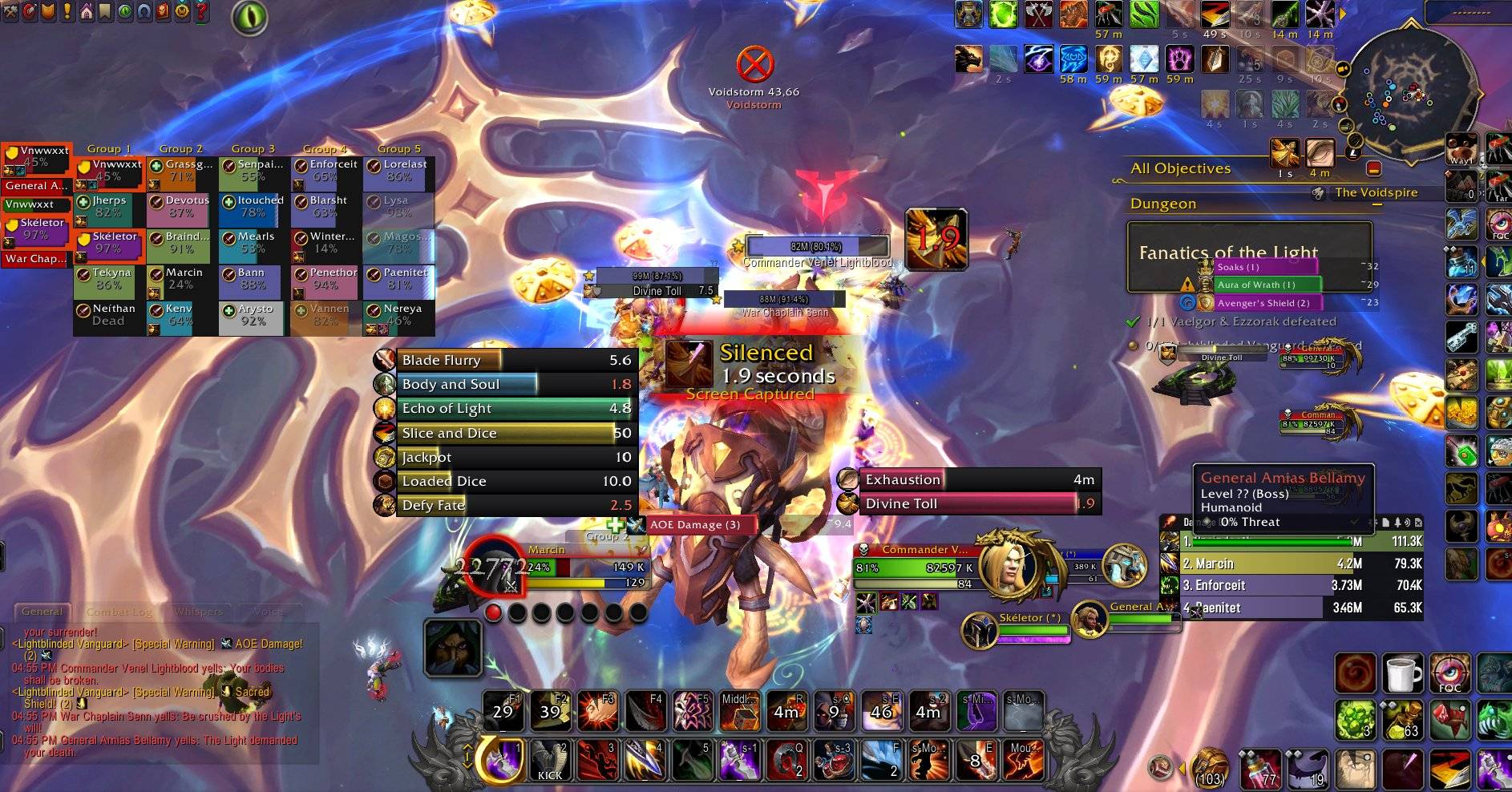
Elite Player Bars shows the buffs and debuffs on you as clean timer bars, so you can line up cooldowns with the buffs that matter and react to the debuffs that land on you. It is built for timing, in PvP and PvE.
Playing WoW Forever? Use Elite Player Bars Forever, the version made for that client.
Features
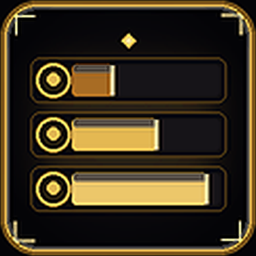
- Clean defaults. Out of the box you get two groups: Buffs on Me and Debuffs on Me. They sit left and right of screen center.
- Other units when you want them. Target, Focus, Target's target, Focus's target and Target's target's target each have a Buffs group and a Your debuffs group. They are all off until you turn them on from the Target & Focus page. Mouseover buffs and debuffs are available there too.
- Curated spell lists for every class, plus trinket and gear procs and the debuffs that matter in raids, dungeons and PvP.
- Short auras only by default. Built-in lists leave out anything that lasts over 3 minutes. The Hide buffs and debuffs longer than 3 minutes option on the General page controls this.
- Works in combat. Bars show live timers, stacks and a low-time pulse during fights, using Blizzard's combat-safe aura API.
- Bar look. Toggle the spell icon, name, stack count, time remaining and tenths of a second under 10 seconds. Set scale, opacity and bar texture (LibSharedMedia textures appear when installed).
- Per-group control. Size, colors, grow direction and look for each group on the Bar Groups page. Unlock to drag groups anywhere, or attach them to your player, target or focus frame.
- Your own spells. Add spells by ID or with Auto-find on the Spells page, send them to your own custom groups, and set their order and color.
- Filters. Only show my own buffs, hide heals and shields from other players, hide buff or debuff groups out of combat, hide in vehicles and pet battles.
- Donate button in the options window title bar.
Getting started
- Type
/epbto open the options. - Type
/epb previewto show every enabled group with a sample bar, then drag them where you want. - Type
/epb lockwhen you are done.
| Command | What it does |
|---|---|
/epb |
Open the options |
/epb preview |
Show every enabled group with a sample bar |
/epb lock / /epb unlock / /epb toggle |
Lock or unlock the groups |
/epb addspell <id> [group name] |
Add a spell, optionally to one of your custom groups |
/epb creategroup <name> / /epb deletegroup <name> |
Manage custom groups |
/epb rescan |
Refresh auras |
/epb version |
Show the version |
/epb reset |
Reset every setting |
Notes
- Combat limits. While a fight is running, the game hides which spell an aura is from addons. Every bar still shows its icon, name, stacks and live timer, but auras gained mid-fight use their group's default color and order. At boss pulls, Mythic+ starts and PvP matches this applies to every aura until the encounter, key or match ends. Your per-spell colors, custom groups and filters return as soon as it does.
- Long maintenance buffs such as flasks and food stay off the bars unless you turn them on.
Support
Elite Player Bars is free. If it helps your game, you can support development:
The Donate button in the options window shows both links ready to copy.
Elite Player Bars Team