EasyTimeline
- By
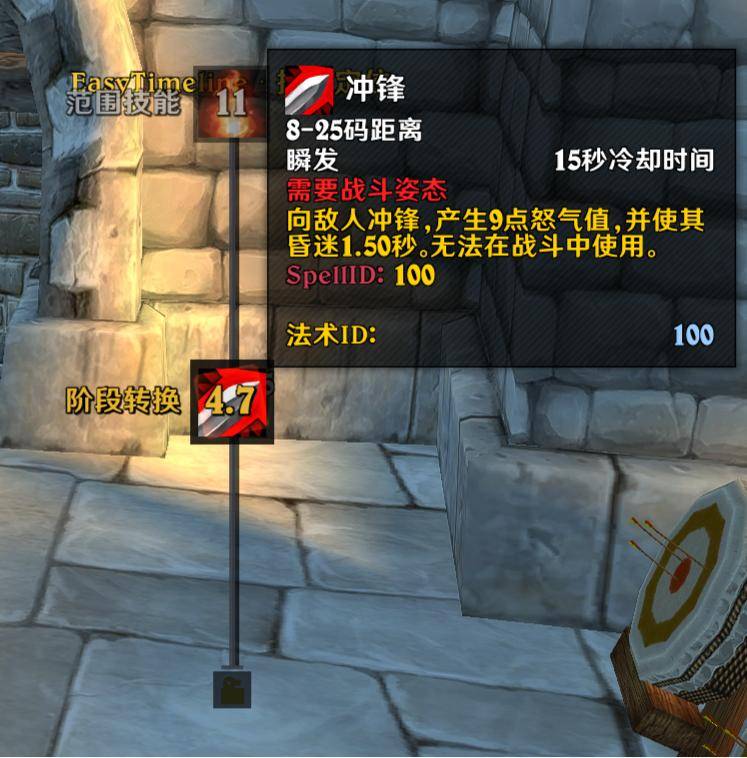
EasyTimeline is a customizable boss-timer timeline for 12.1 and 3.80.2. It receives timers from DBM and BigWigs and presents them as a directional timeline, progress bars, or compact icons.
4786.jpg
55966941ACE8D9BC034973AFE012833A.png
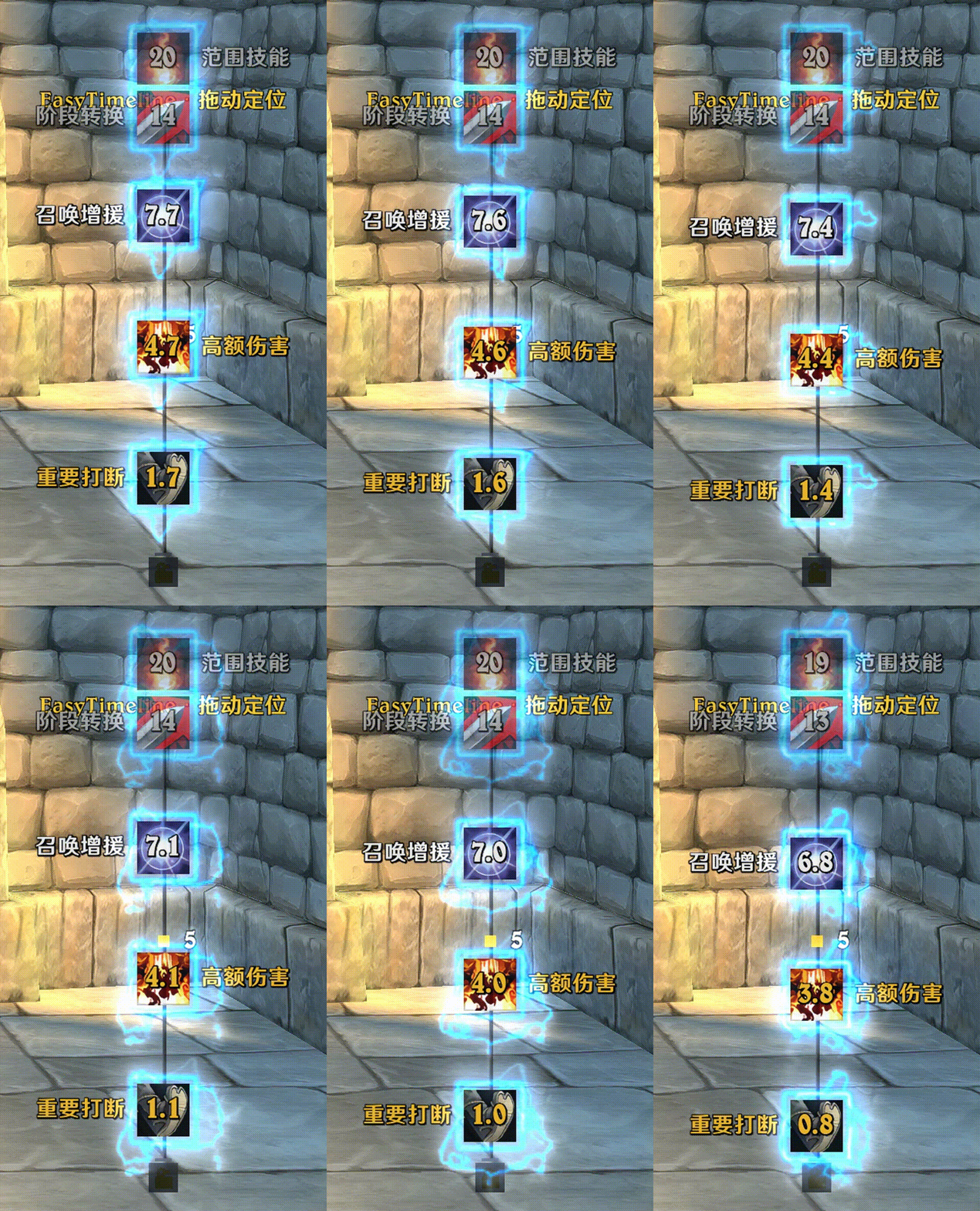
bandicam 2026-08-05 11-36-44-976Part001.gif
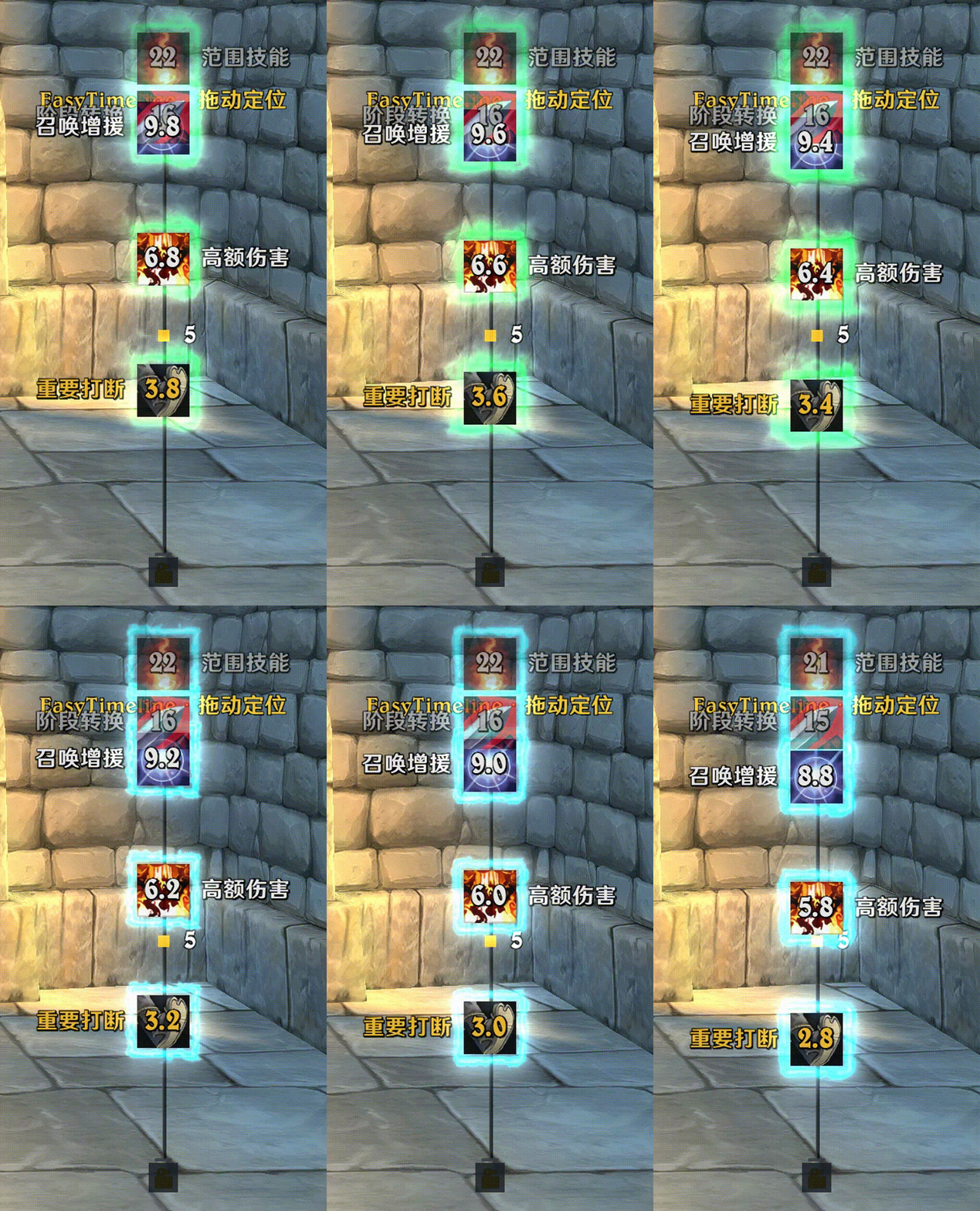
bandicam 2026-08-05 11-36-44-976Part016.gif
Description
EasyTimeline
EasyTimeline is a lightweight visual enhancement for World of Warcraft encounter timelines.
On Retail 12.1, it styles Blizzard's native Encounter Timeline without replacing its event data, sorting, timing, or layout logic. DBM and BigWigs are not required on Retail.
On the legacy 3.80 client, EasyTimeline retains its custom timeline renderer and optional DBM/BigWigs timer integration.
Features
- Styles Blizzard's native Timeline and Bars views on Retail 12.1
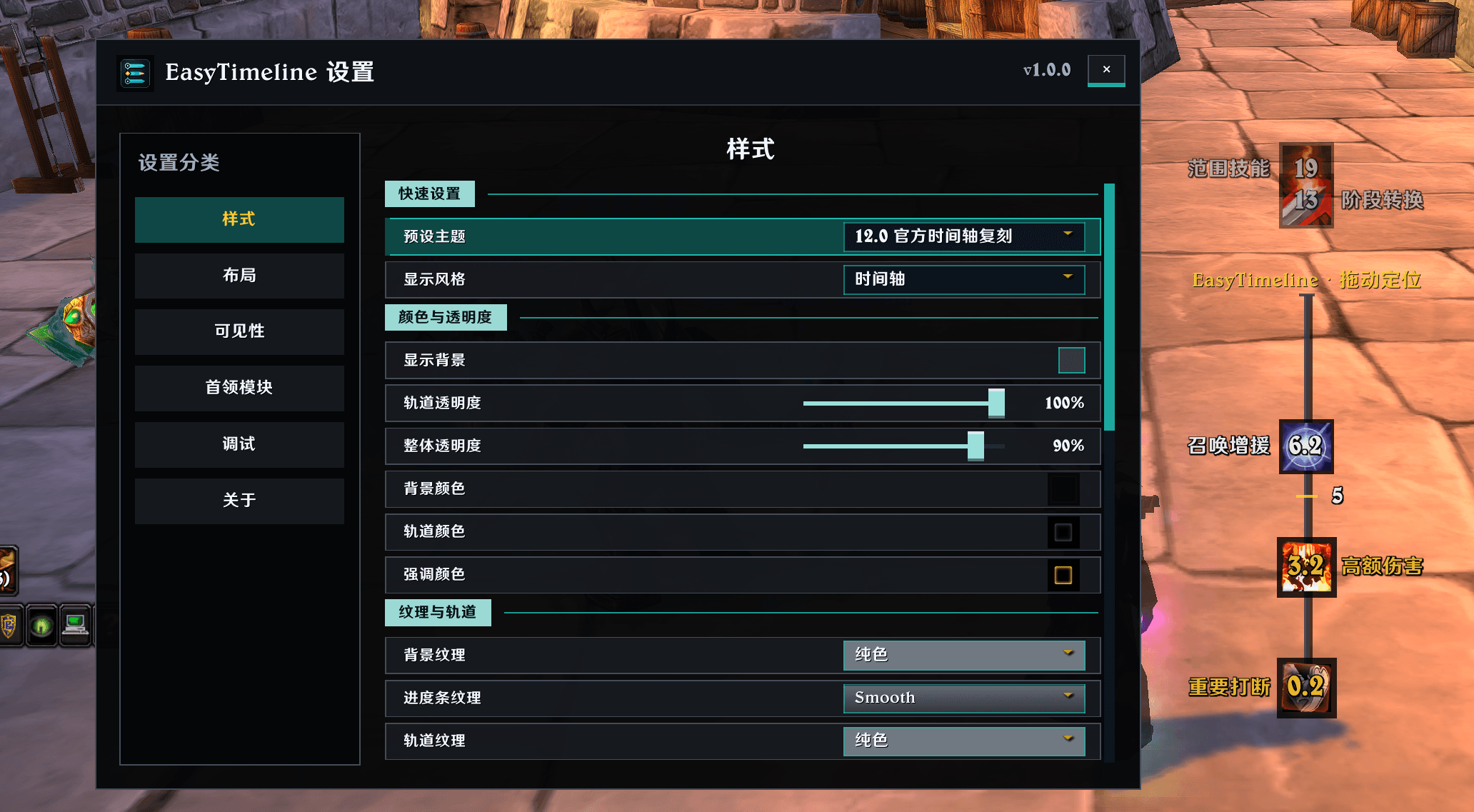
- Custom track, bar, background, font, text, icon-border, and opacity themes
- Urgent highlights, pulses, flashes, finish effects, and stop-motion icon animations
- Animation state driven by public Blizzard timeline events
- Idle visibility controls for combat, instances, and inactive timelines
- Minimap button, preview timers, and in-game configuration
- Character profile copy, account-wide saved profiles, and import/export strings
- Simplified Chinese, Traditional Chinese, and English UI
- English fallback for other client locales
The EasyTimeline Team