Dynamic Crosshair
- By
A customizable crosshair that changes color based on target range (melee/ranged) with class detection, head tracking, nameplate target lock-on, pixel-perfect scaling, character-specific profiles, and custom spell support.
Screenshot 2026-08-24 181947.png
Screenshot 2026-08-24 181939.png
Screenshot 2026-08-24 181929.png
Screenshot 2026-08-24 181917.png
Screenshot 2026-08-24 181906.png
Description
Dynamic Crosshair
Dynamic Crosshair is a lightweight targeting reticle designed for controller players and action combat. It changes color based on your target’s range and supports target locking, soft-target detection, custom positioning, and smooth visibility transitions.
Configuration
Open the configurator with /dch, /dc, or /crosshair, or open Settings → AddOns → Dynamic Crosshair.
Features
- Supports target and soft-target range detection.
- Changes color for neutral, melee range, ranged range, and out-of-range states.
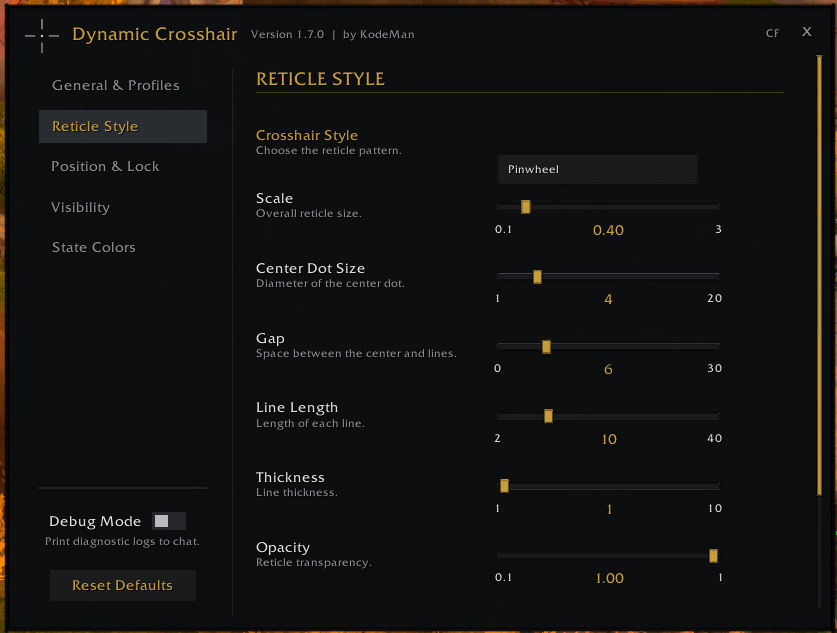
- Offers 10 reticle styles, including Classic, X-Shape, Bracket, Dot, Diamond, and more.
- Customizes scale, line length, thickness, gap, opacity, and center-dot shape.
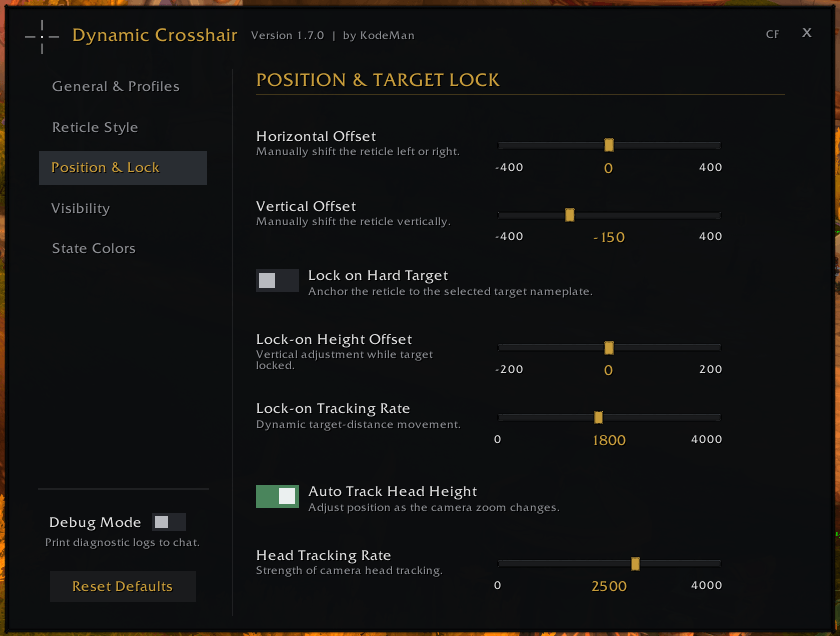
- Locks the reticle to the selected target’s nameplate with distance-based tracking.
- Supports manual X/Y positioning and automatic head-height tracking.
- Uses class-specific spells for range detection.
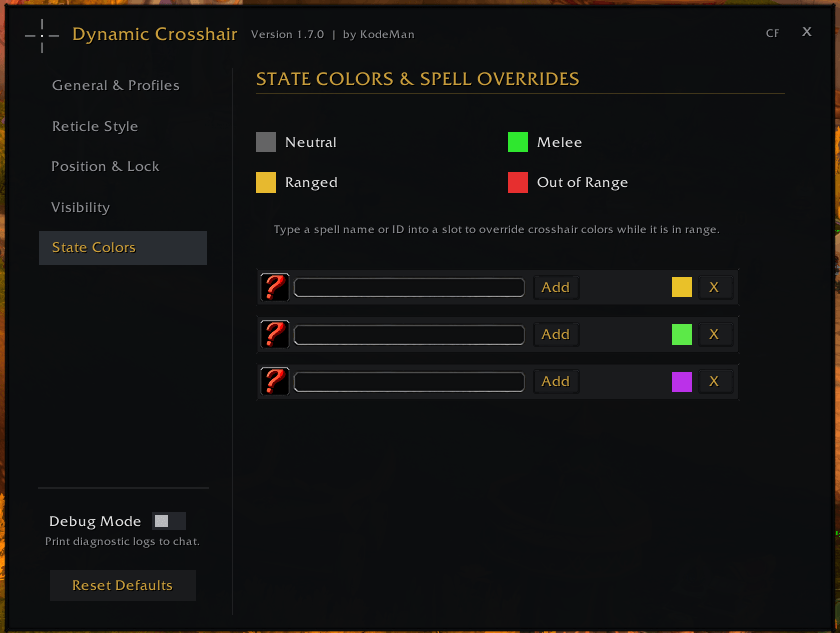
- Supports up to 3 typed spell-name or spell-ID overrides with searchable suggestions.
- Provides custom colors for each crosshair state and spell override.
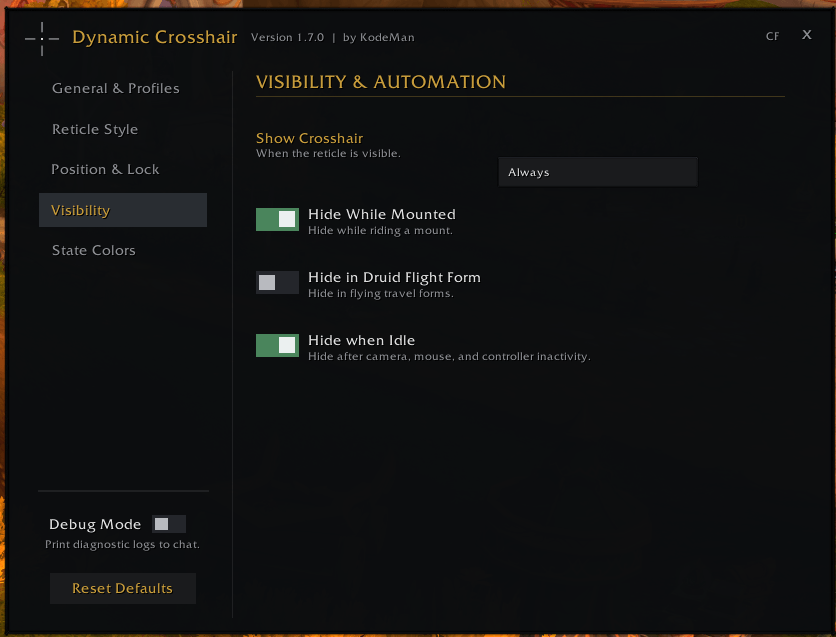
- Supports Always, Combat, and Target visibility modes.
- Can hide while mounted, in Druid flight form, or after camera/controller inactivity.
- Includes animated toggles, smooth fades, profiles, reset controls, and debug mode.
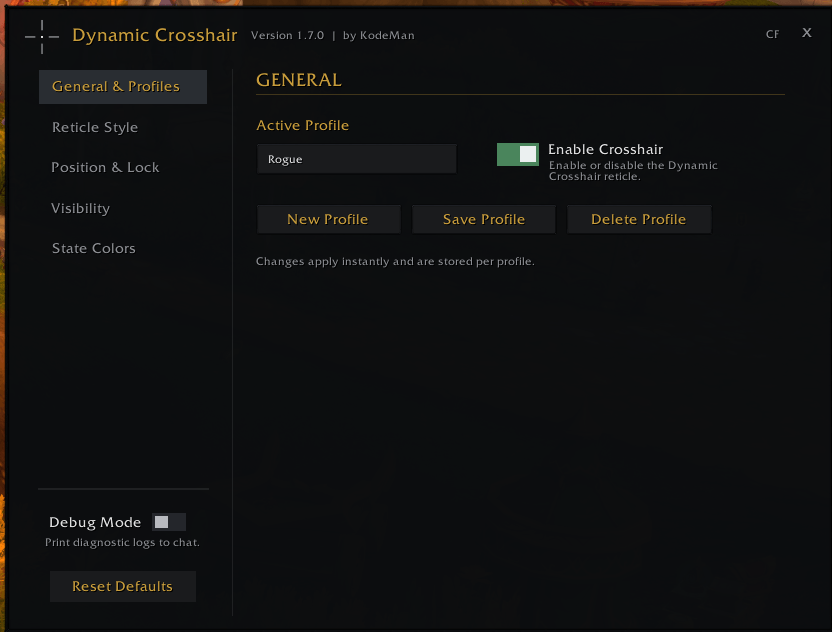
- Profiles can be created, saved, loaded, deleted, and associated with individual characters.
Support
If you enjoy my work, consider supporting development with a coffee:
Dynamic Crosshair Team