DodoBricks
- By
A single-player numbered brick-breaker minigame: launch a stream of balls to smash HP bricks, grab power-ups, and see how many levels you can survive.
DodoBricks-screen-2.png
DodoBricks-screen-1.png
Description
What is DodoBricks?
A single-player numbered brick-breaker (Ballz / Bricks-n-Balls style) minigame, built entirely with native World of Warcraft UI primitives. No custom textures, no custom audio, no external libraries.
How it plays
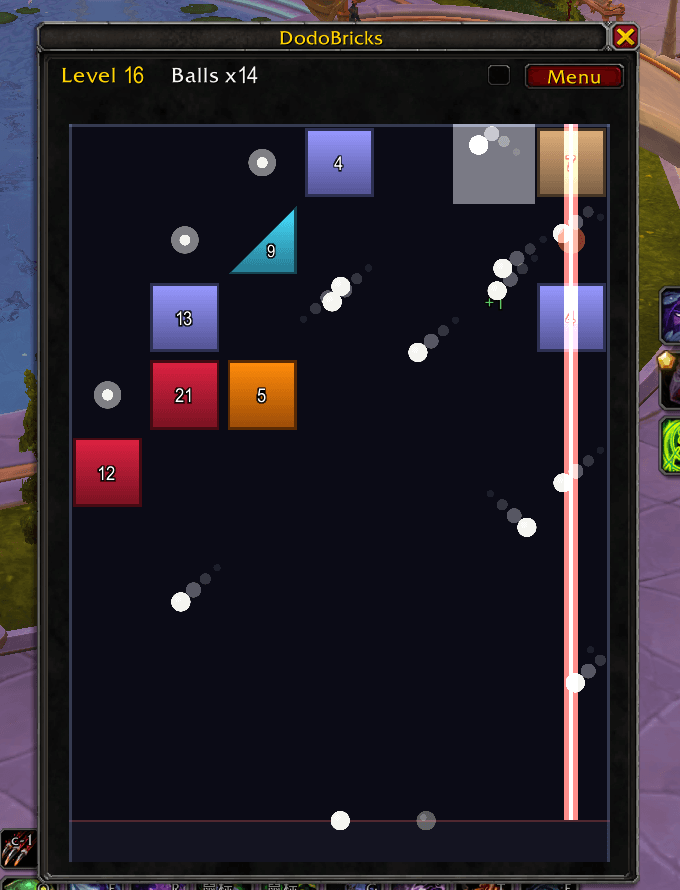
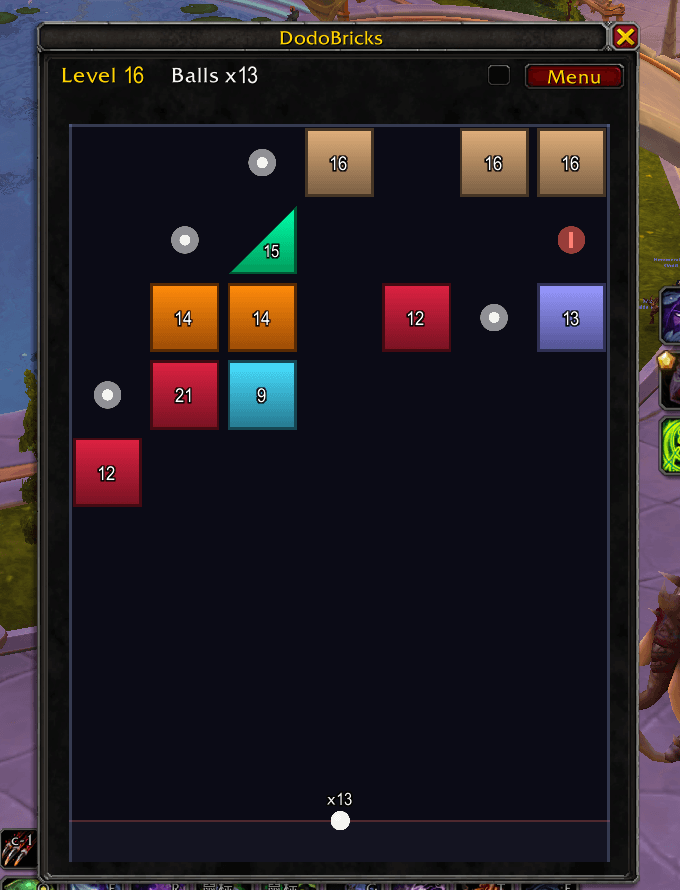
Each round you launch a stream of balls at a fixed angle. They bounce around at a constant speed (no gravity, no friction) chipping away at the bricks. Every brick shows a number, which is its HP: a ball knocks one off per hit, and the brick shatters at zero. When all the balls return, the whole board drops one row and a fresh row spawns on top. Let the bricks reach the bottom line and it is game over. There is no win condition, so you play for the highest level you can reach.
Features
- Square and triangle bricks, plus tougher double-HP bricks
- Pickups that spawn each row: +1 ball (white ring), a row/column laser (red ring), and a 3x3 bomb (orange ring). Lasers and bombs last the whole round and every ball can trigger them, so more balls means more power.
- Clear the whole board in a single round for a bonus
- Comet trails on the balls, and a smooth speed-up so long rounds never drag
- Autosaves between rounds (continue right where you left off) and tracks your best level
- Sound effects with an on/off toggle and a volume slider
- Automatically pauses when you enter combat
How to open
Open the game with the minimap button (the arcane-missiles icon) or the slash command /bricks (also /dodobricks).
- Hold the left mouse button and point from the launcher toward where you want to shoot. A dotted line previews the first bounce. Release to launch; right-click to cancel.
- The first ball's landing spot becomes your next launch point.
- ESC closes the window.
DodoBricks runs standalone and is part of the Dodo addon series.
The DodoBricks Team