Bindsafe
- By
Backs up your keybinds, action bars and macros and restores them after a crash or disconnect. Retail and WoW Forever.
bindsafe-header.png
bindsafe-1.png
bindsafe-2.png
bindsafe-3.png
Description
A safety net for your keybinds, action bars and macros. If a crash or disconnect wipes your setup, one click at login puts it back. Retail and WoW Forever.
Details
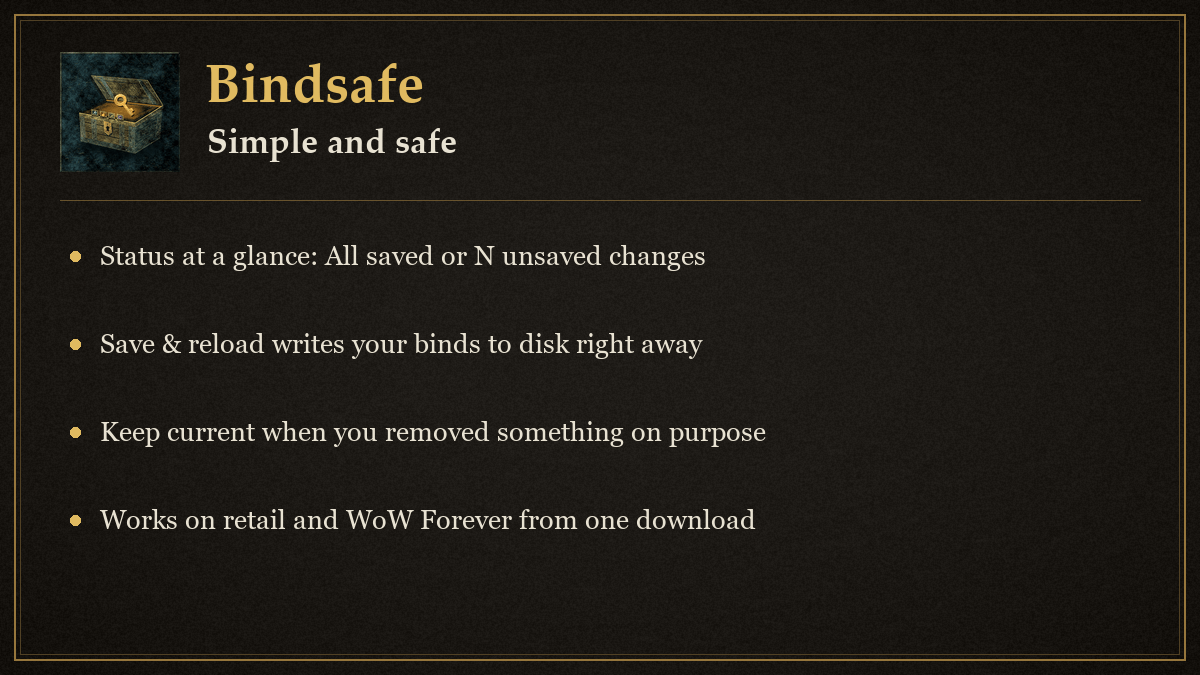
Bindsafe is a safety net for your keybinds, action bars and macros. It works on retail World of Warcraft and on WoW Forever from one download.
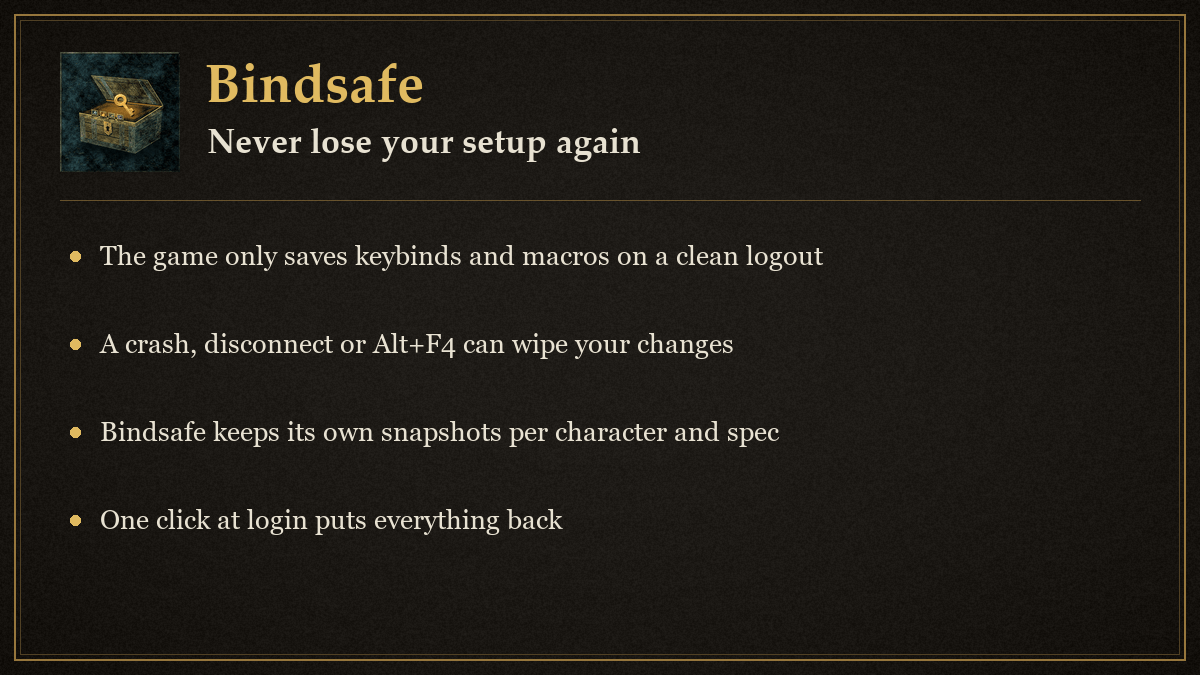
The game only writes keybinds and macros to disk when you log out through the menu or reload the interface. A disconnect, crash or Alt+F4 throws away everything you changed since then. Bindsafe keeps its own copy, reminds you to reload after you change something, and offers to put everything back when it notices a loss at login.
Install
Retail: put the Bindsafe folder in World of Warcraft/_retail_/Interface/AddOns.
Forever: put the same folder in World of Warcraft/_forever_/Interface/AddOns.
Enable it on the character selection screen. The folder holds a toc file for each client, so no renaming is needed.
Use
When you log in, Bindsafe prints two short lines in chat that say what it does and which command opens it. Turn that off with the Login message checkbox under Details.
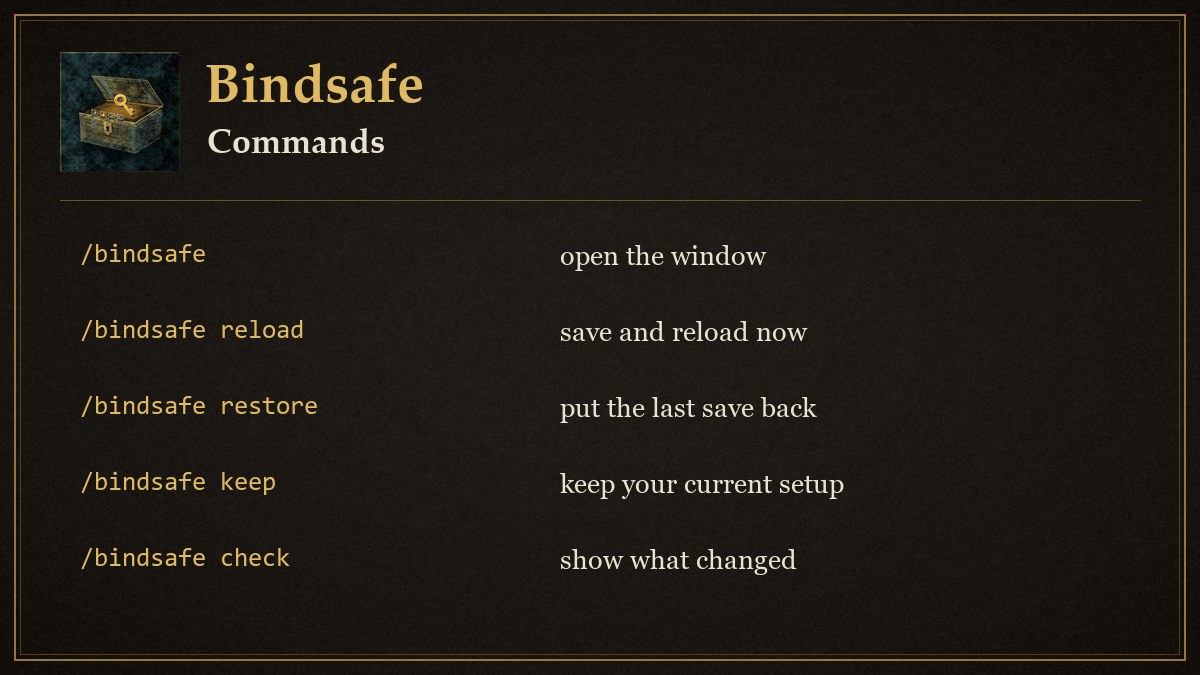
/bindsafeor/bsafeopens the window. The minimap button does the same./bindsafe reloadtakes a snapshot and reloads the interface, which makes the game write your keybinds to disk./bindsafe savetakes a snapshot of keybinds, action bar slots (1-180) and macros without reloading./bindsafe restoreputs back the most recent snapshot for your current specialization./bindsafe keepmakes your current setup the new baseline, for when you removed something on purpose./bindsafe checkprints what differs between your current setup and the last snapshot./bindsafe detailsopens the window with the difference list and settings showing.
The window is small on purpose. The first line tells you whether everything is saved or how many changes are unsaved, under it are the two buttons you need most, Save & reload and Restore, and below that the last three saves. Click a save to select it before Restore. The Details button at the bottom opens the full difference list for the selected save (missing entries in red), the Save and Check buttons, and the settings: the save reminder, the login check, the logout snapshot and the login message.
At first login Bindsafe takes a snapshot automatically. At later logins it compares your setup with the last snapshot and, if keybinds, bar slots or macros are missing, asks whether to restore them. After a restore it offers to reload so the game saves the result.
When you change a keybind, move something on an action bar or edit a macro, a small reminder appears after 20 seconds out of combat with a Save & reload button. Later hides it until your next change. Snapshots are also taken on a normal logout, unless the current state has fewer entries than the last snapshot. Eight snapshots are kept per character.
Limits
Restoring an action bar slot needs the spell, item or macro to exist on this character; slots that cannot be filled are counted in the chat message. Nothing is changed during combat. Click-cast bindings and addon-made bindings outside the Blizzard keybinding list are not tracked.
Support and updates
- Discord: join us at https://discord.gg/YxFRuEPSxZ for help, bug reports and ideas.
- Update news: every release is posted in #bindsafe-updates on that server (https://discord.com/channels/1543934878096298065/1568805330438328394).
Bindsafe Team