Custom Flight Map
- By
Customize the appearance of the Flight Map to make it easier to find the destination you're looking for.
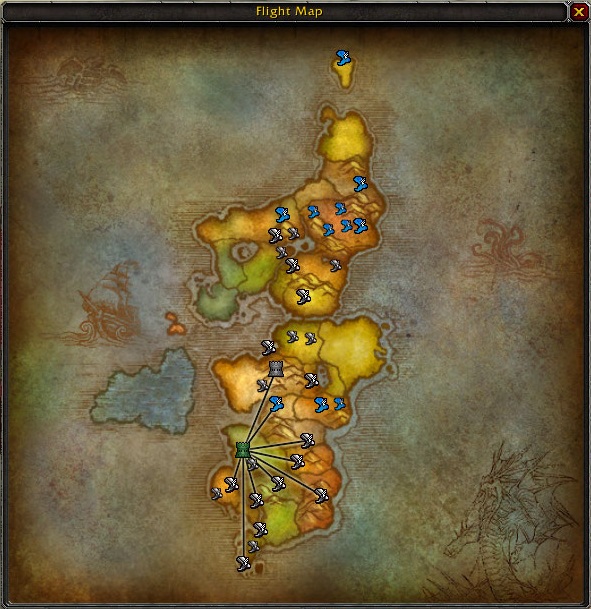
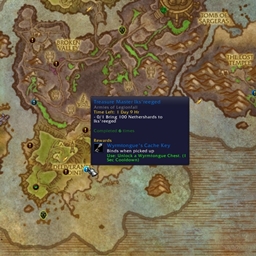
Just one of many ways you can change the appearance of a flight map's destination nodes.
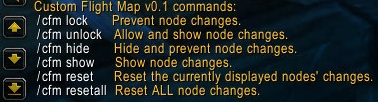
The slash commands allow you to lock down, hide, and reset changes you have made.
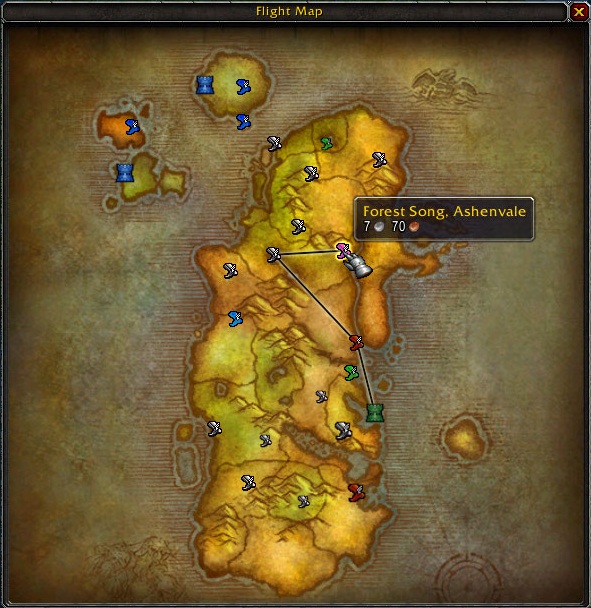
Destination nodes can be any of a variety of colors and sizes.
Description
Customize the appearance of the Flight Map. Change a node's color and size, or use a tower graphic instead (as those used on the world map for capital cities), breaking up the sometimes-cluttered standard flight map to make it easier to find what you're looking for.
Basic usage: While talking to a Flight Master, right-click on a destination node on the flight map to change its symbol. Do this several times to cycle through all the options until you find the one you want. Hold down Shift to instead change the node's size. If you hold down the Control key while right-clicking, it will revert the symbol (or the size, if Shift is held) to the default.
Once all the nodes are how you want them, use the slash command "/cfm lock" to prevent further adjustments. You can always use "/cfm unlock" if you change your mind.
Enter "/cfm" to see the full list of commands, including those to hide/show your changes and reset some or all nodes.
The Custom Flight Map Team


Owner