Cooldown Manager Classic
- By
Cooldown Manager Classic brings Retail's Cooldown Manager to Classic
Description
Summary
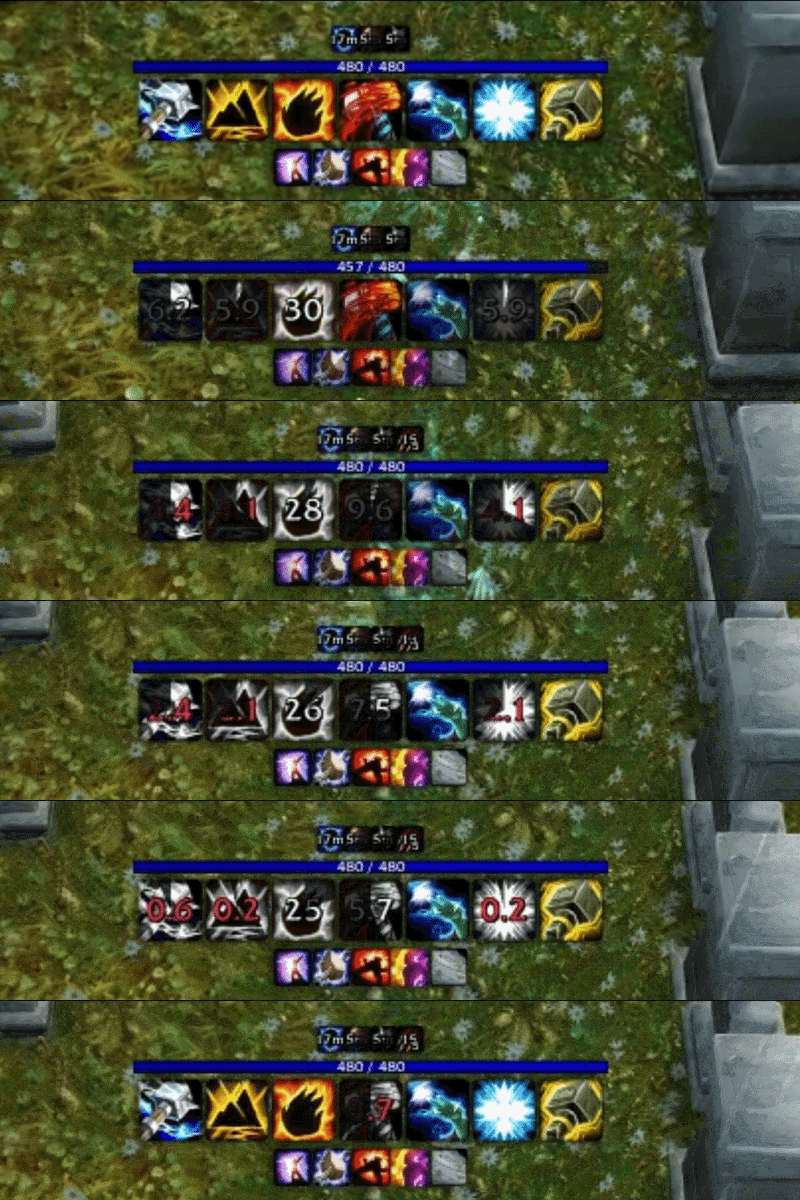
Retail style grouped cooldown, charge and buff tracking for World of Warcraft Classic, without the configuration overhead of WeakAuras.
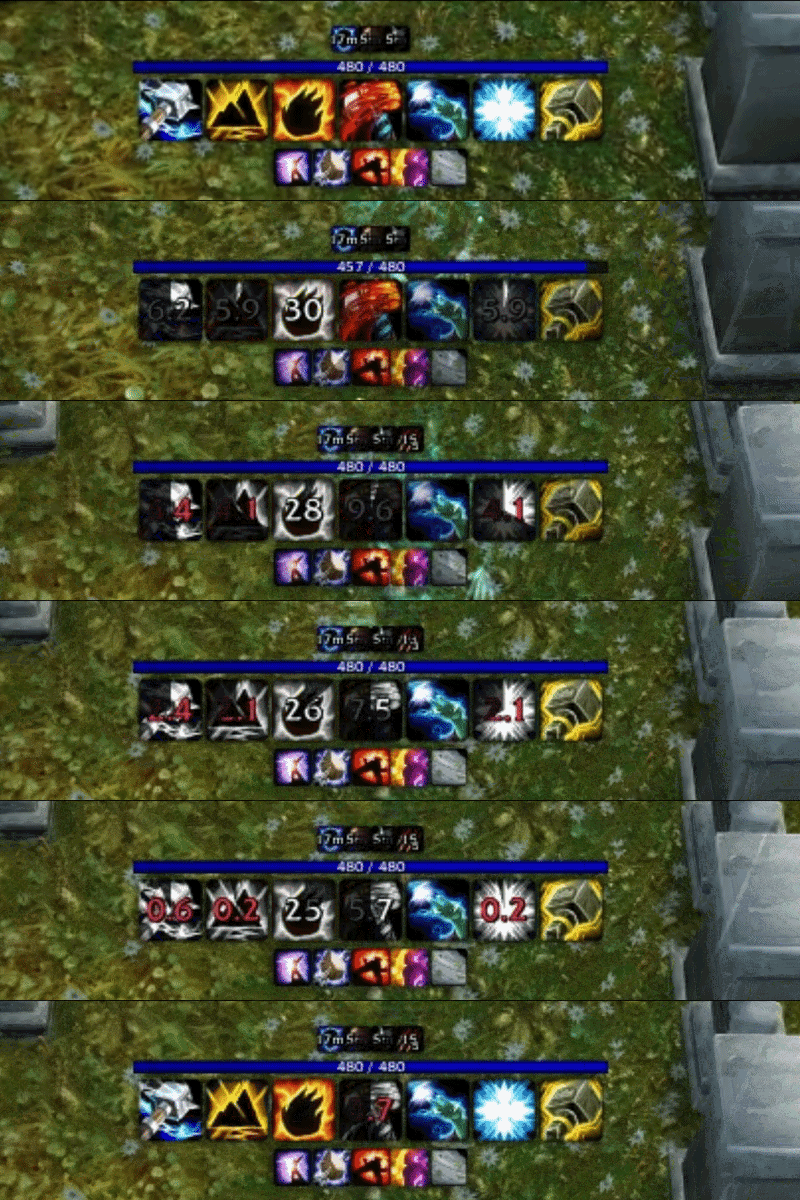
Cooldown Manager Classic recreates the clean, grouped cooldown display of Retail's Cooldown Manager, built on Classic's own APIs. Open the spell picker, drag in the abilities you care about, and it builds the layout for you from Classic spellbook data, cooldowns, charges and auras.
Getting started
Type /cdmc to open the spell picker, then drag abilities into the group you want them in. That is the whole setup.
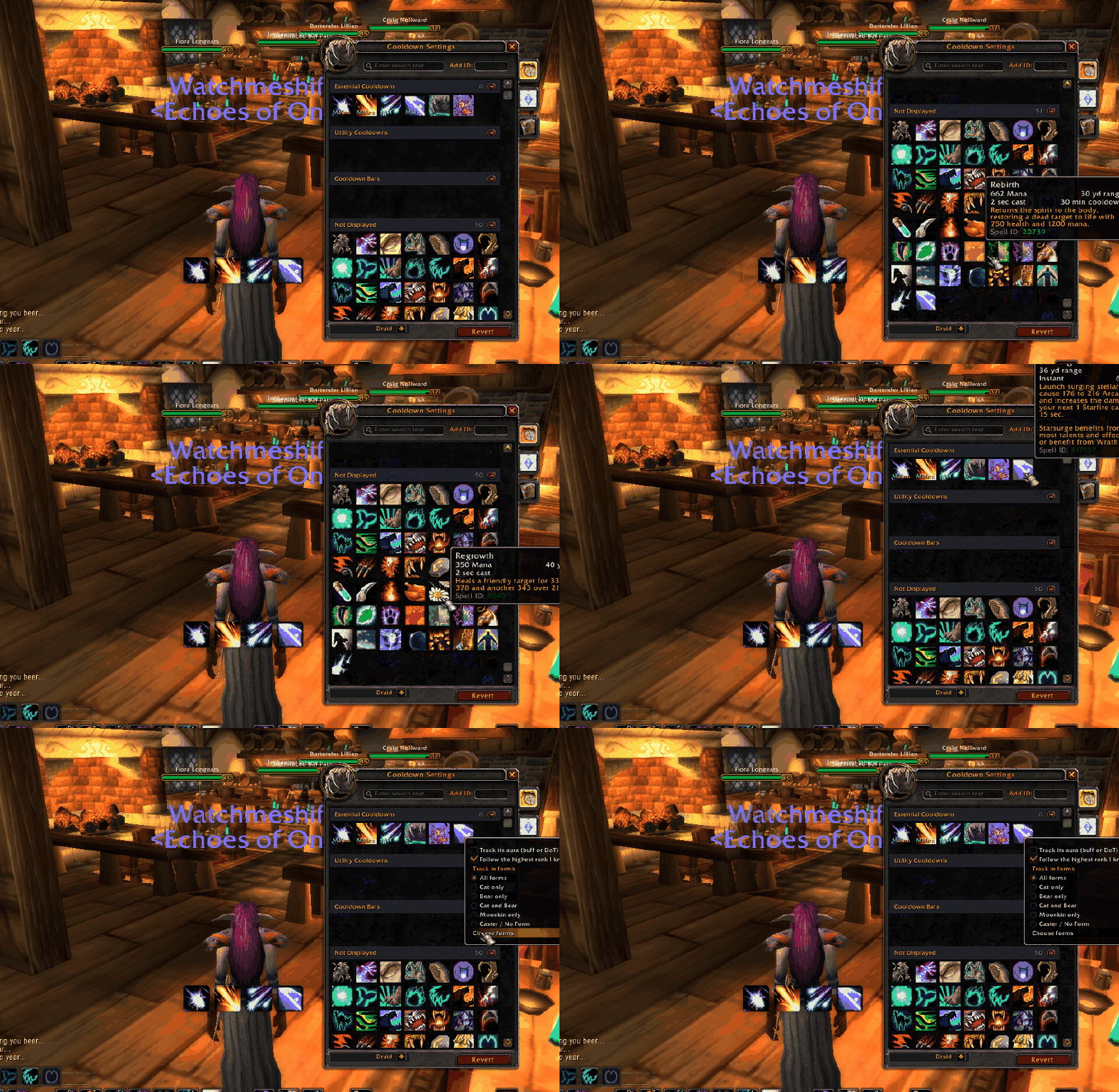
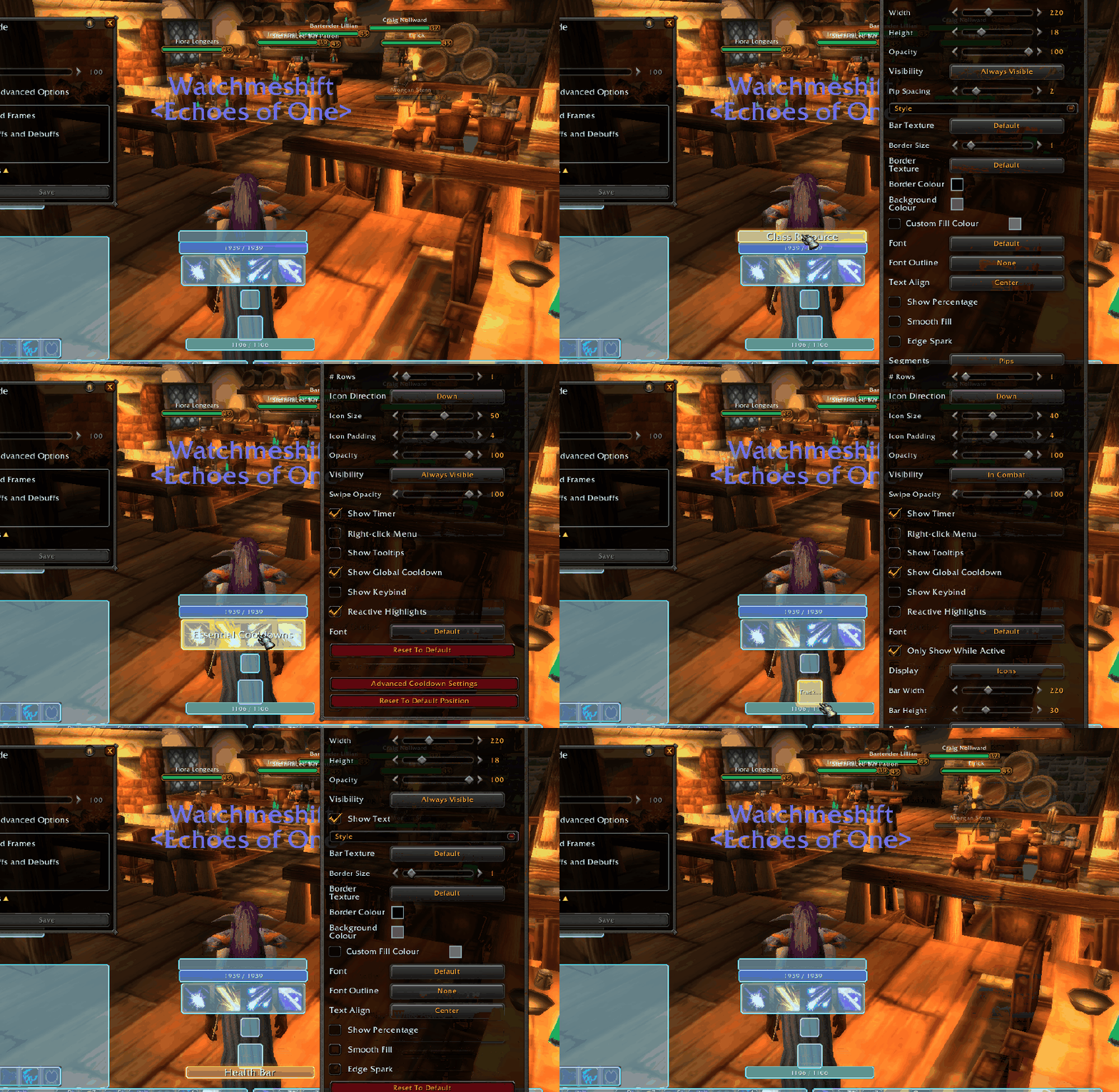
Everything else, position, size, colours, fonts, textures are located in Blizzard's Edit Mode.
Compatibility
| Version | Supported | Notes |
|---|---|---|
| Classic Era (1.15.x) | Yes | Core class cooldowns, procs and rotational abilities |
| Season of Discovery | Yes | Rune abilities, modified cooldowns and the extra spell interactions |
| Burning Crusade Classic (2.5.x) | Yes | Full support |
| Mists of Pandaria Classic (5.5.x) | Yes | New in 0.6.0 — Blizzard Edit Mode, spec-aware class resources |
All spell data is filterd to the version you're currently on, ensuring accurate cooldown timers and proc detection across all Classic branches.
Features
Cooldown groups
Organised, centred rows of icons:
- Essential - rotational abilities, charges and your major class spells
- Utility - defensives, mobility and support
- Tracked buffs - procs, self-buffs, runes and long-duration auras
- Cooldown bars - for effects where an icon swipe is hard to read
Each group is moved, resized and styled through Edit Mode.
Cooldowns and charges
- Reads Classic's spellbook directly — swipes, recharge timers, charge counts and ready states
- Rank-independent resolution, so a profile built at level 20 still works at 60: a rank 1 spell ID follows you to the highest rank you know
- Spells you cannot use yet (unlearned ranks, unengraved runes) hide themselves and reappear the moment they become available
- Keybind text read from your action bars, shown on the icon
Tracked buffs
One group that renders as icons or as bars:
- Buff bars show icon, name, a draining bar and time remaining
- Permanent auras — stances, aspects, forms — fill their bar instead of sitting empty. A deliberate Classic-specific improvement
- Swipe colour follows Retail's buff templates rather than its cooldown templates
Cooldown bars
A fourth group with no Retail equivalent:
- Tracks the effect duration of defensives and utility abilities
- When the effect ends, the bar shows the recharge, dimmed, until ready
- Effect and Cooldown mode mirrors Classic pacing; Effect Only matches Retail's simpler behaviour
- Aura matching uses the ability's spell ID, falling back to recharge tracking when the aura uses a different one
Class resource bars
An adaptive resource bar that follows your class and spec:
- Combo points, with pip or tick styling
- Maelstrom Weapon on Season of Discovery
- Warlock shards - and on Mists, the resource your spec actually uses: Soul Shards, Demonic Fury or Burning Embers
- Health and power bars, with LibSharedMedia textures, borders and colour pickers
Proc and reactive highlighting
- Procs light up the ability they enable - Shadow Trance to Shadow Bolt, Maelstrom Weapon at full stacks
- Reactive abilities arm from the combat log: Overpower after a dodge, Revenge after you avoid, Riposte after a parry
- Blizzard's own spell-activation glow drives tracked icons too
- Queued next-swing abilities get their own distinct indicator - Heroic Strike, Cleave, Maul and Raptor Strike sit armed until the swing lands, and now you can see it
Druids and damage over time
- Form-aware tracking - cat, bear, moonkin and caster each show only what applies, with untagged abilities always visible
- Player-applied DoTs on your target drive cooldown bars (Moonfire, Sunfire); other people's casts are ignored
- DoT spells with no cooldown are tracked across the existing groups
Next
- Icon style options, and configurable cooldown / buff / GCD swipe colours
- A right-click menu on tracked spells, for per-spell actions
- Icon borders and a configurable count/stack font
- More highlight rules, and a panel toggle
- Resource bar polish — stacked ordering, width sync, richer visibility
Later
- Per-spell cooldown sounds, once the right-click menu gives them a home
- Trinket and consumable tracking
- Talent and rune aware automatic profile switching
- A first-run welcome, and a what's-new notice after an update
Bugs and requests
Please raise anything on CurseForge in the comments section. Running /cdmc status first and pasting the output into the report saves a round trip — it prints your flavour, interface version and what the addon has detected.
Cooldown Manager Classic Team