AzerothForge Cooldown Alert (TBC/Forever)
- By
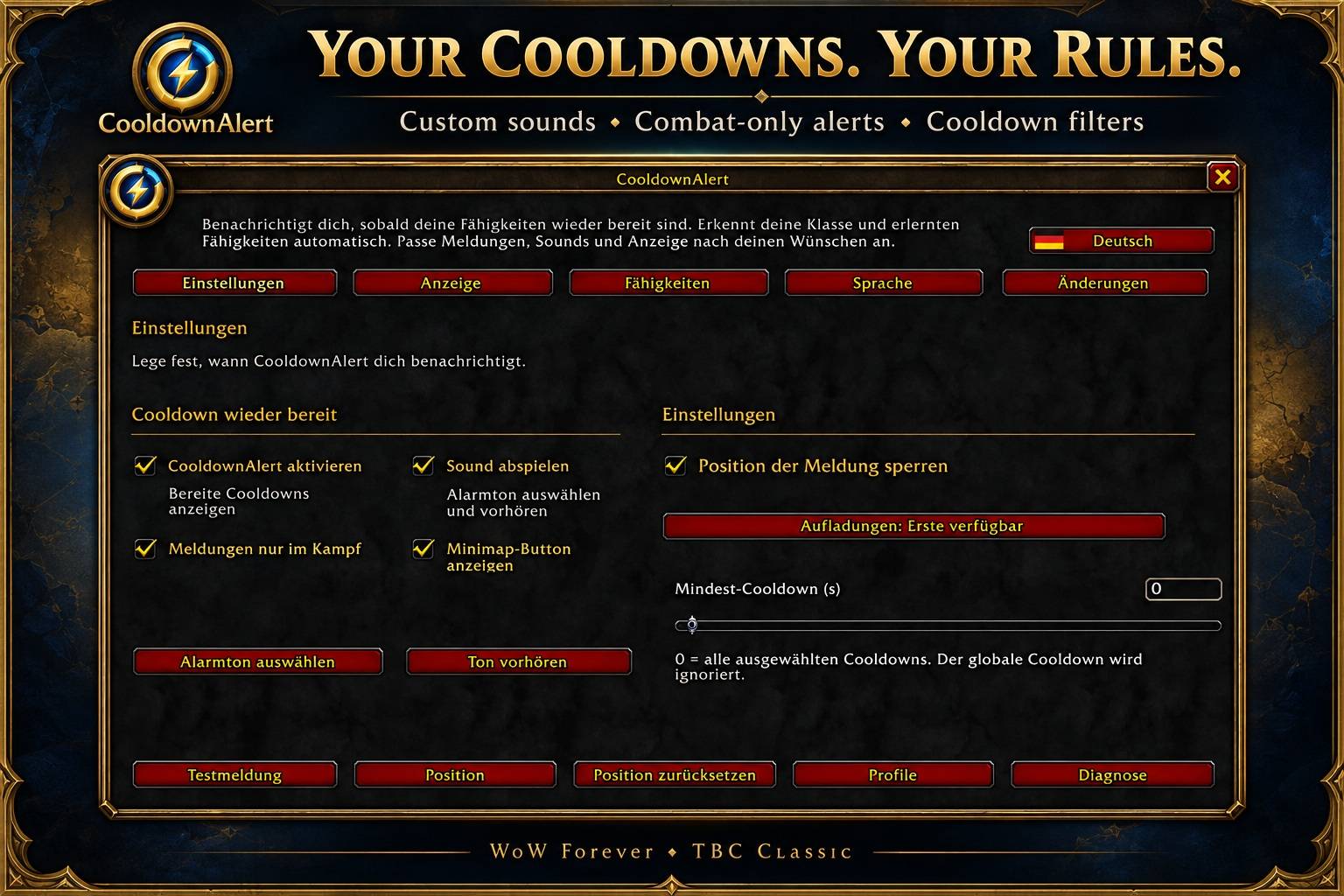
CooldownAlert automatically detects your learned abilities and provides customizable cooldown and shout expiration alerts for WoW: Forever and TBC Classic.
01-settings.jpg
02-display.jpg
03-abilities.jpg
04-languages.jpg
Description
⚡ CooldownAlert
Know when your abilities are ready — without constantly watching your action bars.
CooldownAlert provides clear visual and sound alerts when your selected abilities come off cooldown. Built for WoW Forever and TBC Classic, it automatically detects your class and learned abilities, including talent-based spells.
🎯 Track what matters
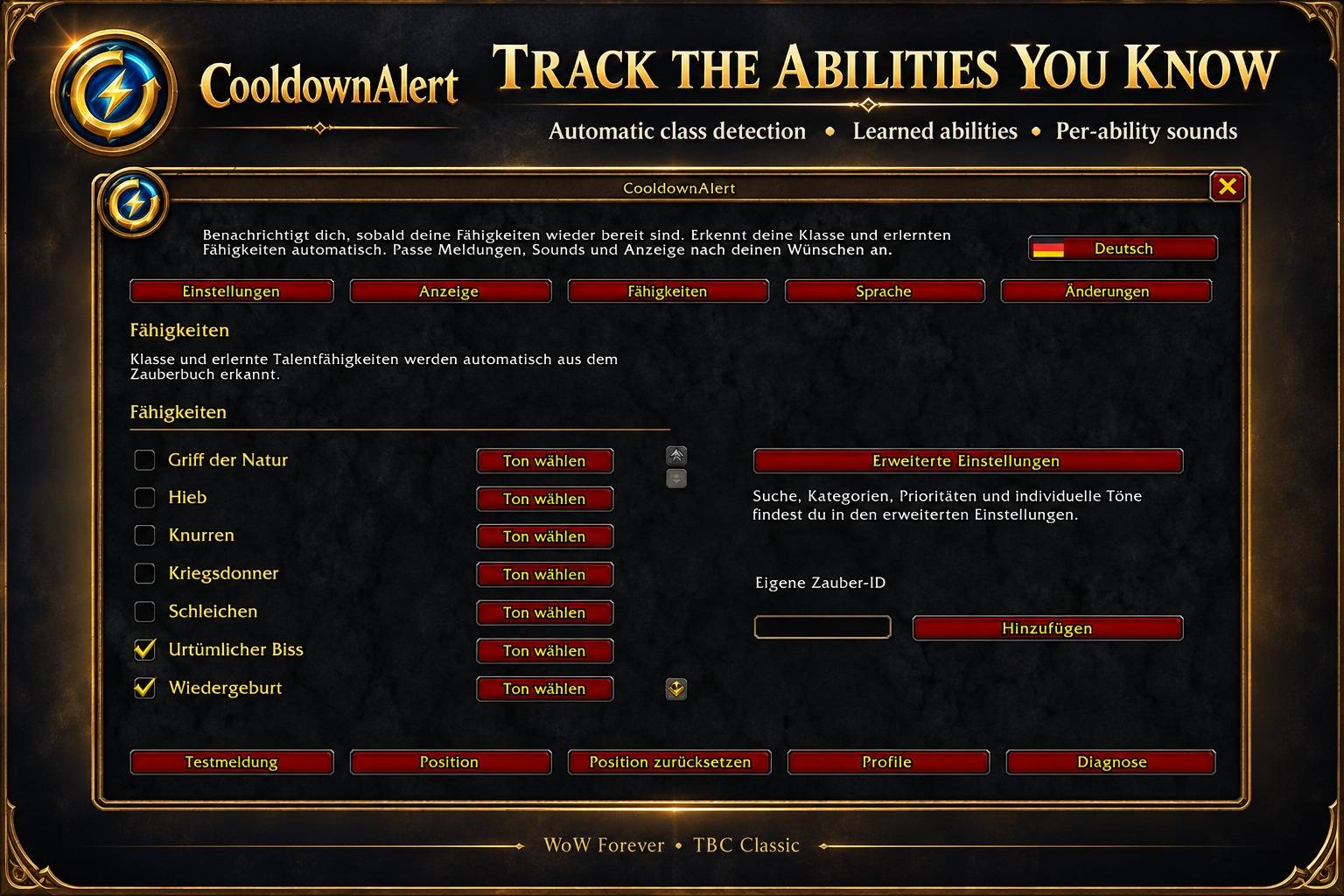
- Automatically discovers learned abilities from your spellbook.
- Choose which abilities trigger alerts.
- Assign individual sounds to specific abilities.
- Set a minimum cooldown duration to filter shorter cooldowns.
- Choose how abilities with multiple charges are announced.
- Add learned abilities manually by spell ID.
🎨 Make it yours
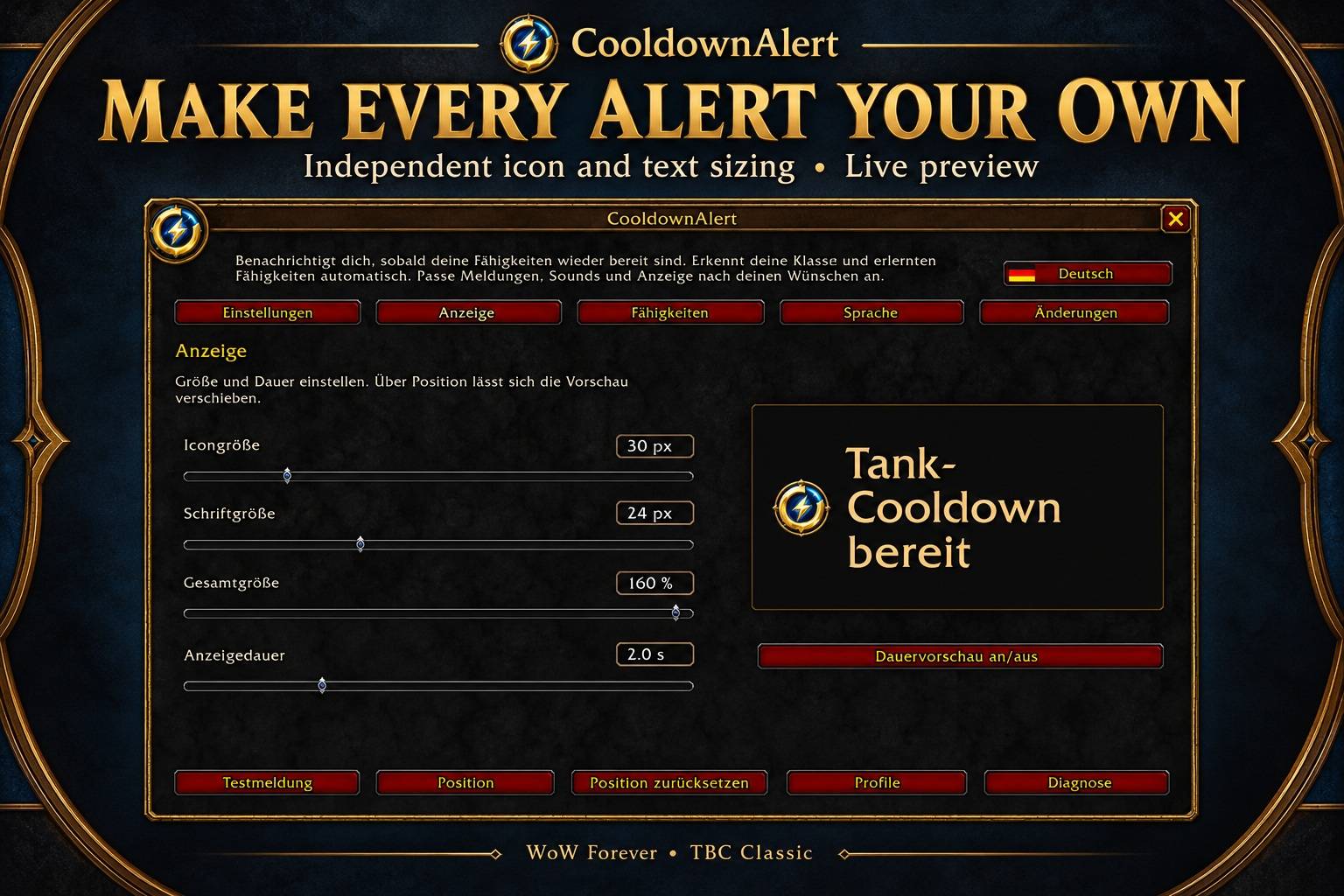
- Adjust icon size and text size separately.
- Customize overall scale and alert duration.
- Preview your changes directly in the settings.
- Move alerts to your preferred screen position and lock them.
- Enable combat-only notifications.
🔊 Hear when you’re ready
Choose your preferred alert sound, preview it before selecting, or disable sounds for individual abilities.
🛡️ Warrior reminders
Optional reminders for Battle Shout, Commanding Shout and Demoralizing Shout help you notice when tracked effects are about to expire or have ended.
💾 Profiles & easy access
- Save and load account-wide profiles within the same WoW client.
- Open settings through the movable minimap button.
- Right-click the minimap button to test an alert.
- View cooldown diagnostics and translated release notes inside the addon.
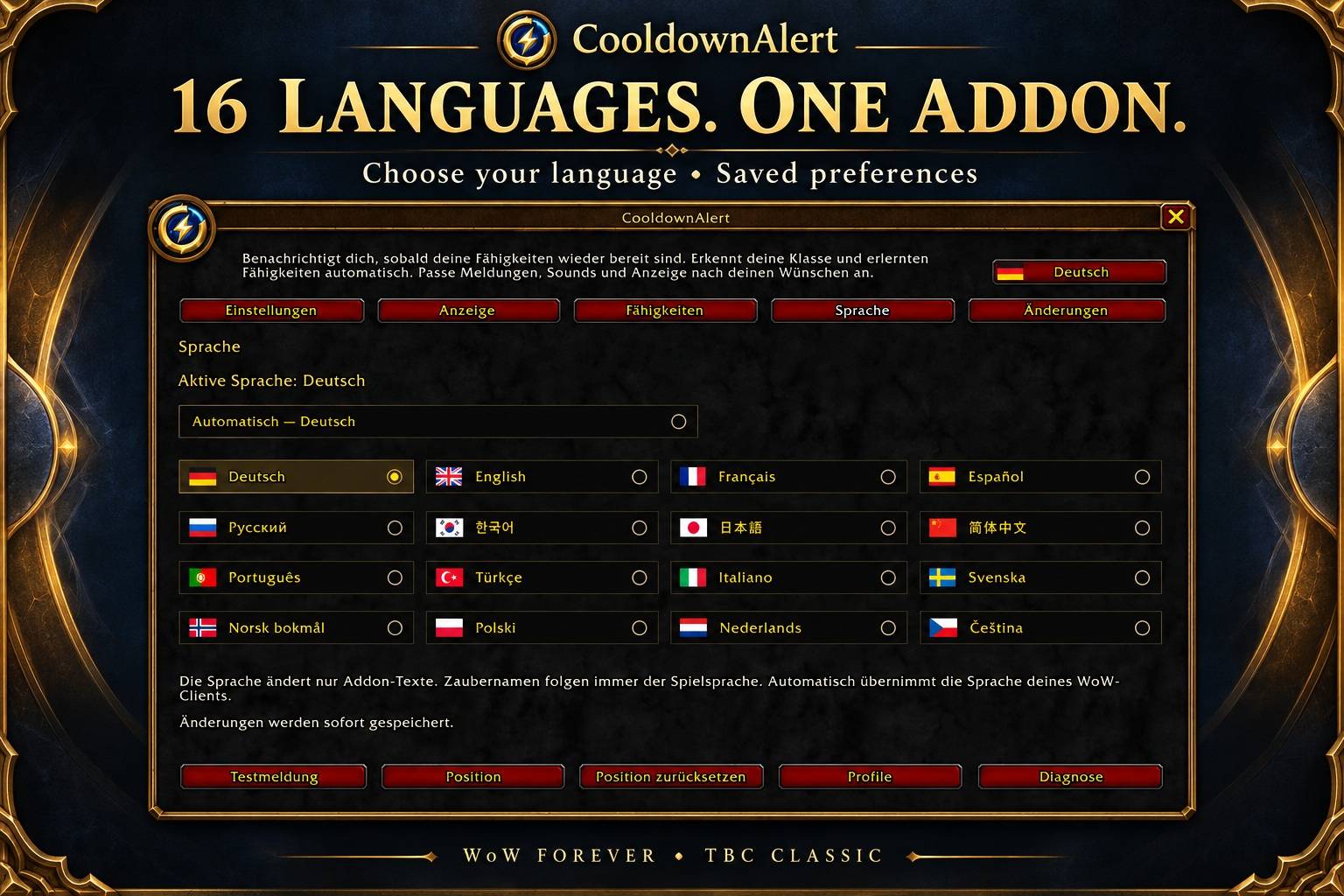
🌍 Available in 16 languages
🇩🇪 Deutsch · 🇬🇧 English · 🇫🇷 Français · 🇪🇸 Español
🇷🇺 Русский · 🇰🇷 한국어 · 🇯🇵 日本語 · 🇨🇳 简体中文
🇵🇹 Português · 🇹🇷 Türkçe · 🇮🇹 Italiano · 🇸🇪 Svenska
🇳🇴 Norsk bokmål · 🇵🇱 Polski · 🇳🇱 Nederlands · 🇨🇿 Čeština
Select a language manually or let CooldownAlert follow your WoW client’s language. Spell names remain in your game’s language.
⚙️ Getting started
- Install CooldownAlert in your
Interface/AddOnsfolder. - Restart World of Warcraft.
- Type
/caor click the minimap button. - Select your abilities, customize your alerts and try a test notification.
Useful commands
/ca— Open settings/ca test— Show a test alert/ca status— Display cooldown diagnostics/ca minimap— Toggle the minimap button
🎮 Compatibility
One addon package for WoW Forever 1.60.1 and TBC Classic 2.5.6. No additional addon is required.
💡 A ready alert means the cooldown has finished. Using the ability may still require resources, the correct form, equipment or a valid target.
🐛 Feedback & bug reports
Found an issue? Please include your game version, addon version, affected ability and any Lua error message. Screenshots and steps to reproduce the problem are welcome!
AzerothForge Cooldown Alert (TBC/Forever) Team