Chronicle Forever
- By
Chronicle Forever records your WoW Forever Beta adventures, including quests, dungeons, raids, loot, and deaths.
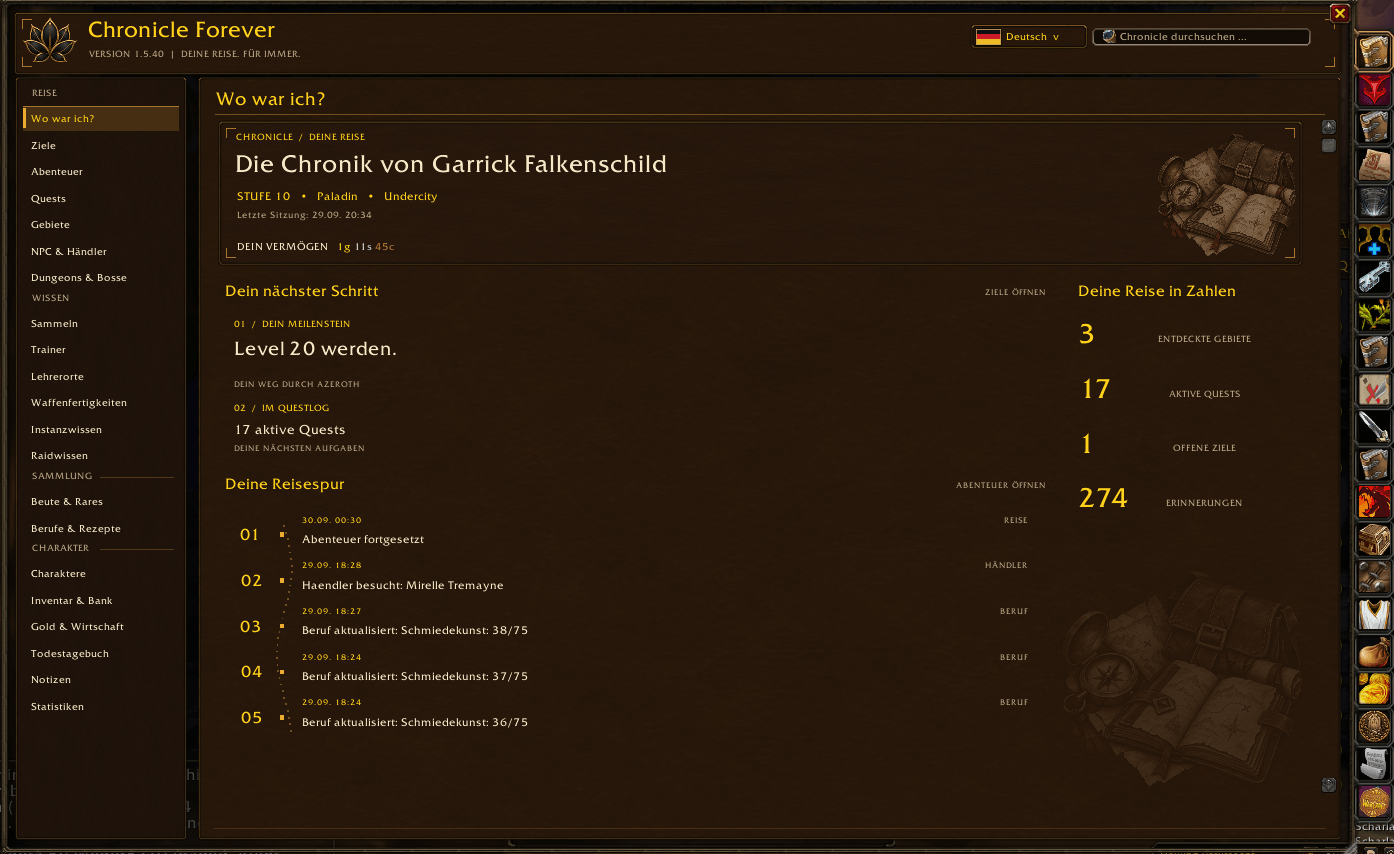
01-home.png
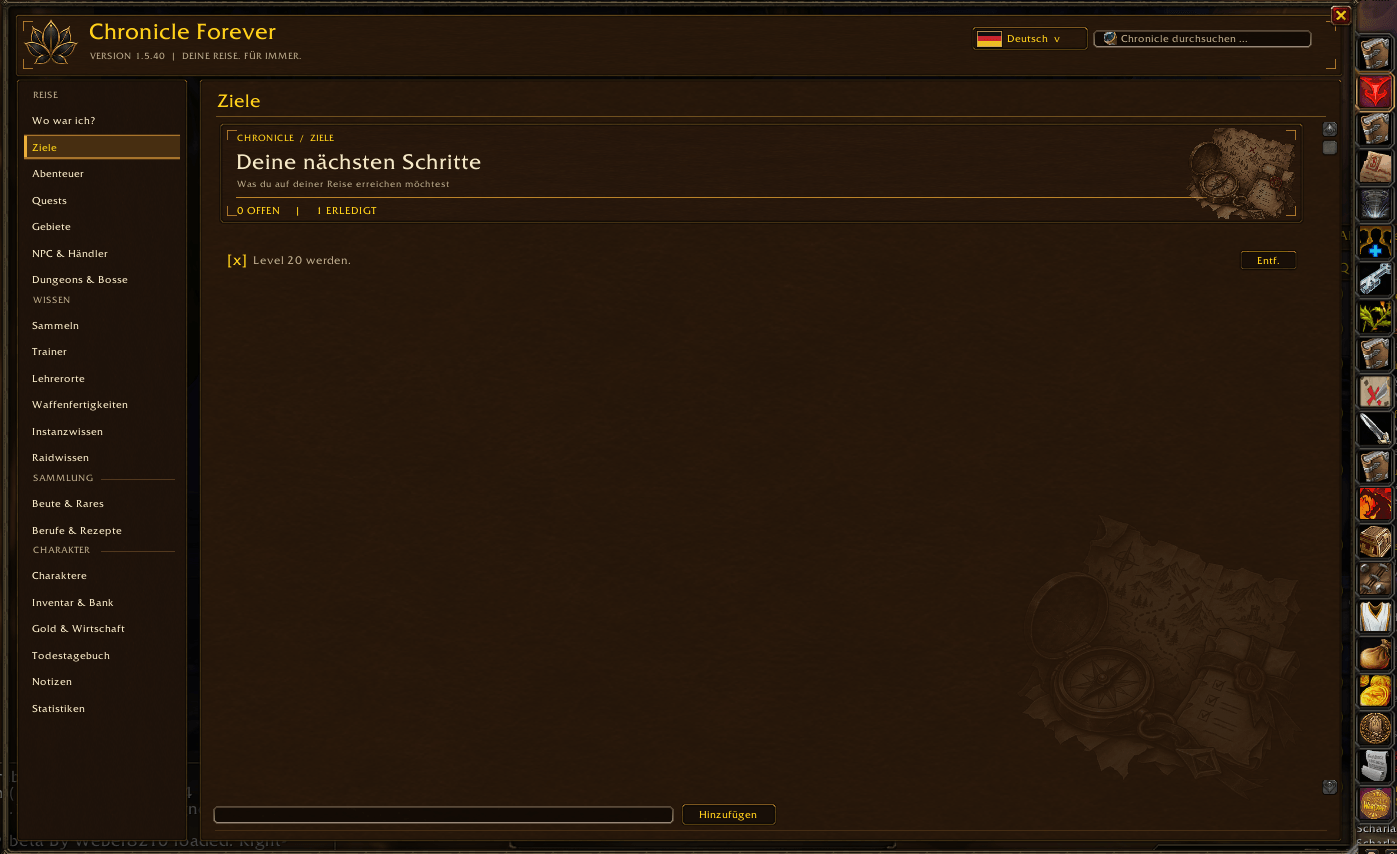
02-goals.png
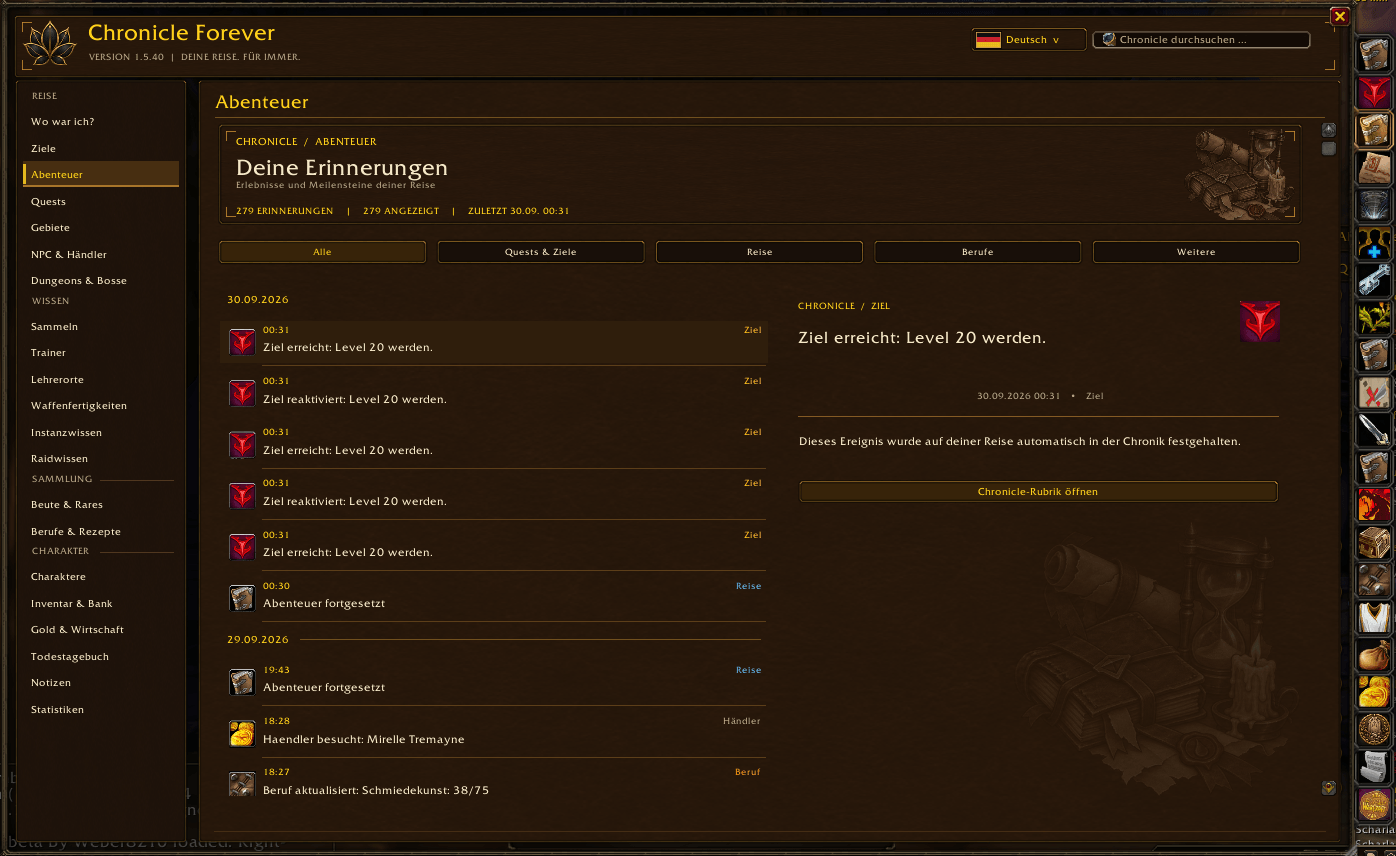
03-adventures.png
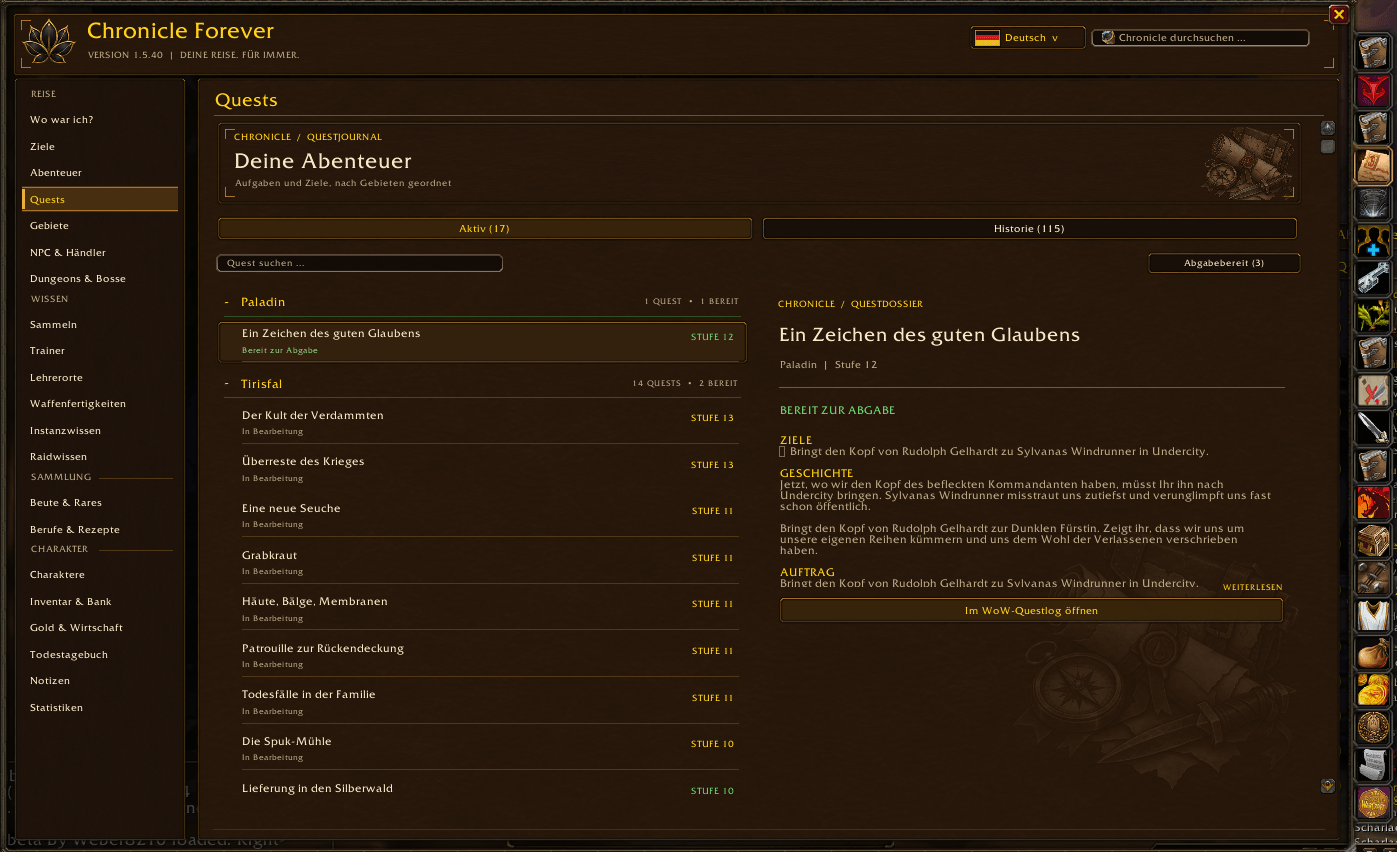
04-quests.png
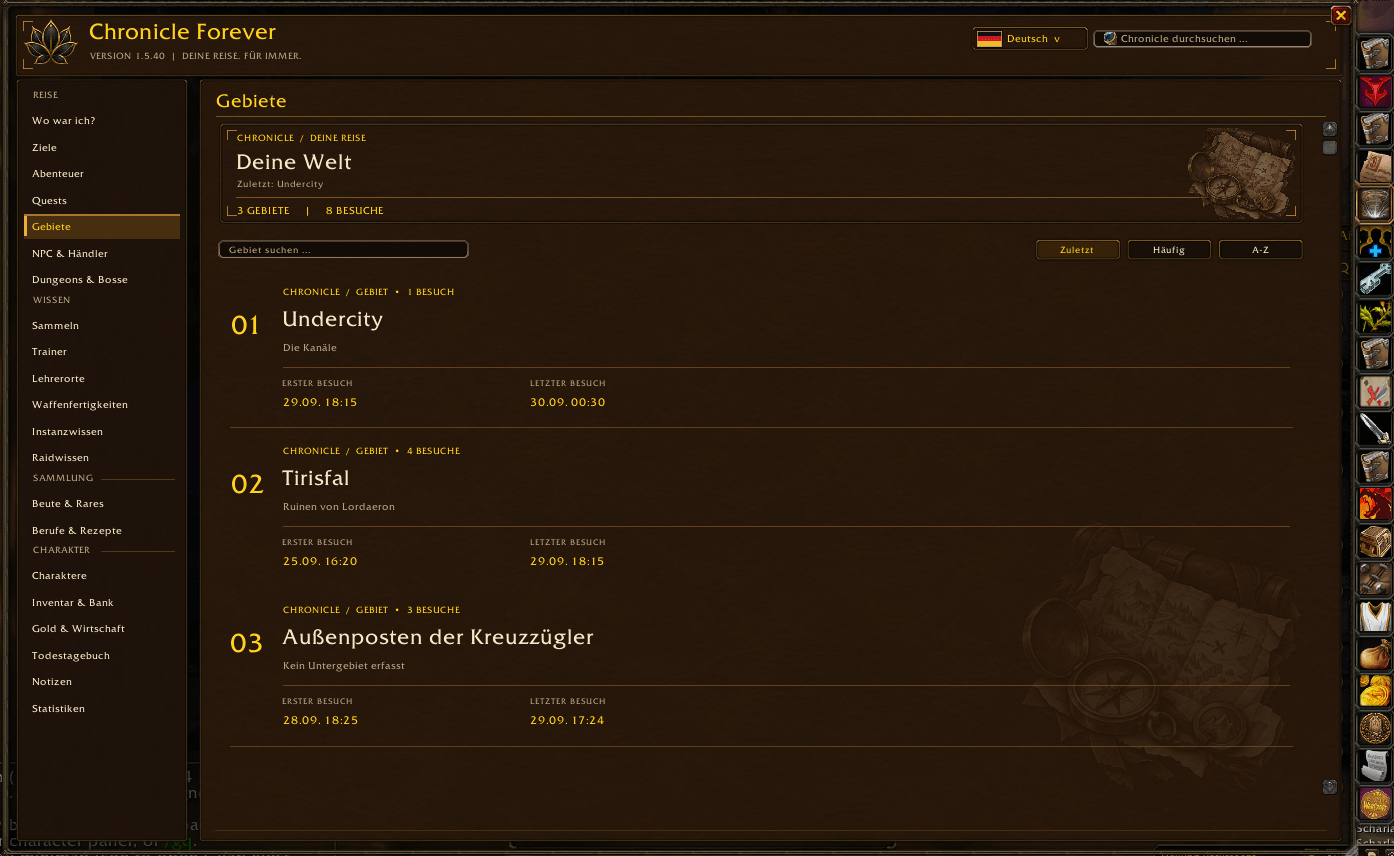
05-zones.png
Description
# Chronicle Forever
**Your journey. Forever.**
Chronicle Forever turns your time in **World of Warcraft: Forever Beta** into a personal, searchable journal. It records the events the addon API makes available and presents them in a dark, gold-accented interface inspired by a fantasy chronicle.
## What you can explore
- **Your journey:** A home page with your location, goals, recent memories and character statistics; an adventure timeline with filters and event details.
- **Dungeons and raids:** A catalog of 34 dungeons, plus raid knowledge. Seven early dungeons have additional curated boss, faction quest and reward details. Other dungeon entries remain visible as previews when encounter or loot data is unavailable. Available encounter journal data is shown in the addon.
- **Death Journal:** A memorial timeline for each recorded death. New deaths can include the opponent, ability, damage and recent combat-log hits when the client provides those events. Older deaths cannot gain missing combat data retroactively.
- **Your collections:** Loot and rare encounters, gathering finds, learned recipes, inventory and bank snapshots, gold history and character overviews.
- **Useful knowledge:** Trainers, trainer locations, weapon skills, quests, zones, NPCs and merchants.
- **Your own entries:** Goals and editable notes alongside the automatically collected record.
The interface supports **English, German, French, Spanish, Italian, Portuguese, and Russian**. Change the language with the flag menu in the top bar. Names supplied by the game client or source catalogs may follow their own language.
## Installation
1. Extract the ZIP so the folder `Chronicle` is directly inside `World of Warcraft/_classic_beta_/Interface/AddOns/`.
2. Check that `Chronicle/Chronicle_Camelot.toc` exists in that folder.
3. Enable Chronicle Forever on the character selection screen.
4. Type `/chronicle` or `/chr` in game to open the window.
The addon targets the **Forever Beta client, interface 16001 (`_Camelot`)**. It is designed for that client and its available addon APIs. Other World of Warcraft clients are outside this release target.
## Data and limitations
Chronicle builds its history as you play. Bank contents are captured when you open the bank, merchants when visited, and recipes when the profession window exposes them. Events from before installation cannot be reconstructed. Personal data is stored in WoW SavedVariables. Back up your `WTF` folder before updating a beta client or replacing an existing installation.
`Recovery.lua` and `DeathRecovery.lua` in the public package are empty templates. If your installed copies contain personal recovery data, back them up before replacing the addon folder.
## Commands
`/chronicle` or `/chr` — toggle the window
`/chr goal Text` — add a goal
`/chr note Text` — save a note
`/chr notes` — open Notes
`/chr help` — show command help
## Feedback
When reporting a problem, please include your Forever build, addon version, language, steps to reproduce and any Lua error text. Back up your SavedVariables before testing a repair.
If you enjoy using Chronicle Forever, you can support its continued development througt PayPal.
The Chronicle Forever Team