AzerothForge Notes
- By
AzerothForge Notes is an in-game notebook for World of Warcraft: Forever with searchable notes, folders, and reusable checklists for raid plans, farming routes, and reminders.
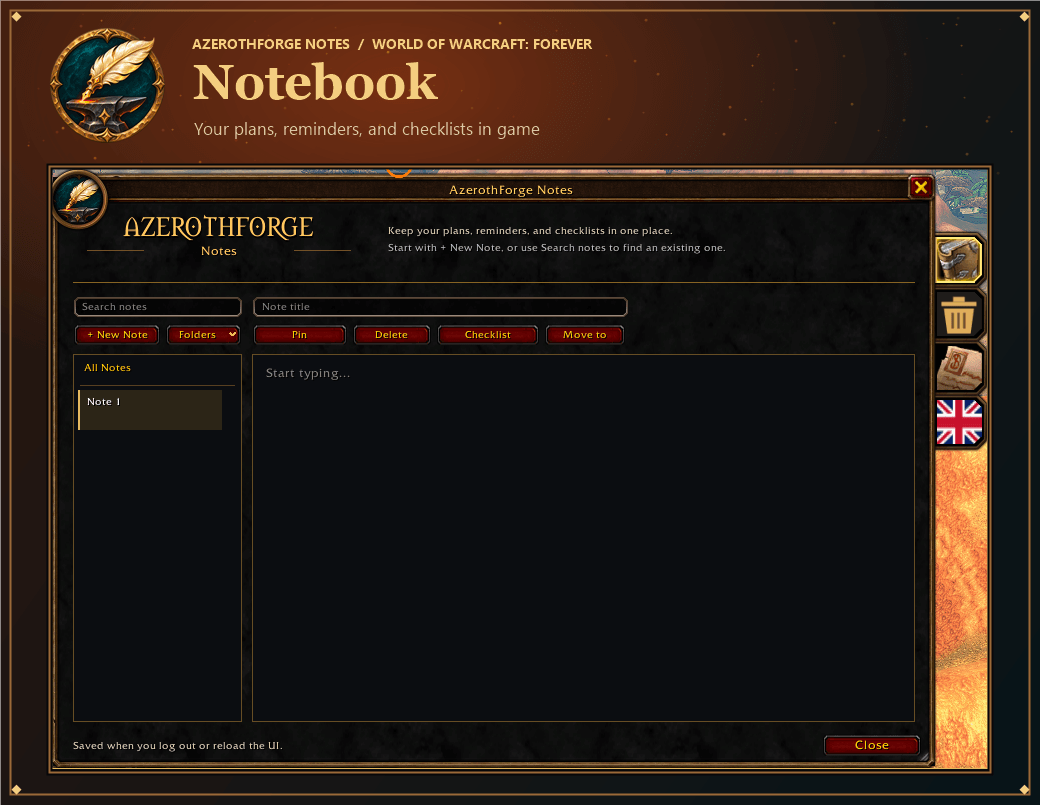
AzerothForge-Epic-Notebook.png
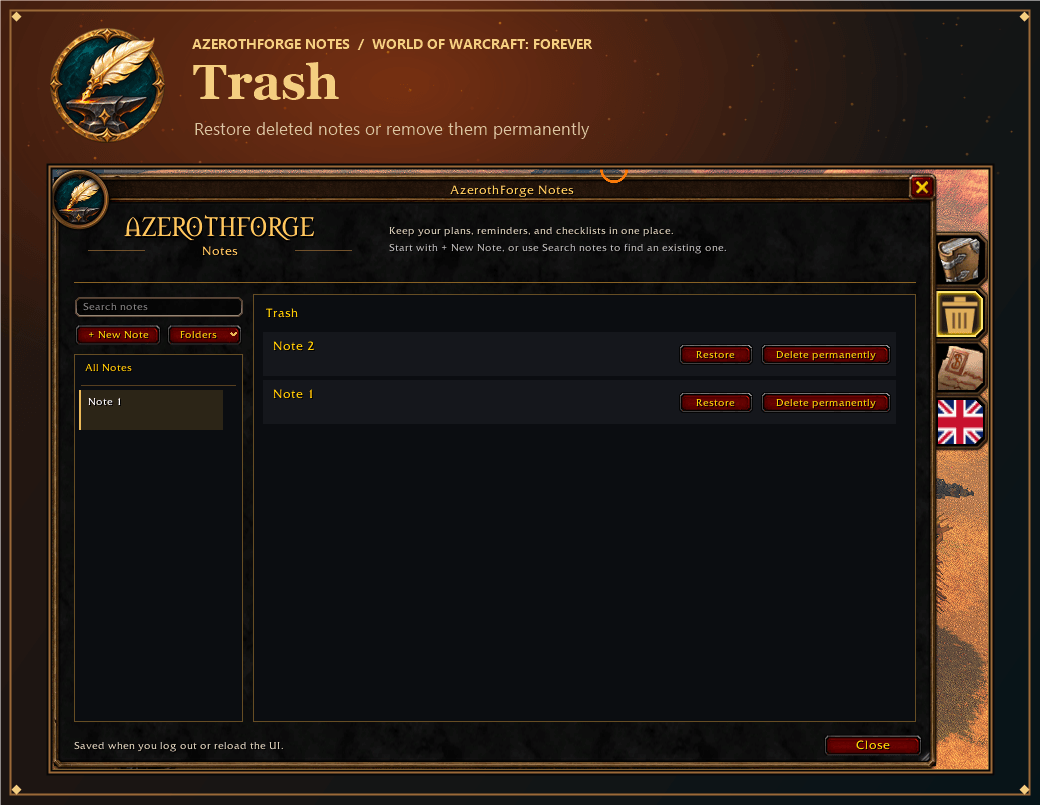
AzerothForge-Epic-Trash.png
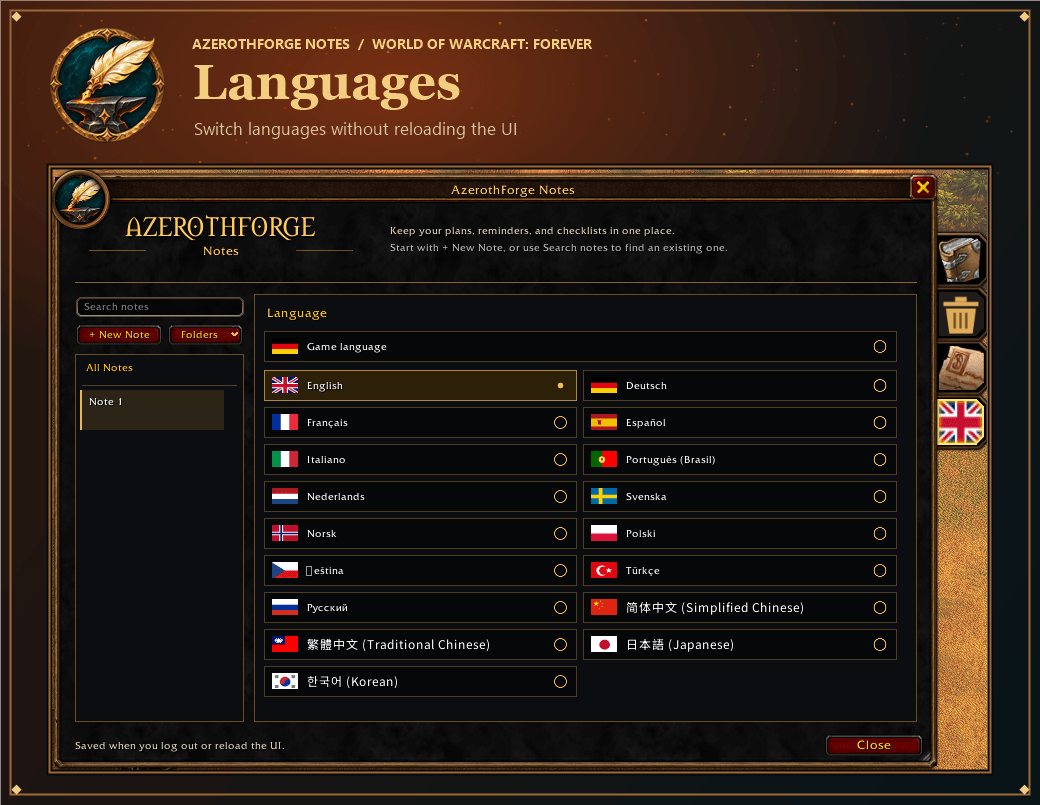
AzerothForge-Epic-Languages.png
Description
📓 AzerothForge Notes
An in-game notebook for **World of Warcraft: Forever**. Keep raid plans, farming routes, reminders, and reusable checklists together in a movable window that matches the AzerothForge interface.
## ✨ Features
- 📝 **Notes** — Give notes custom titles, search titles and text, and pin important entries to the top.
- 📁 **Folders** — Create, rename, and delete folders, or move notes between them. Sort by creation order or last edited.
- ✅ **Checklists** — Add, rename, check off, and remove tasks. Track your progress and reset all checkmarks when you want to reuse a list.
- 🗑️ **Trash** — Restore deleted notes or permanently delete individual entries after confirming the warning.
- 🧭 **Quick access** — Open the notebook with `/notes` or the minimap icon. The addon remembers the window position and size.
## 📦 Installation
1. Exit World of Warcraft: Forever.
2. Extract the `ForeverNotizblock` folder into `World of Warcraft\_forever_\Interface\AddOns\`.
3. Launch the game and type `/notes`, or click the quill-and-anvil icon on the minimap.
When updating, replace the existing addon folder. WoW saves your notes locally when you log out or reload the UI.
## 🛠️ Version 1.12.1
Added **Delete permanently** to individual entries in Trash, with a confirmation dialog before removal.
AzerothForge Notes Team