LesCieuxTweaks
- By
Quality-of-life tweaks for Blizzard's UI on WoW Forever: bags, XP bar, a tidy Cooldown Manager, cast bar and swing timer, reminders, raid markers and 70 Comfort options.
06-quests-and-travel.png
07-cooldown-manager.png

09-swing-timer.png
10-gear-swap.png
Description
LesCieuxTweaks
Small, focused improvements to Blizzard's interface for WoW Forever. Each module does one thing, keeps the look of the game's own UI, and can be turned on or off in /cieux.
Coming from AsmoTweak? LesCieuxTweaks is its new name. The zip holds two folders: LesCieuxTweaks, and a small AsmoTweak folder that brings your settings over. Keep both. /asmo still works.
On screen
- Bags: all your bags in one window, special bags apart, and the gold of all your characters.
/abag - XP bar: XP, rested XP, XP from completed quests, time at this level and XP per hour.
/axp - Addon bar: a thin line at the top of the screen. Hover it and your addons' icons drop down. Choose which icons show, their order, and columns or rows.
- Comfort: about 70 small time-savers in six tabs (see below).
In combat
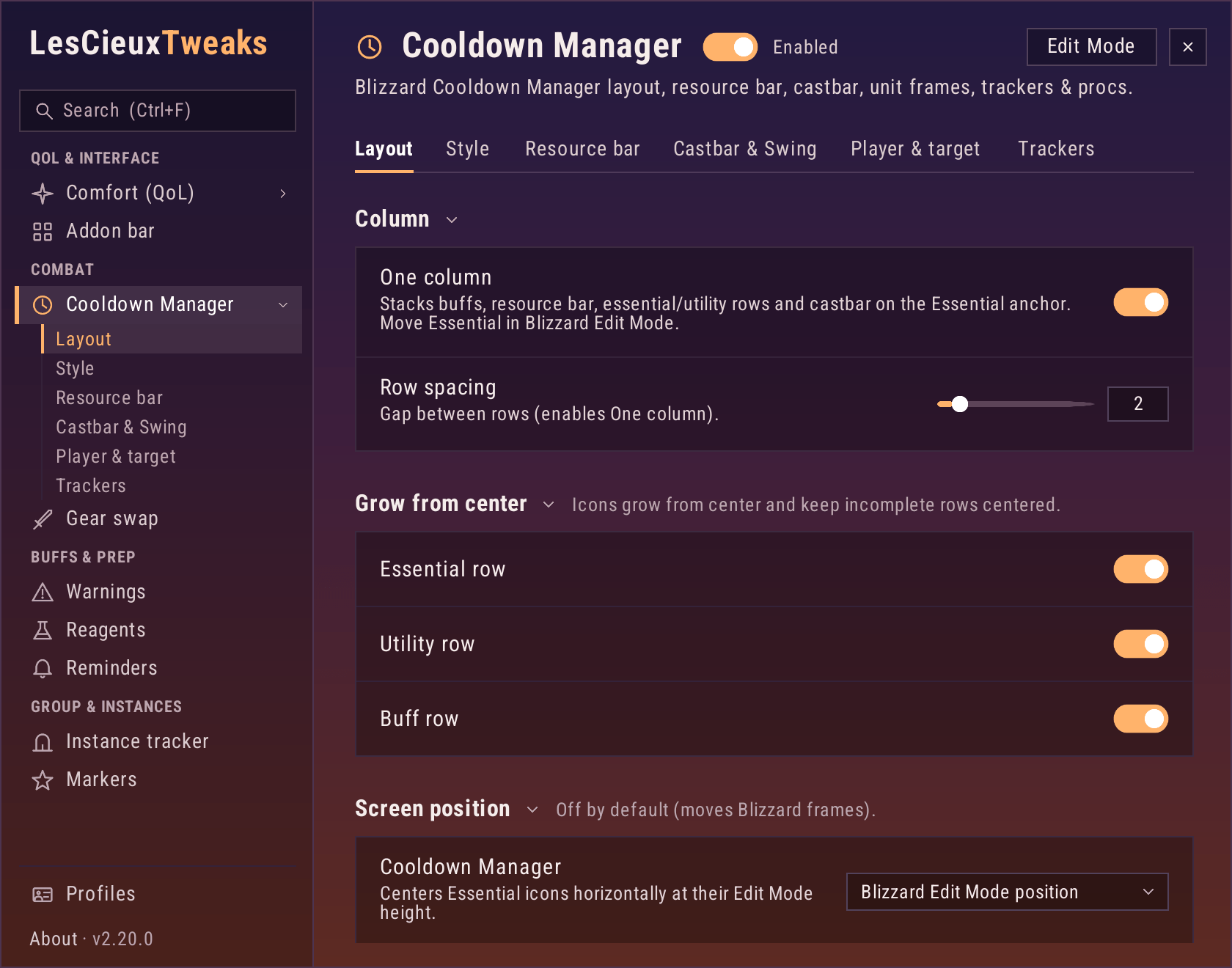
- Cooldowns: Blizzard's Cooldown Manager in one tidy, centered column: buffs, resource bar, icons and cast bar. The bar is exactly as wide as the icons, with combo points for rogues and druids.
- Trackers: more cooldown icons for racials, defensives, trinkets and potions. They can also show your own buffs and enchant procs while they're active.
- Cast bar and swing timer: replaces Blizzard's cast bar, in your class color, with the target's name, time left and latency. The swing timer covers melee, Auto Shot and wands.
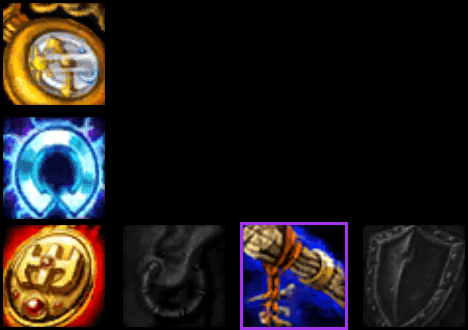
- Gear rack: buttons for the gear slots you pick. Hover one to see what your bags hold for it, click to equip. Weapons swap even in combat; the rest waits for the fight to end.
- Combat alert: "+Combat" and "-Combat" on screen when you enter and leave combat.
- Five-second rule: a spark crosses your Mana bar while Spirit regen is paused.
Before you go
- Reminders: a flashing icon when a buff you want is missing. Any rank counts; click it to cast the buff. Also for weapon poisons, Soulstone and XP food, and for profession cooldowns (transmutes, Mooncloth, Salt Shaker), with a hammer that crafts right away when you have the materials.
- Warnings: out of combat, a blinking line when something needs you: gear about to break, low ammo or water, an unhappy pet, talent points to spend, tracking left off after a death, a Tarnished Undermine Real to pick up. Right-click a line to silence it for 10 minutes.
- Reagents: your class reagents, a rogue's poisons, your arrows or bullets, counted on the game's icon. Orange when low, red at zero.
In a group
- Markers: one row of raid markers. Left-click marks your target, right-click places the ground marker of the same color. Ready check and pull timer in a group.
- Dungeons: tells your group when you reset the instances, and sums up your time, XP and gold when you leave a dungeon.
/cieuxnitshows how many instances you entered in the last hour, and the latest dungeons of all your characters.
Class modules
- Druid forms: under your player frame, the Mana, Energy and Rage of your other forms (Furor included), and how many shifts your Mana pays for on each form you know.
- Paladin seals: your active Seal and its time left, and a reminder in combat when no Seal is up.
You only see the modules for your class.
Comfort
Everything starts off, except fast loot, flight times, invite on whisper and tooltip IDs. Tick what you want: it works at once, without a reload, and the chat tells you each time it does something (junk sold, repair cost…).
- Vendors: sell junk (Alt-click an item to add it to your junk list), repair (guild funds first), buy more than one stack at once (Shift-click), fast loot, no loot confirmations, no typing DELETE.
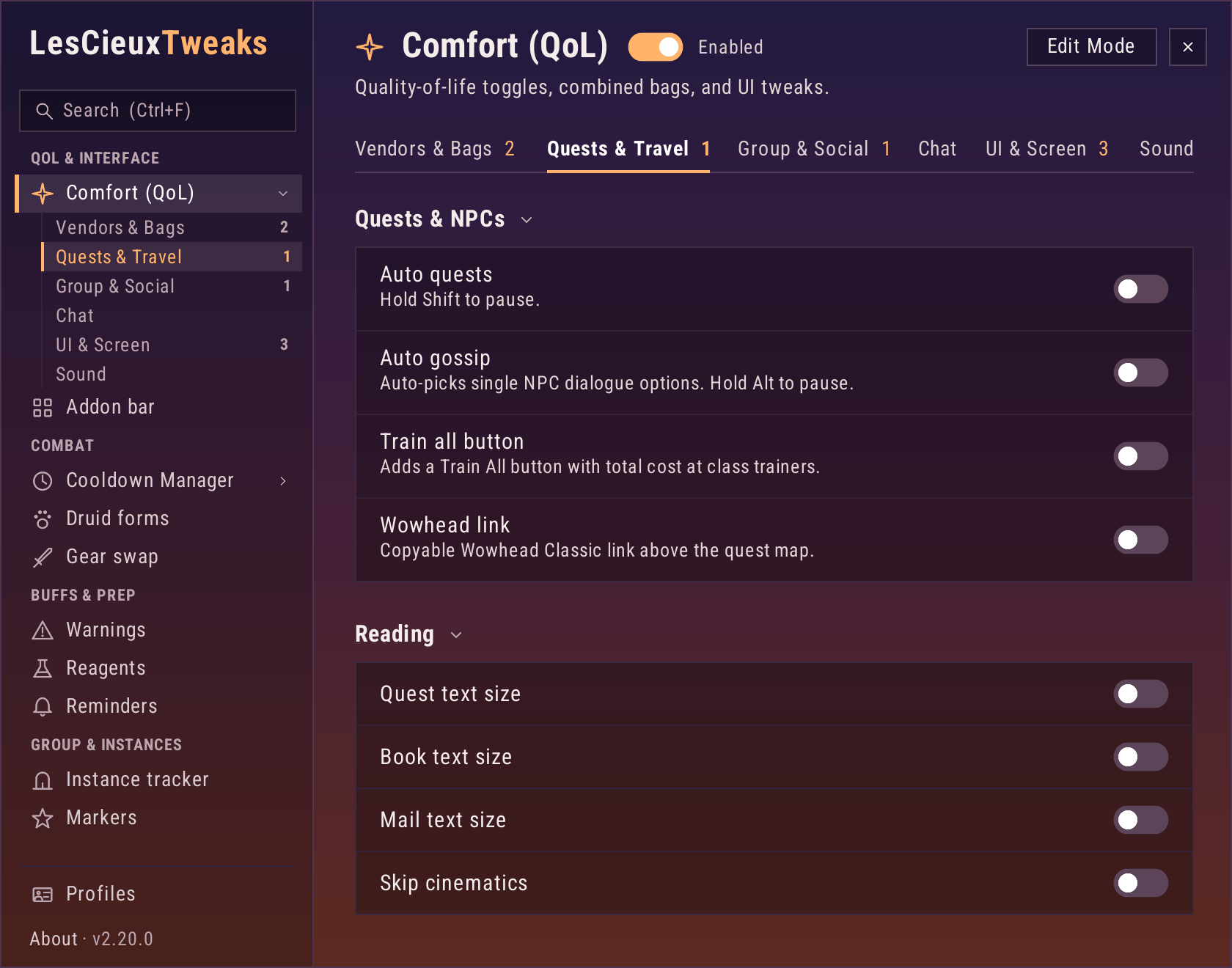
- Quests: accept and turn in quests (hold Shift to pause), skip one-option gossip (hold Alt to see it), Train all, a Wowhead link for the open quest, skip cinematics, a bigger flight map, flight times, dismount at the flight master.
- Group: accept summons and resurrections, release in battlegrounds, join friends' groups, invite on whisper, block duels, party invites, shared quests and friend requests, battleground timer, copy a player's name.
- Chat: resize by dragging the tab, hide buttons and tabs, more font sizes, typing box on top, arrow keys in chat, chat that never fades, longer history, copy chat, keep chat after /reload, filter spam.
- Screen: hide red error text, zone names, alerts, banners and talking heads; class colored frames; an elite dragon around your portrait; helm and cloak; screen borders; square minimap; better tooltips with IDs; an Undress button; less rain and snow.
- Sound: mute the sounds you never want to hear (spell fizzles, city bells…), quiet emotes in towns, sound that follows your headset, remove transforms.
Getting started and updates
- A new character (level 10 or below) is offered your main's setup: shown action bars, Edit Mode layout, raid frame and other options, key bindings, character macros, chat windows, enabled addons, and your class settings (reminders, trackers, gear rack). One click, with Undo.
/cieux setupat any time. - Two addons doing the same job (bags, cast bar, flight timer, gear swap…)? LesCieuxTweaks asks which one to keep, feature by feature.
Good to know
- Made for WoW Forever only.
/cieuxsorts everything by moment of play (On screen, In combat, Before you go, In a group), with a search, and Defaults on every page.- Most settings are shared by all your characters. Class settings (reminders, trackers, gear rack) are kept per character.
- Frames move in Blizzard's Edit Mode, and each Edit Mode layout remembers its own places and sizes.
- If another of your addons already does one of these things, LesCieuxTweaks leaves it alone, and takes over when you turn the other one off.
/rlreloads the interface (unless another addon already uses it).- Available in English and French.
Credits
The druid forms math comes from Formwise (MIT license, included with the addon). Font: Roboto Condensed (Apache 2.0, included). MIT License.
LesCieuxTweaks Team