BV Addon Suite - AuraStudio
- By
Build your own auras and action buttons in an in-game node editor, with live testing, reusable building blocks and graph sharing.
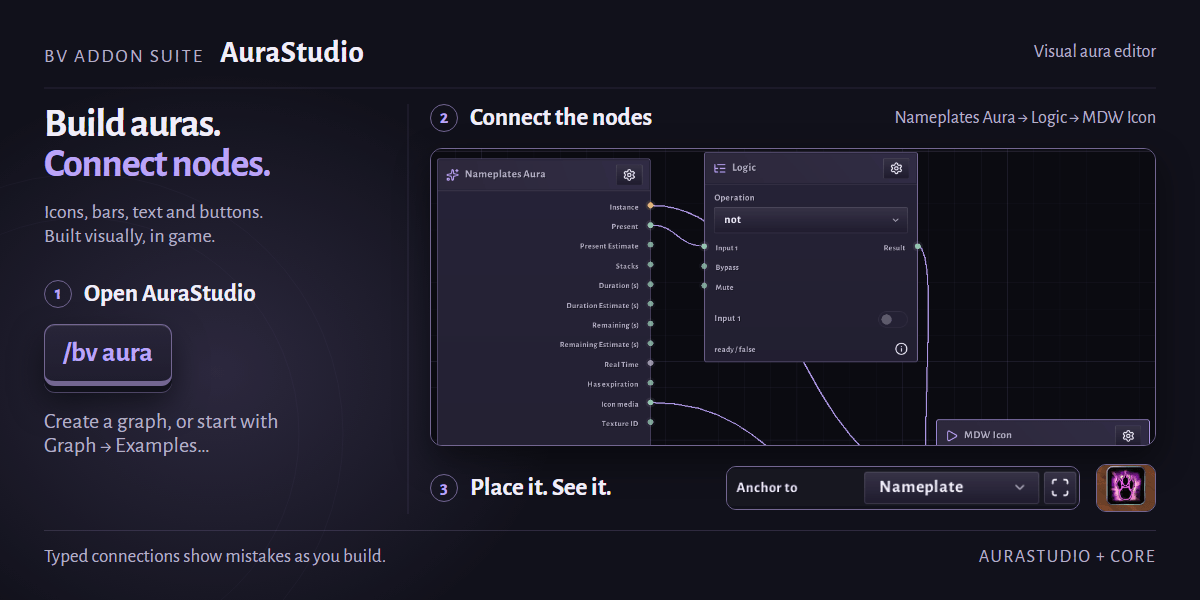
00-infographic.png
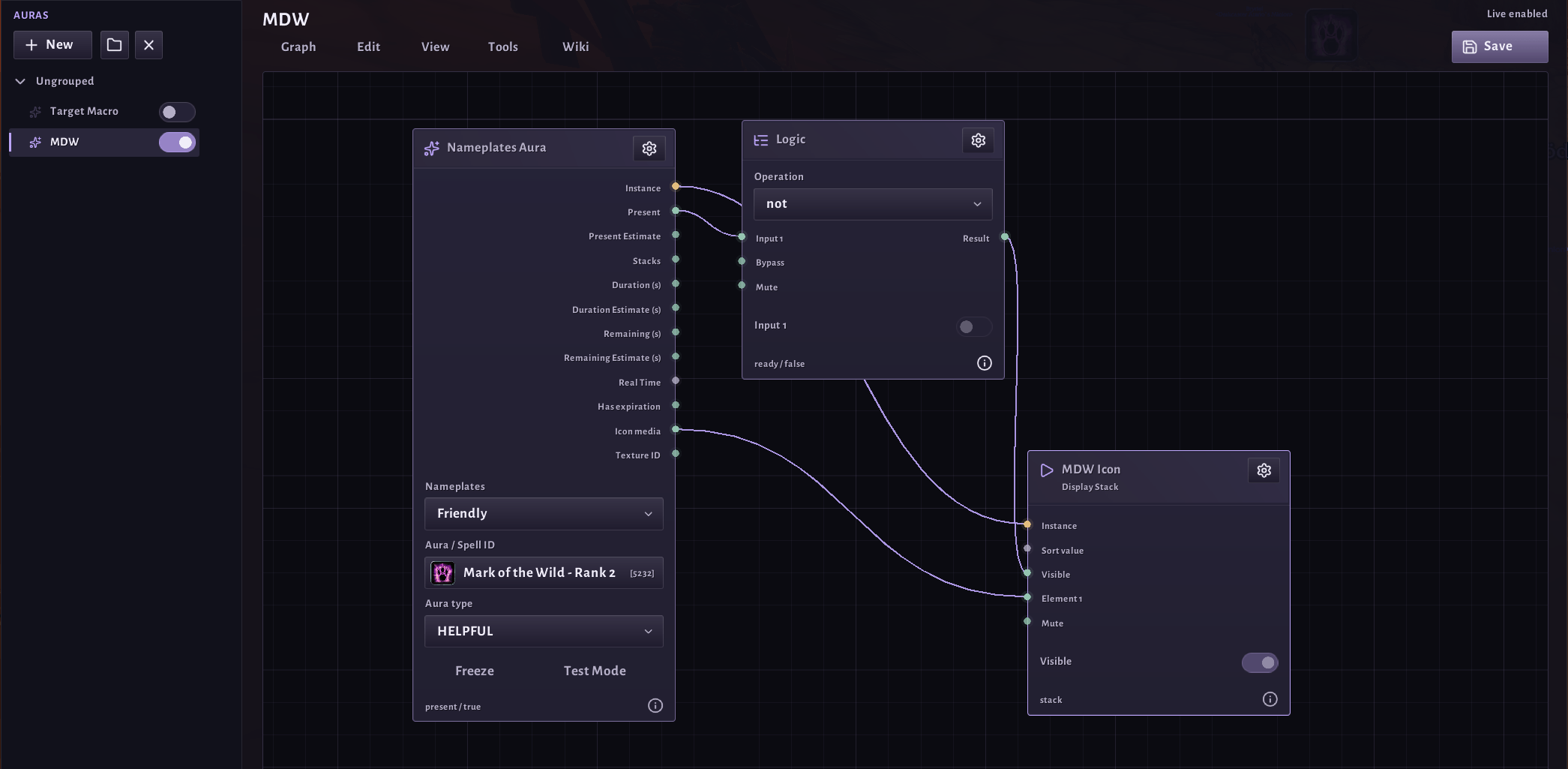
01-graph-editor.png
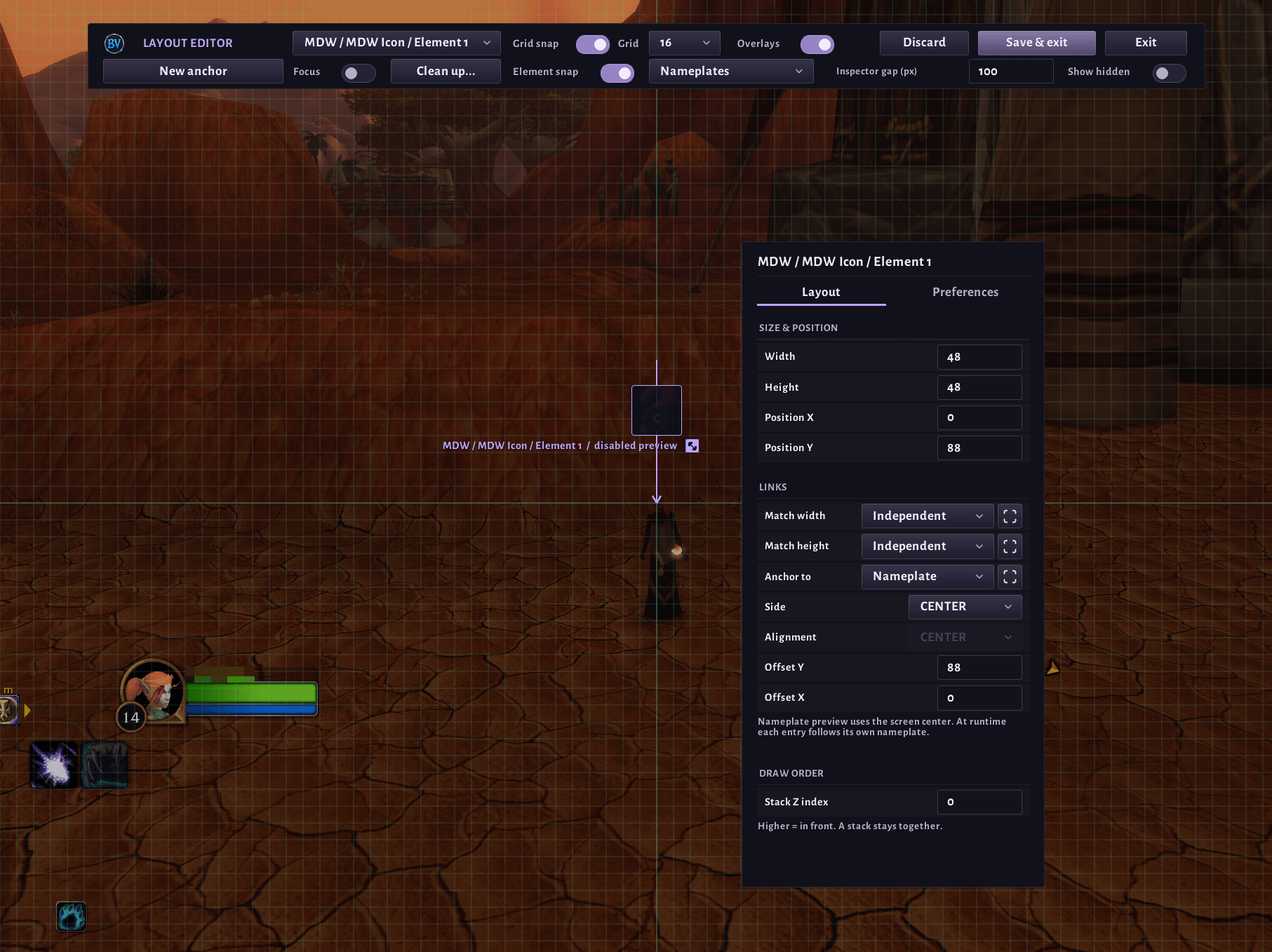
02-layout-editor-anchor.png
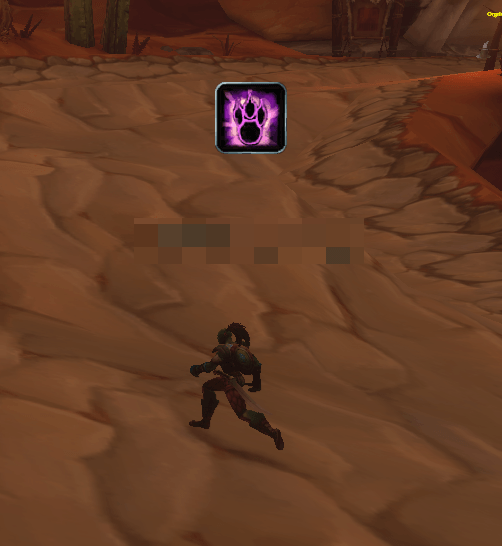
03-nameplate-icon.png
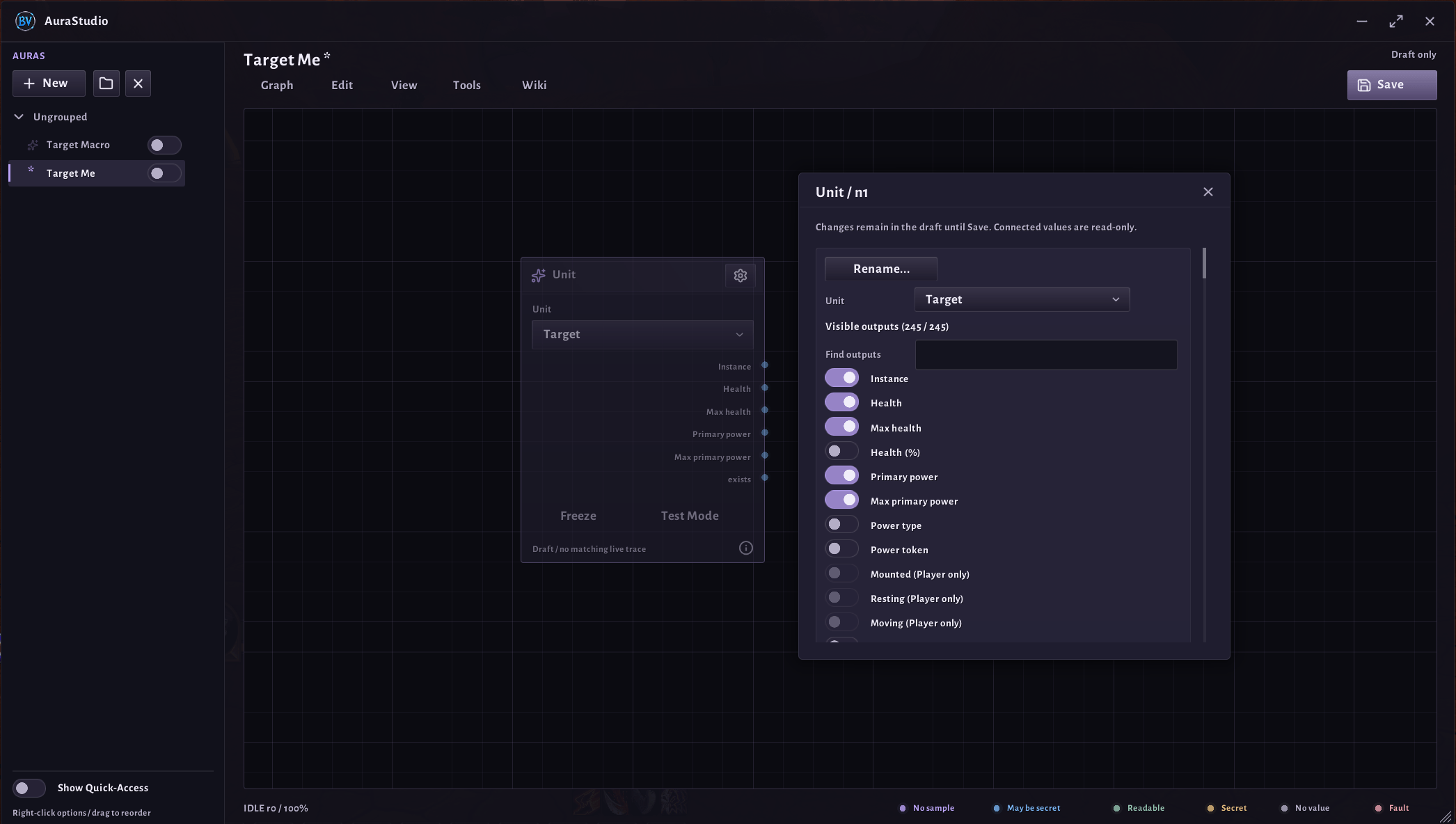
04-node-outputs.png
Description
BV Addon Suite - AuraStudio
Build your own auras, bars, text displays and action buttons visually. Connect nodes in an in-game graph editor instead of writing code.
Requires: BV Addon Suite - Core
Beta: AuraStudio is in active development and in-game testing. Expect changes, and please report bugs.
How it works
Each aura is a graph. Trigger and source nodes read game data, for example auras, cooldowns, units or items. Logic nodes compare, calculate and combine values. Display nodes show the result as an icon, bar, text or button. Every connection is typed, so the editor shows mistakes right away.
Features
- About 160 nodes for triggers, units, auras, cooldowns, items, math, text, time, memory and media
- Displays: icons, progress bars, text and action buttons with click actions, hover and pressed media, and glow effects
- Boss mod timers from DBM or BigWigs, when installed
- Toast notes: short on-screen messages when something happens
- Keyboard shortcuts for action buttons
- Live testing: try a single node or a whole graph without affecting your other auras
- Building blocks: save a group of nodes and reuse it in other graphs
- Sections with name and colour to keep large graphs organised
- Lua Script node for advanced users. It runs in a restricted sandbox and is switched off after an import until you allow it.
- Import and export as text strings
- Share graphs in game with your target or group members. Receiving is off by default, and every transfer needs your approval.
- Built-in wiki with a help page for every node, plus example graphs
Getting started
- Type
/bv aurato open AuraStudio. - Create a graph, or open Graph > Examples….
- Add nodes, connect them, and turn the graph on.
Commands
/bv aura: open AuraStudio
License
All rights reserved. Free to use; modifications for private use only. Redistribution, in whole or in part, requires permission. Full terms: LICENSE
Support
The suite is free and made in my spare time. If you enjoy it, you can buy me a coffee. Thank you!

BV Addon Suite - AuraStudio Team