BigNoteBox - The Modern Notepad & Notes Addon
- By
BigNoteBox is a modern and feature rich in-game notepad addon letting you create, organize, & access notes without leaving WoW. Track quests, boss strategies, crafting, other info. It keeps your notes handy & shows them when needed by place or situation!
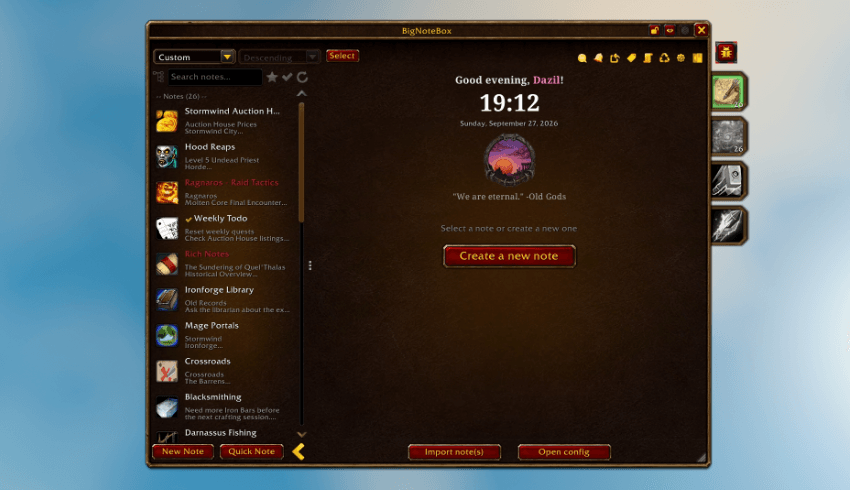
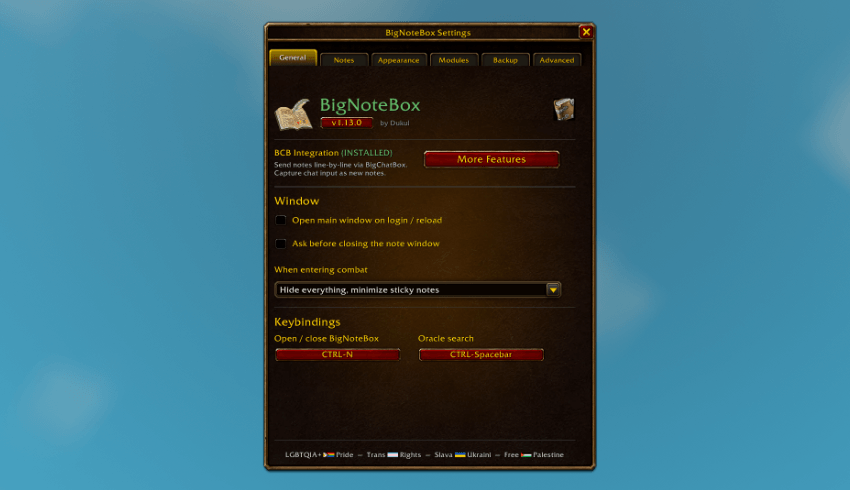
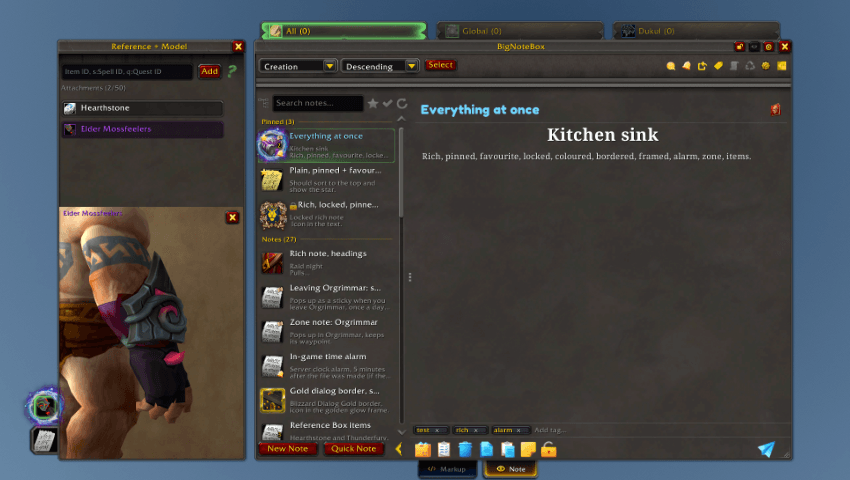
02 Retail Full.png
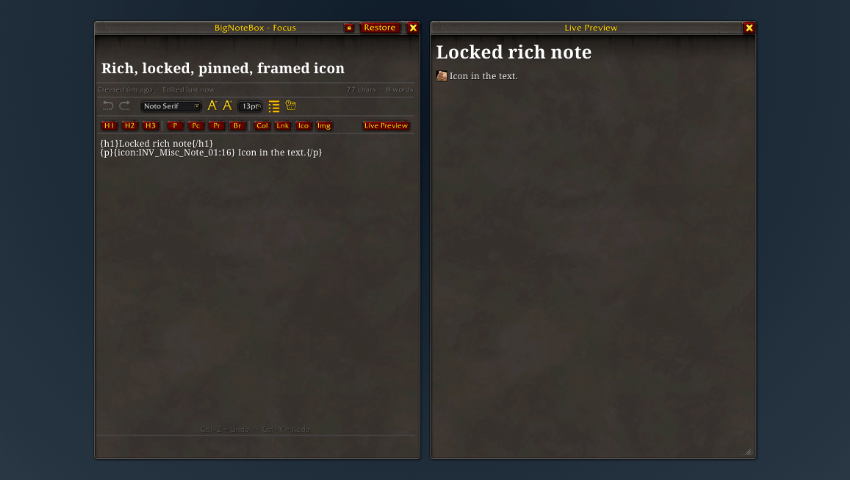
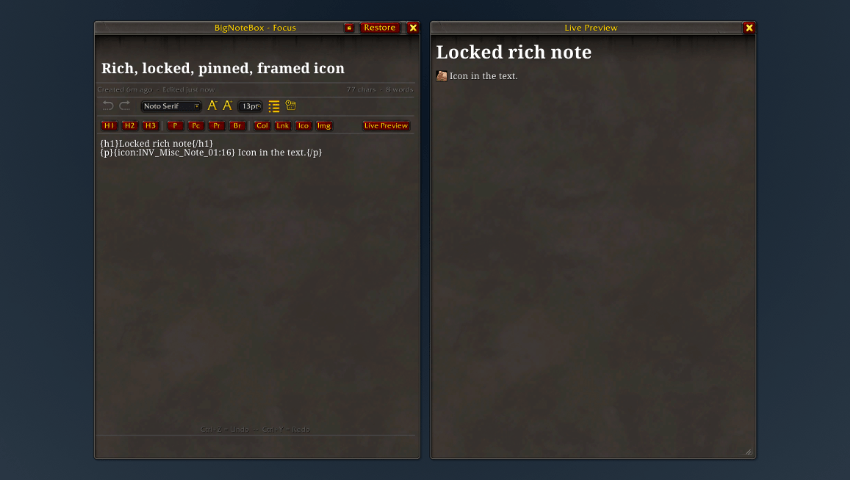
04 Retail Focus Mode.png
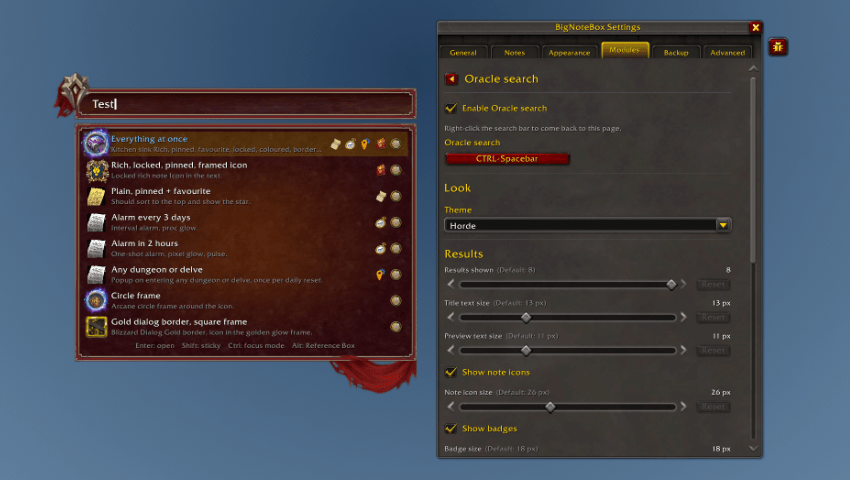
06 Retail Oracle search.png
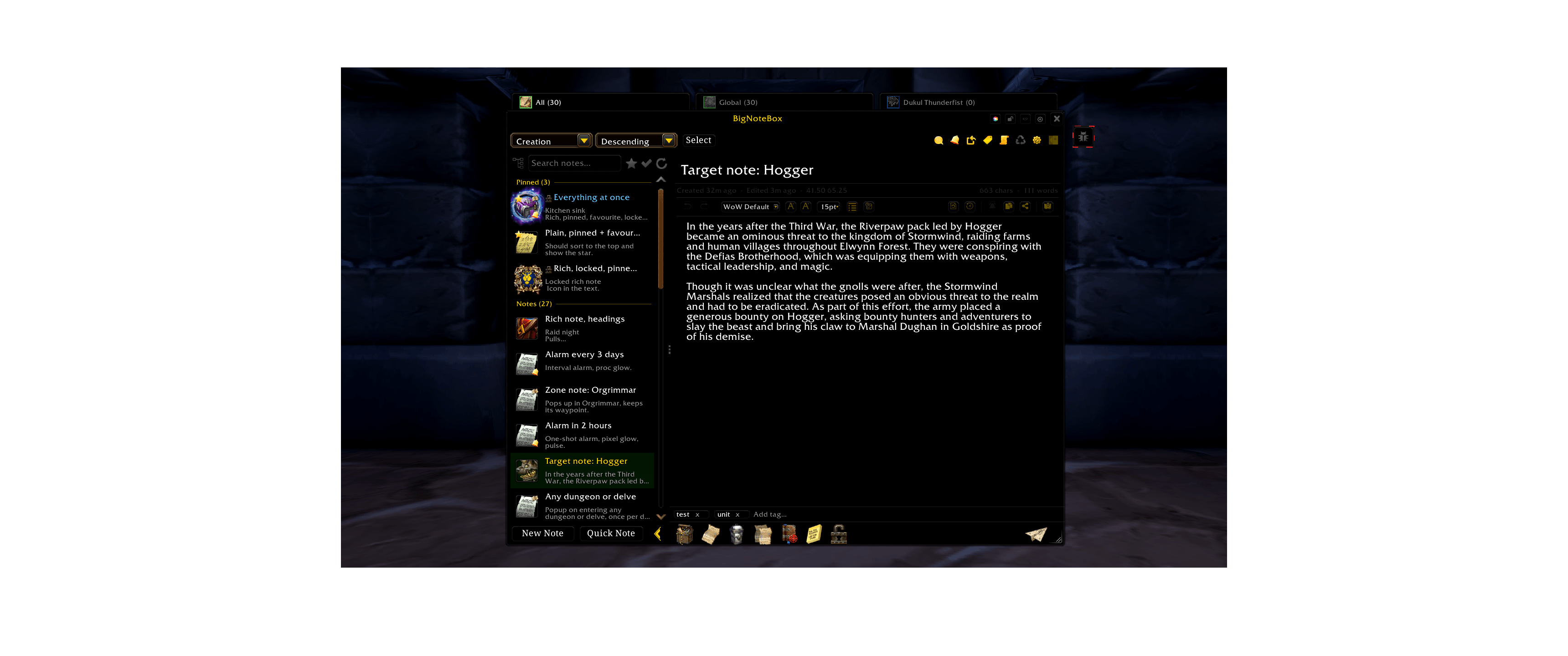
08 Forever OLED Skin.png
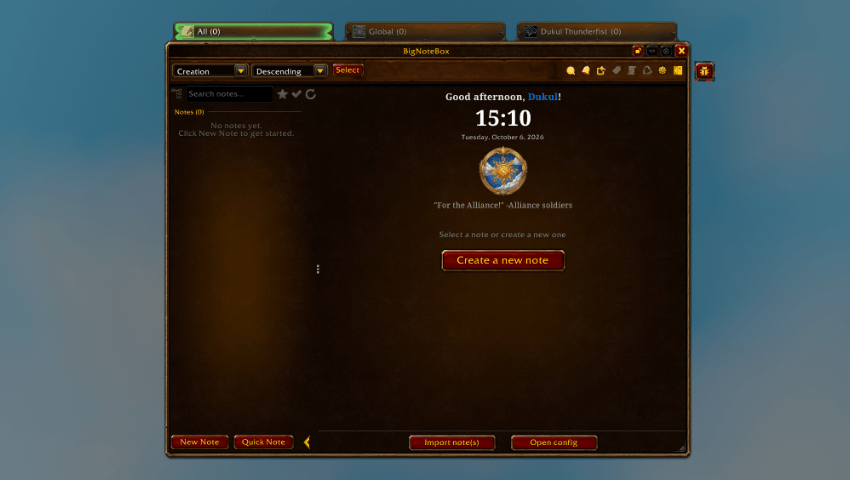
10 Forever Empty.png
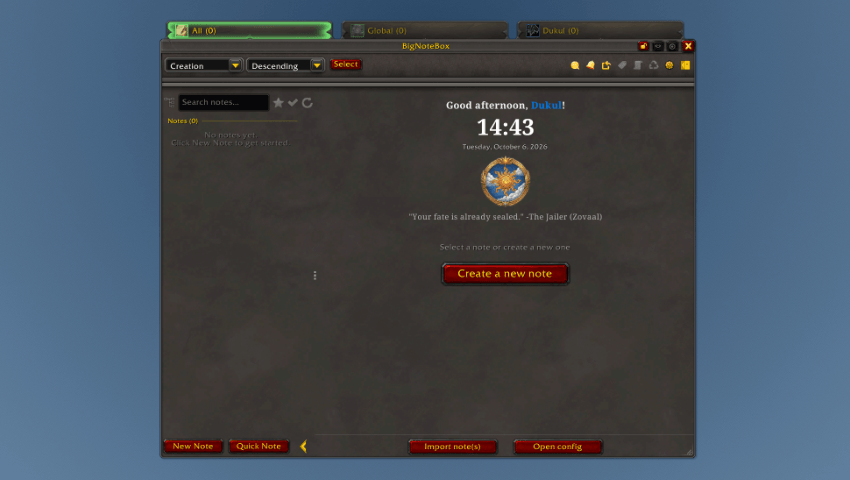
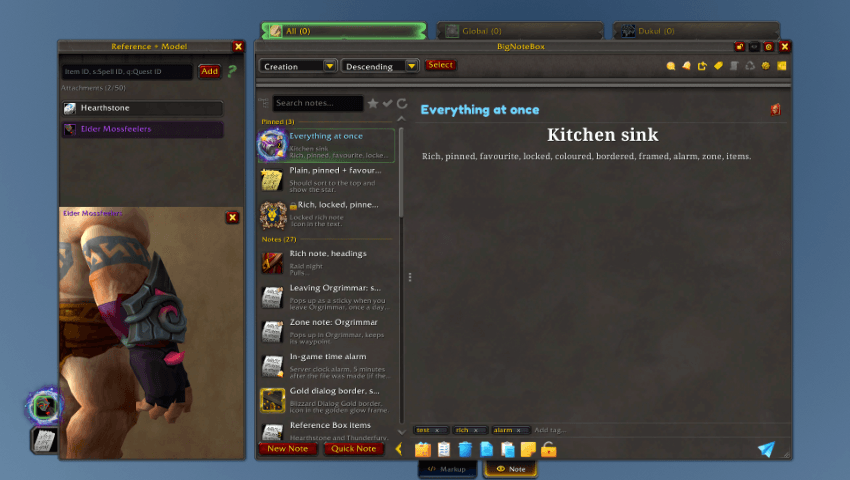
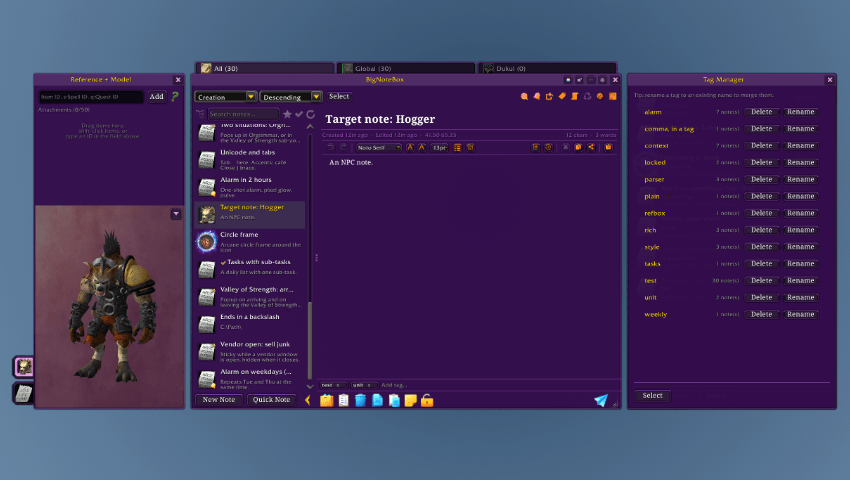
Don't like the normal theme used? Use Skin mode. It has a bunch of colored themes to select from.
Description

BigNoteBox
by Dukul
The notepad addon that shows you the right note at the right moment!
Boss tactics that pop up when you zone into the raid. A warning about a player when you hover them. Your weekly chores ticked off on a sticky note in the corner of your screen. BigNoteBox is a full notepad inside World of Warcraft, and it knows where you are.
Runs on Retail and WoW: Forever, and in beta on Classic Era, TBC Anniversary and Mists of Pandaria Classic.
Why BigNoteBox?
📍 Notes that find you
Give a note a situation and it shows itself: entering a zone, a dungeon or a raid, targeting a player or an NPC, opening the bank, the mailbox or the auction house. Every time, once a day, once a reset or only once.
📌 Sticky notes
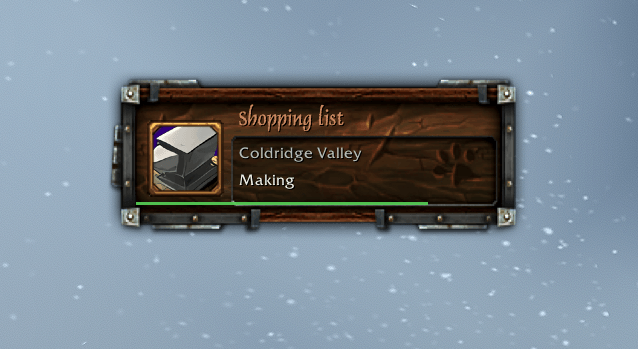
Pin any note to your screen as a small window with its own font, color, background and border. Tick off tasks right on the sticky. Ctrl+H hides them all.
✅ Tasks and alarms
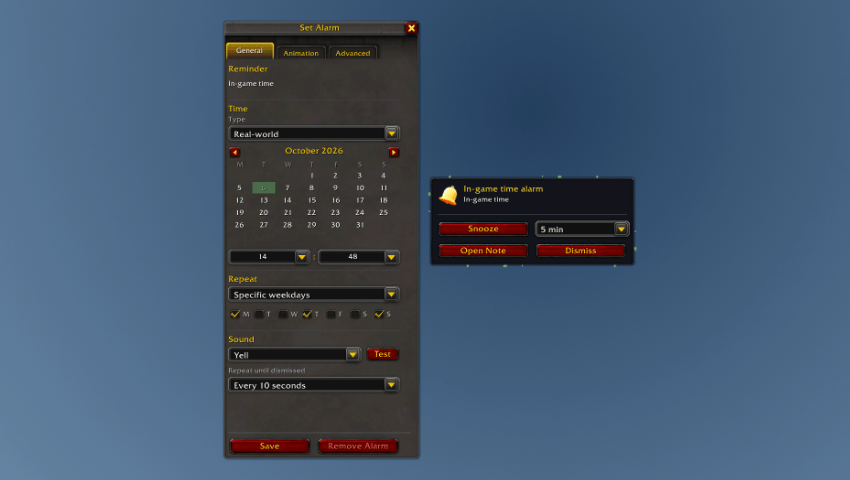
Checklists with sub-tasks inside any note, which can untick themselves at the daily or weekly reset. Alarms ring at a real-world time, a server time or on the days you choose.
👤 Player and NPC notes
Keep notes on players and NPCs, with their portrait and gear. A one-line tl;dr (like "KOS" or "great tank") shows in their tooltip when you hover them.
🔍 Oracle search
One search bar that finds any note from anywhere in the game. Ctrl+Space, type, Enter.
🖋️ Write the way you like
Plain notes, or rich notes with headings, colors, game icons and pictures. Focus mode hides the game interface so you can write in full screen. Spellchecker (English US and UK) and text shortcuts included.

📜 Capture what the game tells you
One click on a quest, gossip, book or letter window keeps its text as a note. Works with Dialogue UI and Immersion too.
🛟 Nothing gets lost
Automatic note history, compare and restore old versions, a 30-day Trash, and full JSON backups you can keep outside the game.
🚚 Coming from another note addon?
BigNoteBox can copy over your notes from the following addons:
- OneWoW Notes
- Noteworthy II
- Take A Note
- Yet Another Notepad
- Notepad
- Notes
- TinyPad
- PurpleNotes
- SimpleNote
- Quick Notes
- MyNotepad
- AmmeNotepad
You get a popup the first time you log in. Preview what comes over first; nothing is removed from the other addon.
📚 Everything else
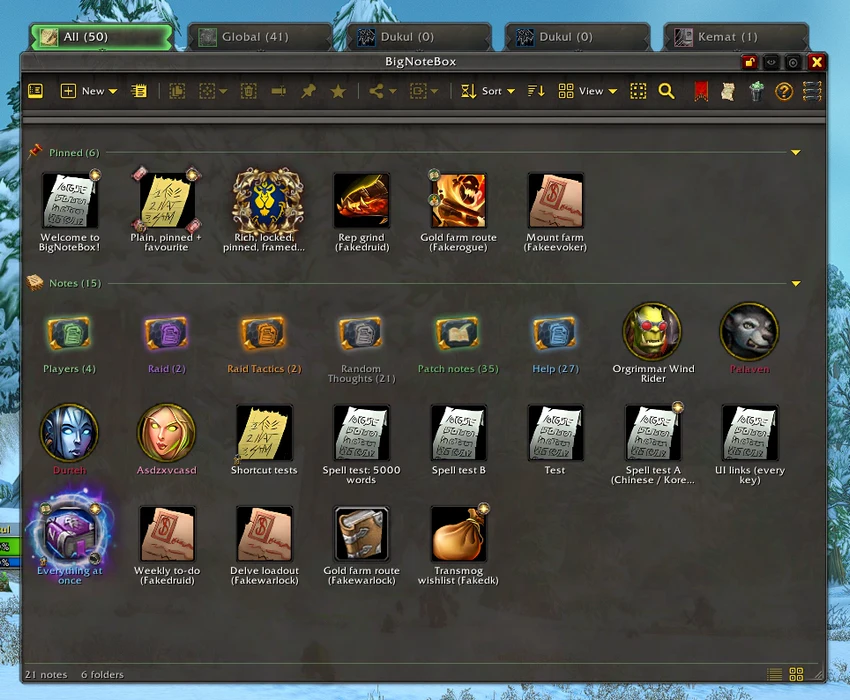
- Organize: folders with colors, tags, pins, favorites, locked notes, Global or per-character notes
- Explorer view: your notes and folders as a grid of icons, drag several at once onto a folder
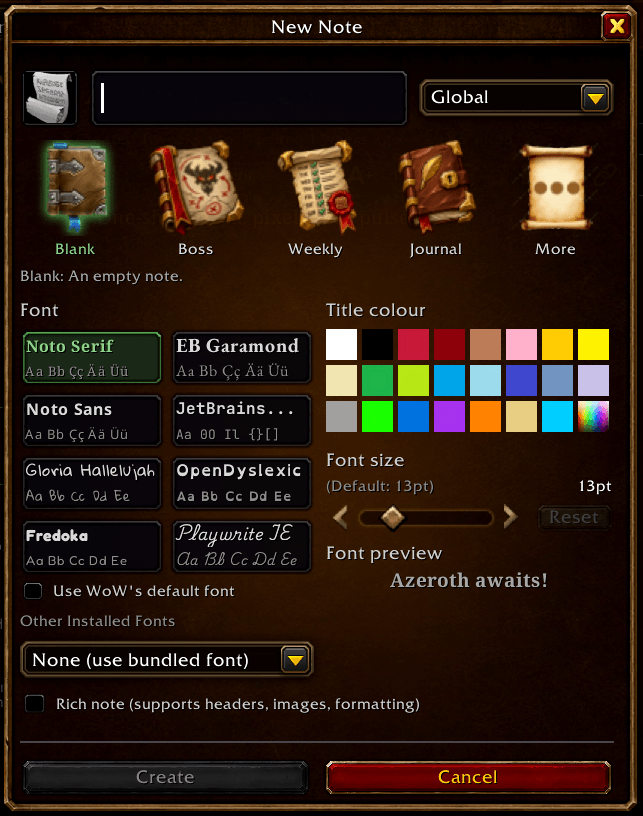
- Templates and tokens: Boss, Weekly, Journal and your own;
{{zone}},{{target}},{{coords}}and more fill themselves in - Waypoints: clickable waypoint links, and situations that place waypoints for you
- Reference Box: attach items, spells and quests to a note; a player note keeps their gear with a model and transmog view
- Sharing: send a note to another player as a code, or post it in chat line by line
- Look and feel: Blizzard style by default, or Skin mode with 14 colors (OLED included), bundled fonts (OpenDyslexic among them) and every LibSharedMedia font
- Modules and profiles: switch off what you do not need; settings profiles per character
- Help book: every help topic in chapters, with search and a glossary. Open it with the Help button or
/bnb help - BigChatBox: works on its own, and gets extra chat features when BigChatBox is installed
🀄 中文玩家
如果你用的是中文版《魔兽世界》客户端,不妨试试这个字体包:BigNoteBox FontsCN
🐞 Bugs, ideas and translations
- Bugs and feature requests: GitHub Issues (best), or a comment here
- Questions and ideas: GitHub Discussions
- Translations: help is welcome, see CONTRIBUTING page on GitHub!
Classic support is in beta: please report anything that looks wrong.
BigNoteBox - The Modern Notepad & Notes Addon Team