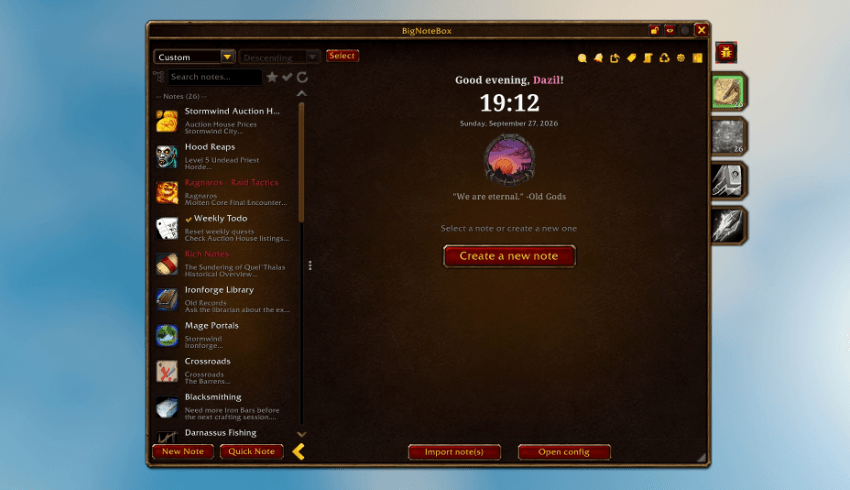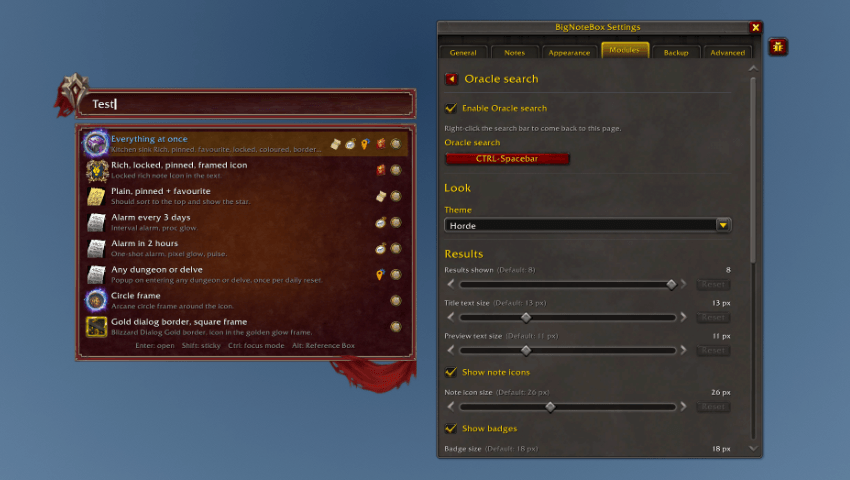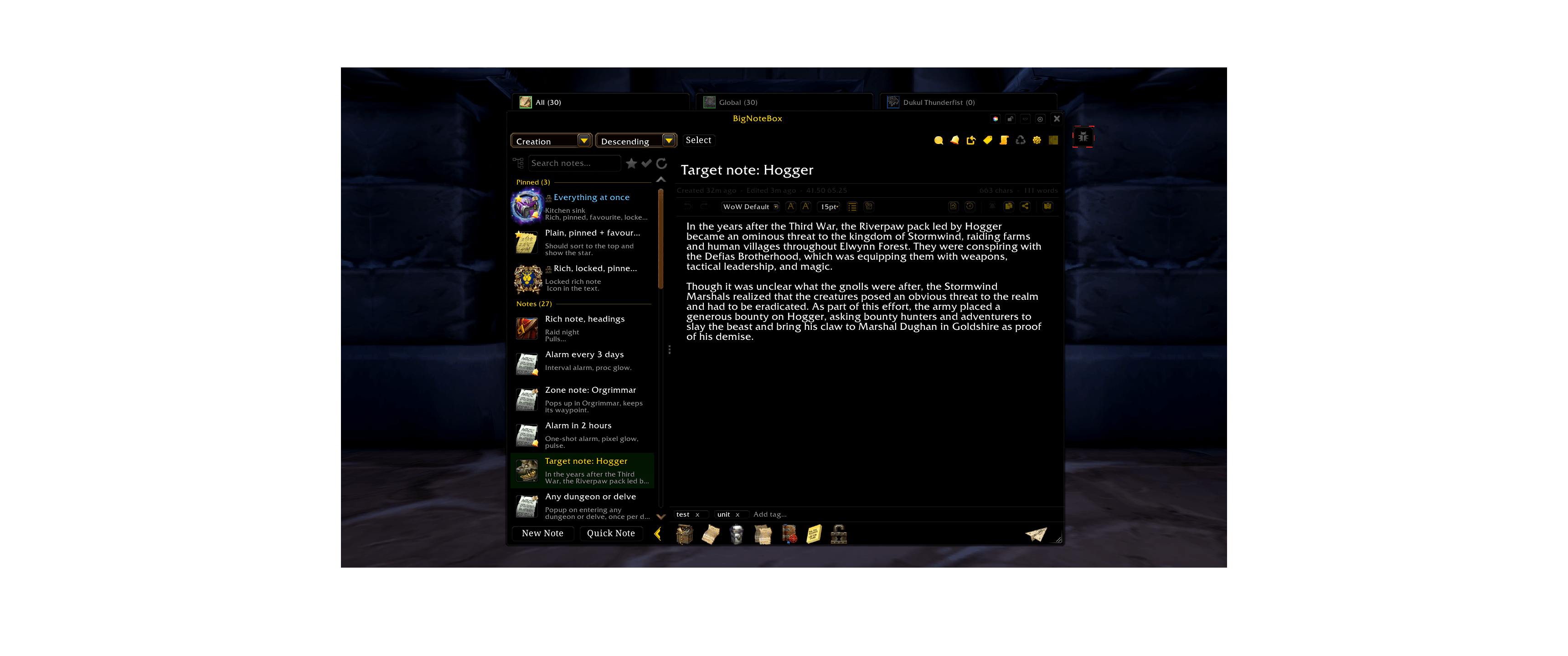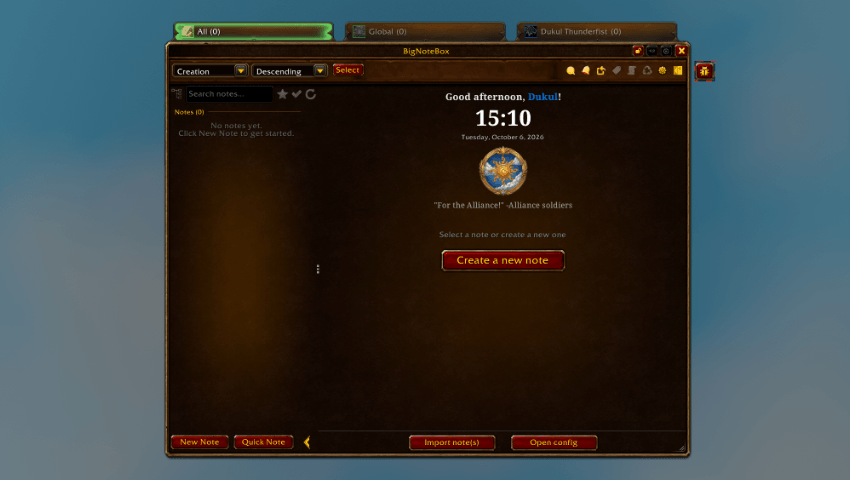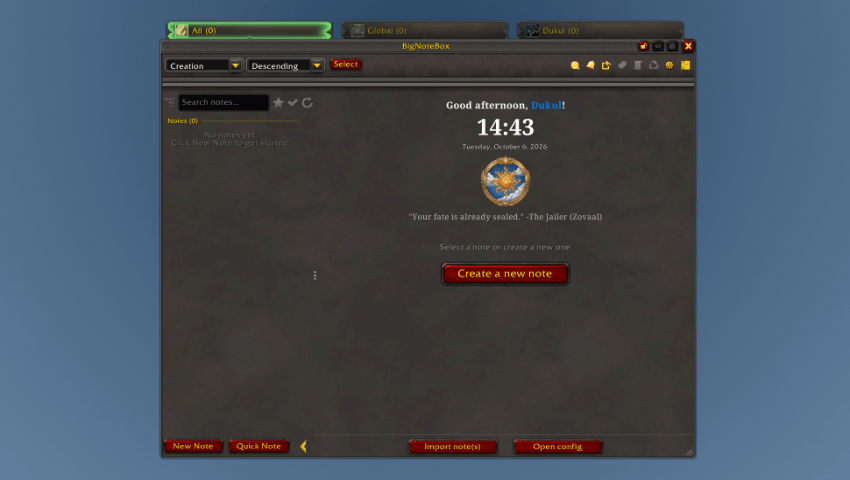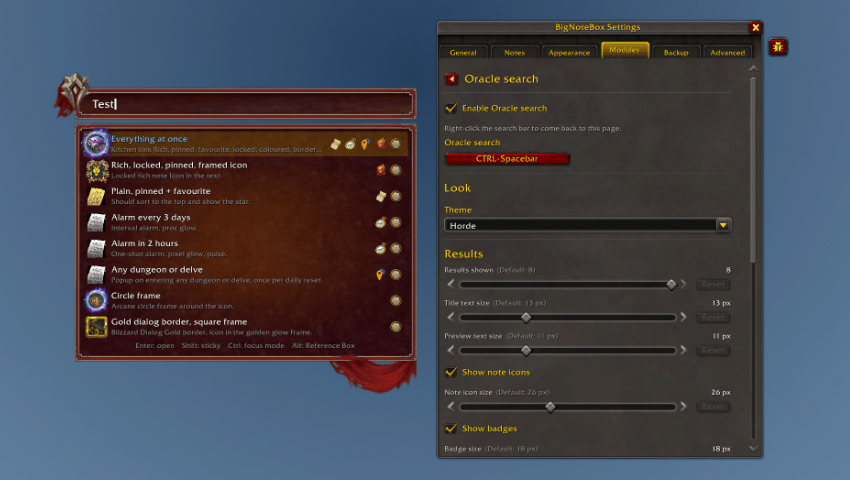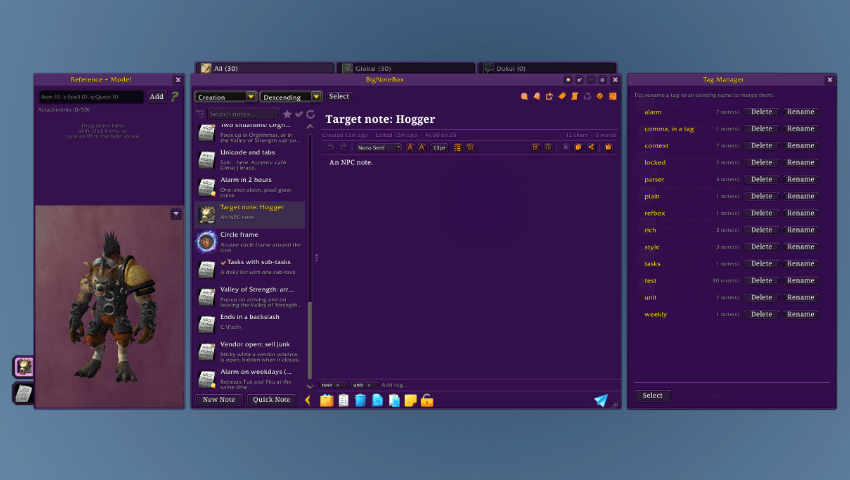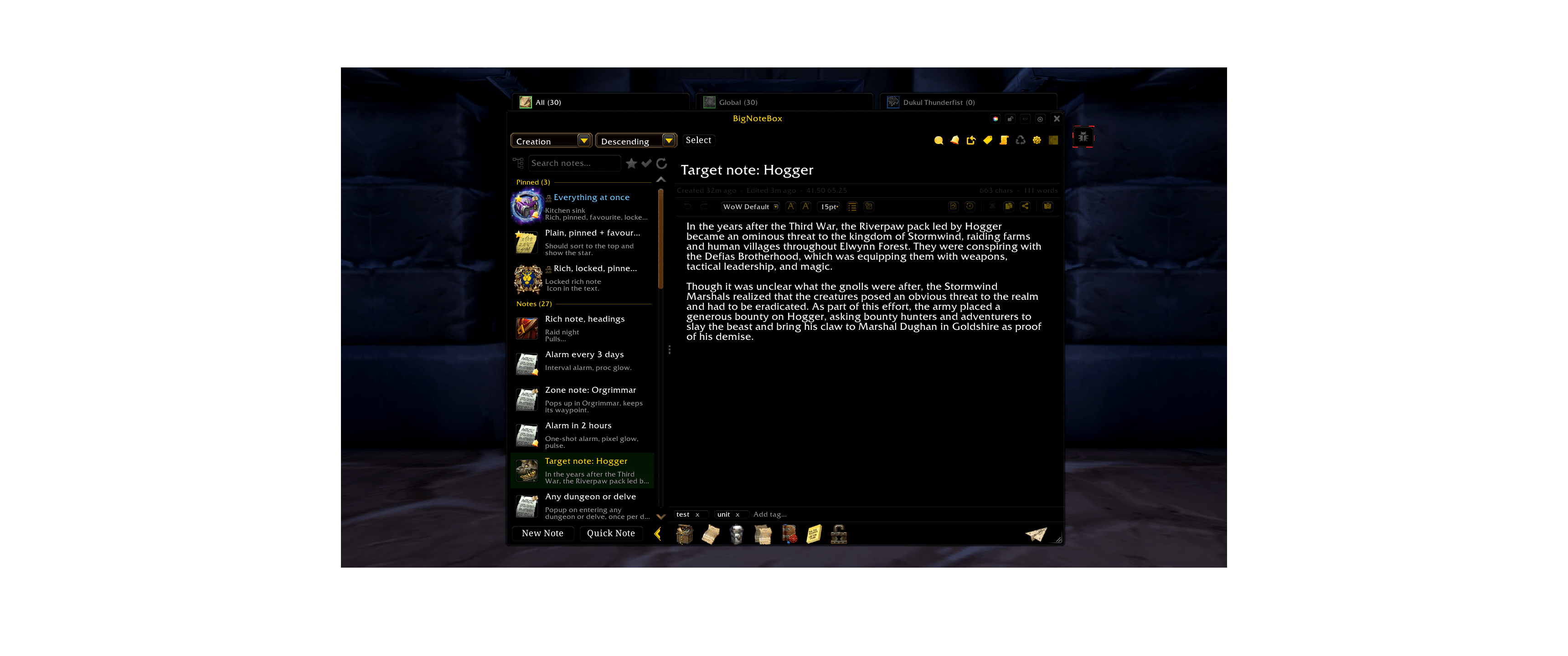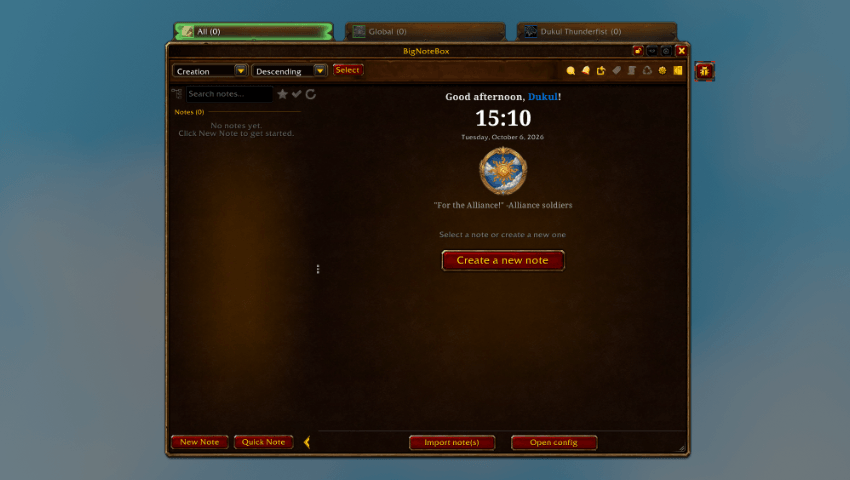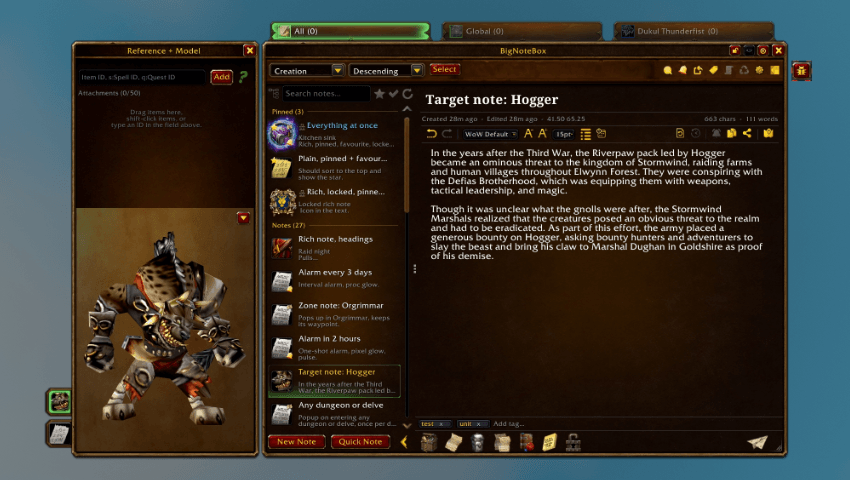
All colors.png

Dark Mode.png

Skinning mode.png

Sticky notes let you have, well, sticky notes on your screen that you can scale and customize them just the way you want them.

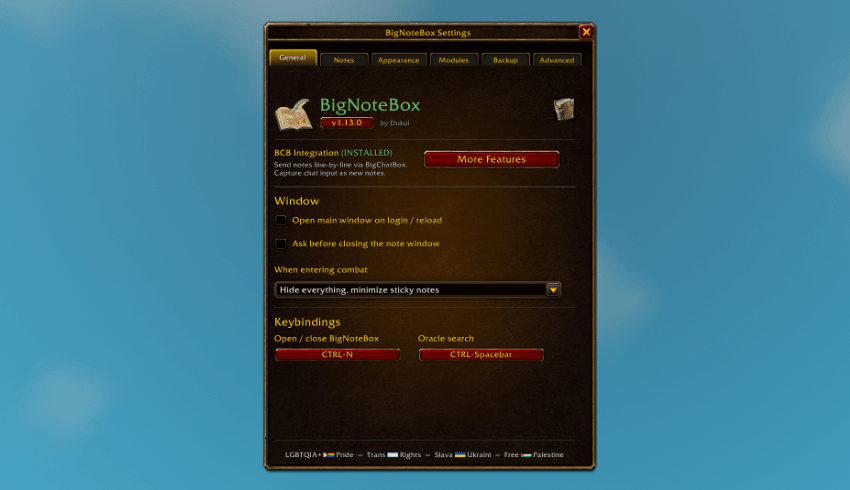
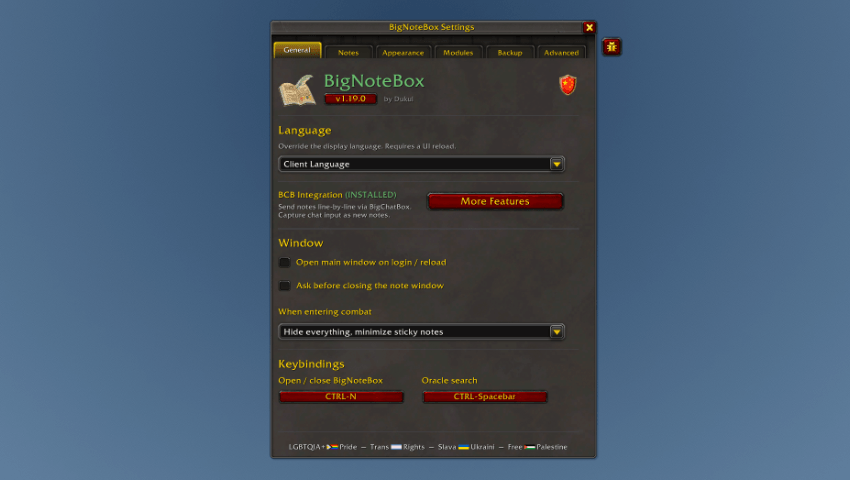
General tab of the main config window

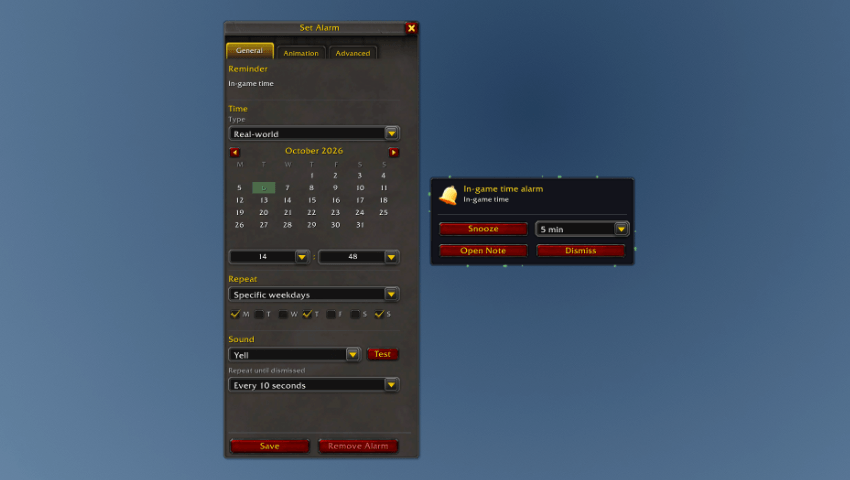
You can set situations and waypoint for your sticky notes. Have them appear when you need them the most!

Easy access to the most important note commands at the click of a button

Set a zone, subzone, instance or NPC, have the notes pop up or have them show up minimized.

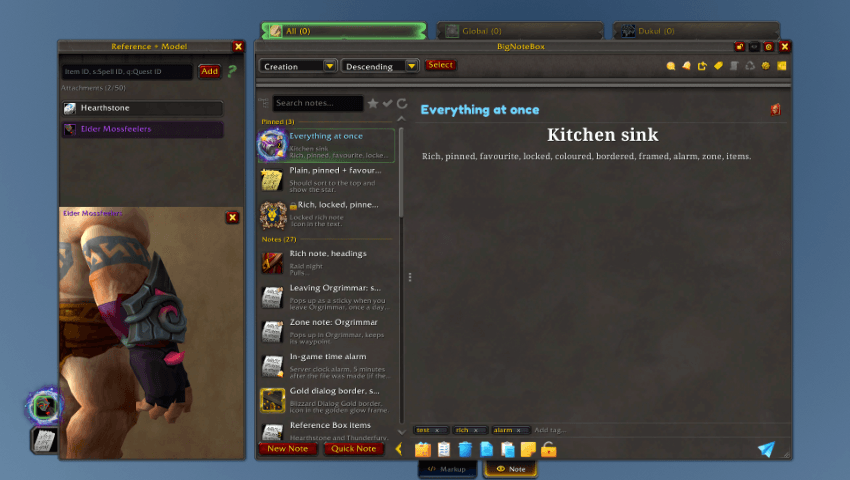
Each note can be individually customized to tell you at a glance what it's for. Icons and border (through SharedMedia) are supported!

Further customize the notes with a title color, font, alignment and outline. You can also favorite your notes and pin your most important ones!

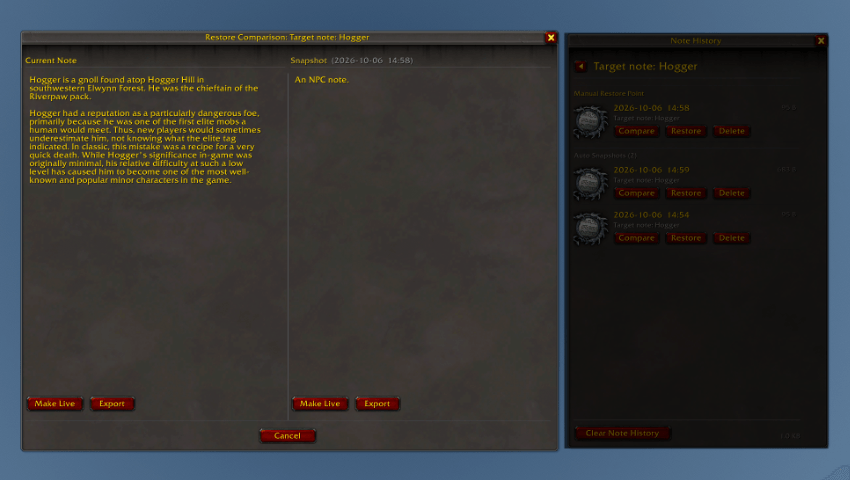
Every note has (by default) a five note backup + one user set restore point. This way you won't lose anything!

Notes are saved when you leave the game or do a /reload, this way you can always go back to older notes (5 backups)

You can send notes to the chat directly from BNB, if you also BigChatBox (BCB) installed, you can send the notes to the multiline input field and edit the text before sending!

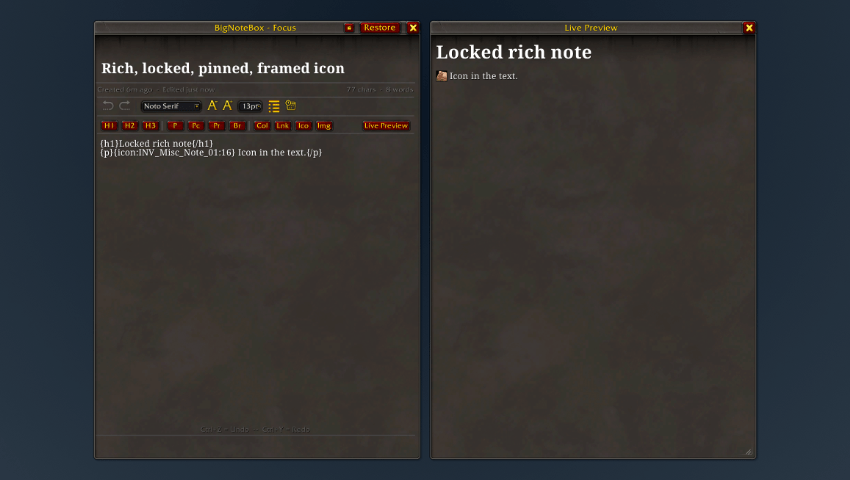
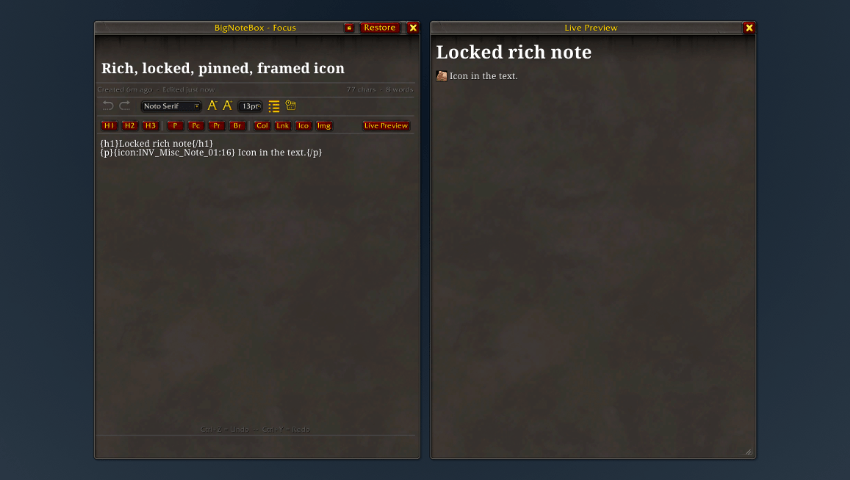
Want to focus exclusively on writing your note, click the focus mode button the top right corner of the main windows!

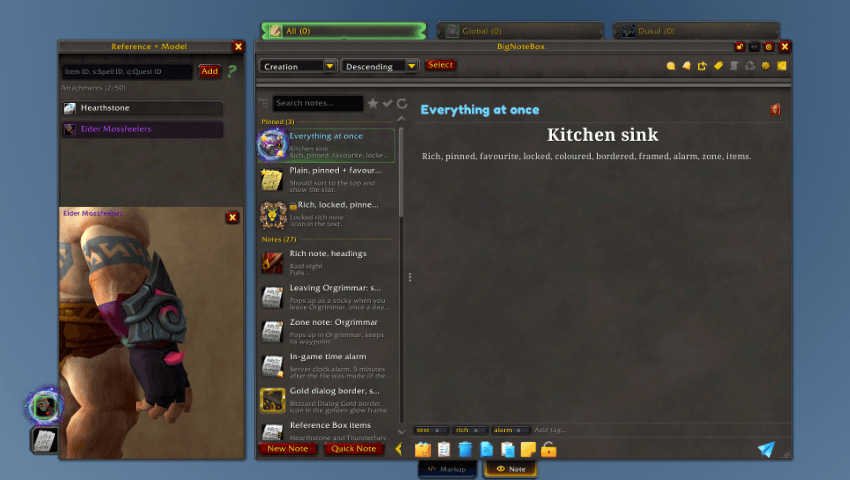
You can add tags to your notes for easy cataloging and search.

Deleted notes can be temporarily stored in the trashcan for easy retrieval if you want them back. The notes can be set to go away after 1 to 60 days (or just turn the feature off if you don't need it).

Want to save an individual note on your computer, or all of it, do it through Config → Backup. Copy the content in the export window to a notepad app on your computer and save it somewhere safe. If you lost your notes, you can easily get them back.

Export your notes as either JSON or Markdown. Markdown for easy human readable noting outside of WoW, or JSON for easy storage of notes outside WoW.

Does your notes talk about specific items or spells? Add them to the reference box for that note. You can easily do this by either drag&drop from your bag, you can shift+click the item with the refbox open, or type in the Item/SpellID directly in the box.

While typing, the addon creates undo points at set intervals so you can undo what you type. You can config how often this should happen based on your typing speed. These are also saved per session to save space. You can config this in Config → Editor.

You can easily categories your notes to be character specific or global for all. All notes are easily accessible regardless of character you are logged in to. You can also pin your most played characters for even easier access.