![Better Personal Resource Display - [BPRD] Better Class Bars logo](https://media.forgecdn.net/avatars/thumbnails/1898/932/64/64/639186817422521634.png)
Better Personal Resource Display - [BPRD] Better Class Bars
- By
Enhance Blizzard's Personal Resource Display with customizable bars, borders, fonts, textures, positioning, sizing, and layout.
Better Personal Resource Display
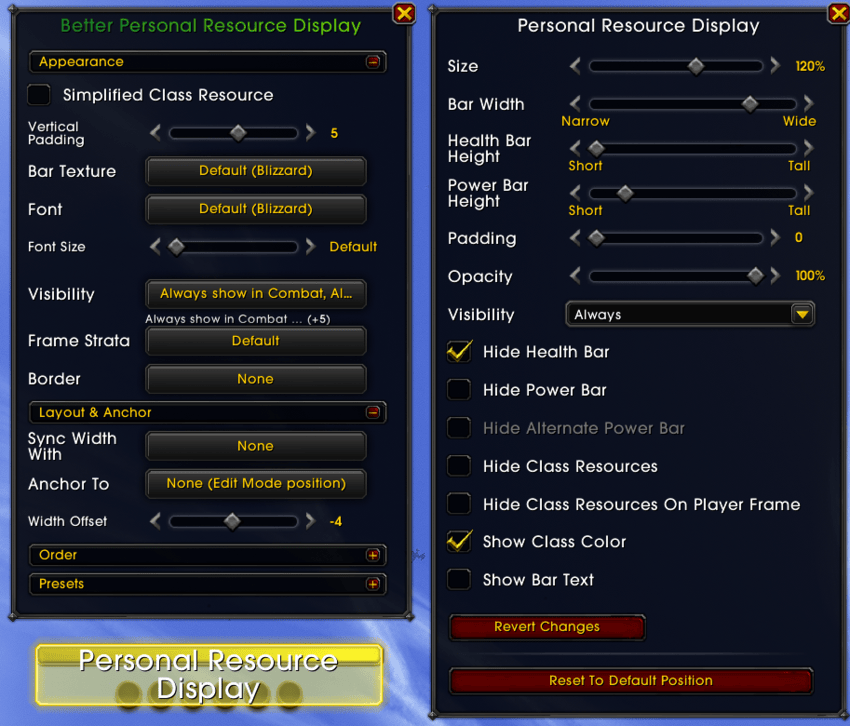
BPRD takes the built-in Personal Resource Display and gives you more modification power, without replacing the whole thing. Everything is configured by selecting the PRD in Edit Mode - the panel appears right next to it. Enhance Blizzard's Personal Resource Display with customizable bars, borders, fonts, textures, positioning, sizing, and layout.
Features
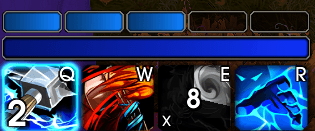
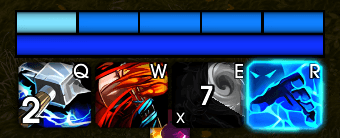
- Bar styling — texture, font, border, and background colour for the health / power / alt-power bars
- Simplified class resources — replace Blizzard's combo points / holy power / runes / essence / arcane charges with clean, flat pills
- Extra class resources — for resources Blizzard doesn't show on the PRD: Maelstrom Weapon, Tip of the Spear, Whirlwind, Icicles.
- Reorder the bars — put health, power, alt-power and the class row in any order.
- Width sync & anchoring — match the PRD width to another frame (e.g. a Cooldown Viewer) or anchor it wherever you want.
- Visibility rules — fade the whole display in/out based on combat, target, and more (secure, combat-safe).
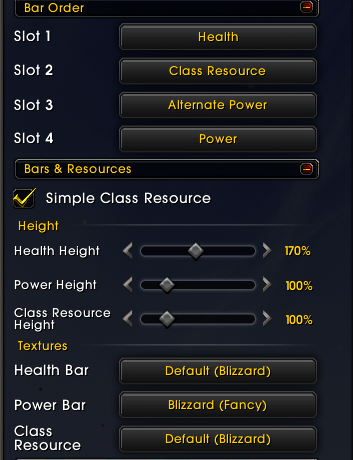
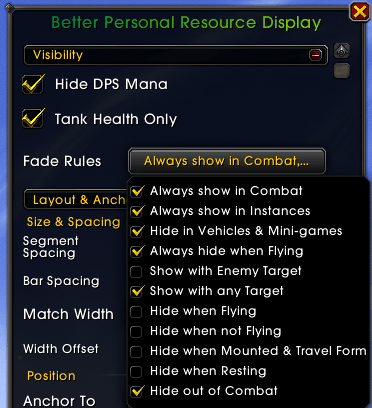
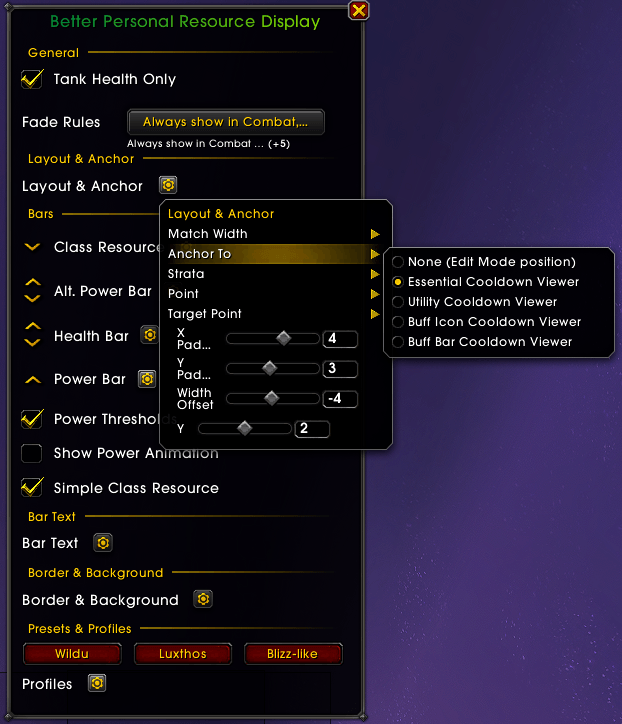
Blizzard's resources fixes and many more
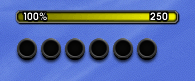
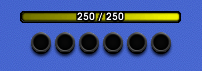
Like really blizzard, can't you center things?
| Blizzard | BPRD (centered combo points) |
|---|---|
 |
 |
Configuration
Open Game Menu → Edit Mode, click the Personal Resource Display, and the BPRD panel opens beside the Edit Mode dialog.
AddOn in heavy development, all support, and feedback welcomed
 _
_  _
_  _
_ 
Better Personal Resource Display - [BPRD] Better Class Bars Team

Owner