AzerothForge GuildBeacon
- By
AzerothForge GuildBeacon brings your guild together with shared map locations, class icons, and meeting points.
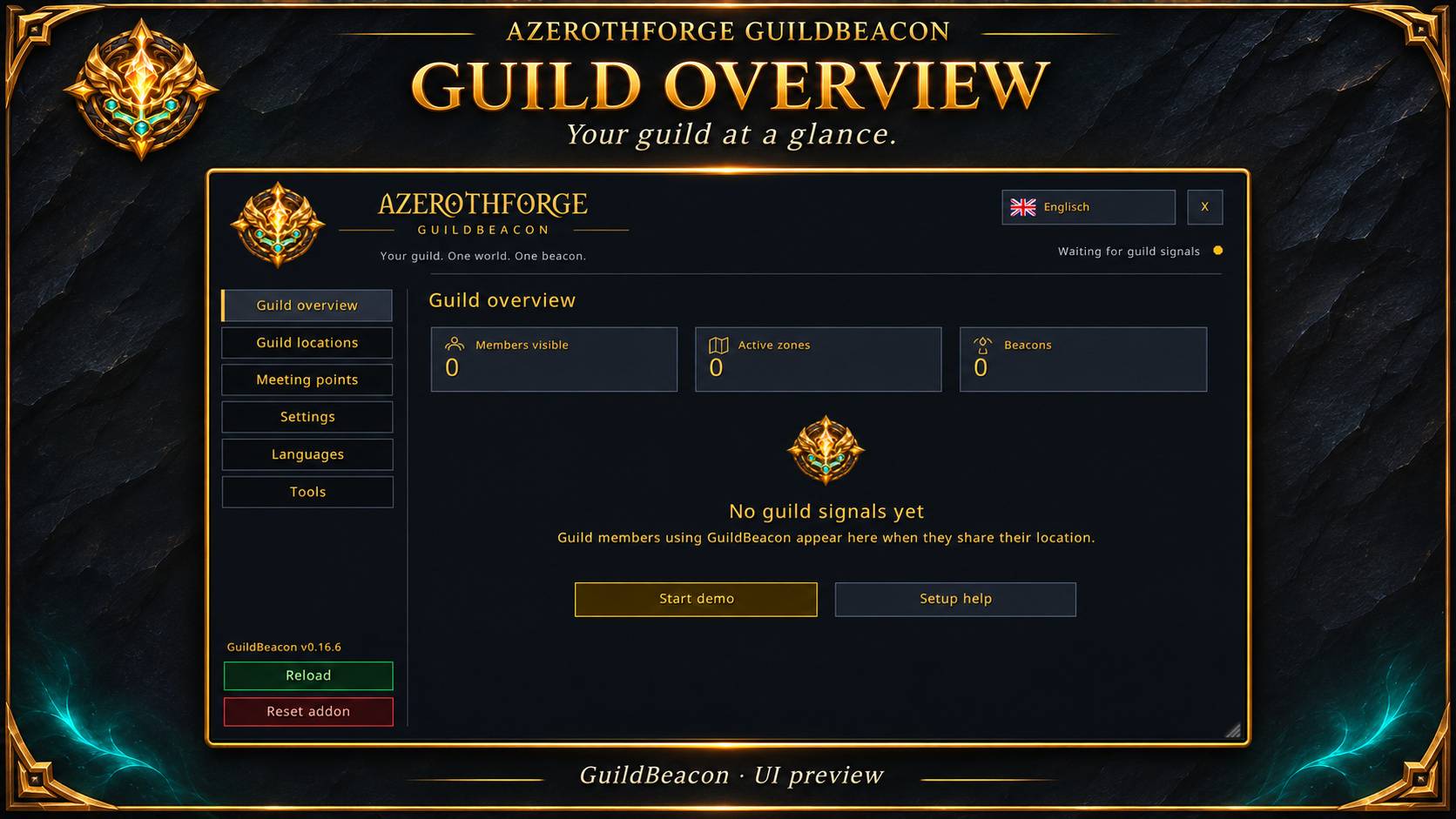
01-overview.jpg
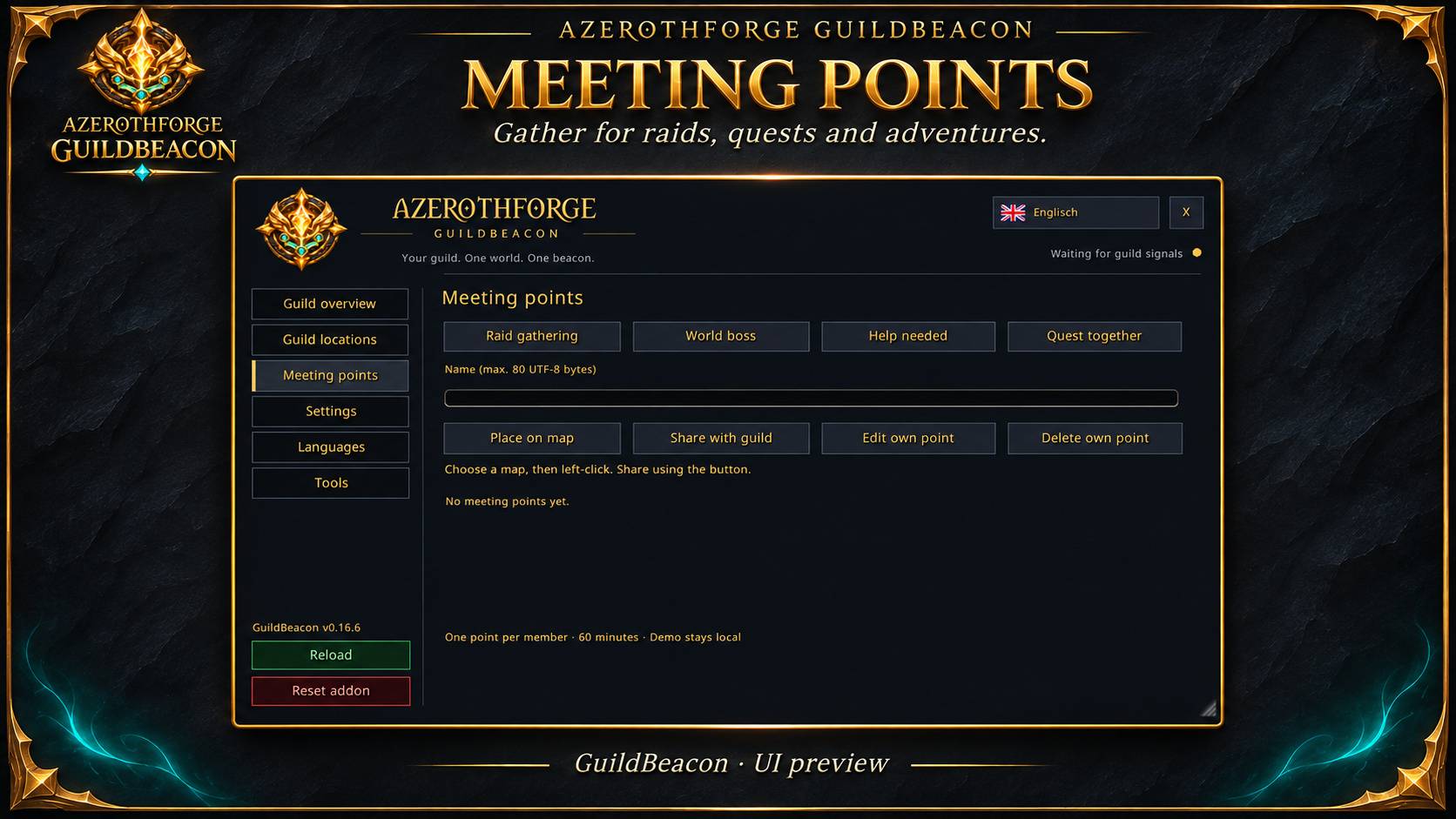
03-meeting-points.jpg
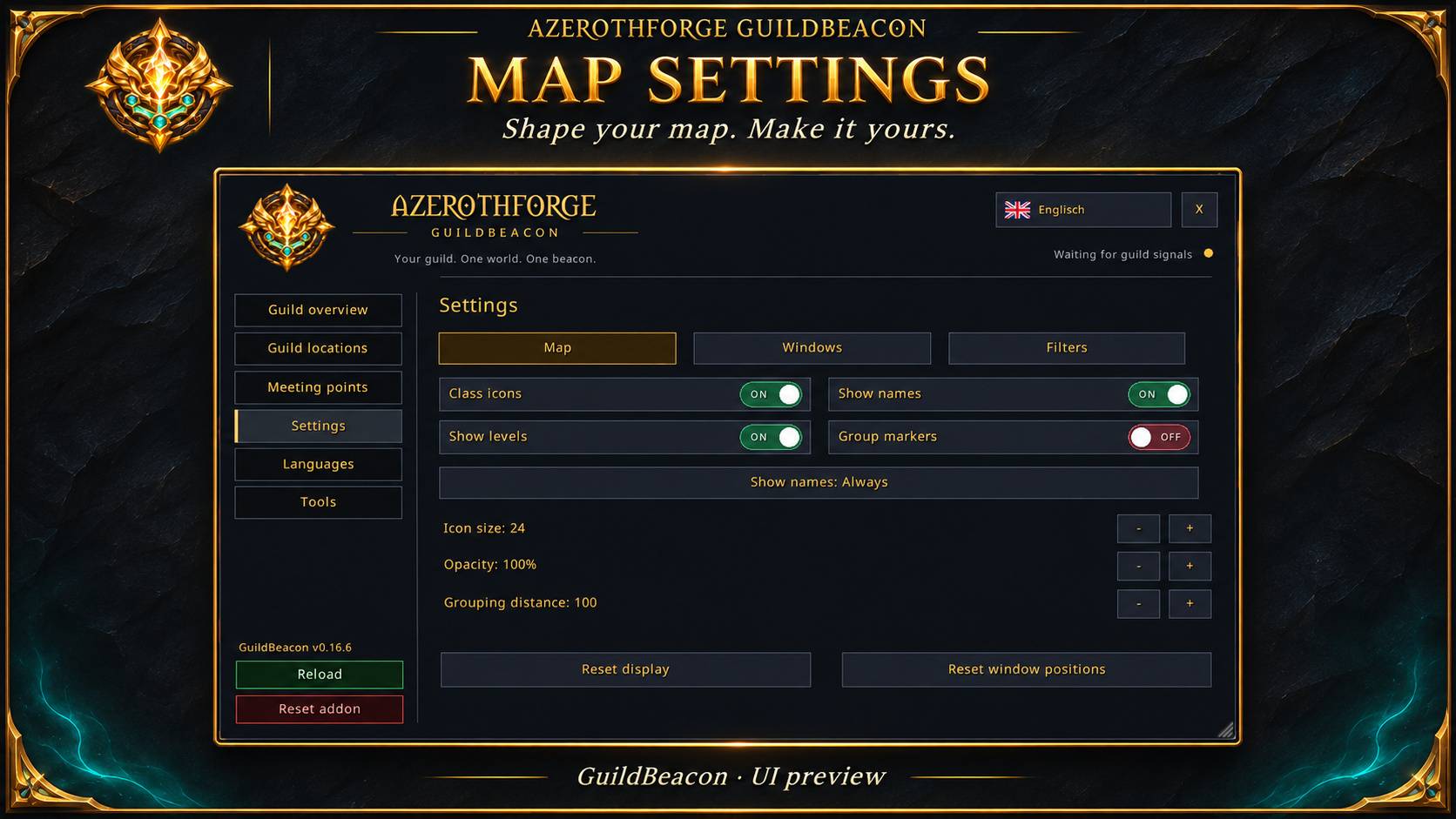
04-settings.jpg
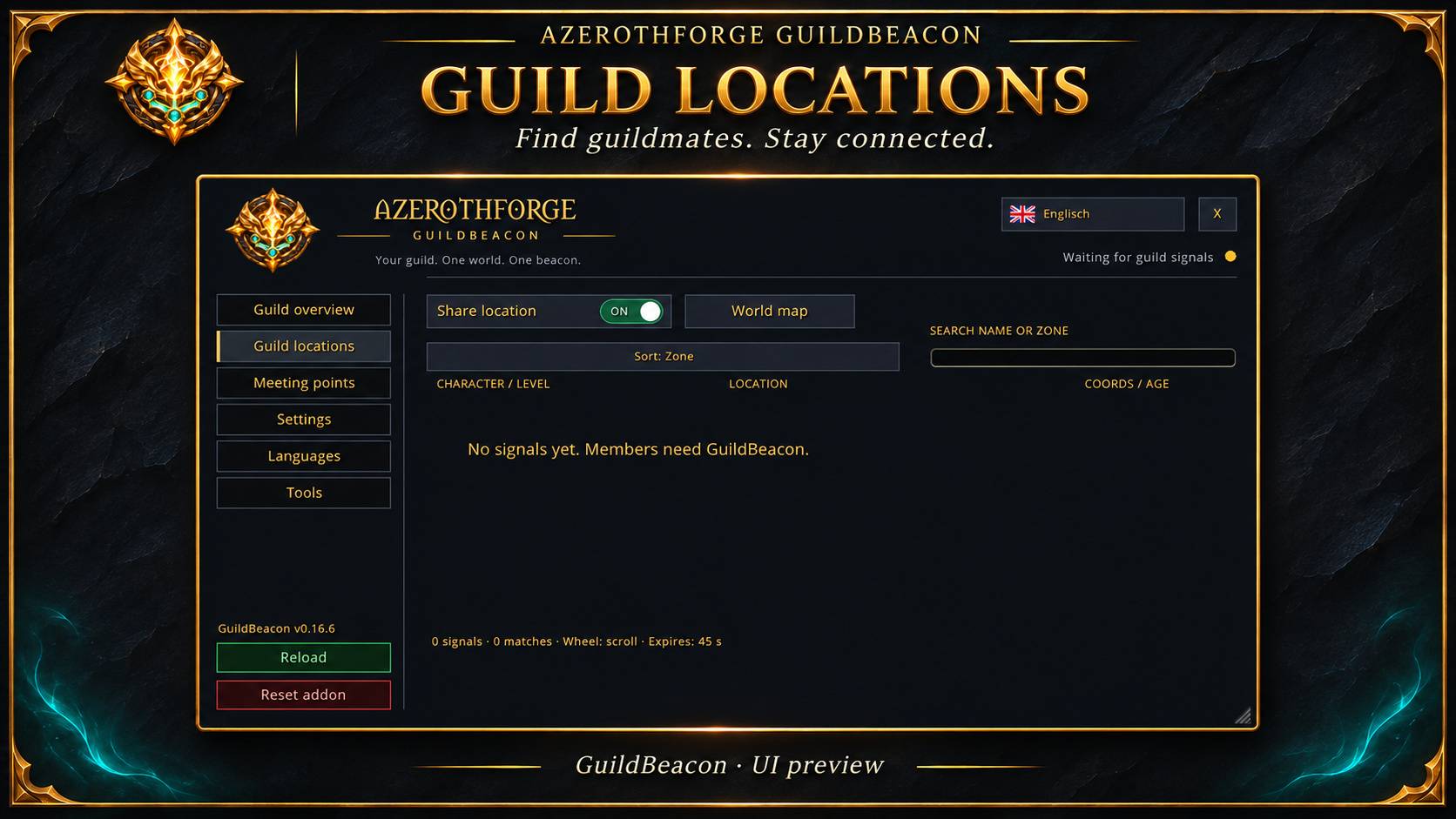
02-guild-locations.jpg
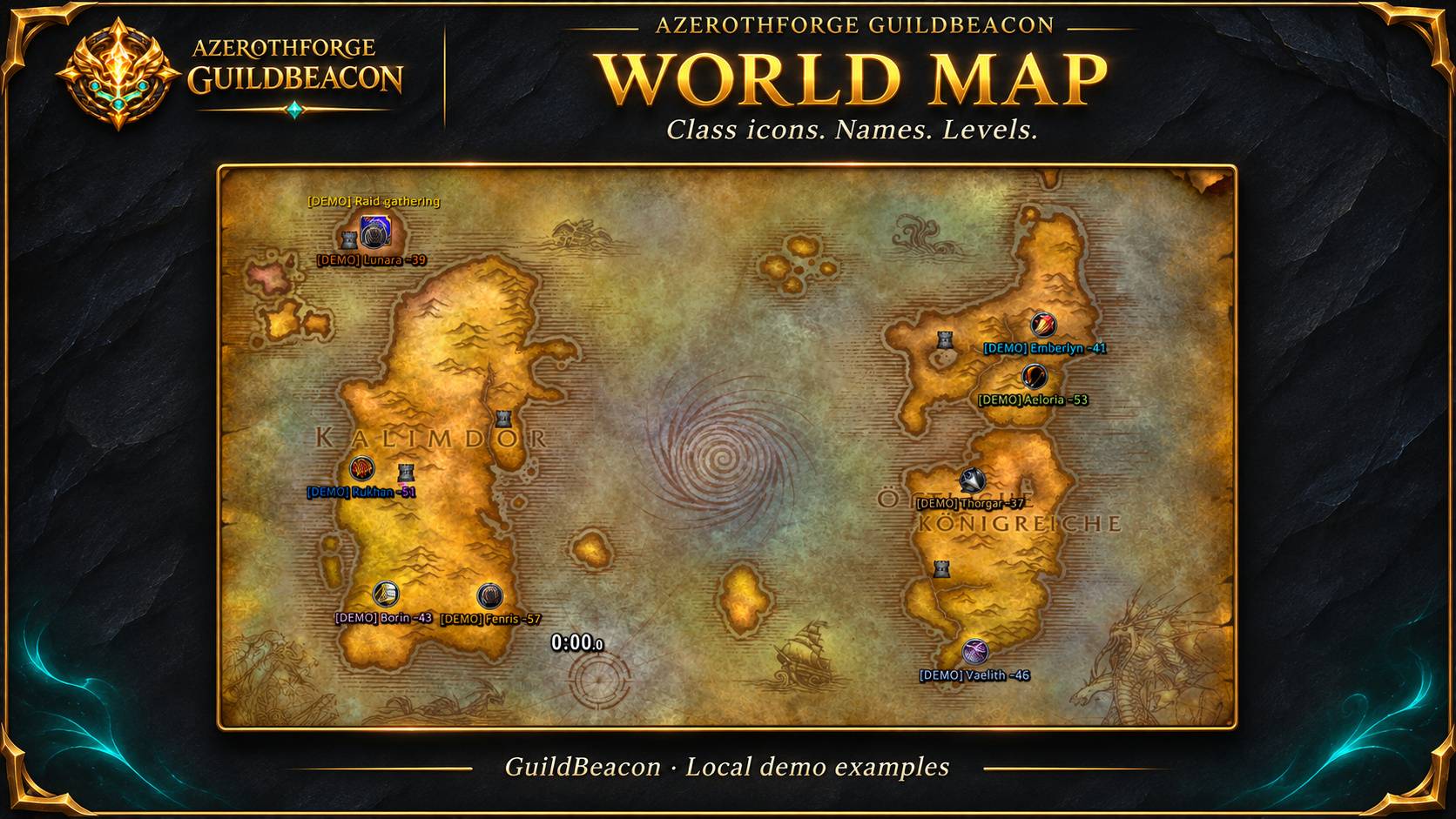
08-demo-world-map.jpg
Description
🧭 AzerothForge GuildBeacon 0.17.0
**Your guild. One world. One beacon.**
📦 **Release package** · November 4, 2026
Bring your guild together with shared map locations, circular class markers and
meeting points — all in the familiar AzerothForge interface.
## ✨ What’s included
- 📍 **Shared guild locations** with expiring signals and zone-to-world map projection.
- 🛡️ **Circular class markers** with member names and levels.
- ⭐ **Favorites, tracking, search and sorting**, plus a compact view.
- 🔥 **Meeting beacons** for raids, world bosses, help and quests, with attendance and participant lists.
- 🖥️ **A resizable window**, clear StatsView-style switches and a confirmed reset option.
- 🌍 **16 languages** with flag selection and automatic client-language detection.
- 🧪 **A local demo** spread across up to eleven validated zones.
- 🔤 **Improved button captions** with static-text refresh and font fallback.
- 📚 **German and English documentation**, license notices and SHA-256 checksums.
## ✅ Validation & current limits
Automated Lua 5.1 regression tests, language and glyph checks, simulated
current/legacy client communication and package checks have passed.
📸 The supplied screenshots show the **0.16.6 interface and demo**. Release
**0.17.0** packages that feature set with updated documentation.
🔎 A complete test with **two real guild members**, item comparison and full
in-game validation on every target client are still outstanding.
### 📡 Location sharing
- Sharing is **ON by default** on a first install and can be switched off.
- Positions are sent approximately **every 8 seconds** and expire after **45 seconds**.
- Instance coordinates may be unavailable; layers and phases are not identified.
- There is **no cross-realm or cross-client communication**.
- Demo examples remain **local** and are not sent as real guild locations.
## 📥 Installation
1. Extract the ZIP file.
2. Copy the single **`AzerothForge_GuildBeacon`** folder into **`Interface/AddOns`**.
3. Restart WoW after a first installation. Existing installations can use **`/reload`**.
4. Open GuildBeacon with **`/afgb`** or its minimap button.
💾 **Updating? Keep your SavedVariables** to preserve existing settings.
AzerothForge GuildBeacon Team