AzerothForge Alts
- By
AzerothForge Alts brings your characters, professions, recipes, inventory, gold, and cooldowns together in one account-wide dashboard.
04-Sprachen-und-Einstellungen.jpg
02-Charakteruebersicht.jpg
03-Berufe-und-Inventar.jpg
01-Release-Titelbild.jpg
Description
⚔️ AzerothForge Alts
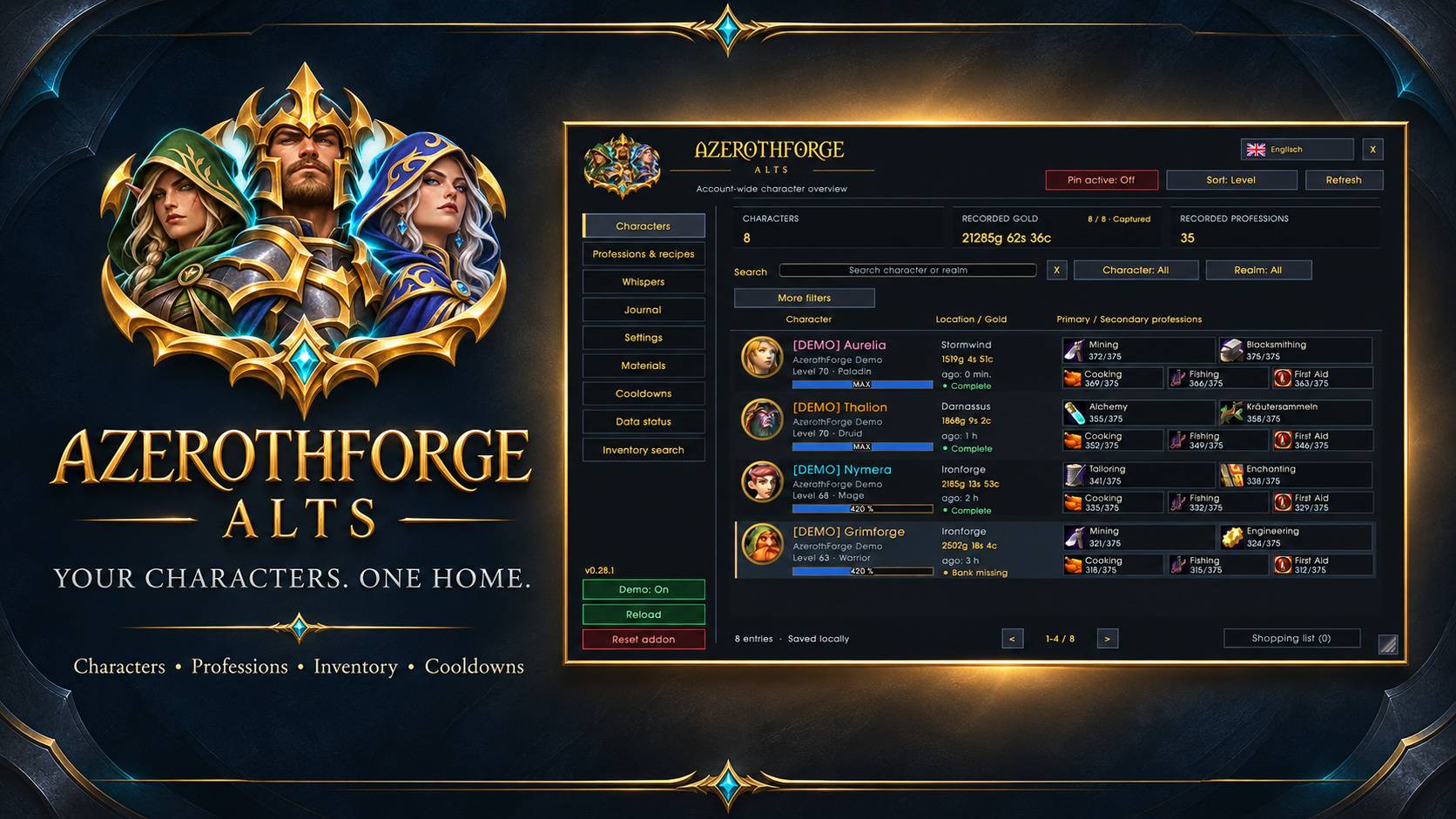
Your characters. One home.
Manage your alts from one clean, account-wide dashboard. Track recorded gold, professions, recipes, inventory, and cooldowns without switching between addon windows.
✨ Features
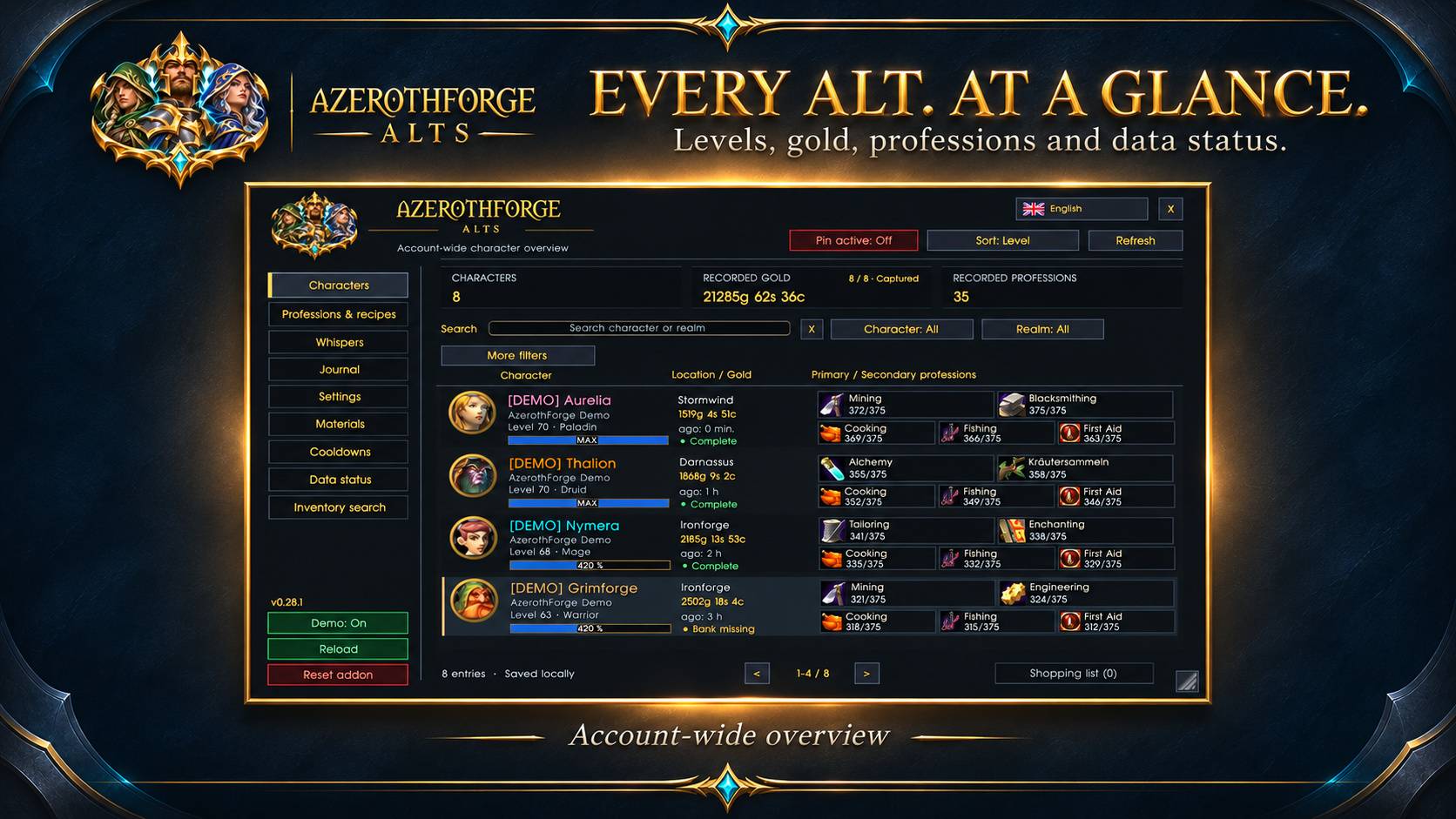
- 🧙 Character overview — View levels, gold, locations, professions, and data status.
- 🛡️ Character details — Browse saved equipment and guild information, with a 3D preview of your currently logged-in character.
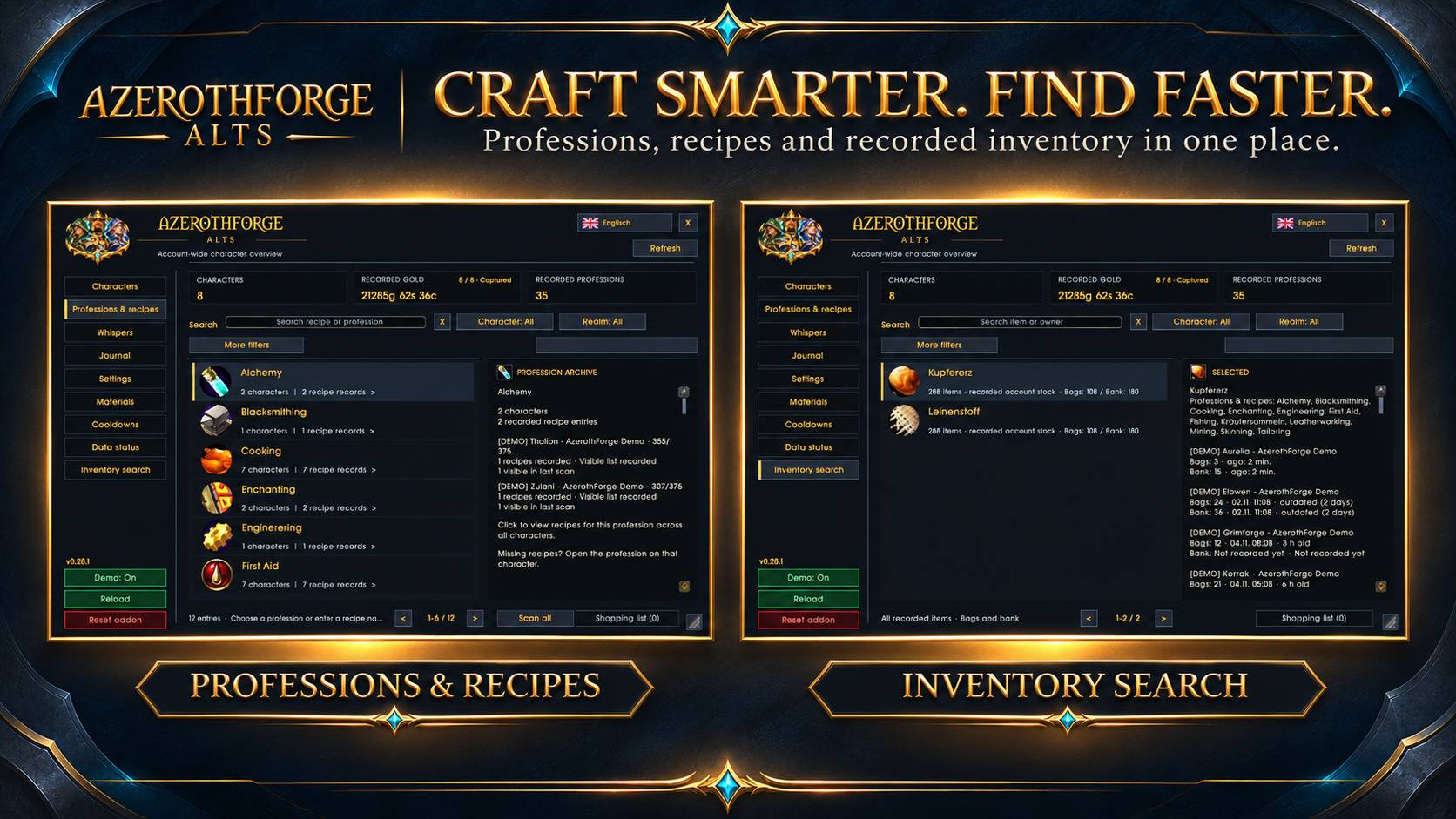
- 🔨 Professions & recipes — Find recorded recipes, known crafters, and required materials across your alts.
- 🎒 Inventory search — Locate items in recorded bags and banks, with scan timestamps.
- 🛒 Shared shopping list — Plan crafting quantities and check missing materials.
- ⏳ Cooldown tracking — See remaining cooldowns and estimated availability from your latest scans.
- 📖 Journal & whispers — Review character events and optionally save whisper history locally.
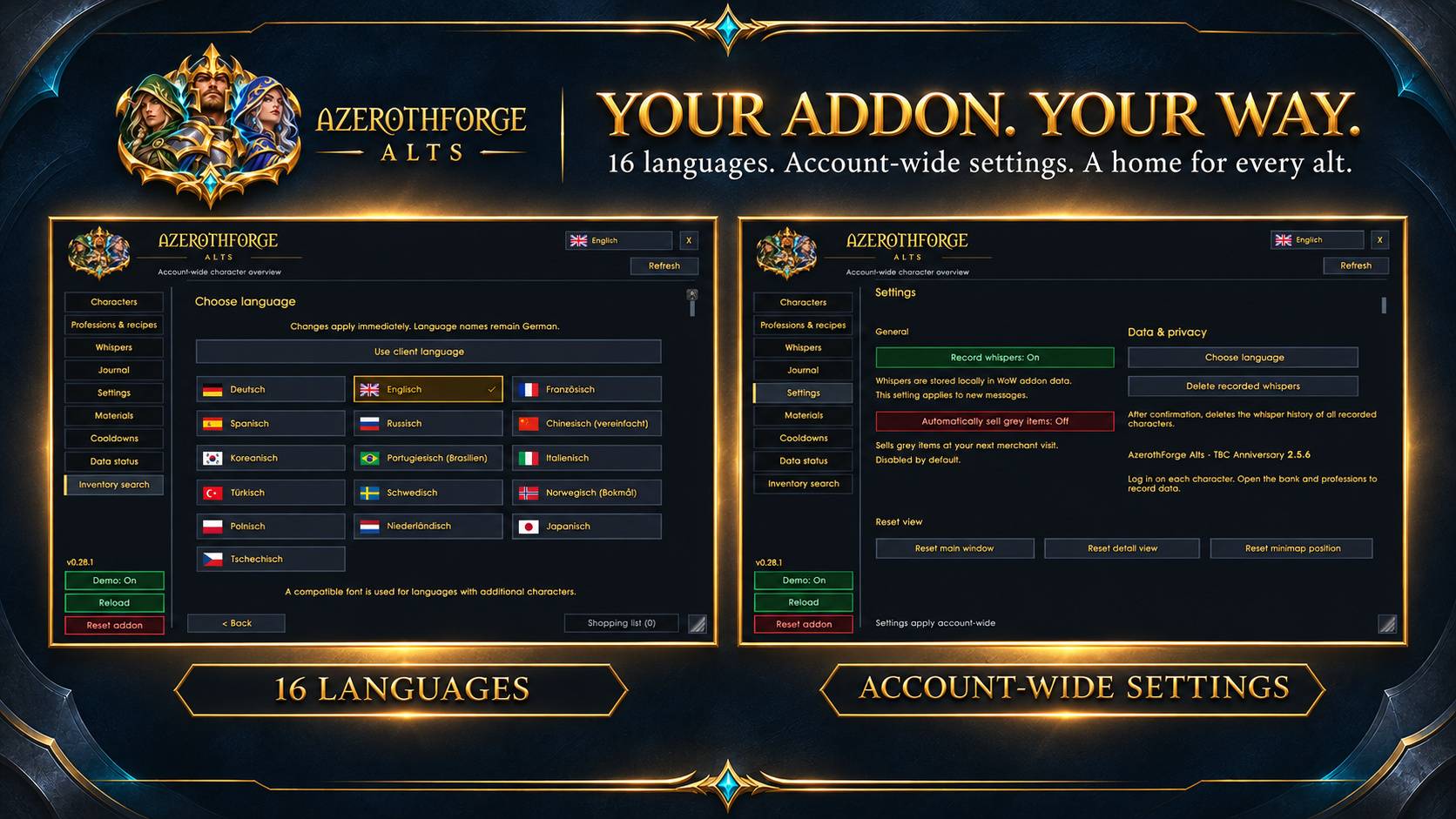
- 🌍 16 interface languages — Choose your language with a clear active-language indicator.
- 🎨 Customizable interface — Move and resize the window, with a draggable minimap button.
- 🧪 Demo mode — Explore eight sample characters without changing your real character data.
- ⚙️ Simple controls — Green/red toggles, quick Reload, and a full reset protected by confirmation.
📦 Installation
- Download the package for TBC Anniversary or World of Warcraft Forever.
- Copy the
AzerothForgeAltsfolder intoInterface/AddOns. - Restart WoW, then open the addon with
/afalts,/afa, or the minimap button.
📌 Getting started
Log in on each character, open their professions, and visit the bank to record their data. Information is shared within the same WoW client; separate clients and accounts do not automatically synchronize.
Offline characters show saved portraits and equipment. Offline cooldown availability is estimated from the last scan. The Forever adapter has passed automated tests; full live-client validation remains outstanding.
AzerothForge Alts Team