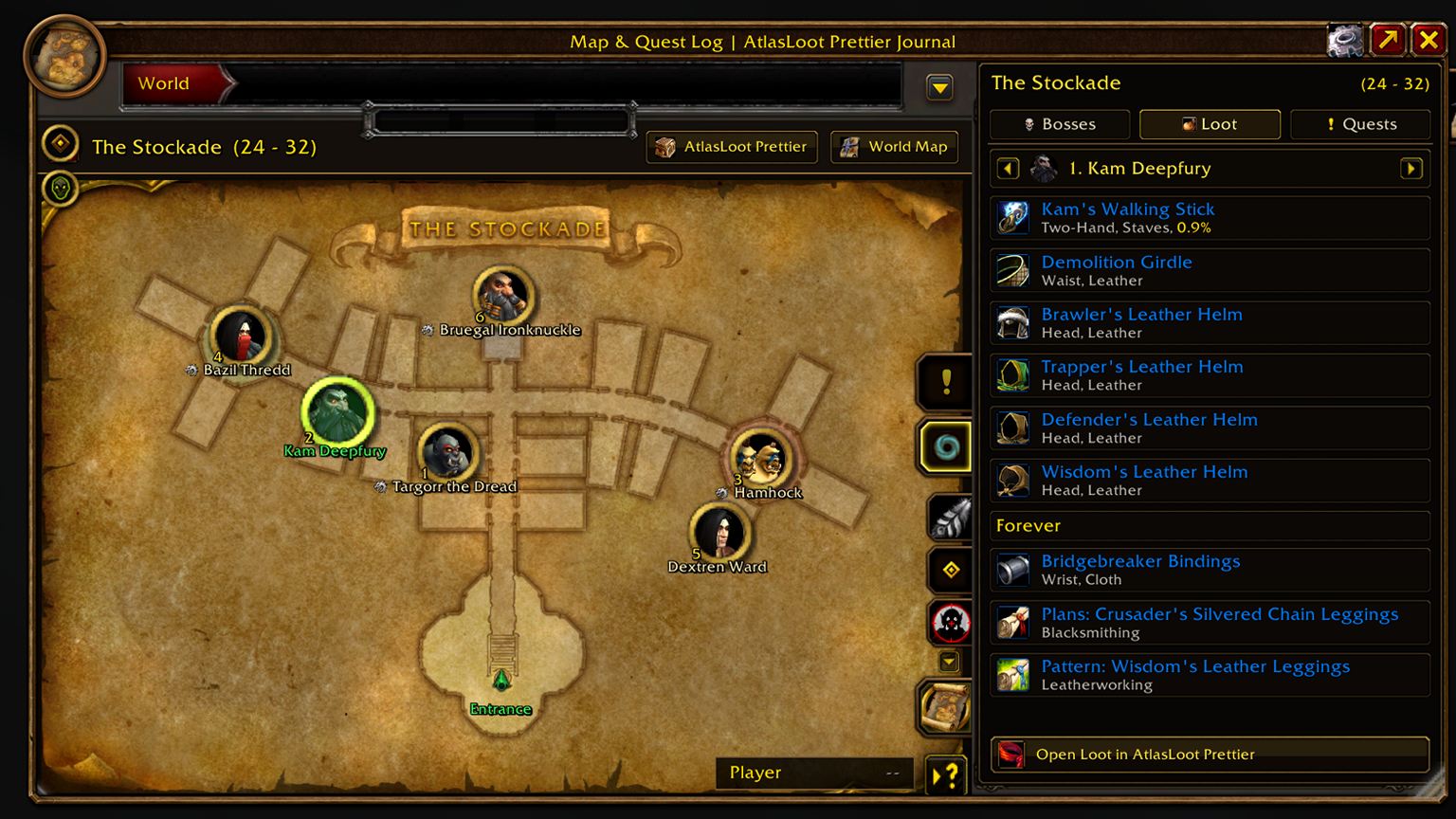
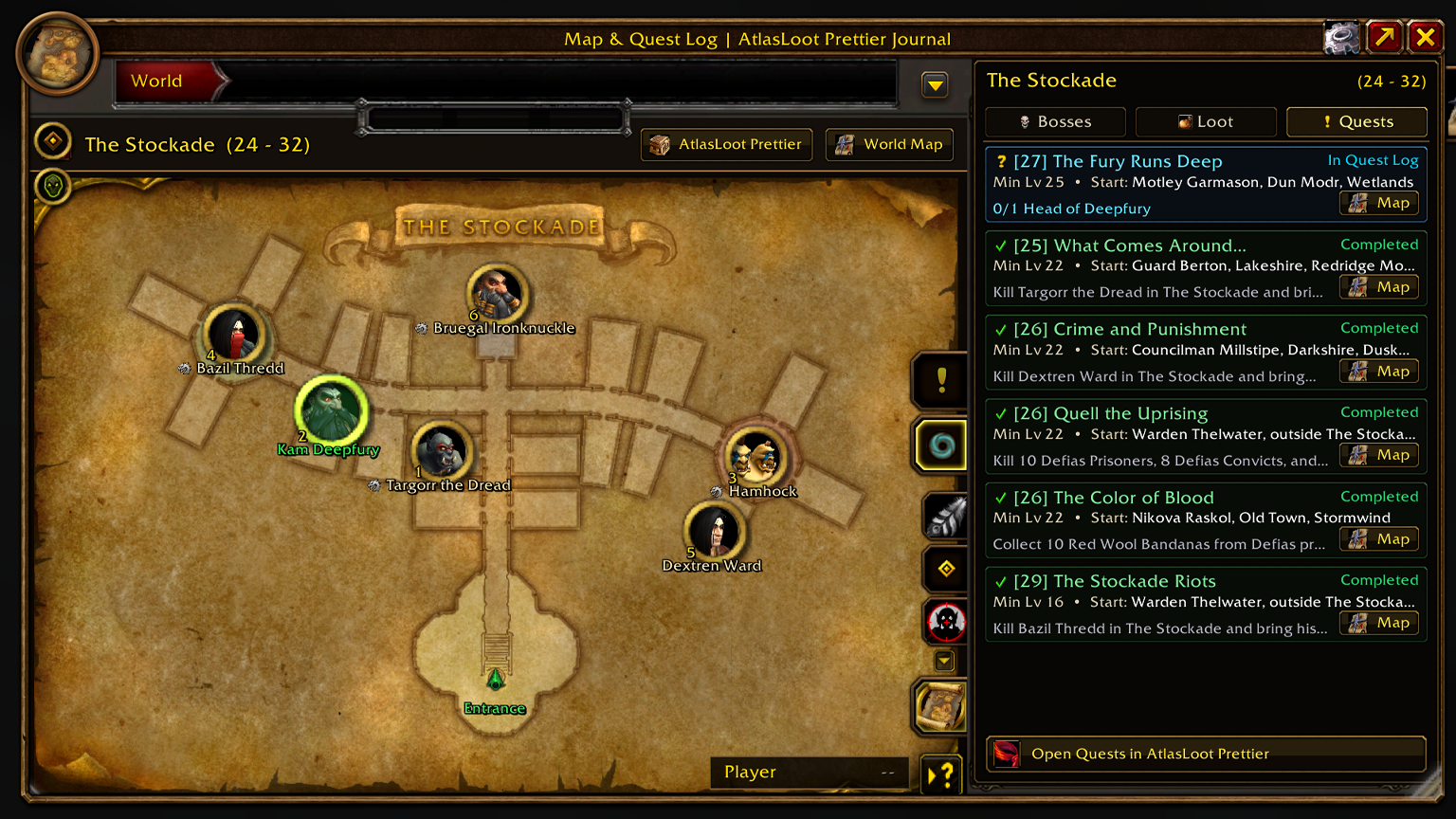
“Step into the Tavern of Treasures.”
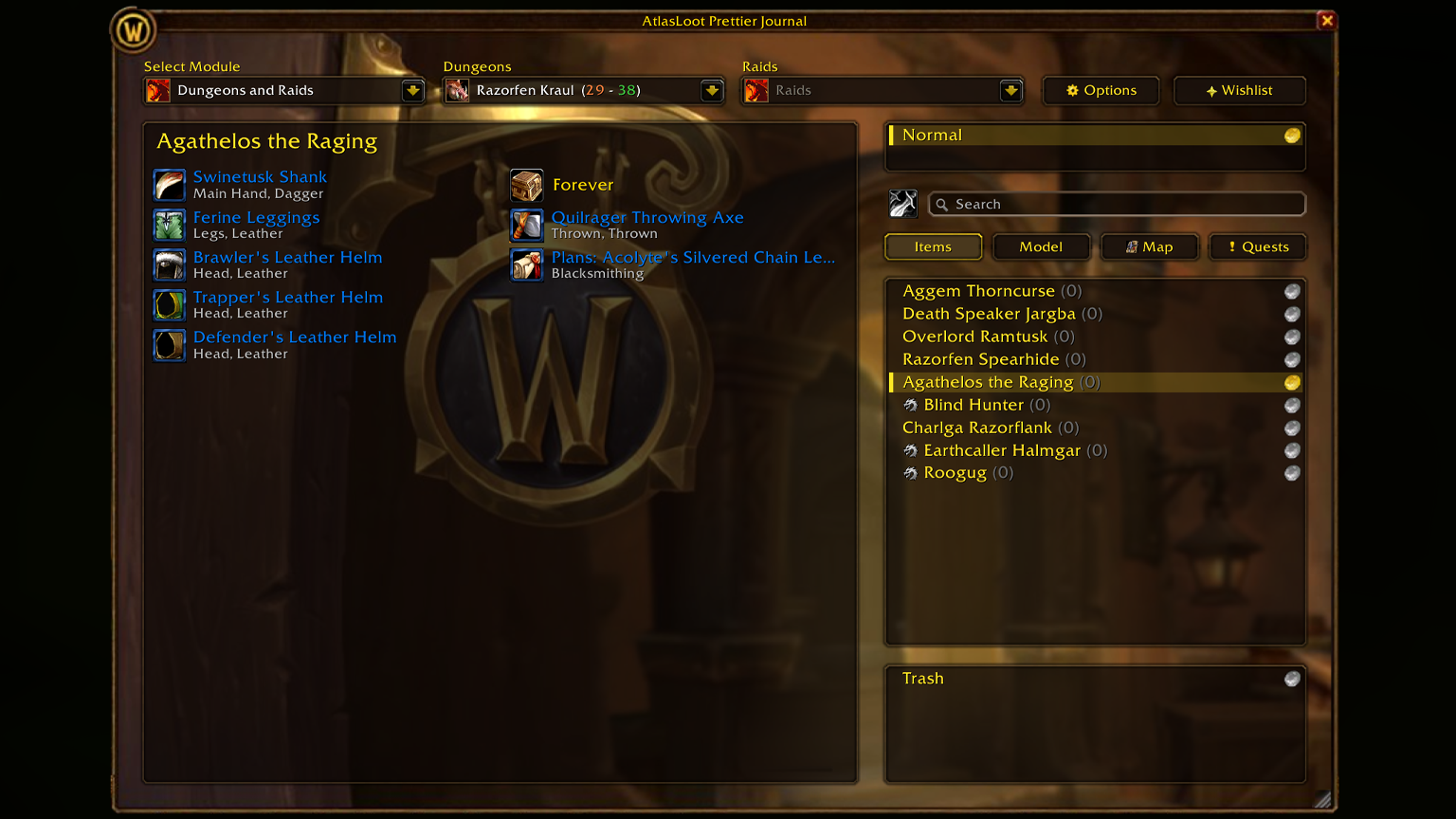
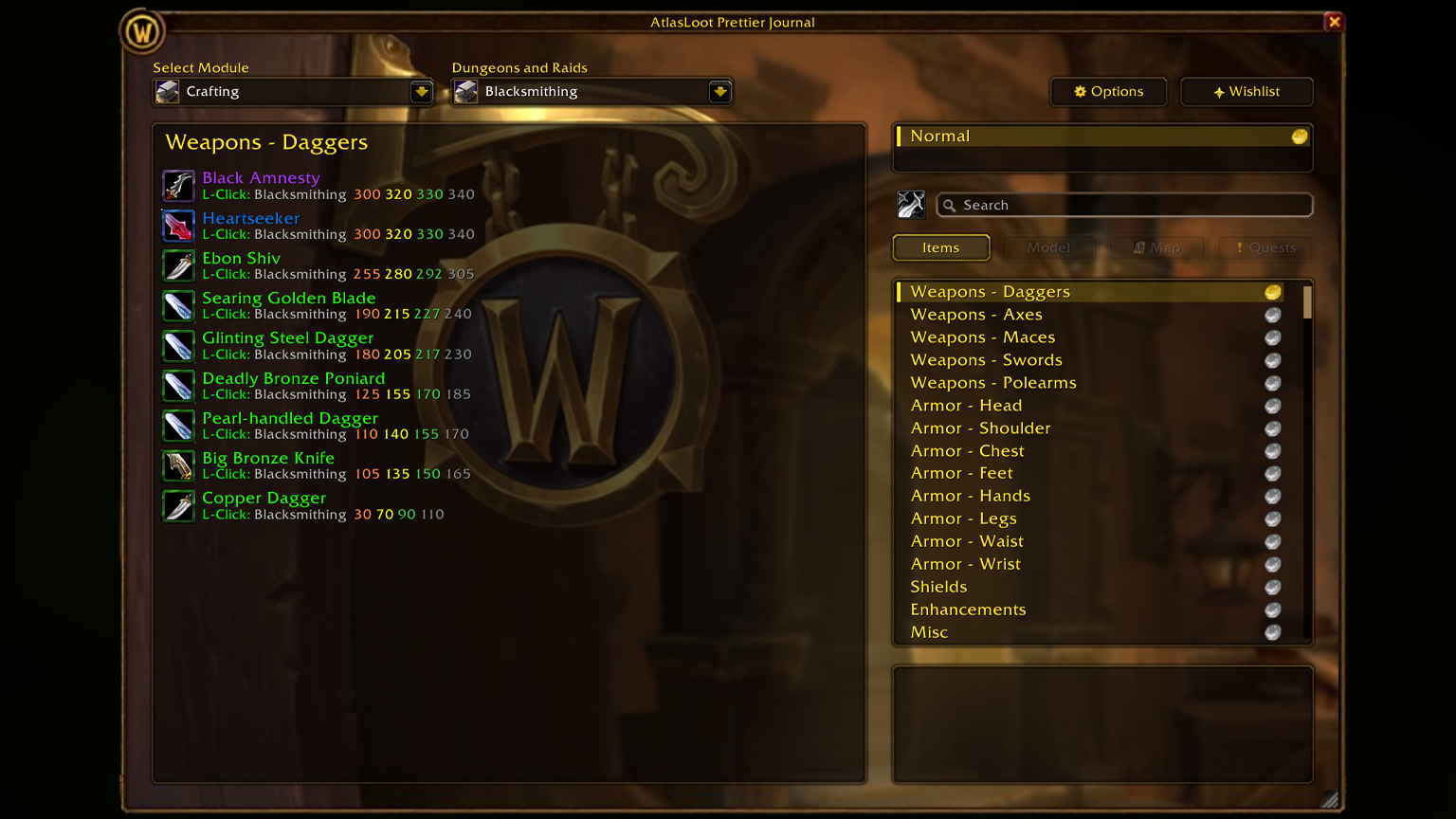
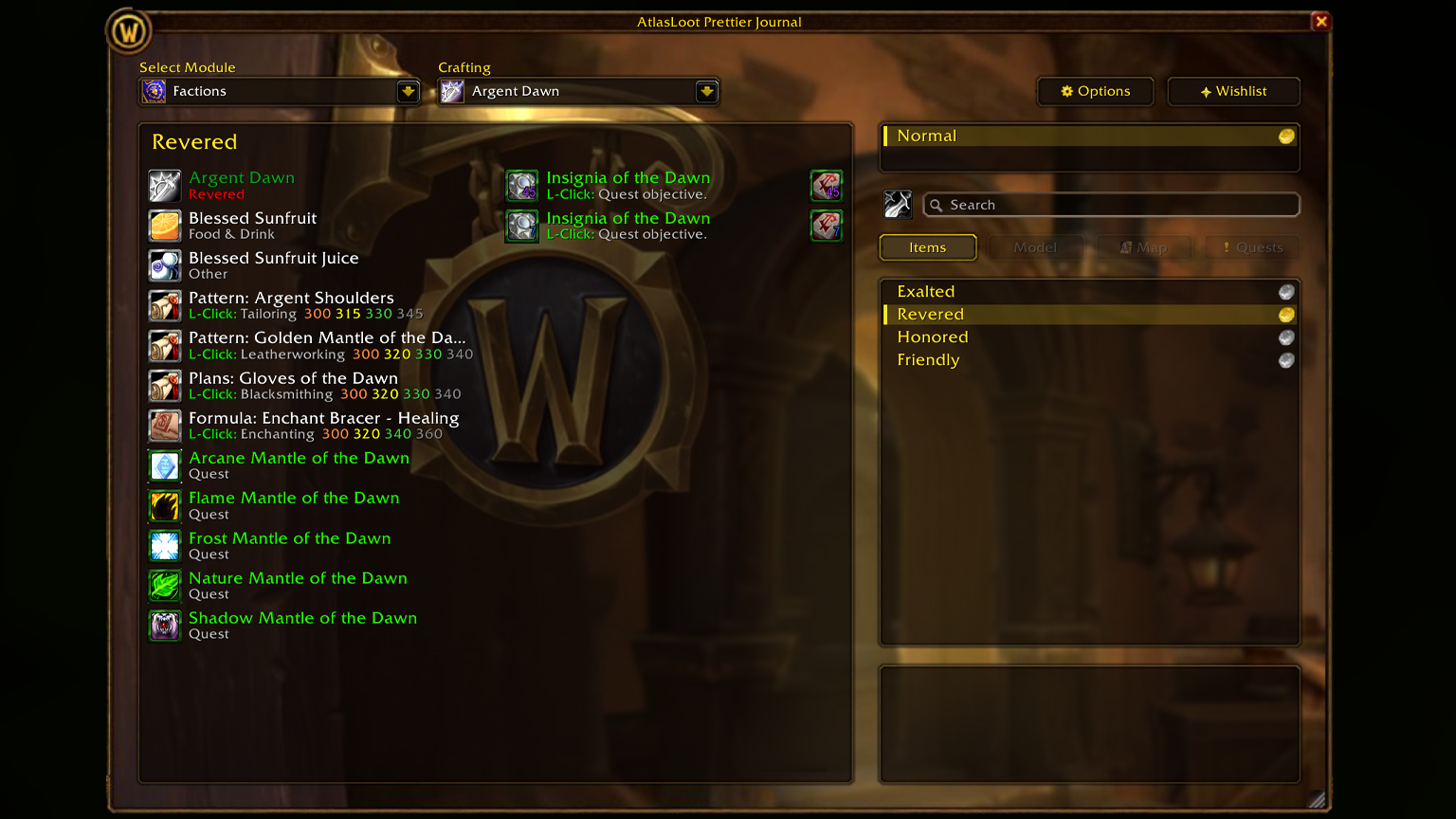
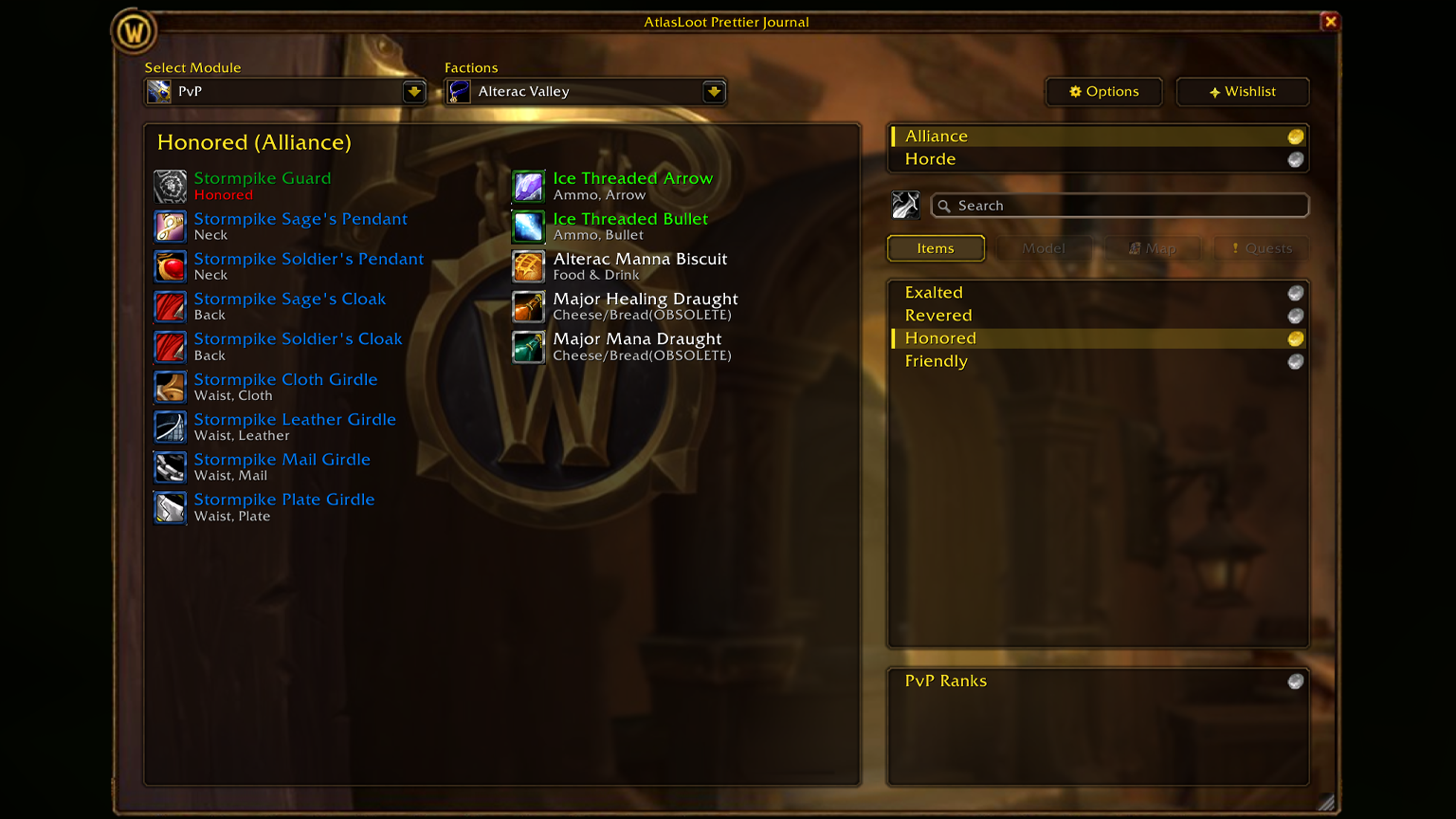
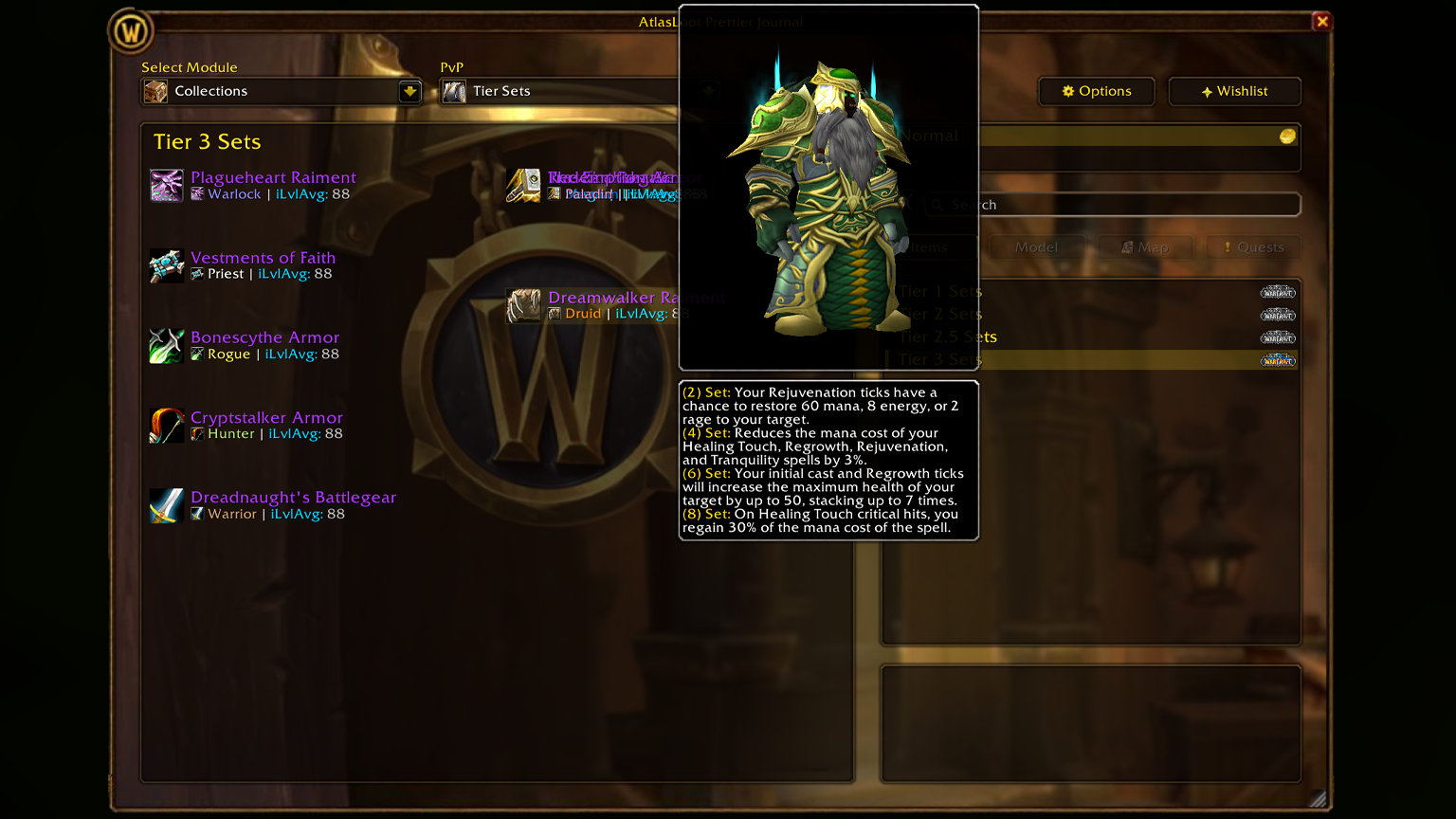
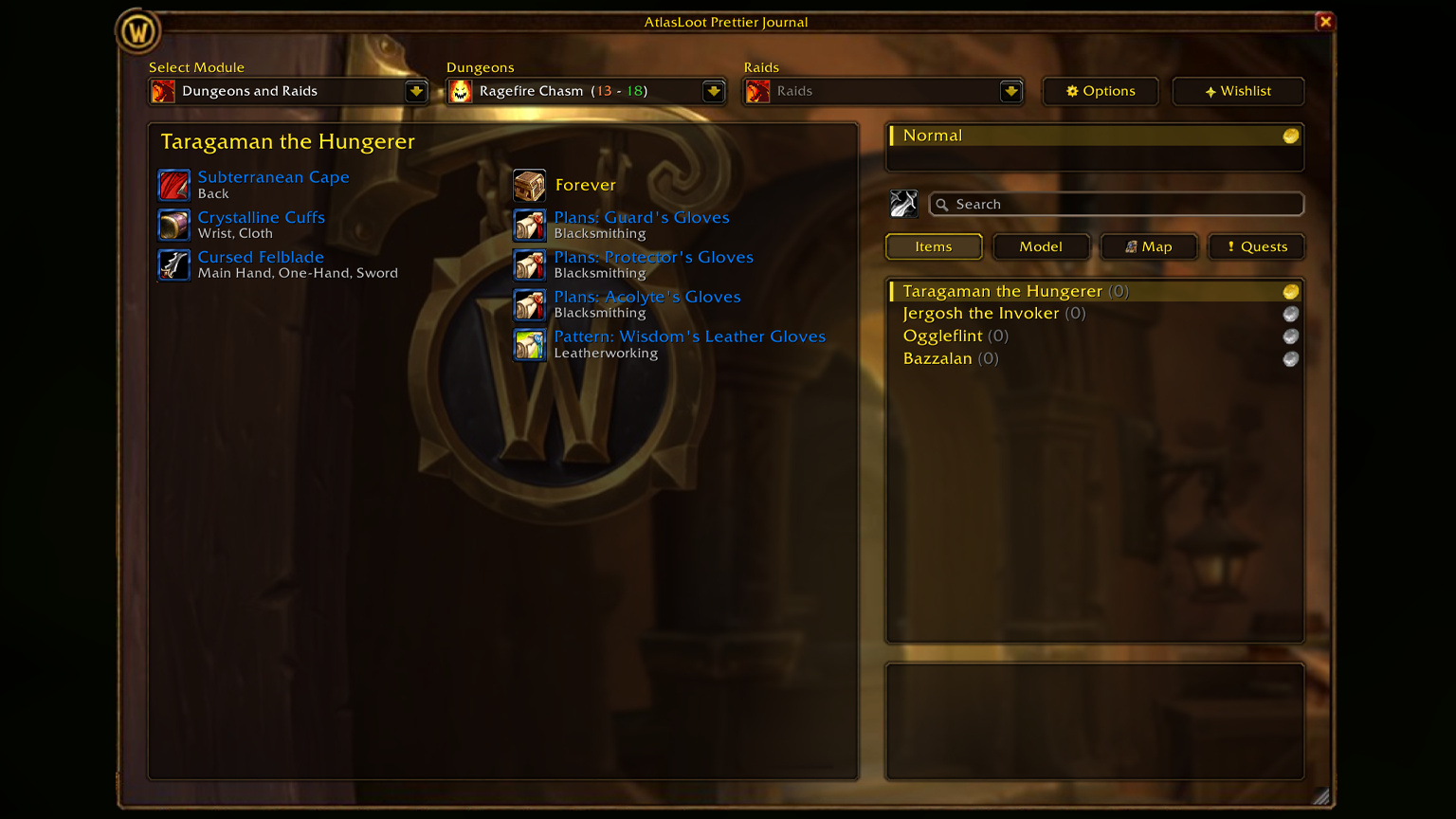
AtlasLoot Prettier Journal brings the complete Warcraft Forever & Classic database — dungeons, raids, crafting, factions, collections and PvP — together with a handcrafted Blizzard Shop UI, interactive instance maps, dungeon and raid quests, a 3D boss model viewer with animation previews, boss kill counters and a built-in wishlist. All inside one single standalone addon. |
🏛️ All-in-One Standalone Architecture
No base addon required. Where older setups required up to 9 separate folders, this journal runs entirely from a single folder in its own conflict-free namespace (AtlasLootJournal).
- Combat-Safe Module Loader: All 7 database modules are embedded and load instantly — even mid-combat, without LoadAddOn restrictions.
- Runs Side by Side: Runs standalone or alongside legacy AtlasLoot installs without Lua errors or frame collisions.
- 11 Languages Supported: Full UI and credits localization for enUS, deDE, frFR, esES, esMX, ruRU, ptBR, itIT, koKR, zhCN, and zhTW.
|
✨ Key Features
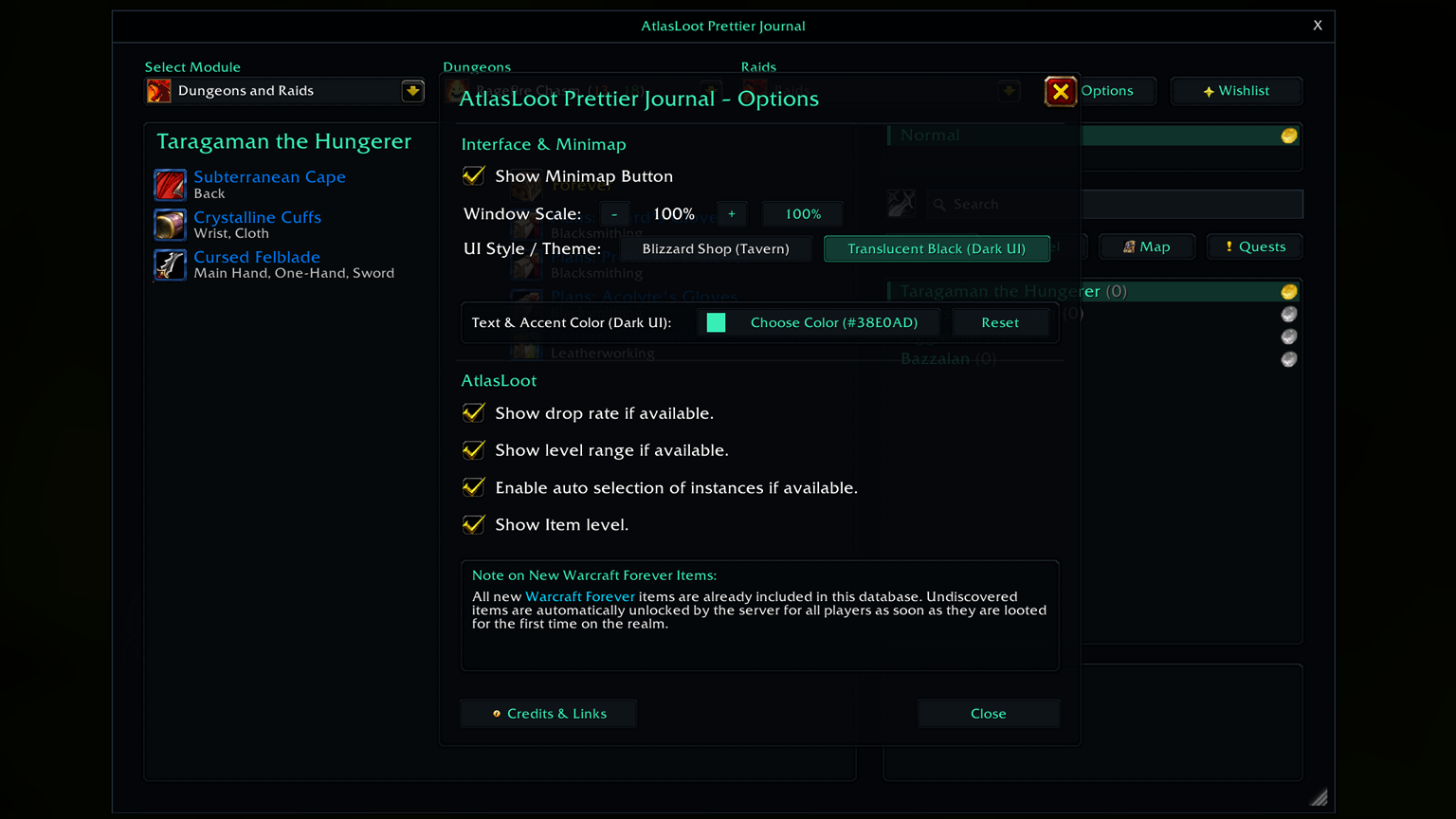
| 🏪 Blizzard Shop & Dark Themes |
[Interface — Options] |
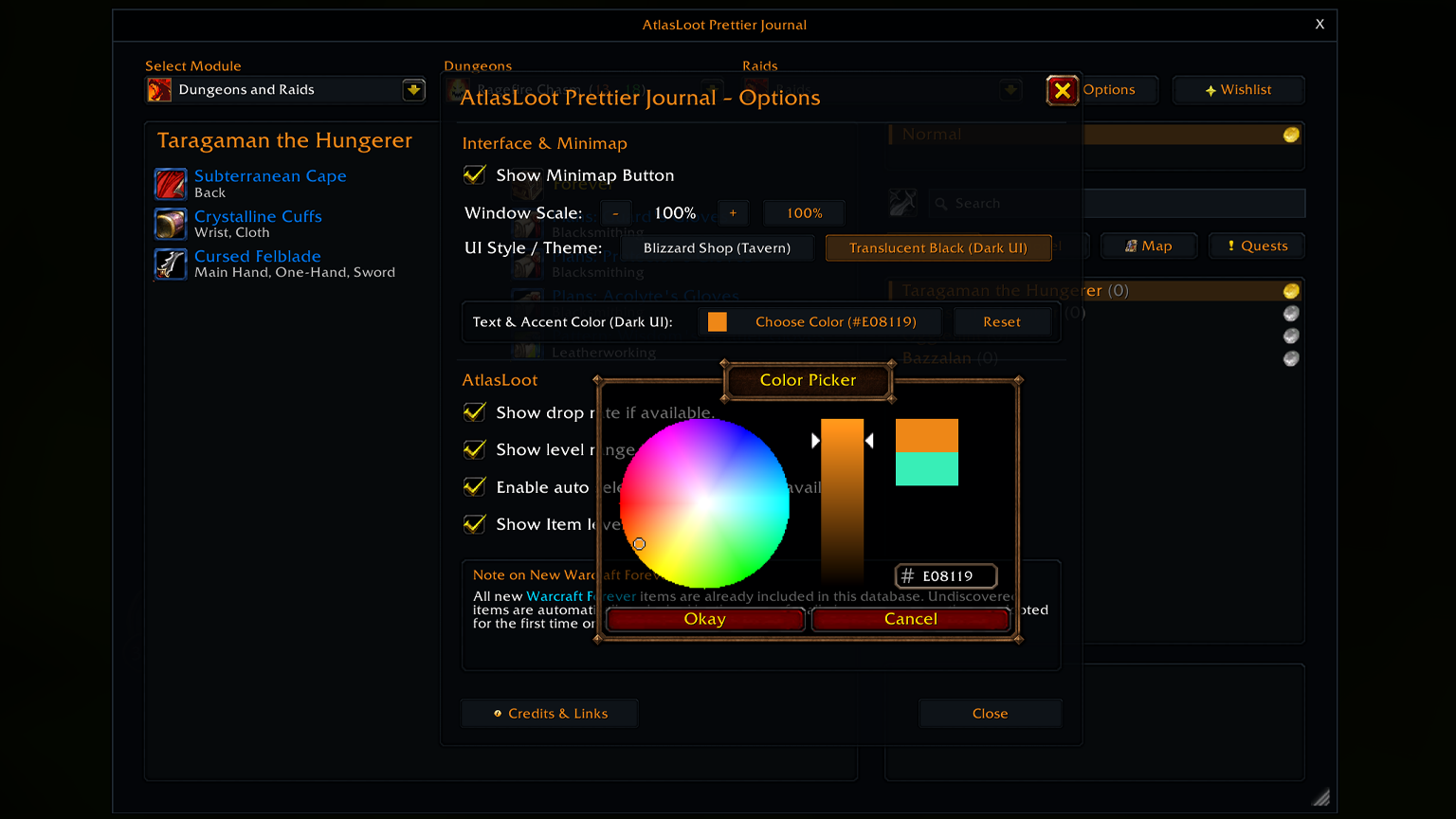
Switch between the warm Blizzard Shop Tavern theme and the Modern Dark theme. Scale the journal freely from 60% to 150% via the bottom-right resize grip. |
| 🧭 3-Column Mega-Menu |
[Navigation — Header] |
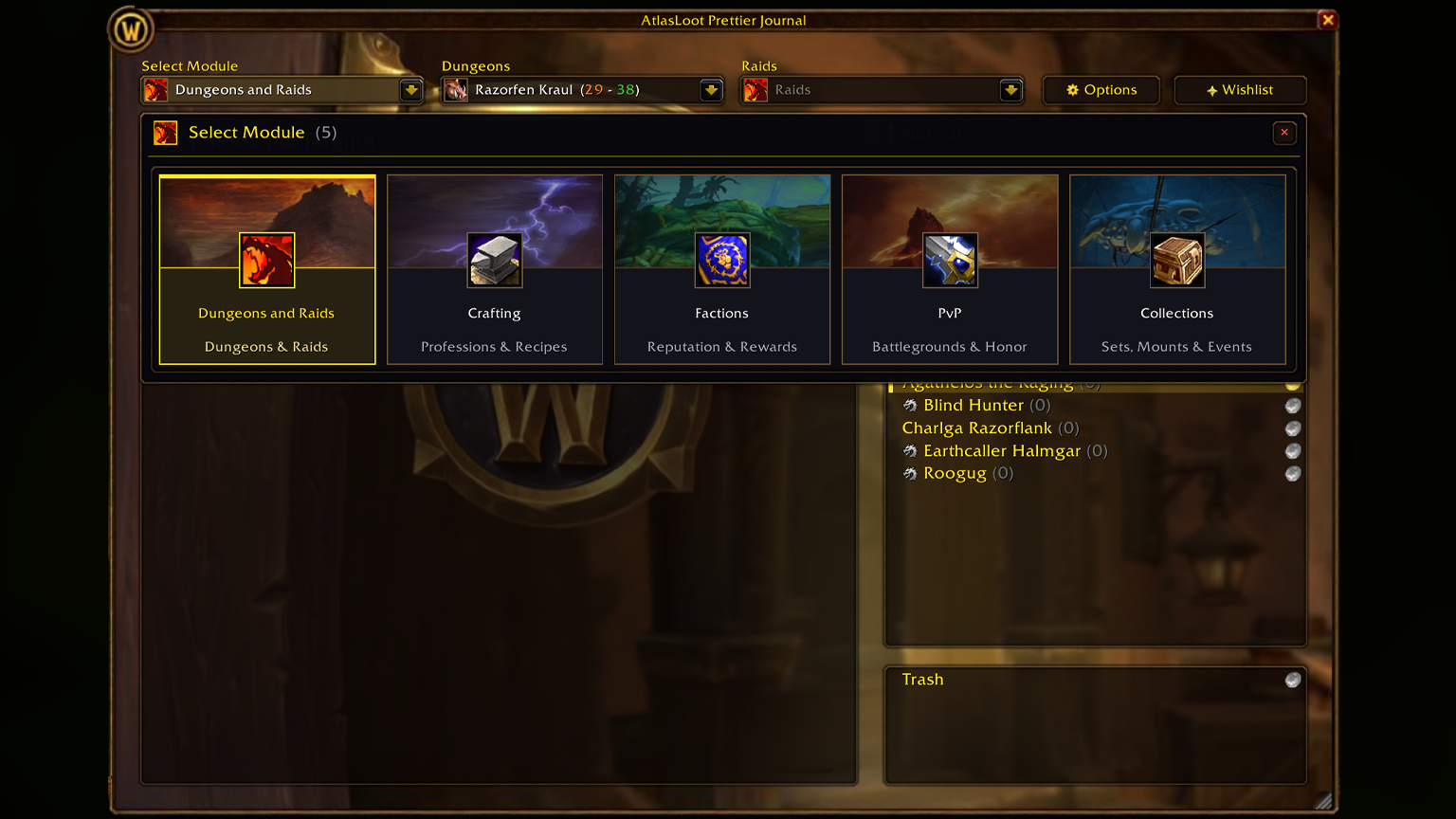
Dropdowns for Modules, Dungeons, and Raids open an in-window mega-menu with live search filtering, Forever emerald badges, wishlist counters, and auto-instance detection. |
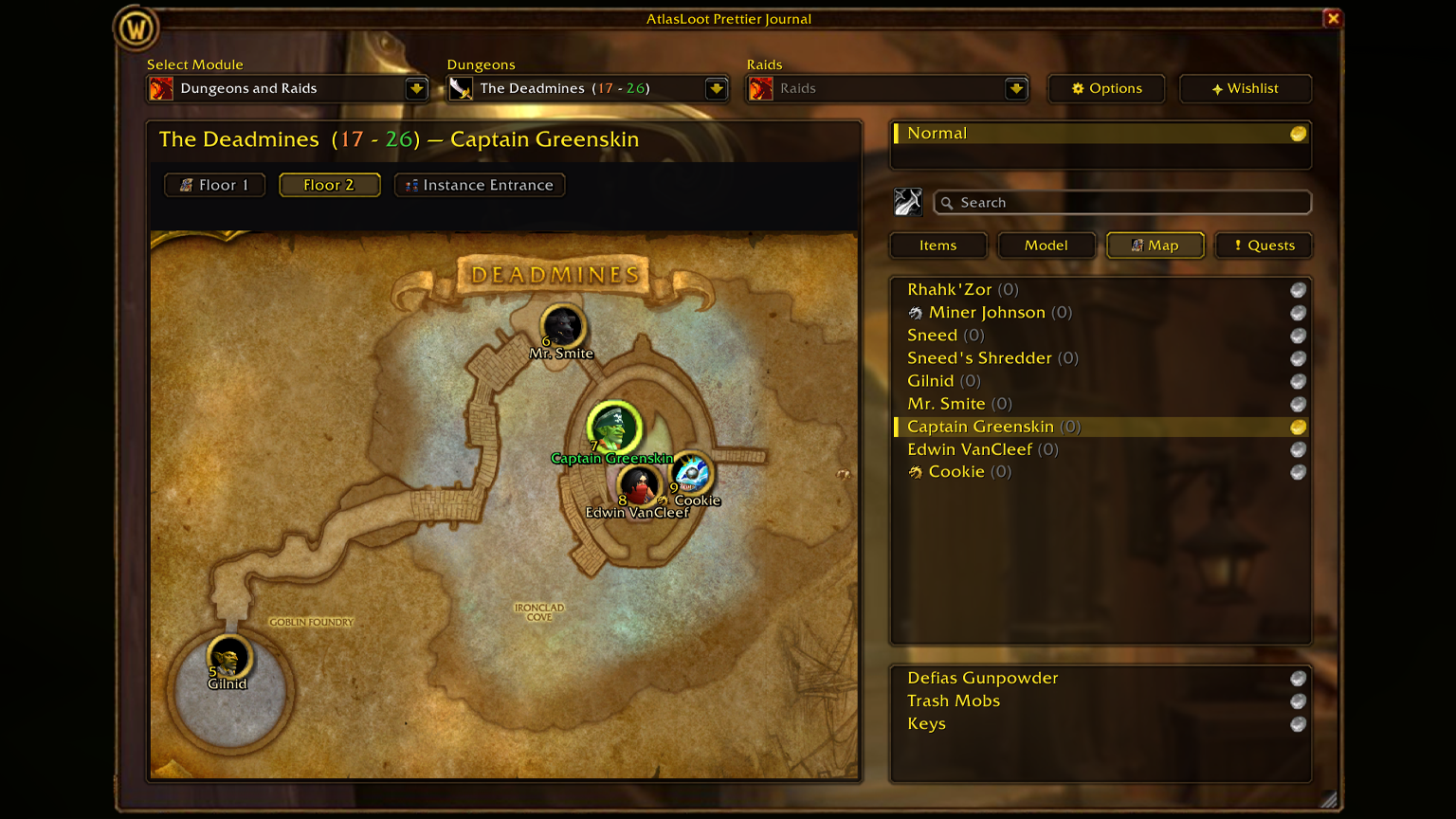
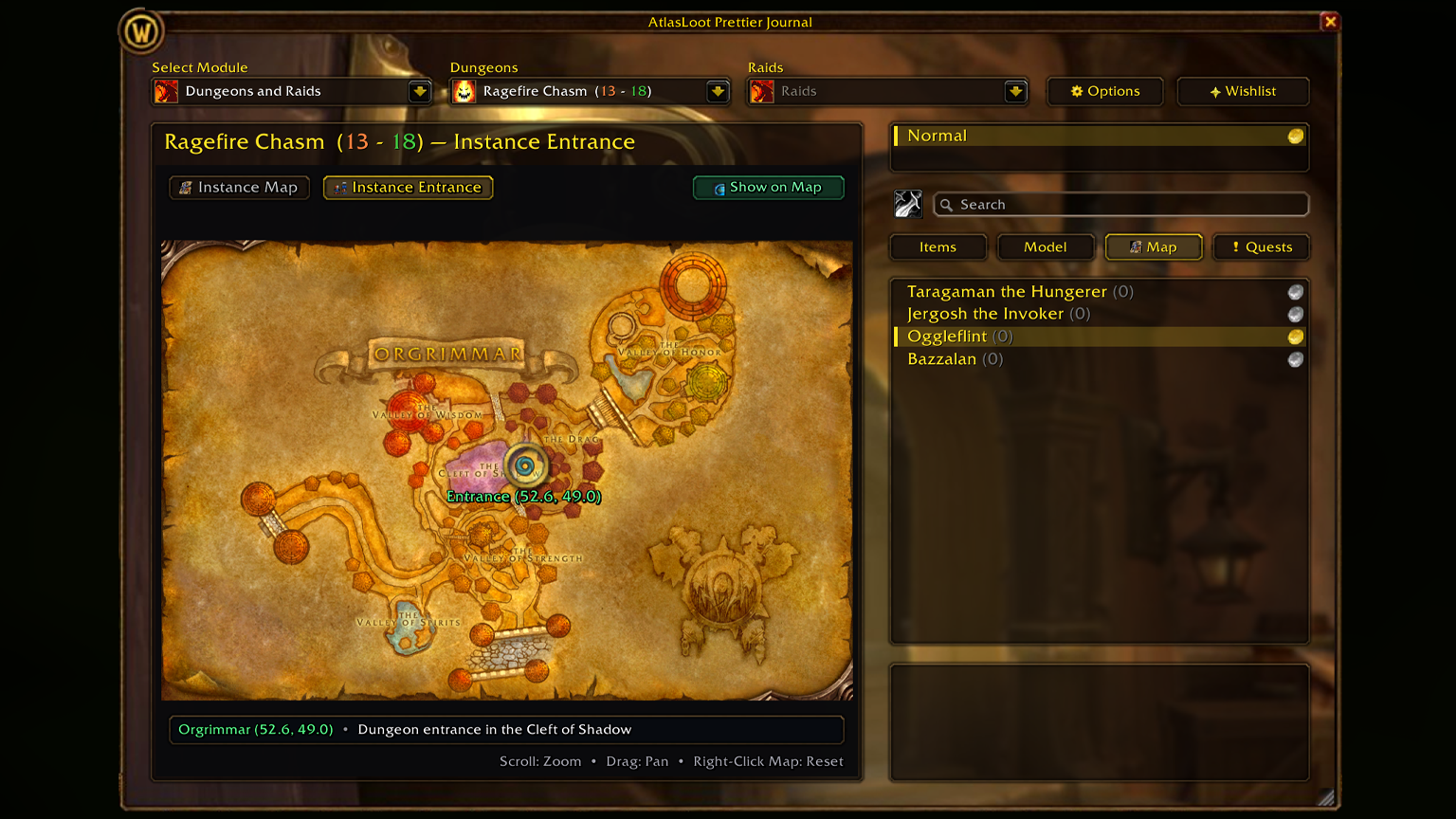
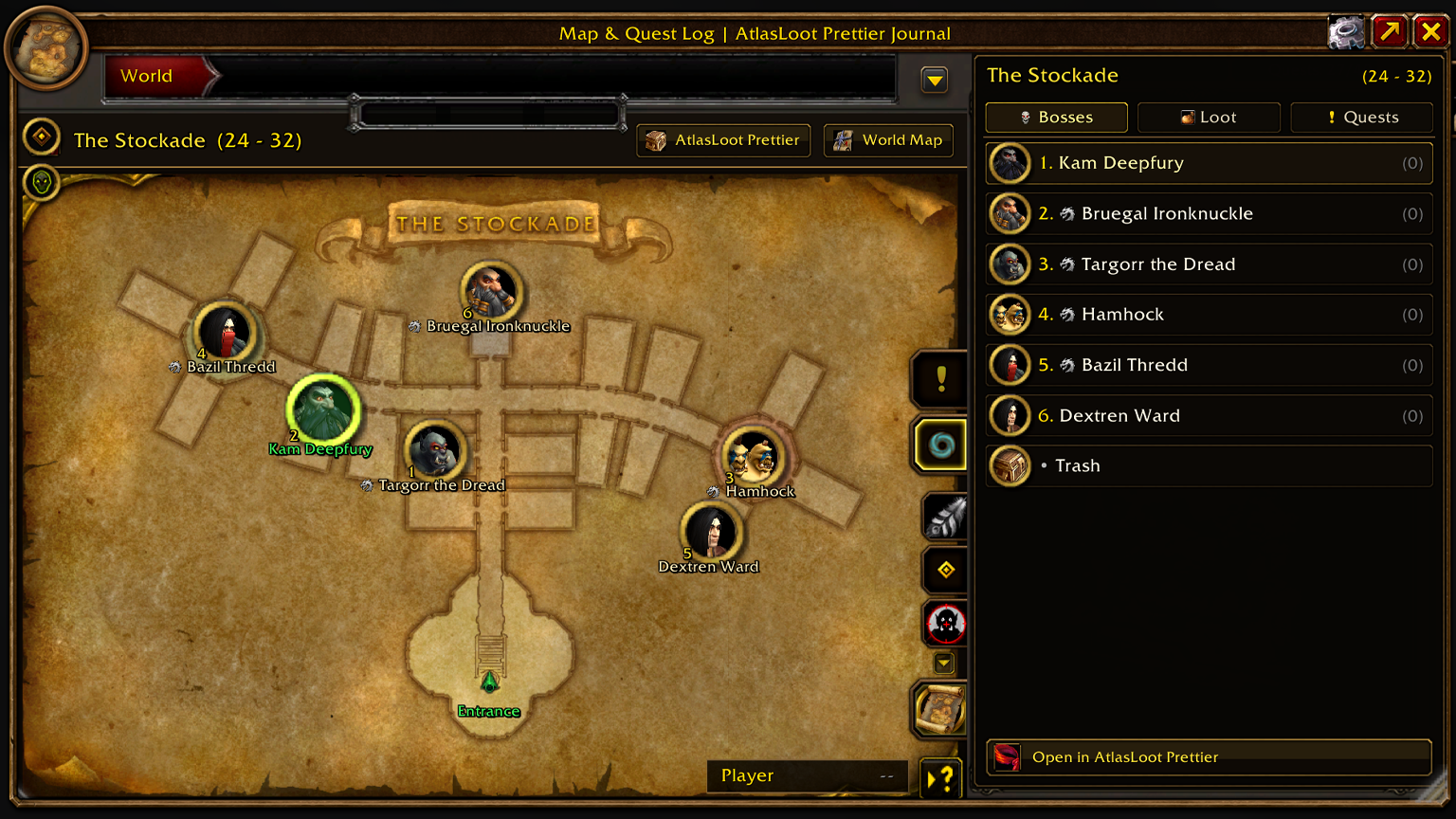
| 🗺️ Interactive Instance Maps |
[[Map] Tab — Multi-floor] |
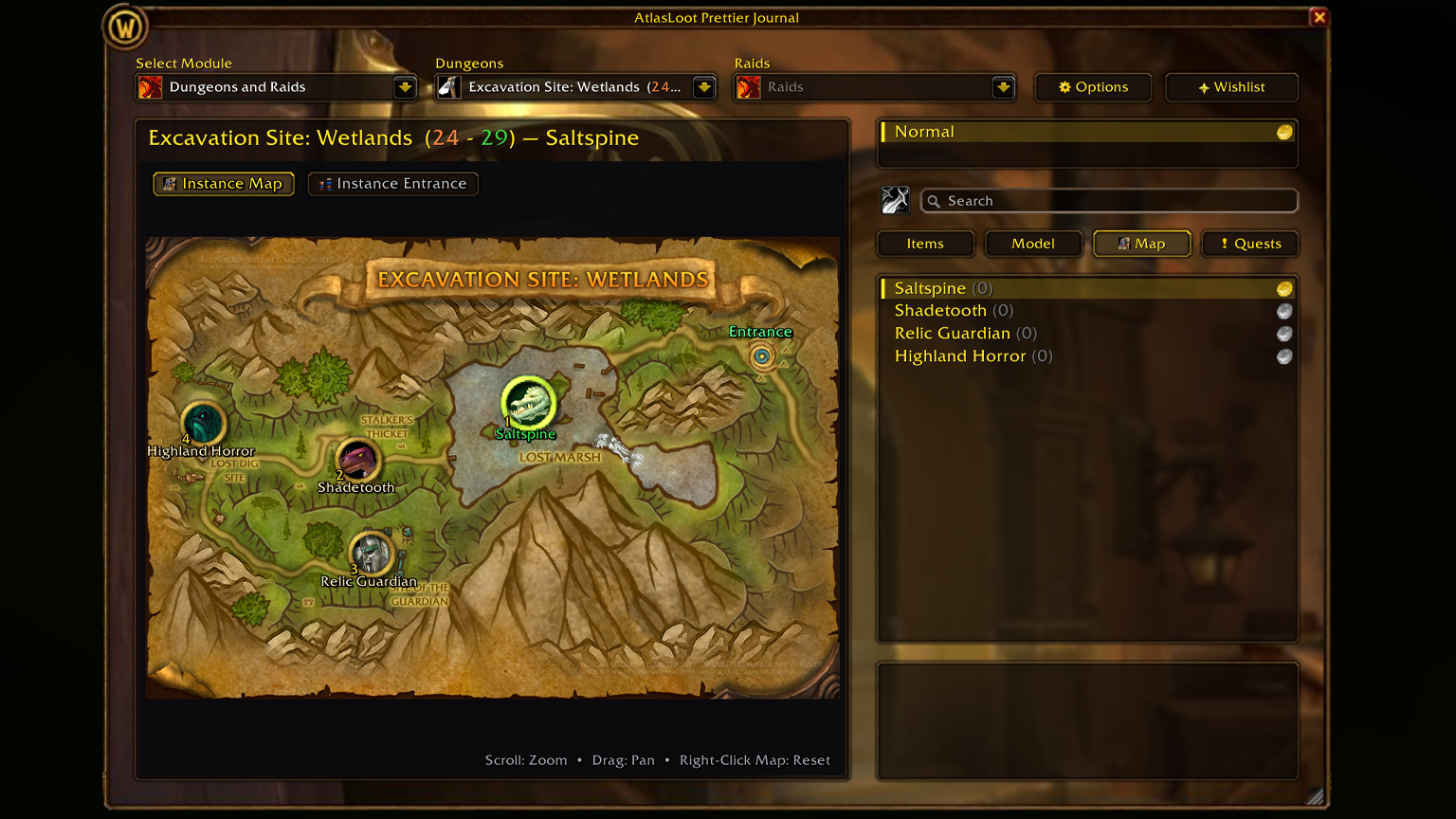
High-resolution multi-floor maps for every Classic instance plus custom Forever dungeons (Hall of Thanes, Ruins of Lordaeron, Sunken City, etc.) with clickable boss pins. |
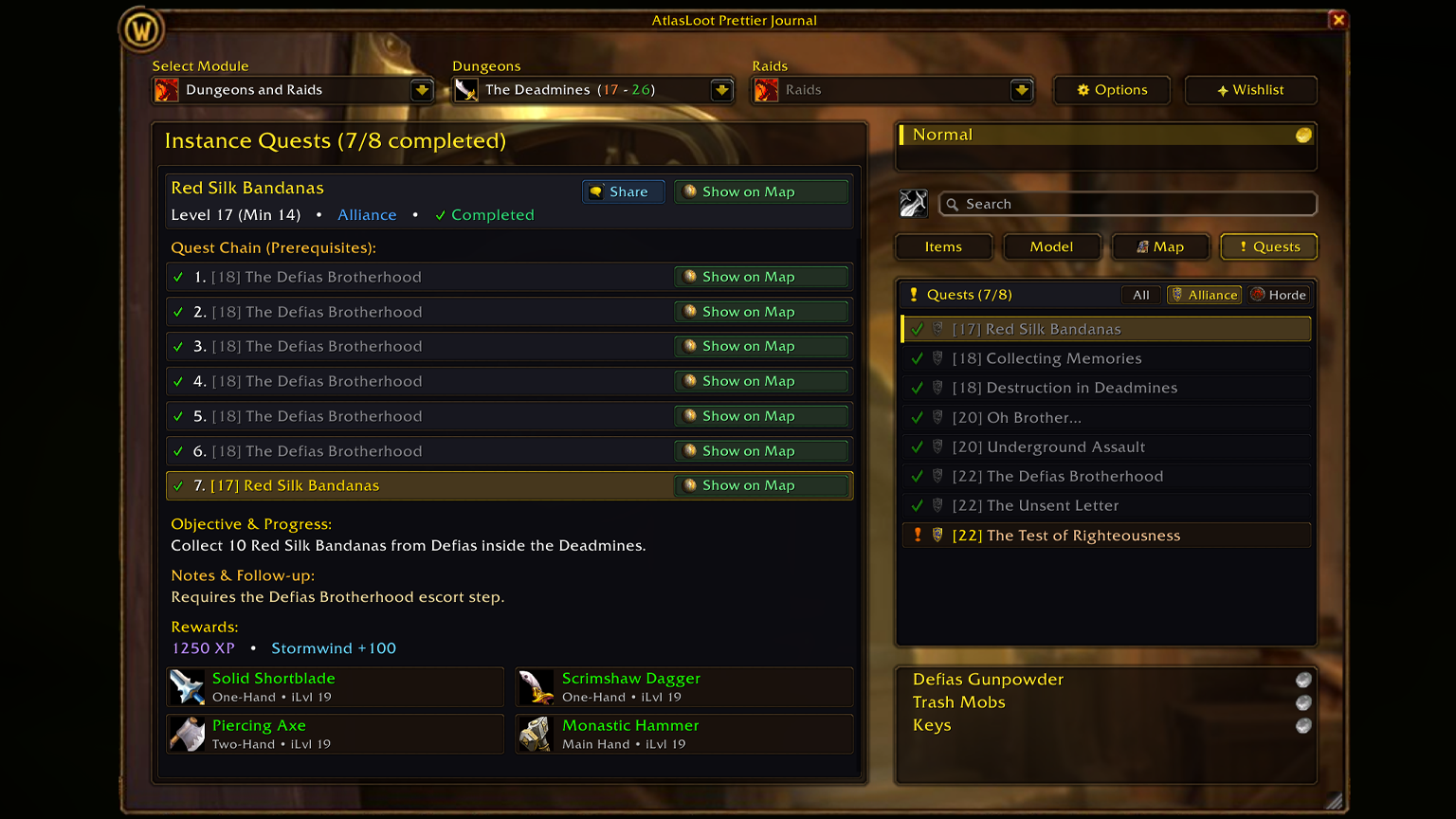
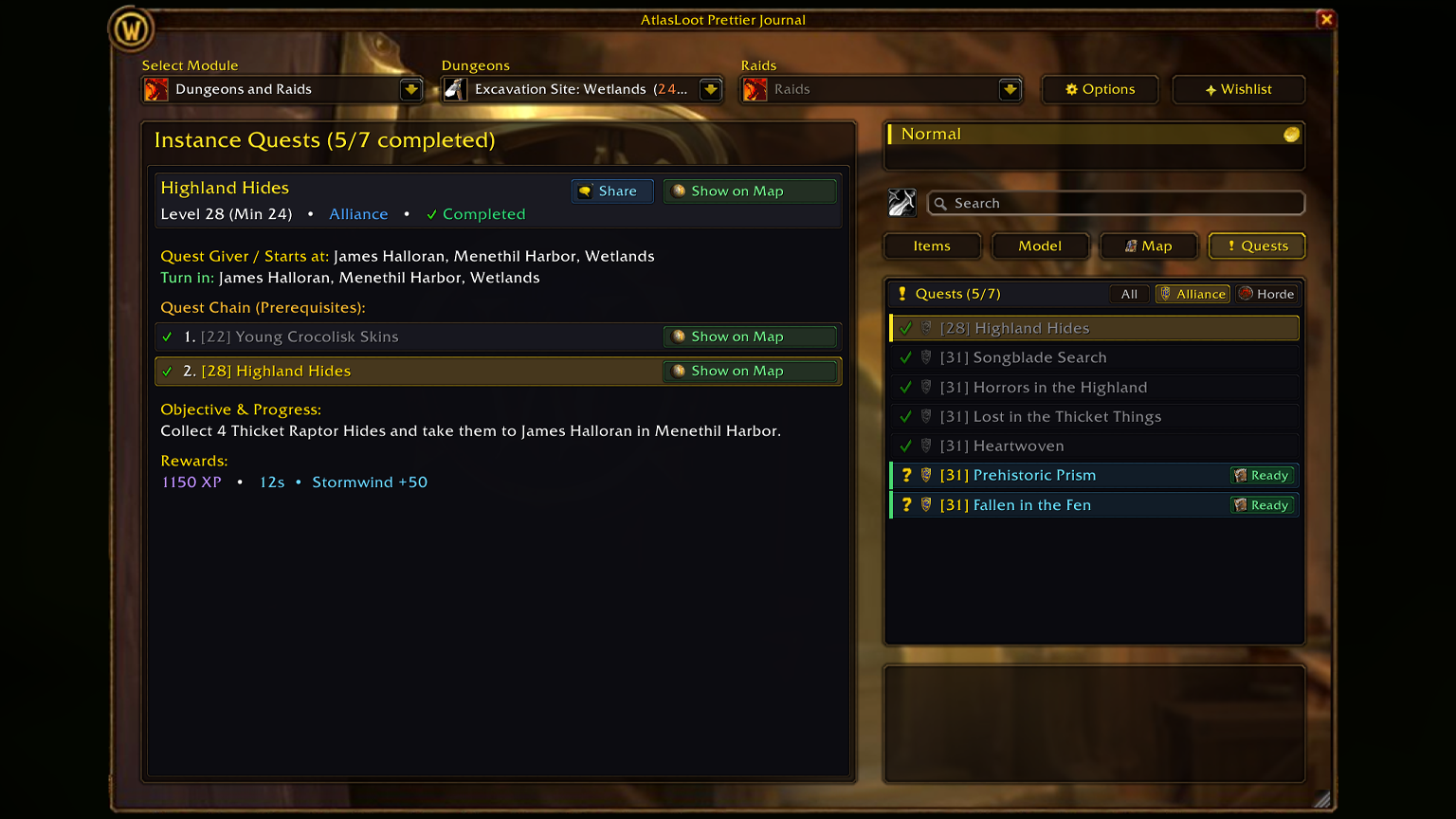
| 📜 Dungeon & Raid Quests |
[[Quests] Tab — All Factions] |
Browse every instance quest with Alliance, Horde, and Neutral filters, level requirements, quest givers, turn-ins, and rewards you can wishlist directly. |
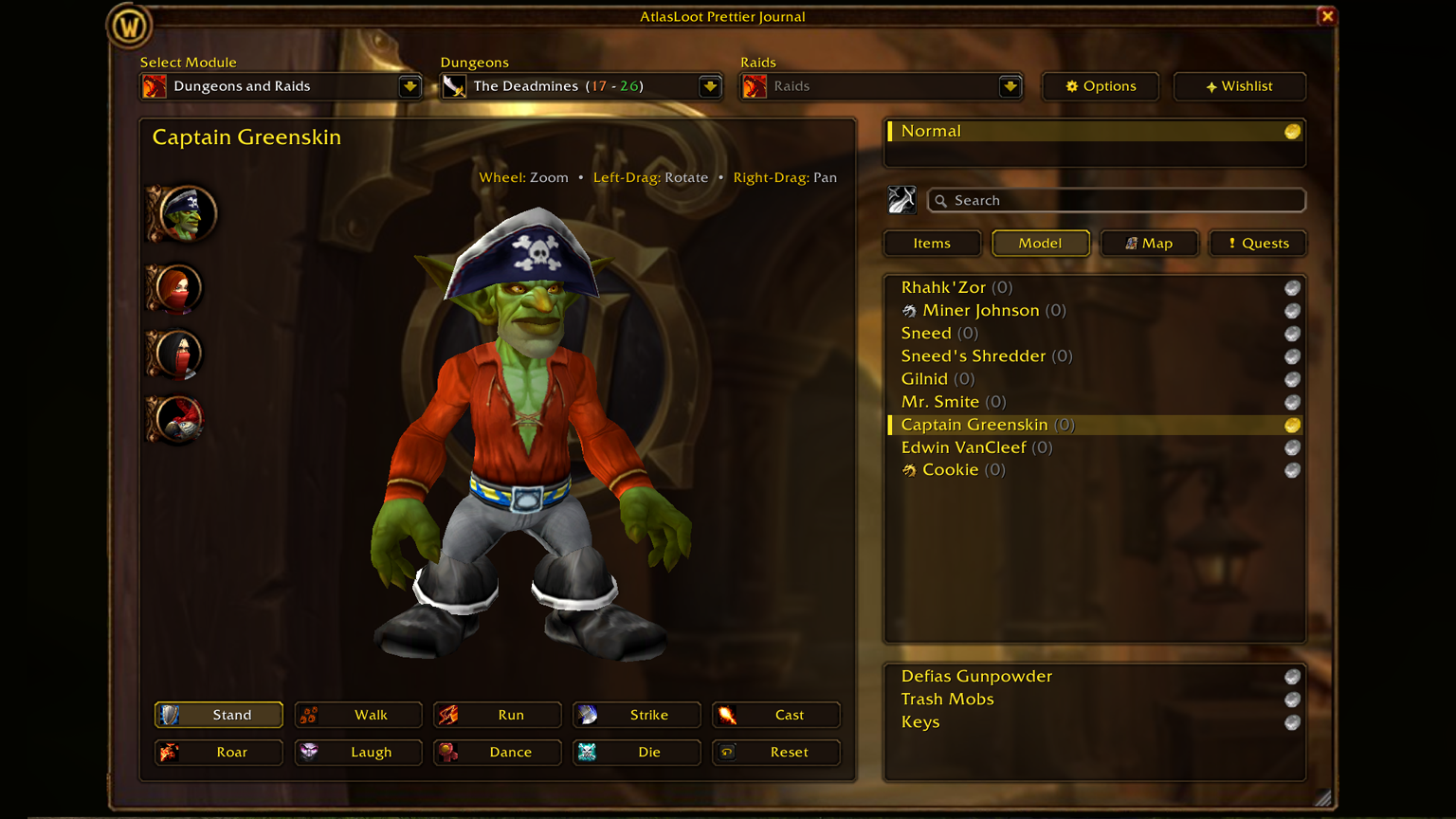
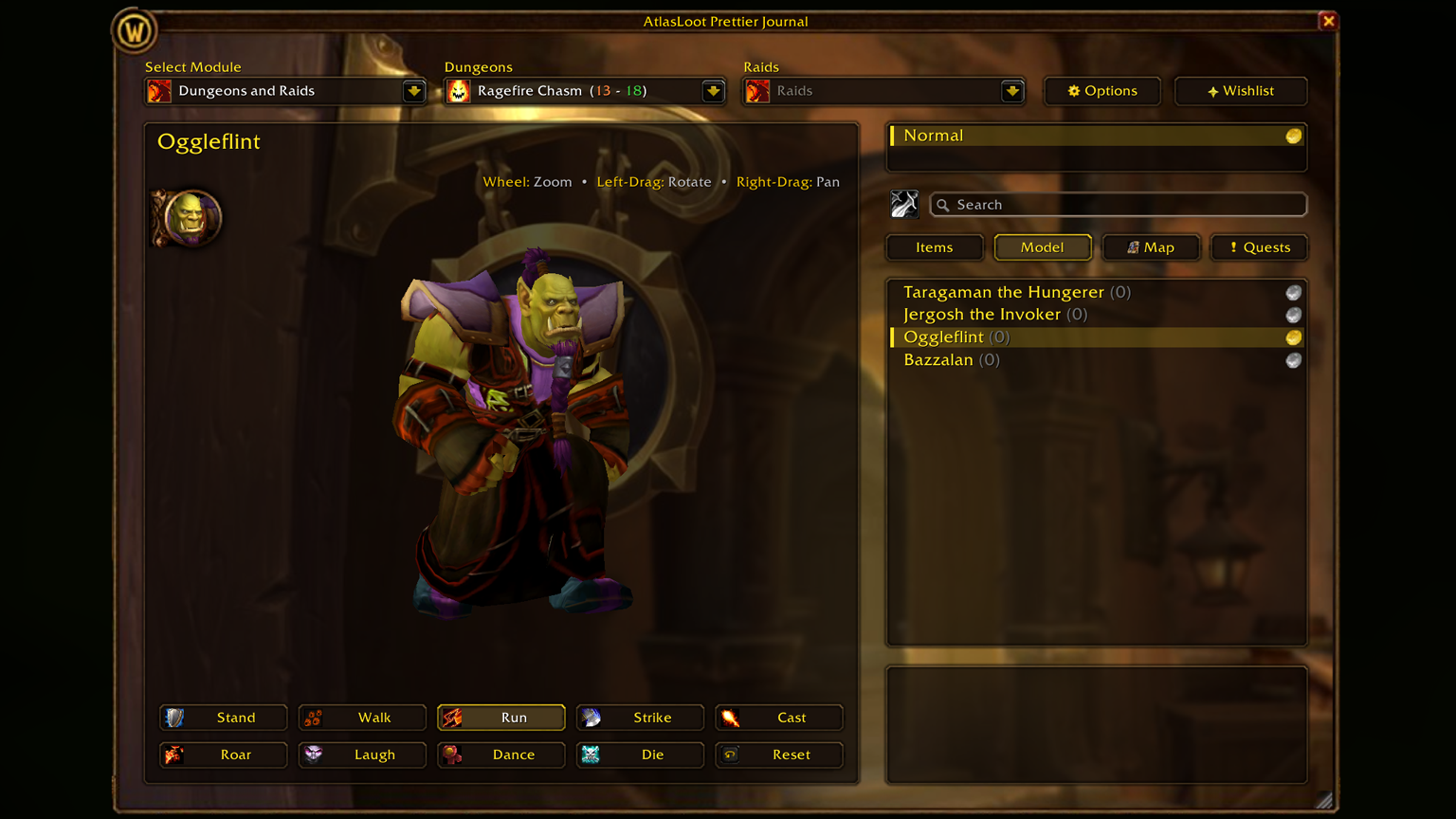
| 🎭 3D Model Viewer |
[[Model] Tab — Animations] |
Inspect bosses with center-body zoom, drag to rotate and pan, and preview animations: Stand, Walk, Run, Attack, Cast, Roar, Laugh, Dance, Die, and Reset. |
| 💀 Boss Kill Counter & Wishlist |
[Tracking — Side Panel] |
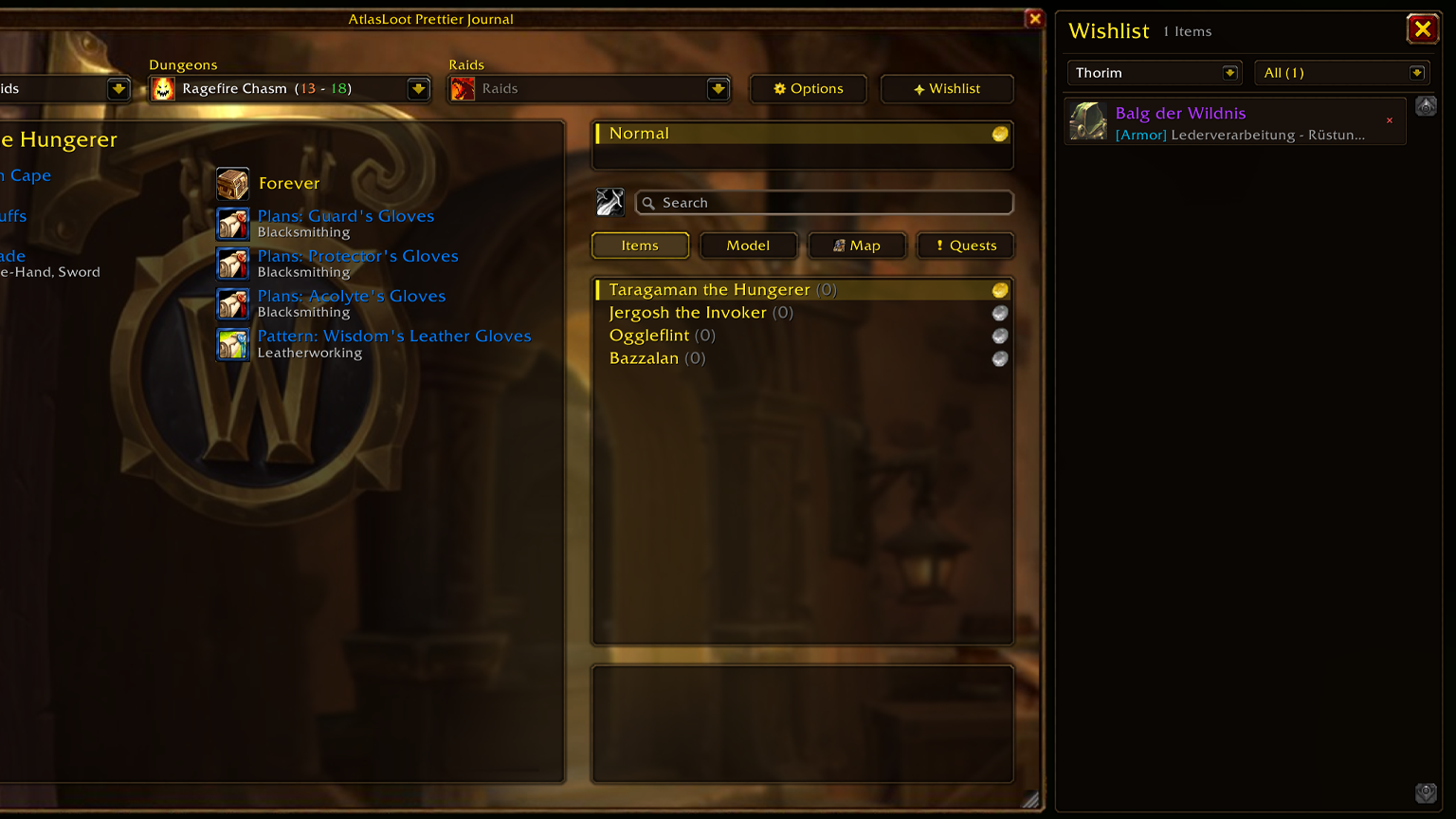
Tracks defeated bosses with (X) counter indicators (Alt + Click to adjust). The collapsible wishlist checks bags and equipped gear (✓) and jumps to item sources in one click. |
🎮 Controls & Shortcuts
| Target |
Action |
Function |
| Minimap / Addon Compartment |
Left-Click |
Open or close the main window |
| Minimap / Addon Compartment |
Right-Click |
Open or close the wishlist panel |
| Minimap / Addon Compartment |
Shift + Left-Click |
Open the options interface |
| Loot Item |
Right-Click |
Add to or remove from wishlist |
| Loot Item |
Shift + Left-Click |
Link the item in chat |
| Loot Item |
Ctrl + Left-Click |
Preview in the Dressing Room |
| Boss List Entry |
Alt + Left / Right |
Kill counter +1 / -1 |
| Search Box |
Type / Enter |
Highlight matching bosses [N] or show loot summary |
| 3D Model Frame |
Wheel / Drag |
Zoom, rotate model, pan viewport |
| Resize Grip ◢ |
Drag / Right-Click |
Scale from 60% to 150% / Reset to 100% |
💬 Slash Commands
/alj or /atlasjournal — Open or close the main window
/alj options — Open options & UI theme settings
/alj mmb — Show or hide the minimap button
/alj reset — Reset window position, scale and minimap button
/aljprettier — Force refresh the active UI skin |
🚀 Installation
|
QUEST: A TREASURE HUNTER'S JOURNEY
“A treasure hunter needs only one folder to begin the journey.”
- Download and extract AtlasLoot_Prettier_Journal.
- Place the folder into:
World of Warcraft\_forever_\Interface\AddOns\AtlasLoot_Prettier_Journal
- Launch the game or type
/reload. No additional modules needed!
|
Crafted with ❤️ for the Warcraft Forever & Classic community by bitekenny (Patrick Wahler).
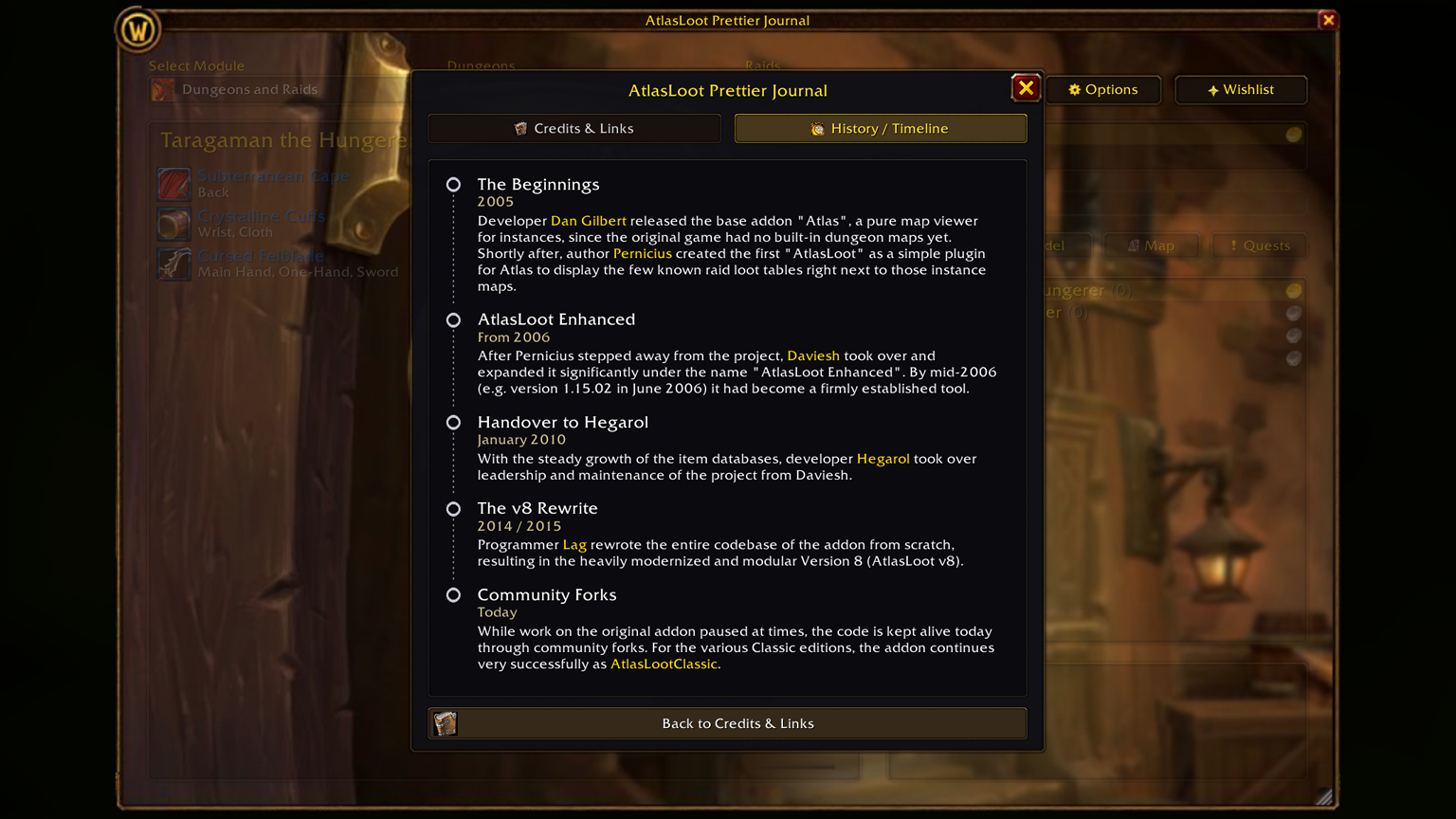
Built in homage to the legendary Atlas & AtlasLoot lineage by Dan Gilbert, Pernicius, Daviesh, Hegarol and Lag.
|