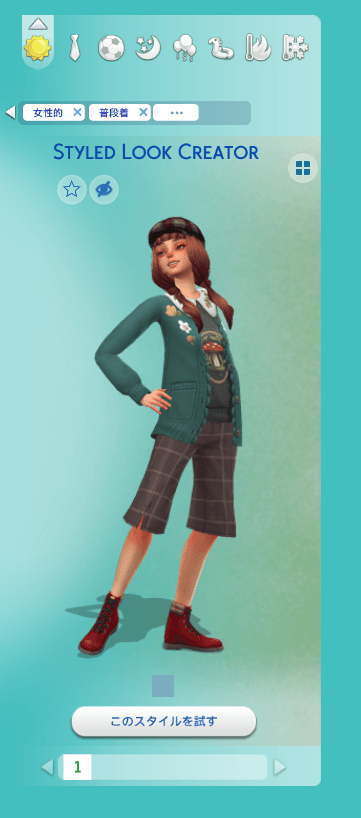
Styled Look Creator
- By
You can generate a Styled Look package from your Sim's current outfit in Live Mode.
You can generate a Styled Look .package file from your Sim's current outfit in Live Mode.
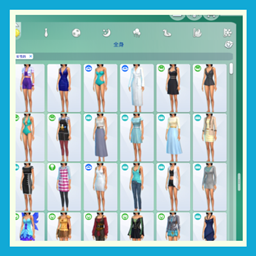
The created Styled Look will be available in CAS, but you must restart the game for it to appear.
How to Use
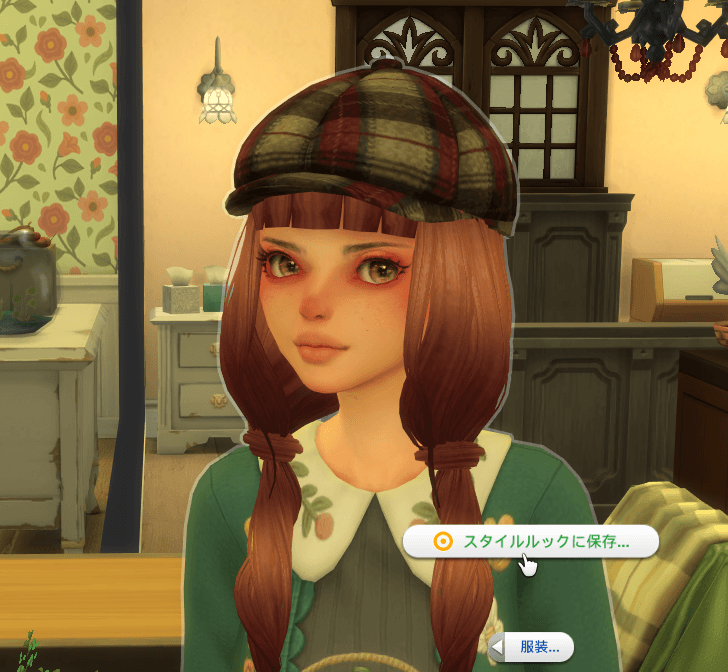
1.In Live Mode, click on your Sim and select Outfits → Save as Styled Look…
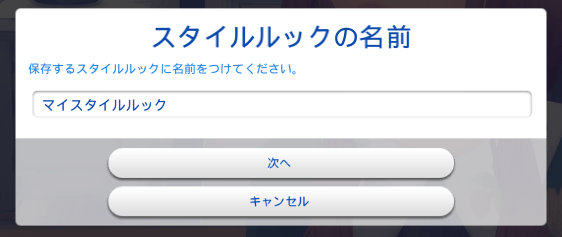
2.Enter a name for your Styled Look.
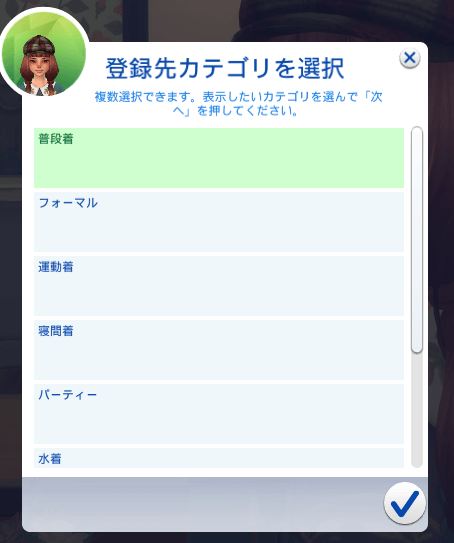
3.Select the outfit category you want it to apply to.
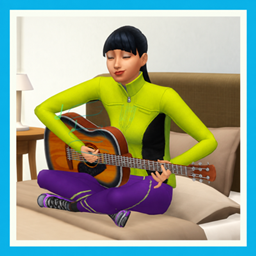
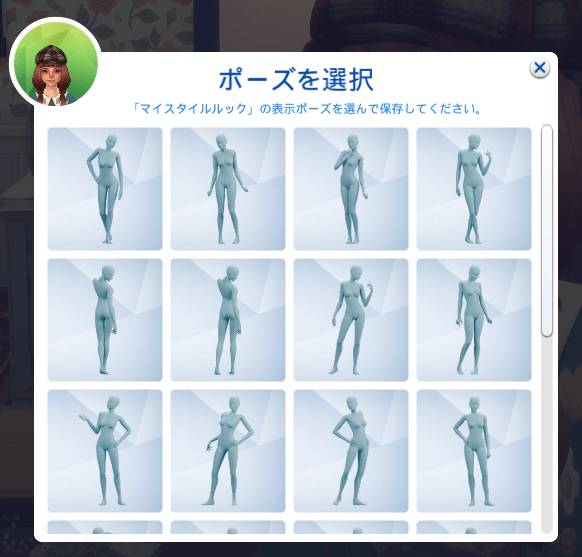
4.Choose a pose from the available options.
Once the Styled Look has been saved successfully, restart the game and check CAS. It will usually appear at the end of the Styled Looks catalog.
Saved Files
Generated Styled Look .package files are saved in the CreatedLooks folder. Please rename the files to something easy to recognize.
Note: If you share a Styled Look that uses custom content (CC), other players must have the required CC installed for it to display correctly.
Styled Look Creator Team

Owner