matun020 - Dine Out Menu Search
Adds search boxes to Dine Out's menus — the restaurant menu editor (owner side) and the ordering menu (customer side) — filtering dishes by name or by words in their descriptions, such as "vegetarian" or "lactose free."
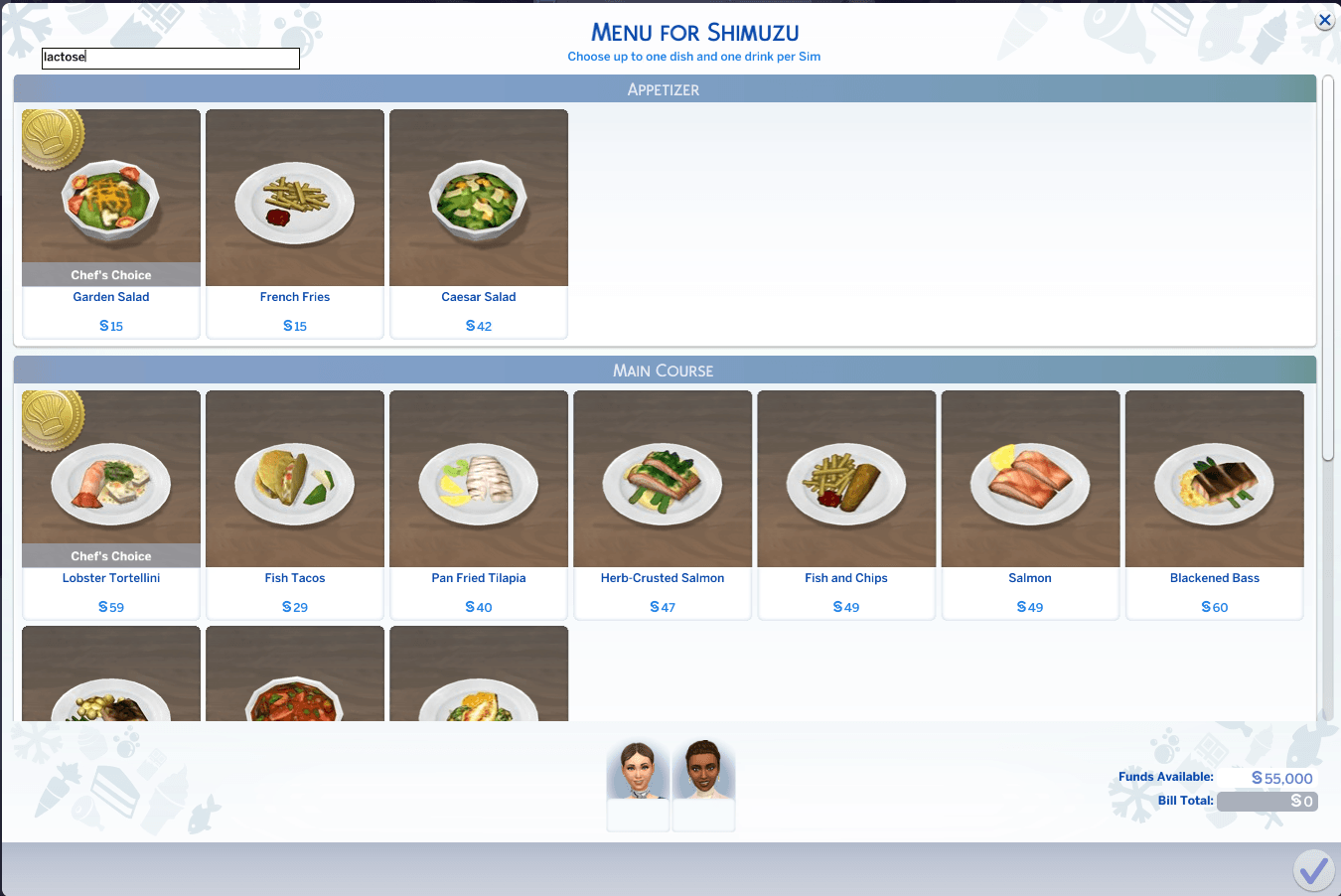
ã¹ã¯ãªã¼ã³ã·ã§ãã 2026-07-07 192602.png
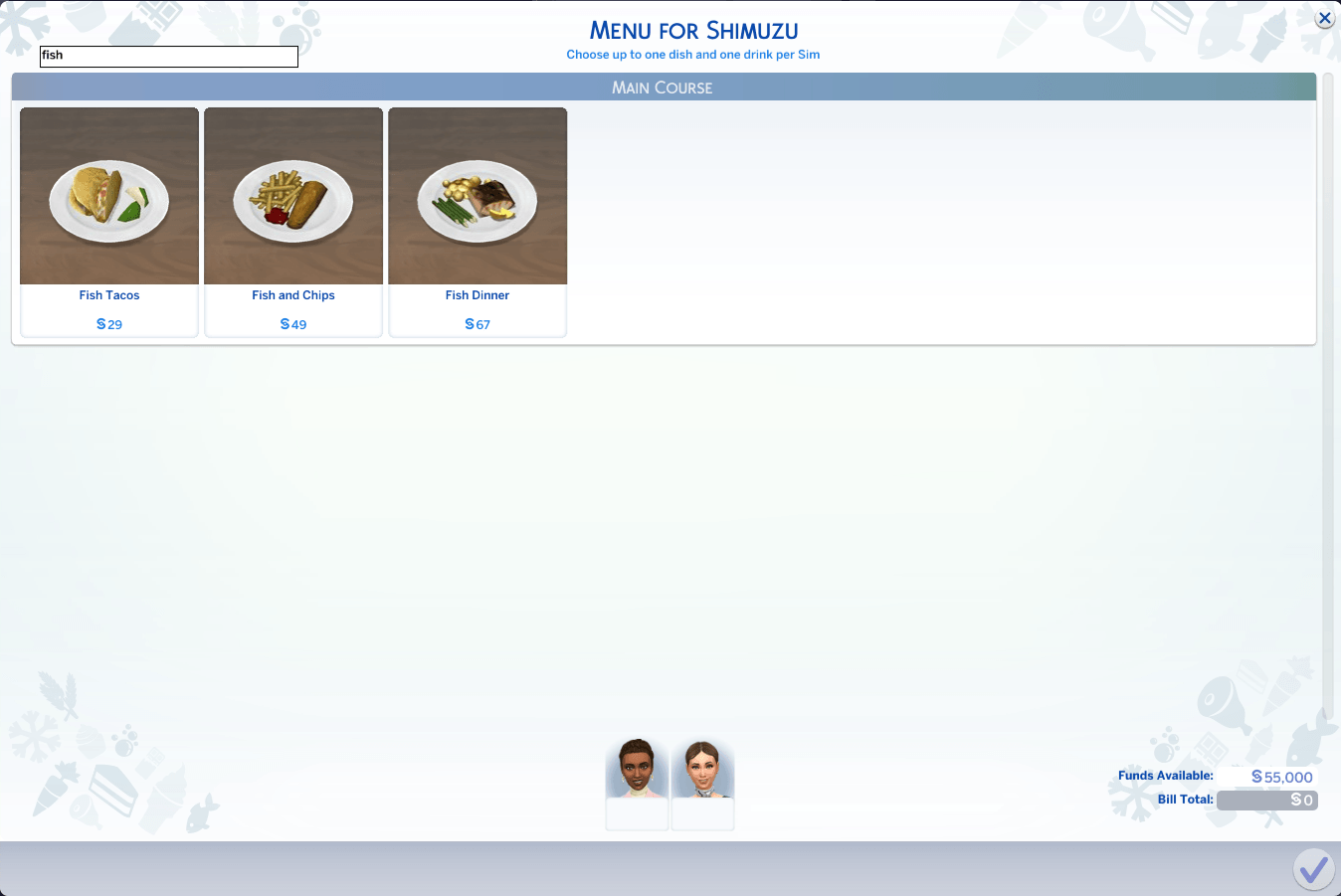
ã¹ã¯ãªã¼ã³ã·ã§ãã 2026-07-09 222258.png
Description
What it does
Adds a search box to Dine Out's menu screens, filtering dishes in real time as you type. Matches the dish NAME and its DESCRIPTION, so terms like "vegetarian" or "lactose free" work as search terms.
The mod is split into two packages, one per screen:
- matun020-DineOutMenuEditorSearch.package — the menu EDITOR used when you own a restaurant (Customize Drink / Appetizer / Main Course / Dessert)
- matun020-DineOutOrderMenuSearch.package — the ORDERING menu ("Menu for ...") used when your Sims dine as customers
They work independently — install either one or both.
Details
- Real-time filtering as you type
- Matches the dish NAME and its DESCRIPTION, so dietary attributes (vegetarian, lactose free, gluten free, ...) work as search terms
- Editor: works together with the existing filter icons (source/pack filters)
- Ordering menu: filters all sections (Drink / Appetizer / Main Course / Dessert) on one screen; sections with no matches are hidden while searching
- Fully localized: uses the game's font system, works in every language
- Non-destructive: each .package only overrides one UI screen
Install
Copy the matun020-DineOutMenuSearch folder (or just the .package file(s) you want) into Documents\Electronic Arts\The Sims 4\Mods and enable custom content in Game Options.
Requires
The Sims 4 Dine Out (GP01).
Compatibility
Overrides the Dine Out food picker UI (editor package) and the restaurant menu dialog UI (ordering package) — one Scaleform/GFX resource each. Conflicts only with mods that change those same UIs. Safe to use together with RecipeSearchUI, InventorySearchUI, PurchasePickerSearchUI and BusinessActivitySearchUI (different UI resources). May need an update after a game patch that changes these specific UIs.
matun020 - Dine Out Menu Search Team