RuneScape: Dragonwilds - First-Person Camera/POV (UE4SS)
Press V to toggle first-person POV
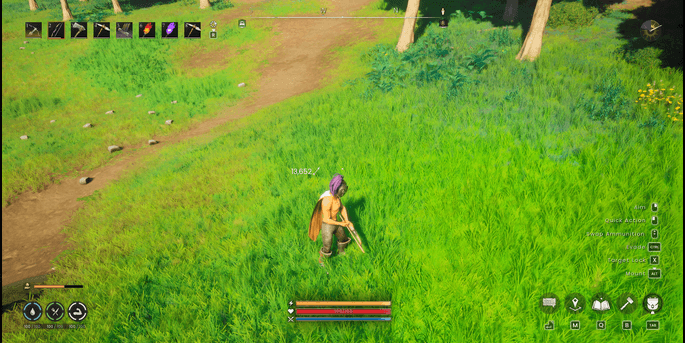
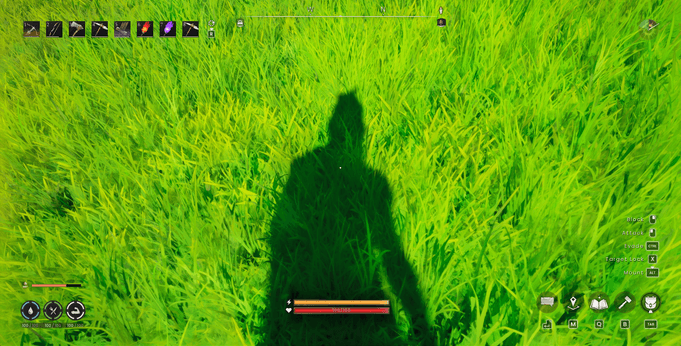
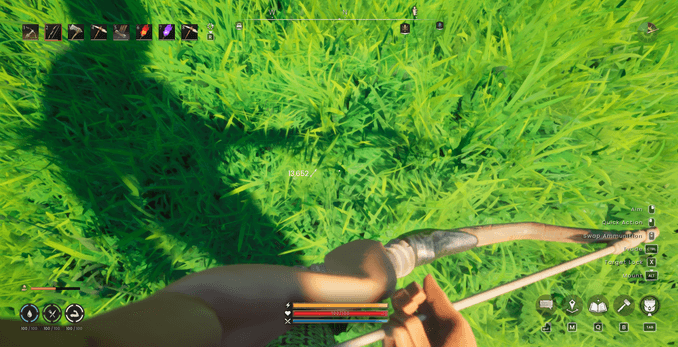
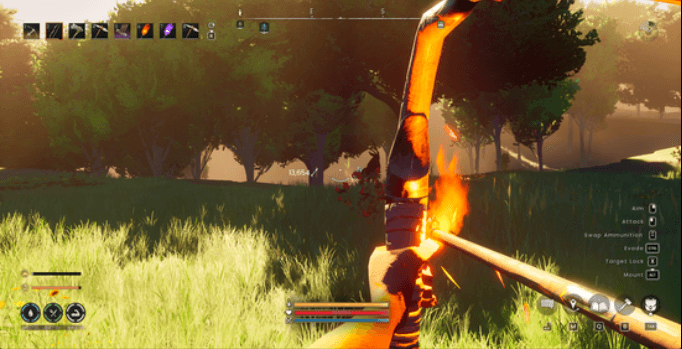
Default Keybinds
V: Toggle First-Person CameraF6: Enable First-PersonF7: Disable First-PersonF8: Toggle Head Visibility (Debug)F9: Dump Character Mesh Components to Console (Debug)
Installation
- Install UE4SS for the game. Find out how to set it up.
- Once UE4SS is installed, extract the
FirstPersonCamera.zipfolder into your game's UE4SSModsdirectory:.../Binaries/Win64/ue4ss/Mods/ - Launch the game.
Configuration
The default keybinds are already configured in keybinds.txt. If you want to change them, edit the file inside the mod root directory: Mods/FirstPersonCamera/keybinds.txt
toggle=V
first_person_on=F6
first_person_off=F7
toggle_head_debug=F8
dump_mesh_debug=F9
V First Person Team