RuneScape: Dragonwilds - Free Camera / Fly Cam (UE4SS)
Press V to detach the camera from your character and move it independently.
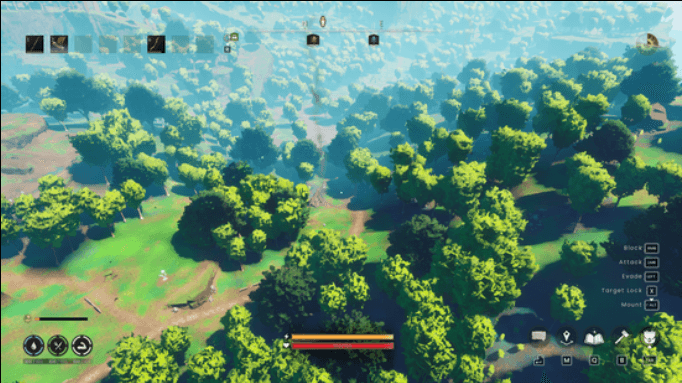
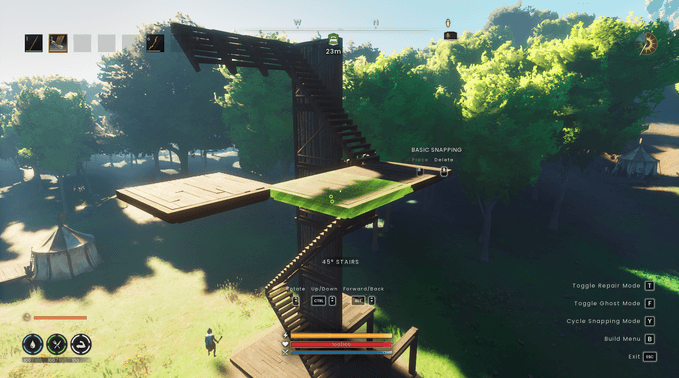
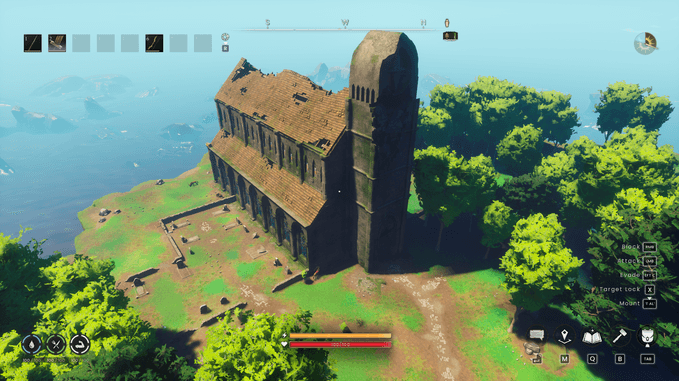
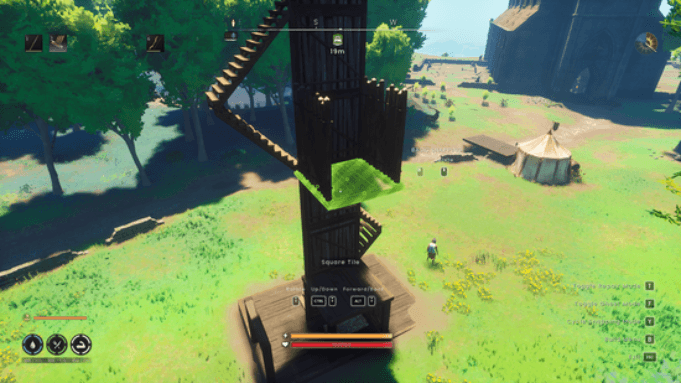
Default Keybinds
V: Toggle Free CameraWASD: Move (relative to camera direction)Space: Move UpLeft Ctrl: Move DownLeft Shift(hold): Move Faster (Sprint)F10: Scan all loaded Input Mapping Contexts for a given key (Debug/helps find input conflicts)
Installation
- Install UE4SS for the game. Find out how to set it up.
- Once UE4SS is installed, extract the
FreeCam.zipfolder into your game's UE4SSModsdirectory:.../Binaries/Win64/ue4ss/Mods/ - Launch the game.
Configuration
The default keybinds and movement settings are already configured in freecam-config.txt. If you want to change them, edit the file inside the mod root directory: Mods/FreeCam/freecam-config.txt
toggle=V
debug_scan=F10
move_speed=1000
fast_move_speed=2500
fast_move_key=LeftShift
up_key=SpaceBar
down_key=LeftControl
Notes & Limitations
- This is a flying/noclip camera, not a spectator mode, it can pass through walls and terrain freely.
- The game is not paused while the free camera is active. Enemies/NPCs keep moving and can still attack, while your character stands still and cannot move, block, or evade. Don't use this near danger.
- While active, the mod temporarily disables the
IMC_MovementandIMC_Combatinput contexts so player movement/combat inputs don't leak through. They're restored automatically when you toggle the camera off. - Requires UE4SS, Windows PC only.
V Freecam Team